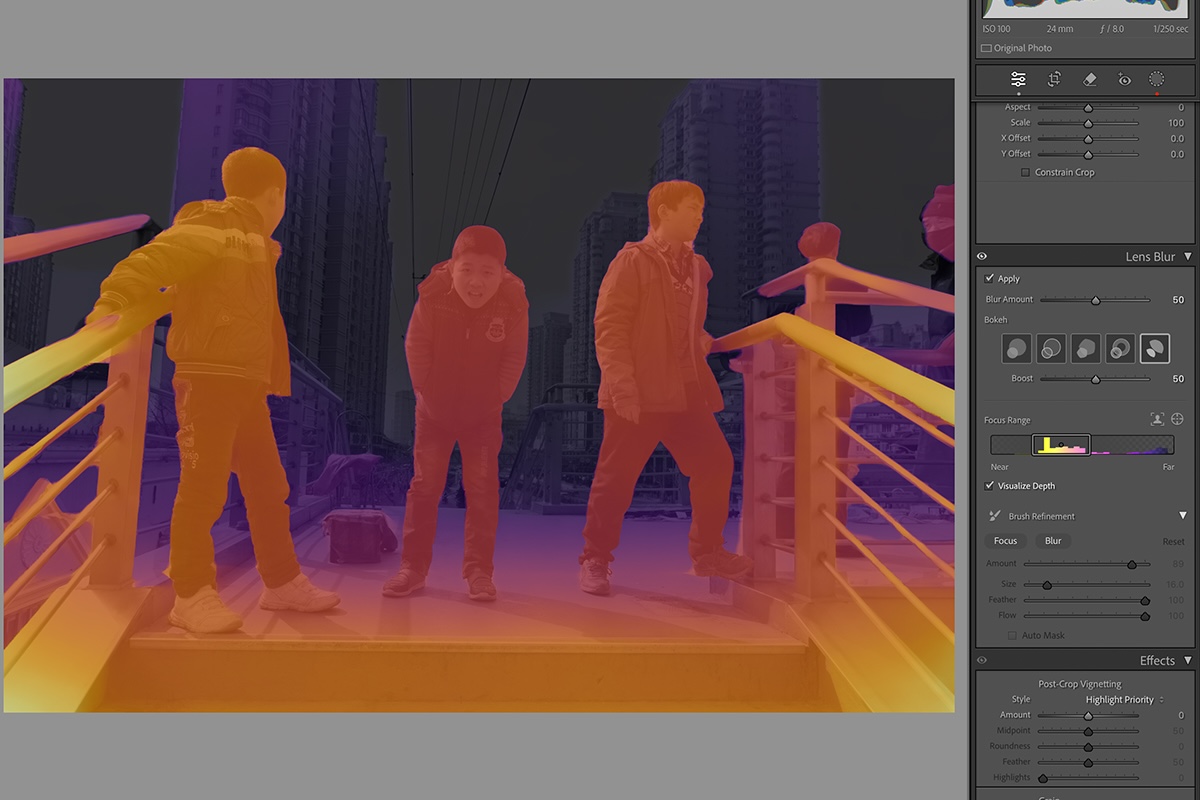
Adobe Lightroom is a great tool. But if we're honest, mastering Lightroom can be quite daunting. Perhaps equally daunting is choosing a course to help with learning its many capabilities.
So it can be reassuring to learn that there is a course available from SLR Lounge. I've reviewed several of their courses in the past, and they have all proved excellent. So will this hold true of their Mastering Lightroom course?
Edition note: This review covers the original Mastering Lightroom course. SLR Lounge labels that workshop as superseded by a newer course. The hands-on comments below describe the original course. Check the provider’s page for the current edition.
Mastering Lightroom: Overview
Mastering Lightroom is a video course consisting of roughly 7 hours of material. It promises to bring you to a solid pro user level, starting from the fundamentals.
Contents
First, let’s see the core content. There are 38 episodes in four chapters.
Introduction + Chapter One
- Introduction
- What is Lightroom?
- The Seven Lightroom Modules & Our Two Focuses
Chapter Two
- How to Create a Lightroom Catalog & Import Photos
- The 5 Primary Purposes of the Library Module
- The 4 Library View Modes and Their Purpose
- The Lightroom Interface & Our Favorite Shortcuts
- How to Quickly Cull Images in Lightroom
- How to Modify Metadata and Create Presets
- How to Rename Images
- Understanding the Export Dialogue
Chapter Three
- The Purpose and Layout of the Develop Module
- Working on a High-Quality Display
- Raw vs. Jpeg Processing
- The Basics of Color Correction
- The Unknown Power of Curves
- Advanced Color Mapping Through HSL, Split Toning, Camera Calibration
- Detail, Noise, Lens Correction & Effects
- Fantastic Black and White Conversions
- Transform to Fix Lines
- How to Create Powerful Presets
- Everything You Need to Know About Cropping
- Lightroom Retouching with Cloning and Healing
- The Power of Local Area Adjustments
- Retouching and Smoothing Skin with Local Area Adjustments
- Dodging and Burning within Lightroom
- HDR + Panoramic Merge
- 5 Ways to Synchronize Settings and Batch Process Photos
- Two Ways to Edit in Photoshop
Chapter Four
- How to Optimize Lightroom Performance
- How to Customize Lightroom Preferences
- How to Fix Broken Image References
- How to Create an Image Watermark
- How to Customize the Identity Plate + View Modes
- Setting Up a Tethered Import
- Conclusion
Additionally, the course includes an ongoing education module. The episodes here are publicly available, but also relevant to the content of Mastering Lightroom. Currently, there are four episodes in this module:
- How to Save Time Using Lightroom's New Multi-Batch Export
- The Ultimate Guide to HDR Portraits + 3 Free Lightroom Presets!
- How to Edit Faster in Lightroom: 6 RAW Processing Tips
- How to Quickly Create a Convincing Tilt-Shift Effect in Lightroom
The RAW files appearing in the course are available for download. You can follow along the course with the exact same images that Pye works on.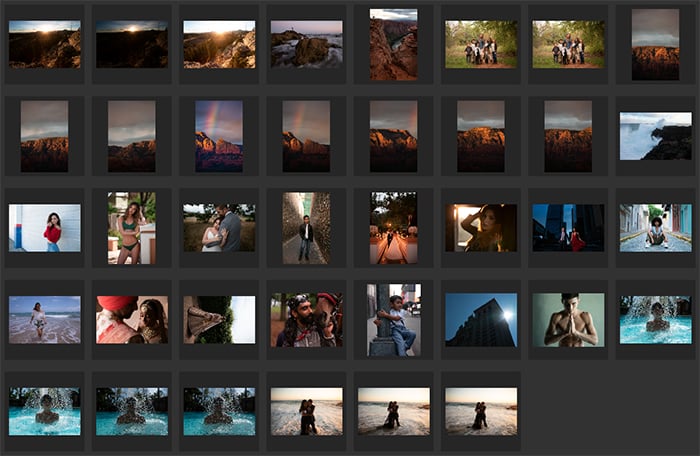
You also get a 10% discount code for the Loupedeck. It’s a piece of hardware that can speed up your Lightroom processing by providing separate buttons and knobs for many of the functions.
About the Creators
SLR Lounge is based in California. They are a team of experienced professionals in the photo field, as well as long-time educators.
Mastering Lightroom, as most of their courses, is authored and presented by Pye Jirsa. He is also one of the founders of Lin & Jirsa Photography, and one of the best-known wedding photographers in the US.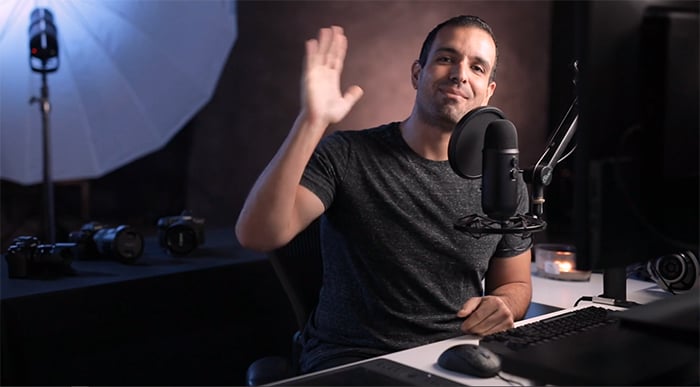
Who is Mastering Lightroom For?
The title of the course gives a hint here, but it’s not the full answer. Mastering Lightroom is great for beginners and those who want to perfect their skills.
It lives up to the “Complete A-Z Tutorial” designation. It starts from the basics but quickly jumps to more advanced territories. There are many little tips and tricks included that you rarely find elsewhere – let alone in one package.
Pricing
SLR Lounge’s course page explains the current version and its purchase options.
For membership access, check the SLR Lounge Premium Subscription terms and included course list before choosing it.
Review the membership terms before subscribing.
What I Loved
Coverage
There’s a reason this course is called the “A-Z Complete Lightroom Tutorial”. It really does include everything there is in Lightroom. But it also includes workflow tips, style considerations, tasteful suggestions, and a lot of other useful content.
I missed a chapter dedicated to teaching the purpose, styles, and mindset of image editing. However, while there’s no separate chapter for these, Pye does talk a lot about them throughout the course.
On-Point Explanations
I loved that every step and trick of editing is explained with real-life examples and uses.
I don’t really see the point of showing how HSL tools work by making a green woodland image turn pink (an example I see all too often).
Instead, Pye demonstrates the power of Lightroom’s tools on real portraits and wedding shots, in most cases. This not only allows him to show what the tools do, but you also get valuable advice on how to work with them delicately and tastefully. This adds great value.
Accuracy
There’s nothing to particularly emphasize here. It’s flawless. Pye is a master of Lightroom and a photographer well-known for his editing and shooting style.
Consequently, everything he says is accurate, on-point and really hard to argue with.
Production
A Lightroom course is not the hardest thing in the world to shoot. Even so, Mastering Lightroom excels with fantastic production quality.
Audio sounds great, it’s clear and easily understandable. Video quality, the lighting, the colors, and the environment all look outstanding.
The editor, too, has done a terrific job. Mastering Lightroom is densely cut, so the 7-hour course is full of valuable information. Some funny bloopers are left in, but they are not distracting. Instead, they loosen up the course a little.
Clearly, SLR Lounge had plenty of experience to perfect their production.
Style
I love Pye’s style of teaching. It’s entertaining, fun, but he always gets straight to the point. He doesn’t try to convince the viewer that his workflow or approach are the “ultimate”, even though they are the best I’ve seen.
He is also one of the few educators from whom I constantly learn a lot. He can always surprise me with smart tips and tricks.
Areas to Improve
I’m trying to come up with something significant here, but there’s hardly anything to mention.
I did miss a dedicated chapter for style and taste, but that’s it.
While I haven’t seen every Lightroom course on the market, I’ve seen plenty. Not only those that have made it to getting reviewed on ExpertPhotography.
I can fairly certainly say that this course is as great as it gets in Lightroom education.
Alternatives
I’ve reviewed Decoding Lightroom by Contrastly, a 5-hour long video course with similar coverage as this one.
There are differences in favour of Mastering Lightroom by SLR Lounge. Decoding Lightroom is an alternative for readers who prefer its curriculum.
Conclusion
To answer my own question from the intro of this article: yes, Mastering Lightroom is as good as I expected, if not better.
If you’re looking for cohesive, A-Z education on Lightroom, this is the way to go.
If you like the idea of the Premium Subscription, I advise investing in it. For one yearly fee, you get weeks of photography education at a quality unmatched by almost every other provider. (I am aware that this sounds quite salesy – but it’s true.)
But if you only want to purchase Mastering Lightroom, it’s a great deal on its own. Check it out here.
Scores
We've reviewed several dozen photography education products using the same scoring system as this one below. To learn more about how this works and how each product compares to each other, click here: Best Photography Courses and eBooks.
| Measurement | Score |
|---|---|
| Coverage | 90 |
| Accuracy | 100 |
| Ease Of Learning | 93 |
| Production Value | 100 |
| Uniqueness | 0 |
| Community And Learning Support | 100 |
| Value For Money | 95 |
| Total Score | 91 |