

ExpertPhotography
  • Articles
  • My Learning
  • Store
  • About
  • Contact
  • Photo Quiz
ExpertPhotography

Learn Photography
  • Quick Capture Cheat Sheets
  • Photography for Beginners
  • Intuitive Composition
  • Show more...
  • Effortless Editing With Lightroom
  • Epic Landscape Editing
  • The Preset Collection
  • Show more...
  • The Magical Photography Spellbook
  • Dreamy Childhood Portraits
  • The Creative Photography Cookbook
  • Show more...
  • Simply Stunning Landscapes
  • Infinite Exposures
  • Milky Way Mastery
  • Show more...
  • Products In Focus
  • Fairytale Portraits
  • Organic Marketing for Photographers
  • Show more...
Need Help?
Contact UsCookie PolicyPrivacy PolicyTerms of Use
Connect

ExpertPhotography is part of several affiliate sales networks. This means we may receive a commission if you purchase something by clicking on one of our links.

ExpertPhotography is a participant in the Amazon Services LLC Associates Program, an affiliate advertising program designed to provide a means for sites to earn advertising fees by advertising and linking to amazon.com.

As an Amazon Associate, I earn from qualifying purchases.

Expert Photography © 2011-2024. All Rights Reserved.

Privacy Policy Terms of Use

Featured Course:

Effortless Editing with Lightroom

Effortlessly edit your photos in less than 15 minutes.

Learn More
Lightroom Processing

A List of Photo Editing Terms and Definitions

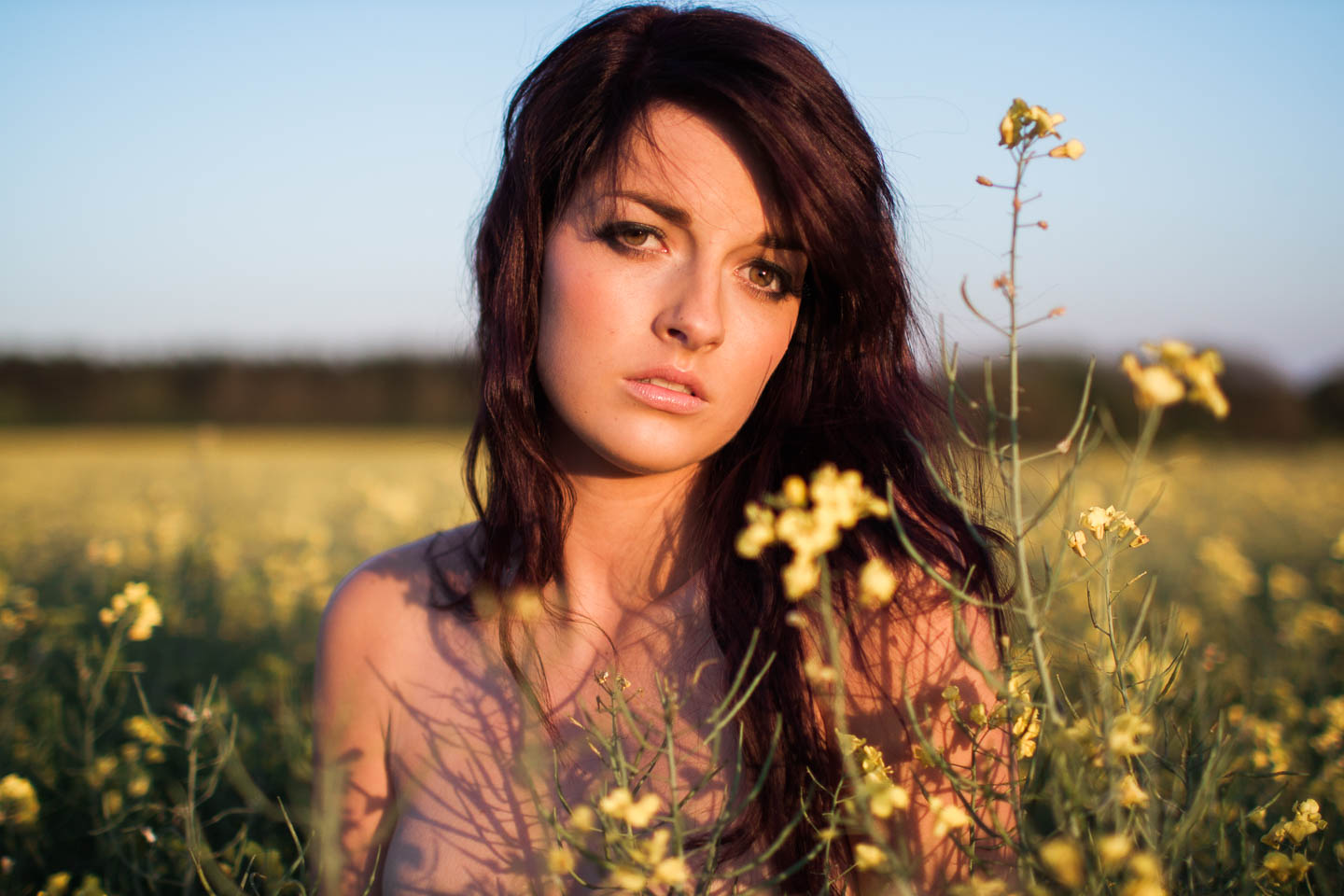
I’ve stated before on multiple occasions that I don’t use photoshop to process my images, but I do use Apple’s Aperture to make some minor adjustments to them. It took me a while from when I first started out, to really understand how to fully utilise the software and to work out what all the major settings did. Hopefully, with the help of this tutorial, you should learn exactly what each step does and how to use them to your advantage.

By Joshua Dunlop

Read Full Article
PreviousPage 17