

Featured Course:
Effortlessly edit your photos in less than 15 minutes.
Learn More
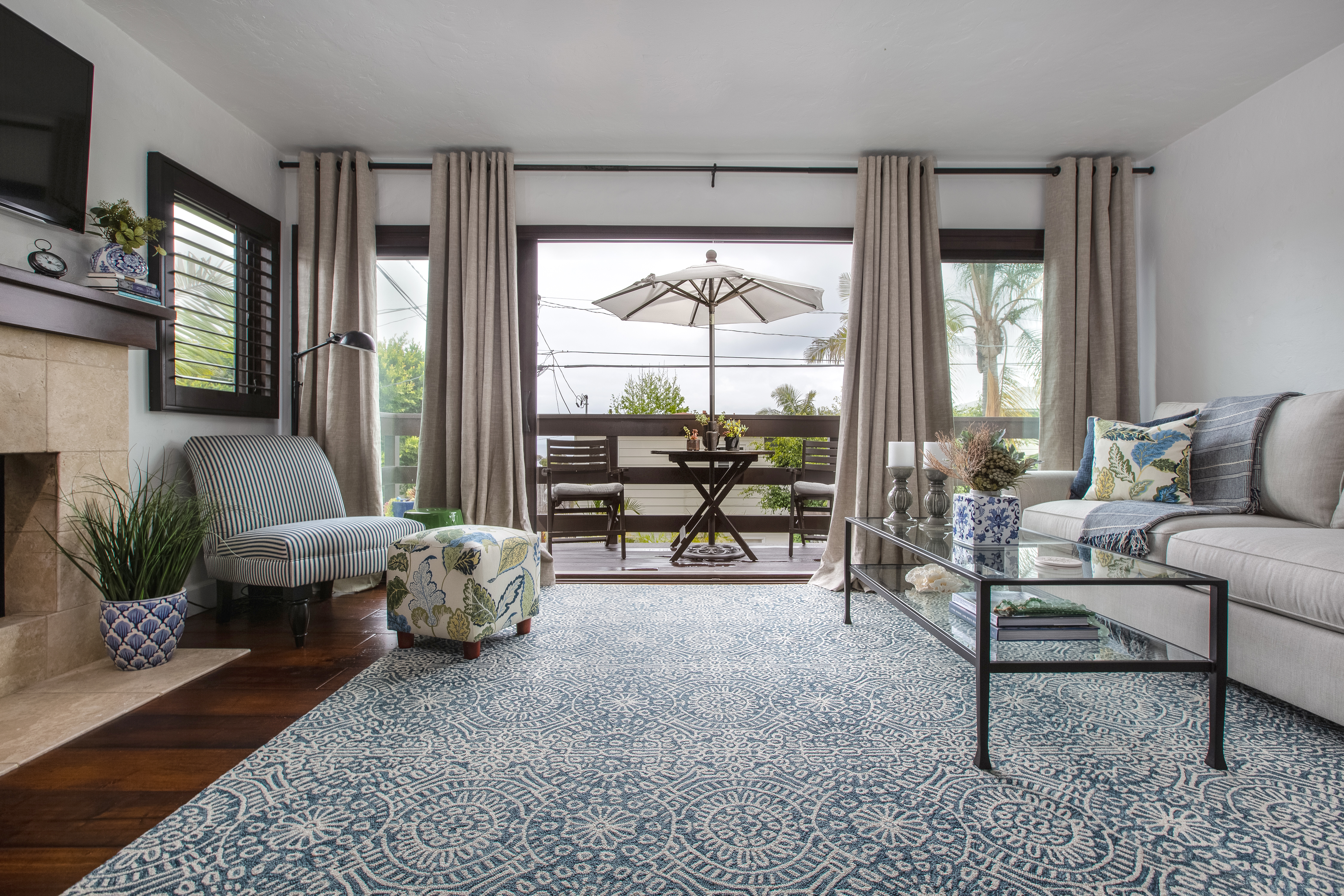
Whether you’re new to digital photography or not, Lightroom is a powerful tool to take your interior photography from good to great. Knowing how to work with Lightroom to edit interior photography, though, can take lots of practice! While each photographer works slightly differently and eventually develops their own workflow,…
By Natalia Robert
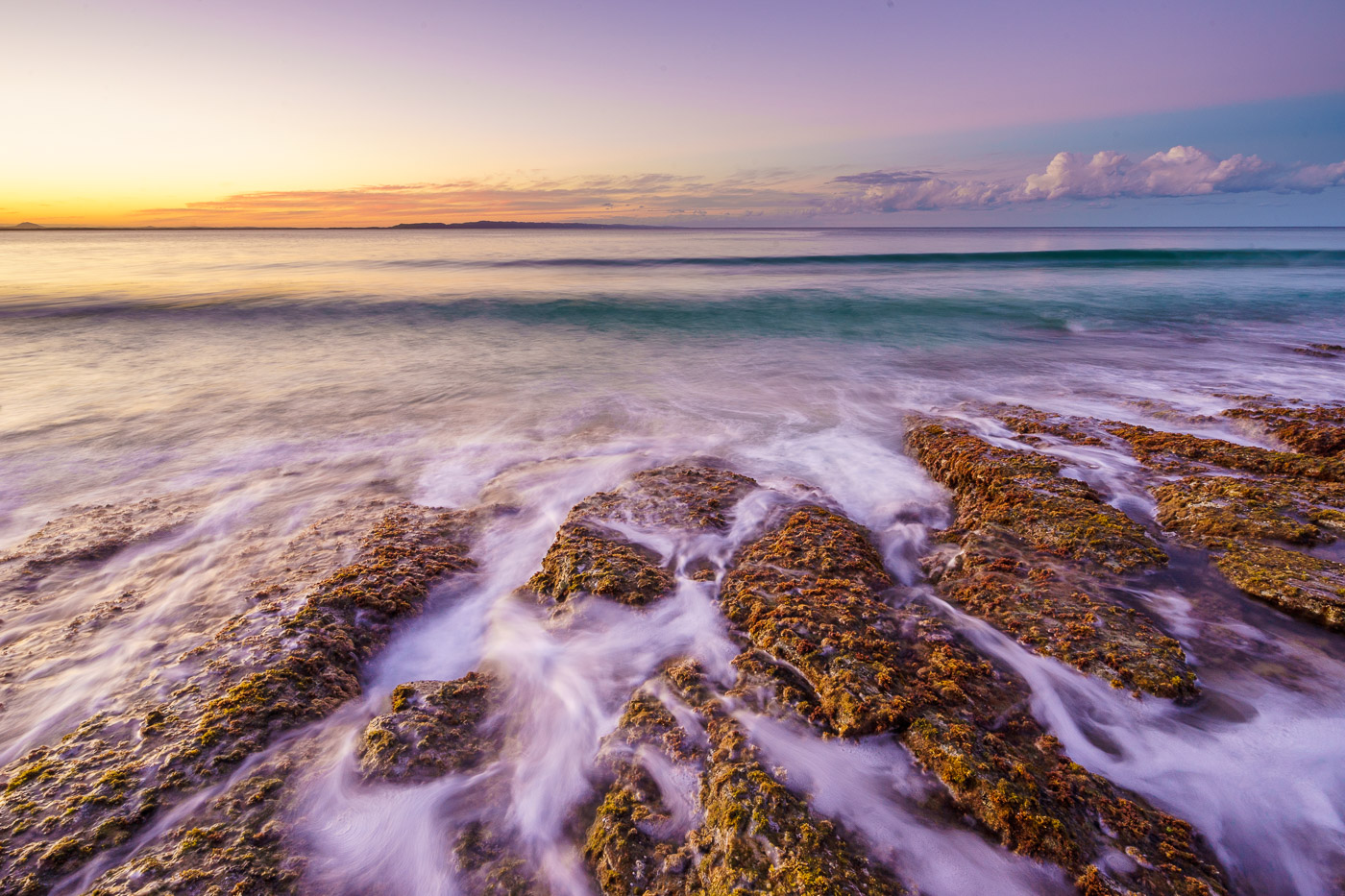
Graduated filters are one of the most powerful tools in Lightroom’s toolkit. And with a little practice, you can use them to dramatically improve your photos. In this article, we will show you seven tips for using graduated filters, including masks, color effects and blur…
By Rowan Sims
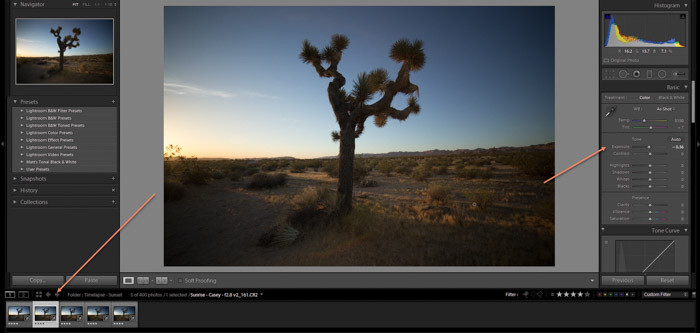
Creating time-lapse videos can be a fun way to show your friends and family the progress of a project, or just to share your world in a unique way. In this tutorial, we’ll show you how to create a stunning Lightroom time-lapse video. Lightroom Time-Lapse Photography: What Is It? A…
By Expert Photography Expert Photography
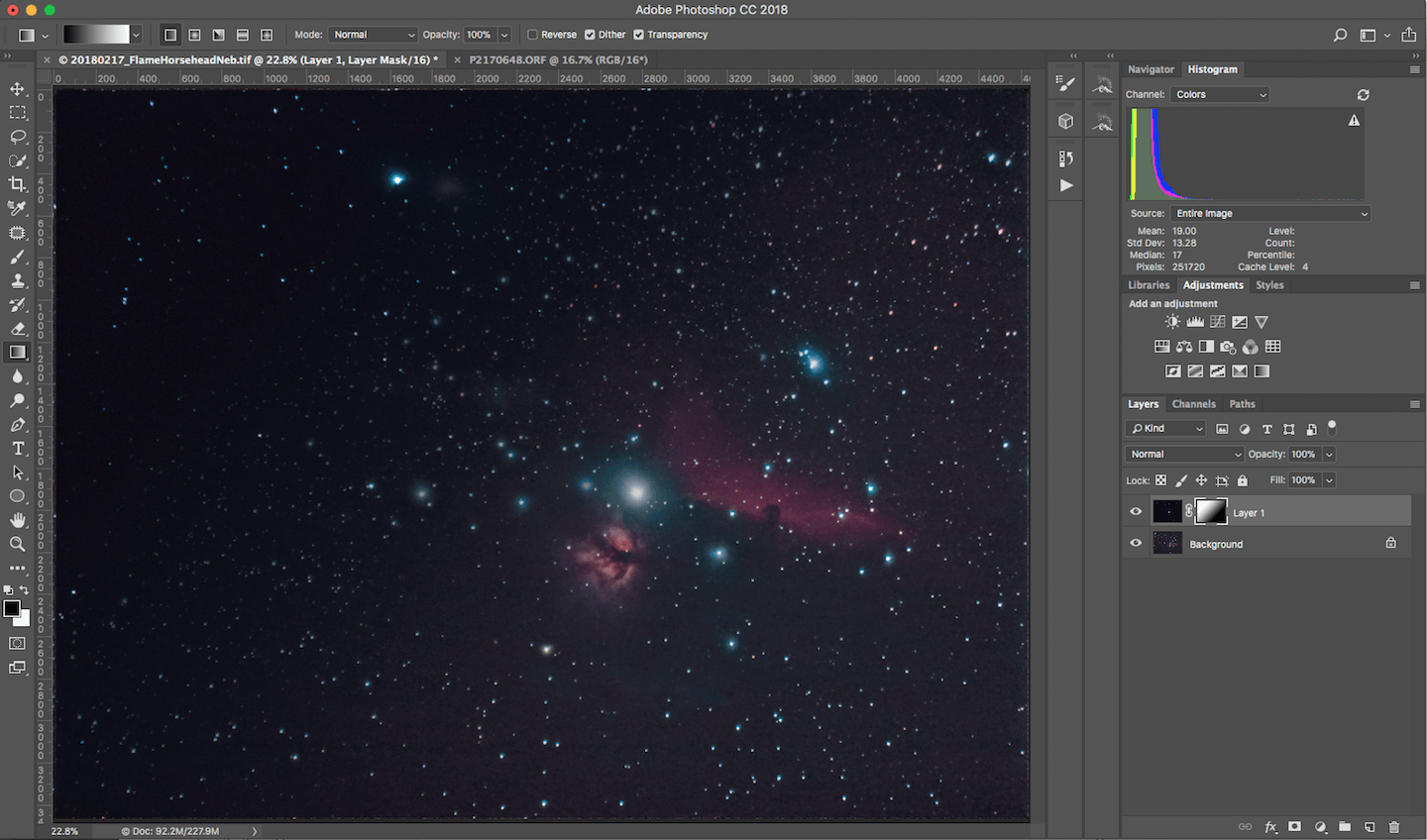
Astrophotography post processing isn’t easy. There are so many things you can do to your photos to improve them, it’s hard to know where to start. In this article, I’ll walk you through the basics of astrophotography post-processing and show you how to get great results with just a few…
By Andrea Minoia
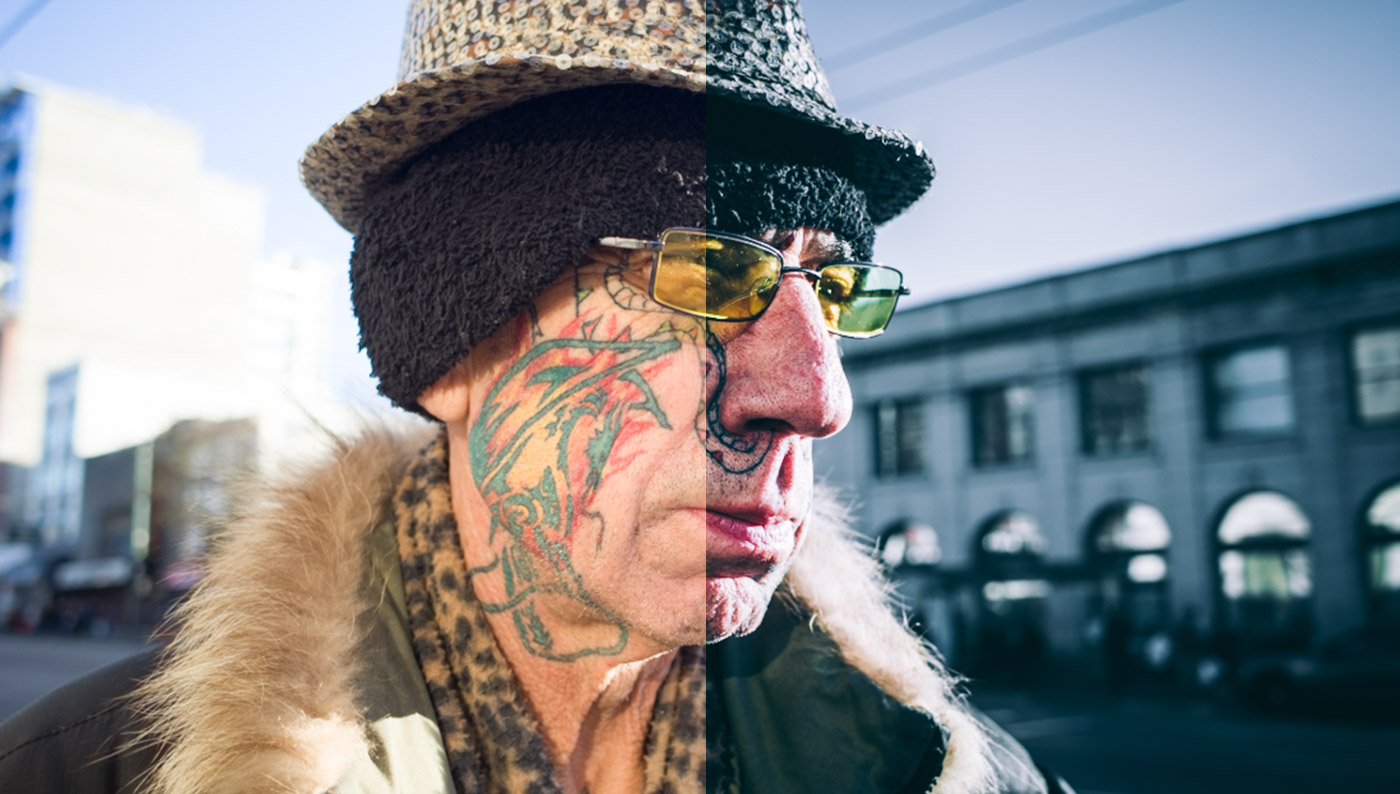
Editing street photography has been a part of this niche for a long time. Most of us street photographers draw inspiration from some of the best photographers in the world, such as Robert Frank, Bruce Gilden or, more recently, Eric Kim. And we’re not the only ones. Ever since photographers…
By Expert Photography
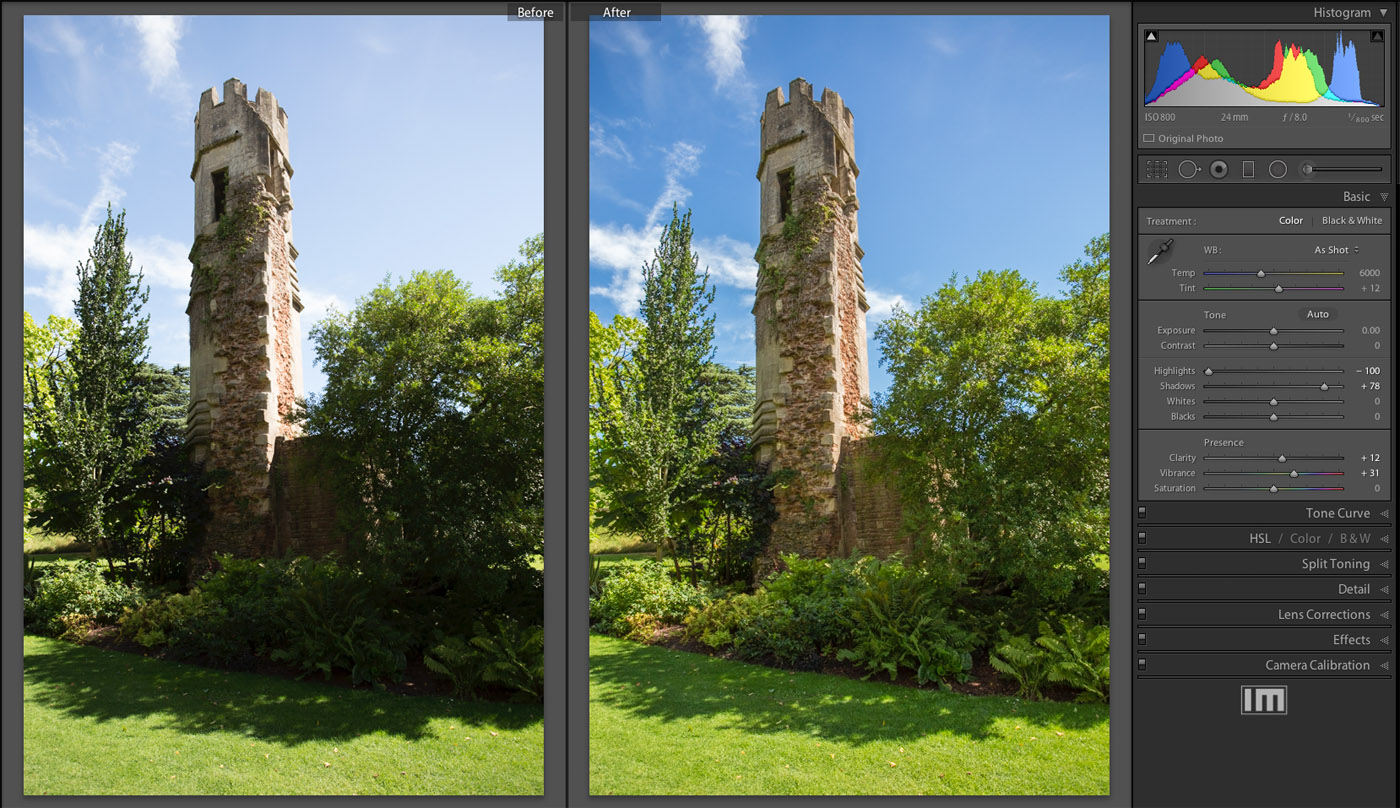
When you adjust the color temperature in Lightroom, you are changing the white balance of your photo. This can be a great way to remove any unwanted color casts from your photos, and to make them look more natural. However, it’s important to understand how color temperature works, and to…
By David Baxter
Contrast and tone are two of the most important aspects of photo editing. They can make or break an image, and it’s essential to get them just right. That’s why Adobe Lightroom includes a number of contrast and tone settings that you can use to adjust your photos. These settings…
By David Baxter
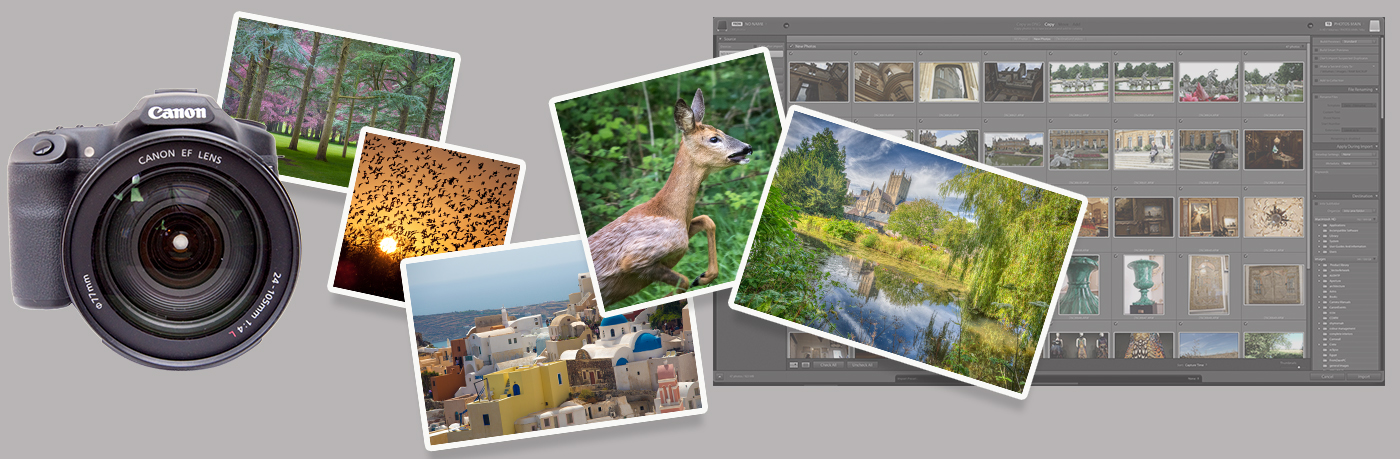
Importing photos into Lightroom can be somewhat mysterious for those new to the software. It’s not uncommon for people to unwittingly make multiple catalogs. Or they duplicate their photos or lose track of where they’re sending their images. Or, in extreme cases, delete them. So it’s important to understand exactly…
By David Baxter
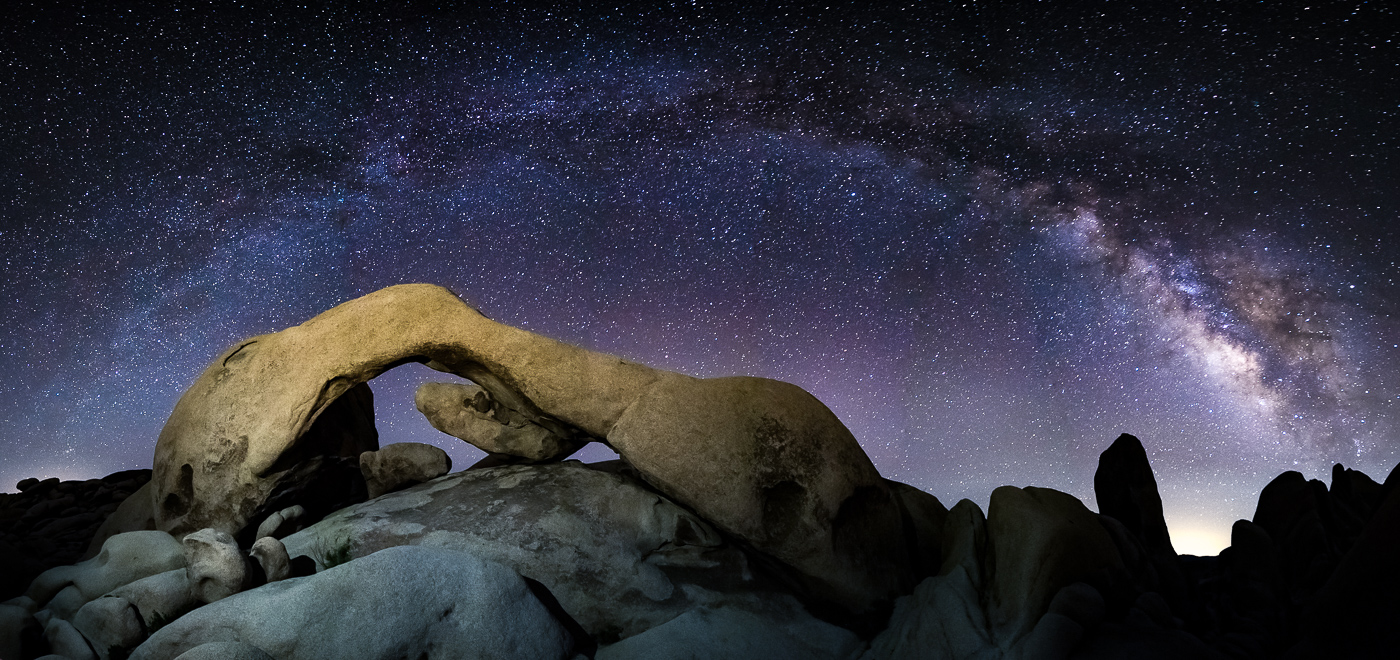
Forget everything you know about how to process a photograph. When it comes to adjusting the settings for images of the Milky Way, nothing is the same. You will make adjustments to sliders that you would never dream of when editing a regular landscape photograph. With Milky Way processing, this…
By Joshua Dunlop

HDR (high dynamic range) images require you to combine two or more photos. Choosing the best HDR software is important as it is essential for a stunning HDR image. What is HDR Photography and HDR Software? It is not uncommon for people to misunderstand the meaning of HDR photography. Many…
By Kevin Choi
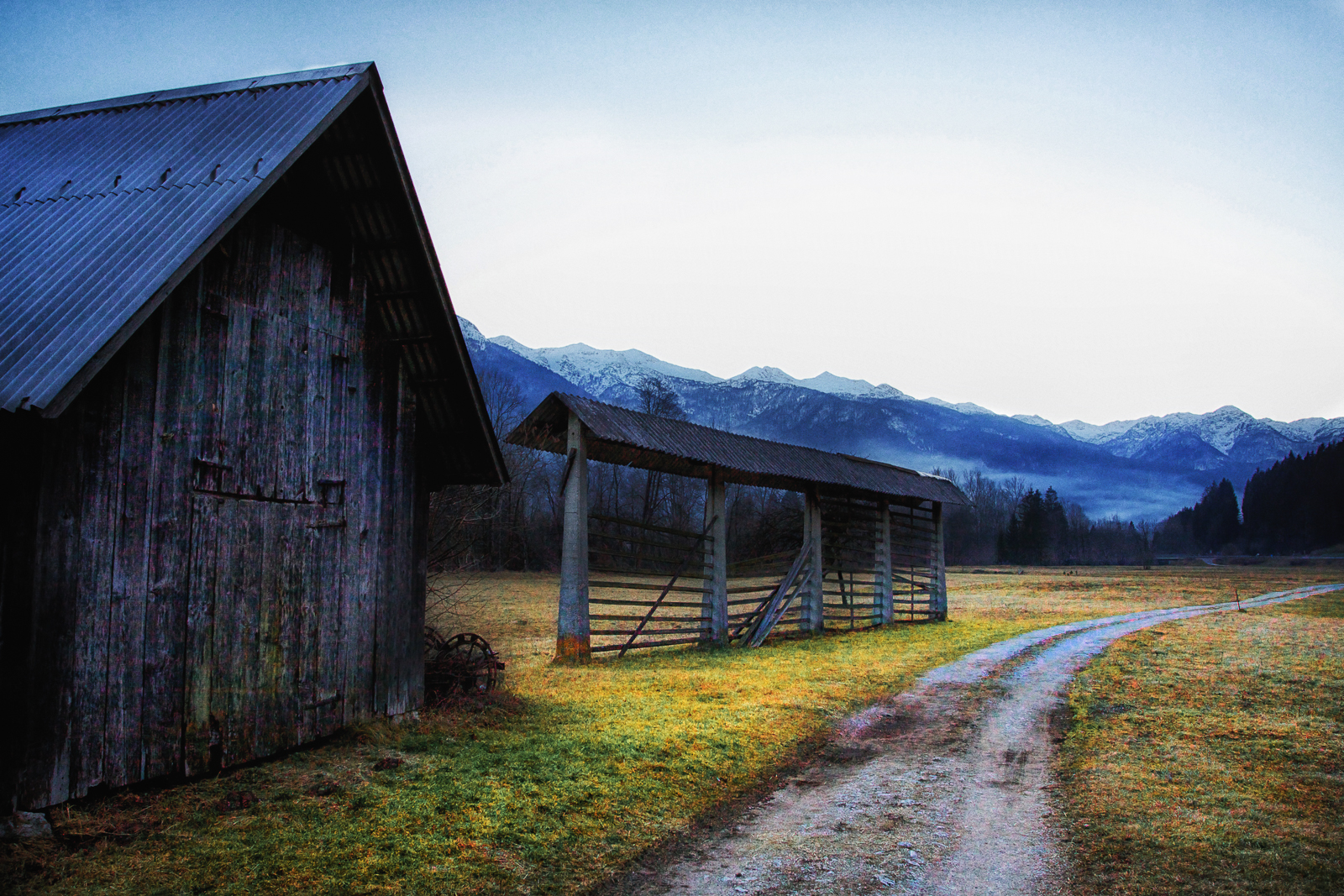
If you’re like me and don’t particularly like the look of HDR photos, but still want to find a balance in exposure when shooting two contrasting brightnesses, then you will definitely find the burn and dodge tools very useful. They’re used a brushes in post production software, so you can add them where they’re needed.
By Joshua Dunlop
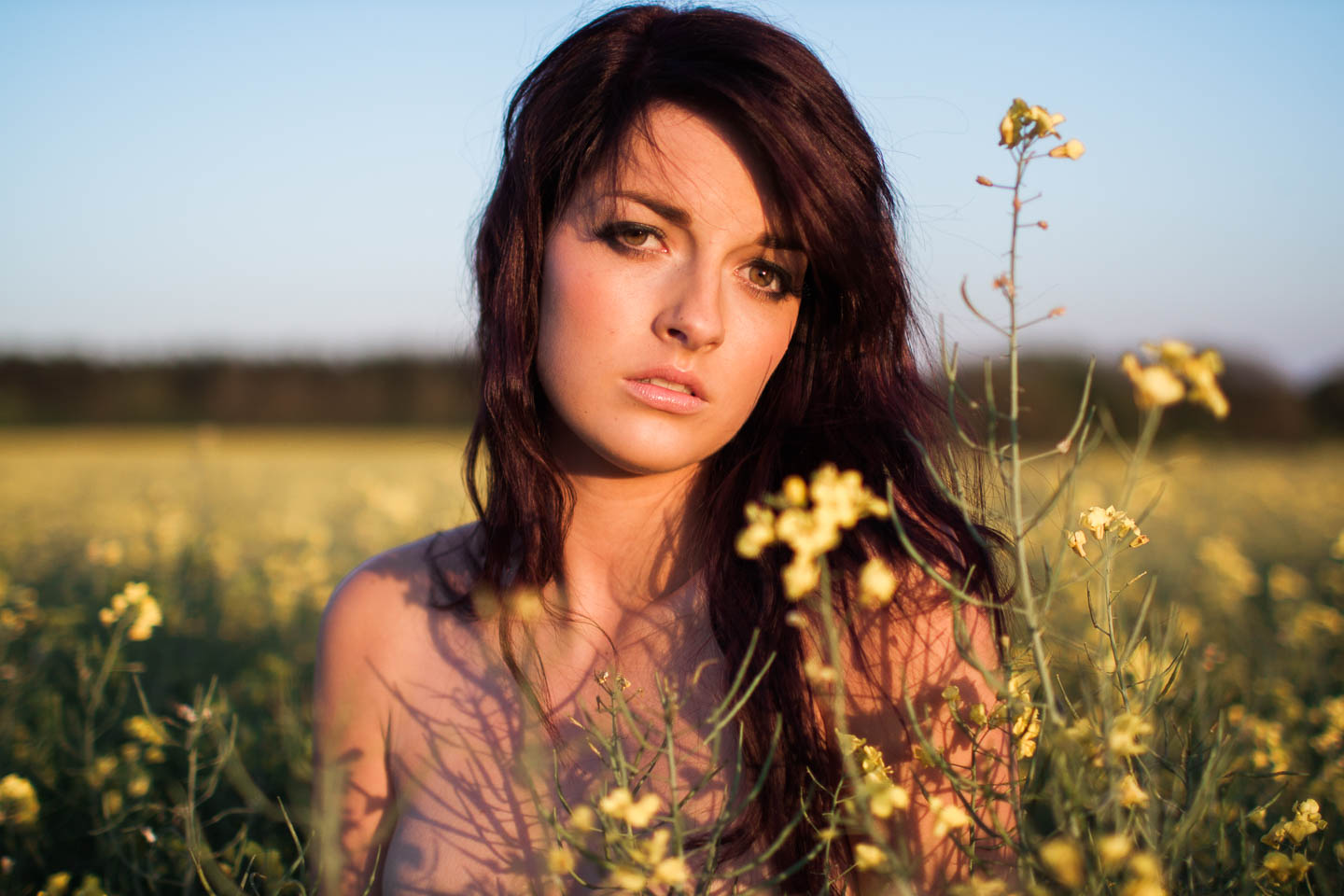
Learn what common photo editing terms mean, including exposure, white balance, Definition, saturation, and vibrance. See each adjustment applied to the same photograph.
By Joshua Dunlop