

Featured Course:
Effortlessly edit your photos in less than 15 minutes.
Learn More

If you’re a photographer, then you know that Lightroom is one of the most important programs in your workflow. But what if you’re on the go and can’t access your computer? Or maybe you just want to edit photos quickly and easily on your phone? In either case, the Lightroom…
By Chad Verzosa

The Lightroom radial filter is one of the simplest ways to apply local effects to only a part of the image. And we’ll show you how to use it. The Lightroom radial filter applies a local adjustment to a circular portion of the image. Lightroom’s different controls and sliders affect…
By Hillary Grigonis

Is Adobe Bridge CC a great free alternative to Adobe Lightroom? Well, it depends on what you use Lightroom for. Adobe Bridge has some great file management features, but is lacking in the editing features you probably know and love. In this article we’ll cover the main differences between…
By Natalia Robert

Using split toning in Lightroom is a great way to add some extra color and interest to your photos. It’s a process that involves adding a second color to the shadows and highlights of your photo. This can be done in Lightroom by going to the Develop module and clicking…
By Hillary Grigonis

Have you ever heard the expression ‘the devil is in the details’? In photography, the devil is Chromatic Aberration (CA). In this article, you will learn how to deal with CA. First, by minimising it in-camera. Then, by correcting it in post-processing with Adobe Lightroom. What Is Chromatic Aberration? Chromatic…
By Andrea Minoia
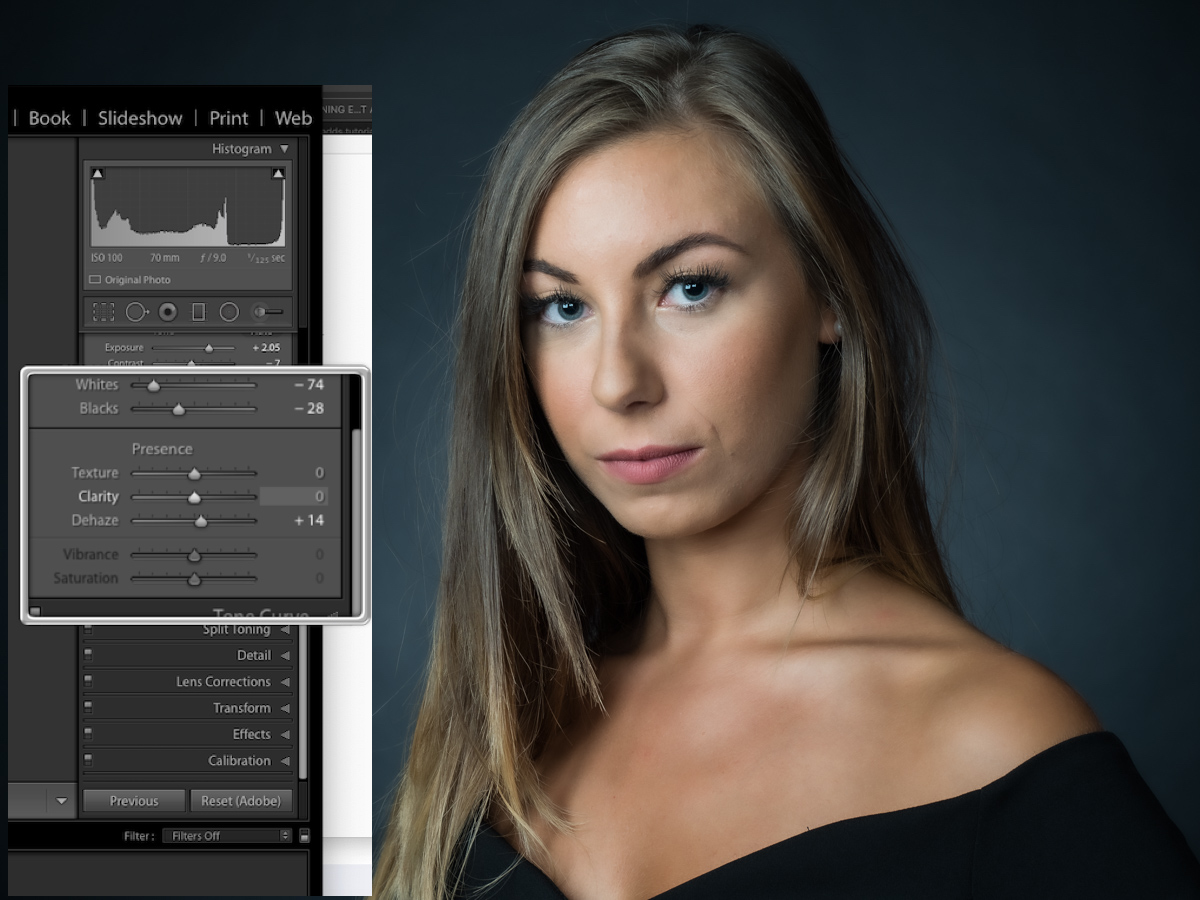
Adobe Photoshop Lightroom has a Texture slider that can be used to control the amount of texture in an image. In Lightroom Classic, this slider is in the Basic panel of the Develop module. We’ll show you how to use the texture slider in Lightroom. Understanding the Texture Slider…
By Andrea Minoia

Today we will learn how to remove light glare from photo. Knowing how to remove light glare from photos is crucial in photography. Glare in your photos can be distracting and ruin a photograph. On the other hand, they can also be a creative way that adds to an image. …
By Kevin Landwer-Johan
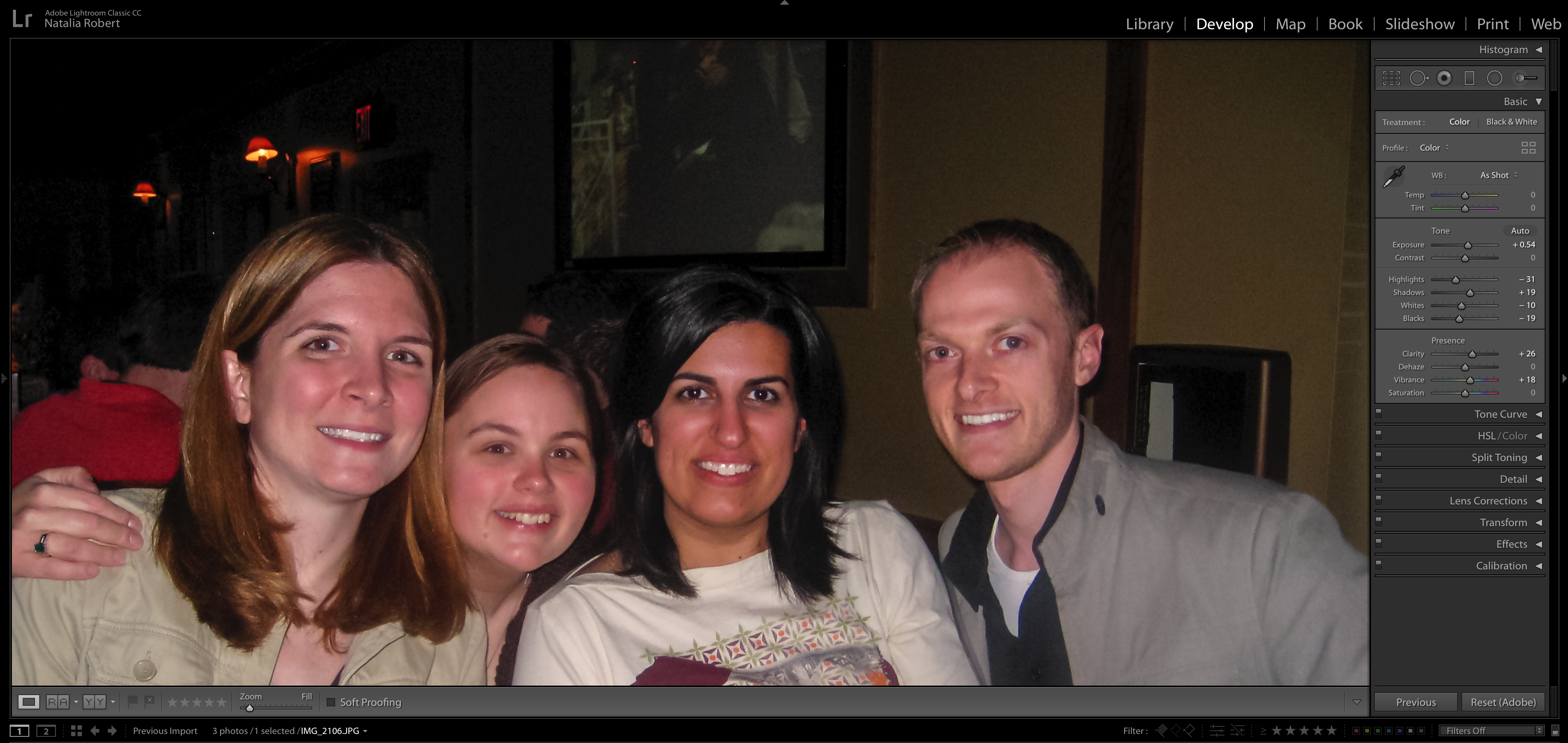
Flash is often a necessity when taking portraits. Whether they’re casual photos from an event or family portraits for a client. While flash can be a huge help in lighting, it can also produce red eyes on our subjects. Thankfully, Lightroom has an easy tool to correct this. Here’s how…
By Natalia Robert
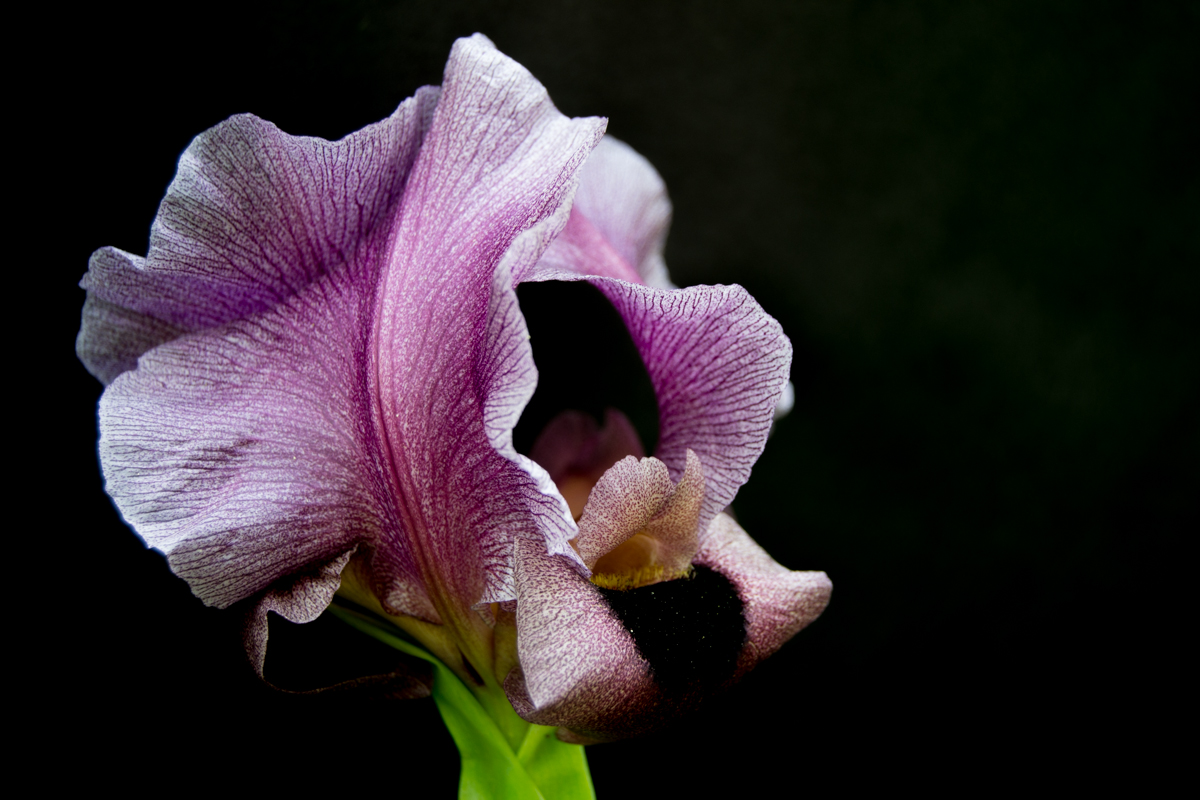
Shadow removal is one of the most basic and essential tasks in post-processing In this tutorial, we’ll show you how to remove shadows in Lightroom using tonal adjustments and local edits. Which method you choose will depend on the look you’re…
By Sarah Rodriguez-Martinez

The key to an efficient workflow is implementing some strategies to make the most of Lightroom‘s organization options. Here are nine tips to show you how to organize photos in Lightroom and help you better plan your workflow in Lightroom. Organize Photos in Lightroom: Choose Where You Want to Store…
By Darina Kopcok

Lightroom is a great program for photographers of all skill levels. It offers a wide range of features and tools that can help you improve your photos. One such feature is the ability to create a film look in your images. This gives them a more classic, timeless feel that…
By Taya Ivanova
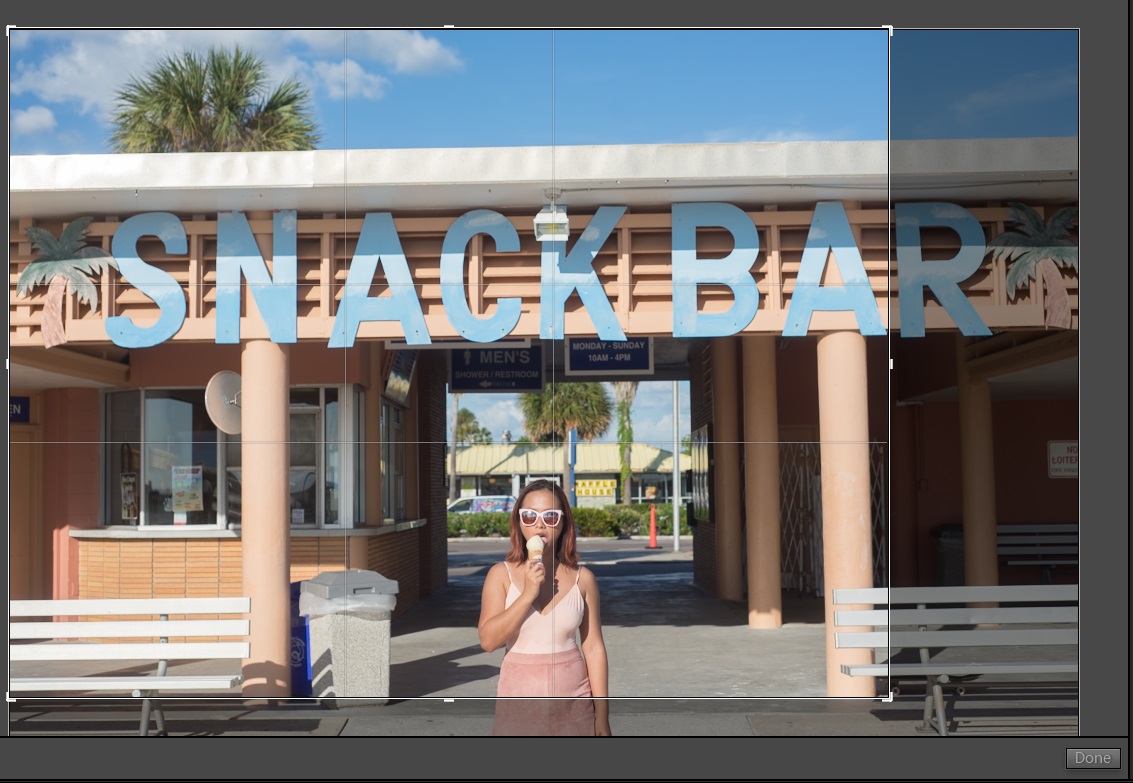
It’s easy to straighten photos in Lightroom. This can be done by selecting the Crop tool in the Develop module and then dragging the corners of the photo until it is cropped to your liking. You can also use the Straighten tool to adjust any crooked photos. Straighten Photos in…
By Chad Verzosa