

Kazu is a professional travel, documentary & portrait photographer. He has been exploring the world with his camera for more than a decade creating work in Europe, Africa, Asia, and the Americas.
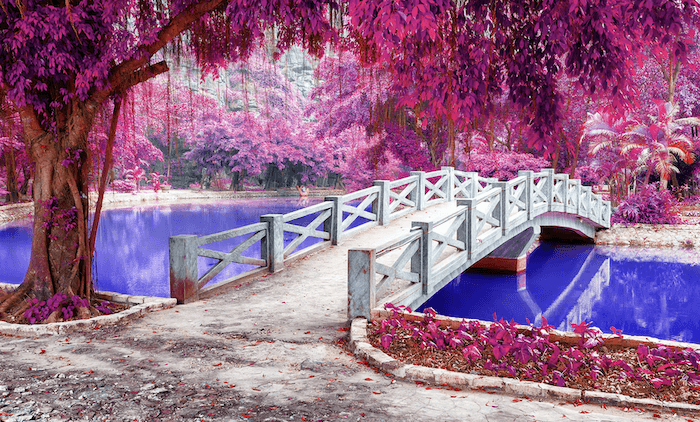
There are many reasons why you should use Photoshop filters and plugins. Photoshop filters can take your photos to the next level and make editing easier and faster. Today, I will take you through the top 30 Photoshop filters and plugins available! You will definitely find a function in this…
By Joris Hermans
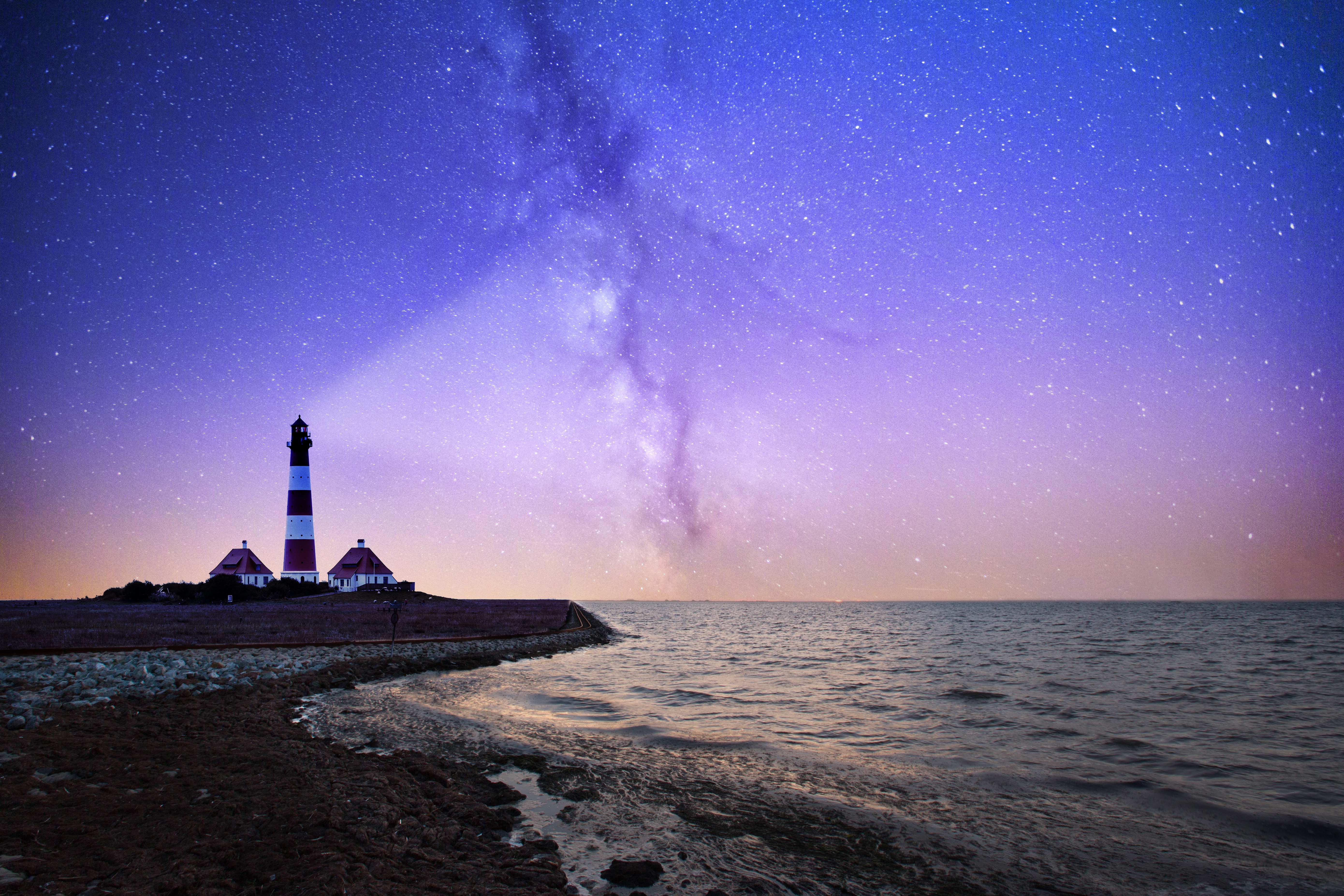
If you’re a photographer, or even if you just like to dabble in photo editing, you’ve probably heard of Photoshop actions. But what are they? How do they work? And how can you use them to make your photos look even better? In this article, we’ll show you how to…
By Joris Hermans

There are many reasons to use the Gaussian Blur filter in Photoshop. You can use it to reduce noise, add an artistic blur effect, or create depth by blurring the background. The Gaussian effect results in a smooth blur that looks as if you are viewing the photograph through a translucent screen.…
By Joris Hermans
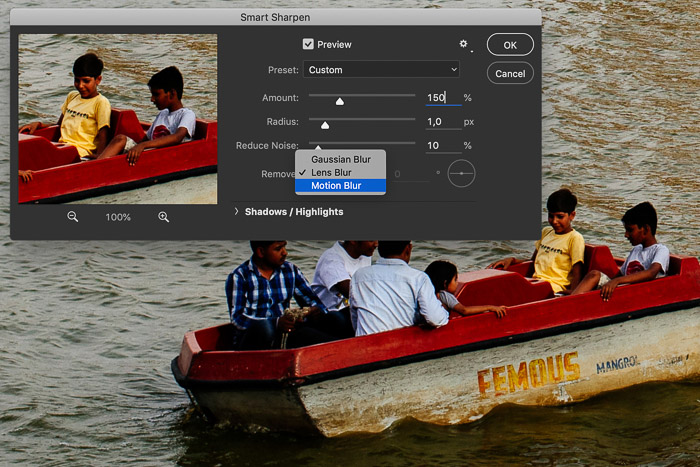
Ever had an image that didn’t look tack sharp at 100%? Don’t worry. It happens, and it’s normal. Luckily, you can learn how to enhance the sharpness of an image in post-processing. Sharpening an image is one of the basic things to learn when you want to start editing photos.…
By Joris Hermans
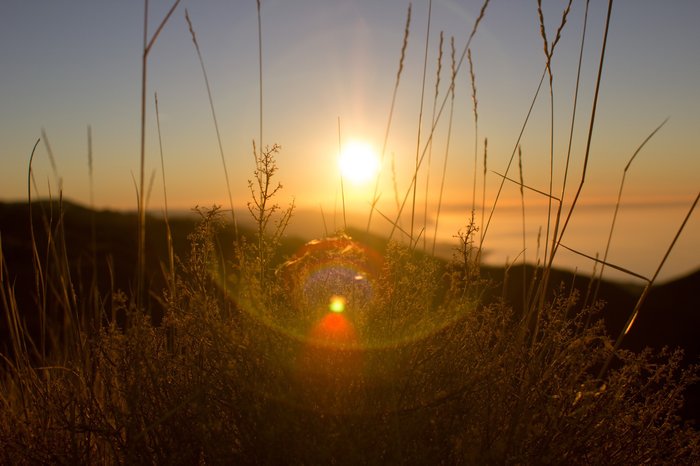
Lens flare is a great way to add some extra visual interest to your photos, and it’s really easy to do in Photoshop. In this tutorial, we’ll show you how to add lens flare using two different methods. So whether you want a subtle glow or something more dramatic, our…
By Joris Hermans

If you’re looking to increase the resolution of an image in Photoshop, you’ve come to the right place. In this tutorial, we’ll show you how to do just that in a few simple steps. So whether you’re working on a high-resolution image or just need to bump up the quality…
By Joris Hermans
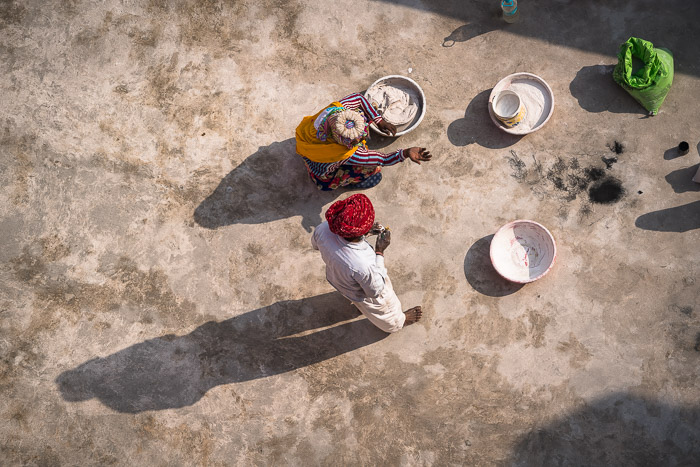
Shadows can be beautiful additions to your images. They add depth and interest. But they can also be distracting or too harsh. In this article, I’m going to show you how to remove shadows in Photoshop. First, I’ll show you how to remove shadows in Photoshop using the content-aware fill…
By Joris Hermans
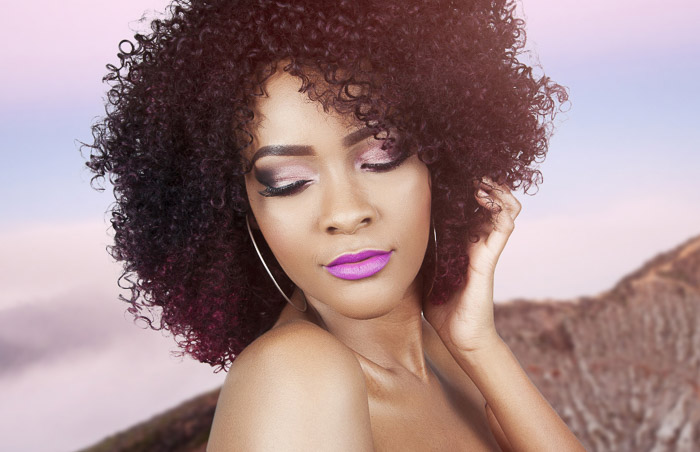
Making selections of people in Photoshop can be difficult. But the Refine Edge tool in Photoshop makes it a lot easier and quicker! This is especially true when you have to select hair or fur, making it perfect for pets and portraits. Here is our step-by-step guide to using this very…
By Joris Hermans
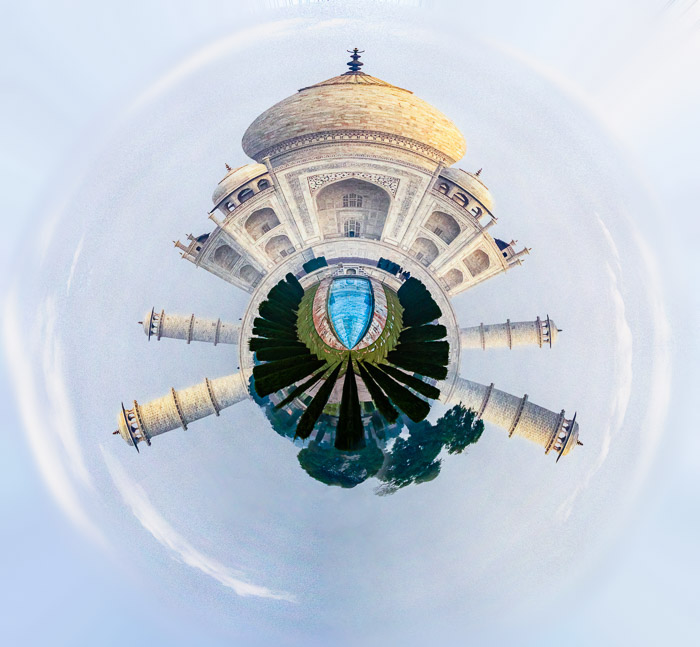
Tiny planet photography is a fun and unique way to capture your surroundings. By wrapping a photo into a circle, you can create a “tiny planet” effect that gives the viewer a new perspective on your surroundings. In this tutorial, we will show you how to create cool tiny…
By Joris Hermans
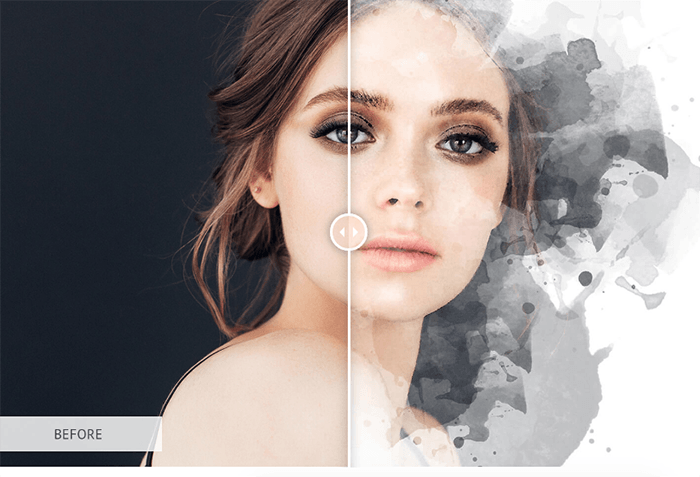
Compare 45 free Photoshop actions and action sets for portraits, landscapes, and creative effects, with previews, download notes, and steps for loading ATN files.
By Joris Hermans
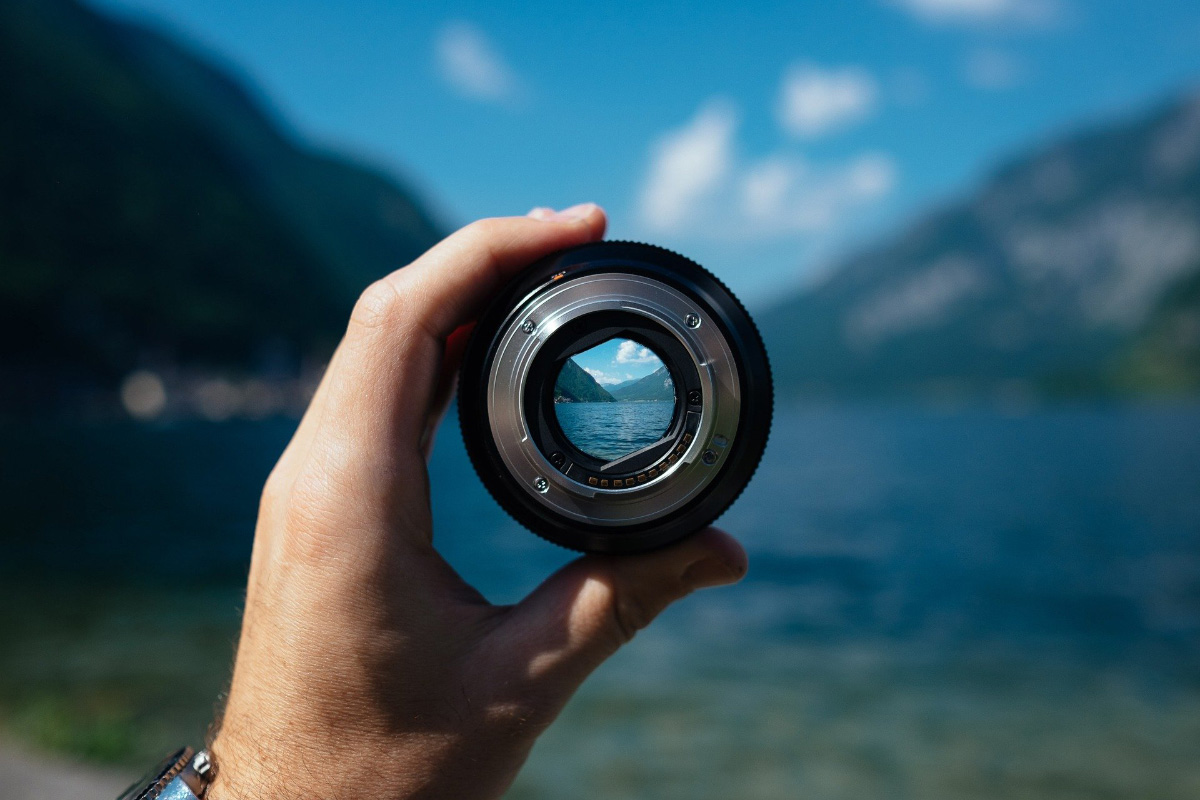
An aspherical lens might be the answer to improving image quality. But one question—do your photos look soft toward the edges? If so, your lens might suffer from spherical aberration. The solution is simple. Use an aspherical lens. What Is the Difference Between a Spherical and an Aspherical Lens? The…
By Joris Hermans
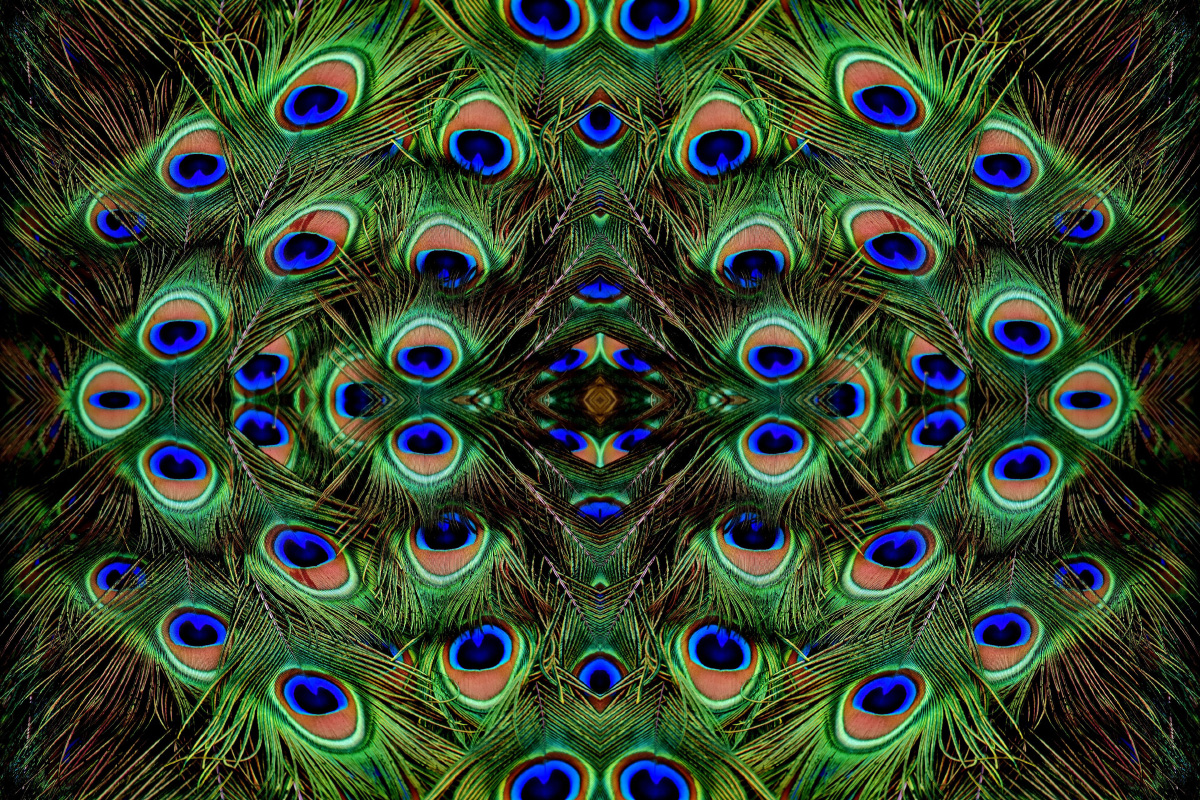
In Photoshop, you can easily create some surreal looking images. Just use a photo of a pattern and start combining multiple mirrored images. If you want to learn how to create an interesting result, here’s how to create a mirror image in Photoshop! How to Mirror an Image in Photoshop…
By Joris Hermans