

Hey there! I'm the go-to lead videographer who's always up for an adventure. Let's dive into the world of testing photography gear together!
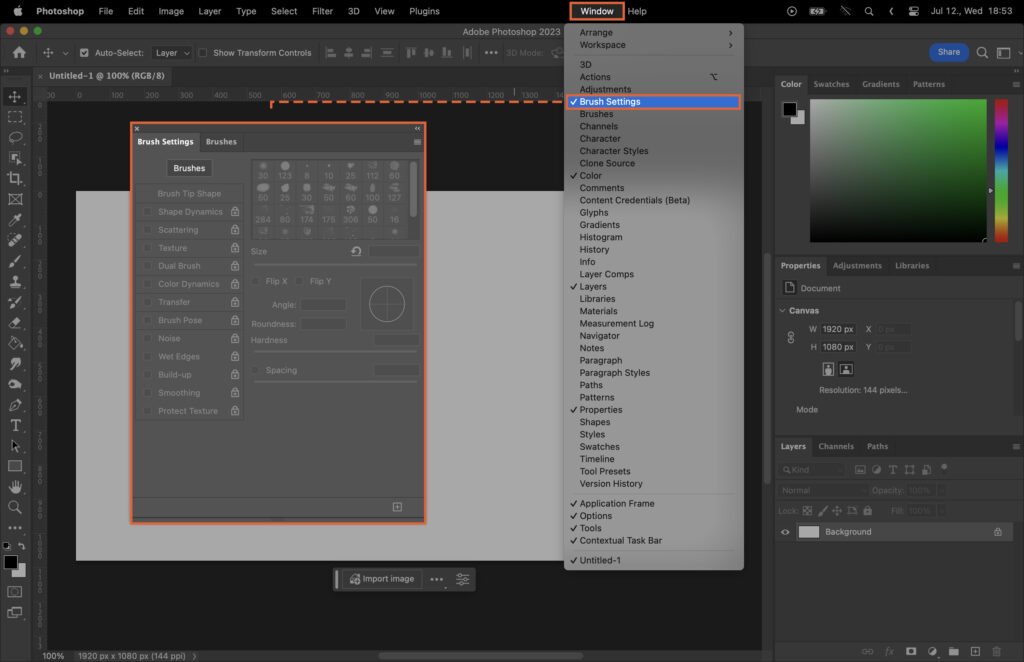
Mastering the use of Photoshop brushes can significantly elevate your digital artistry, but the array of options and settings can be overwhelming for beginners and even intermediate users. This article aims to demystify the process, providing a comprehensive guide on how to effectively use Photoshop brushes. From understanding the basics,…
By Szilard Kovacs
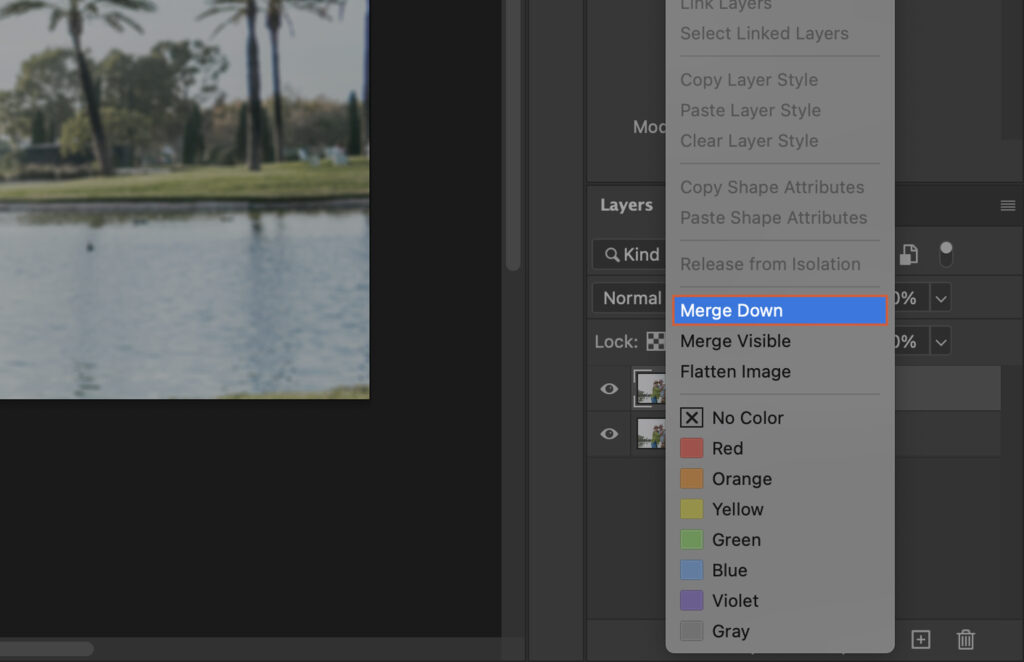
Learn how to blur a background in Photoshop using selections and blur filters.…
By Szilard Kovacs
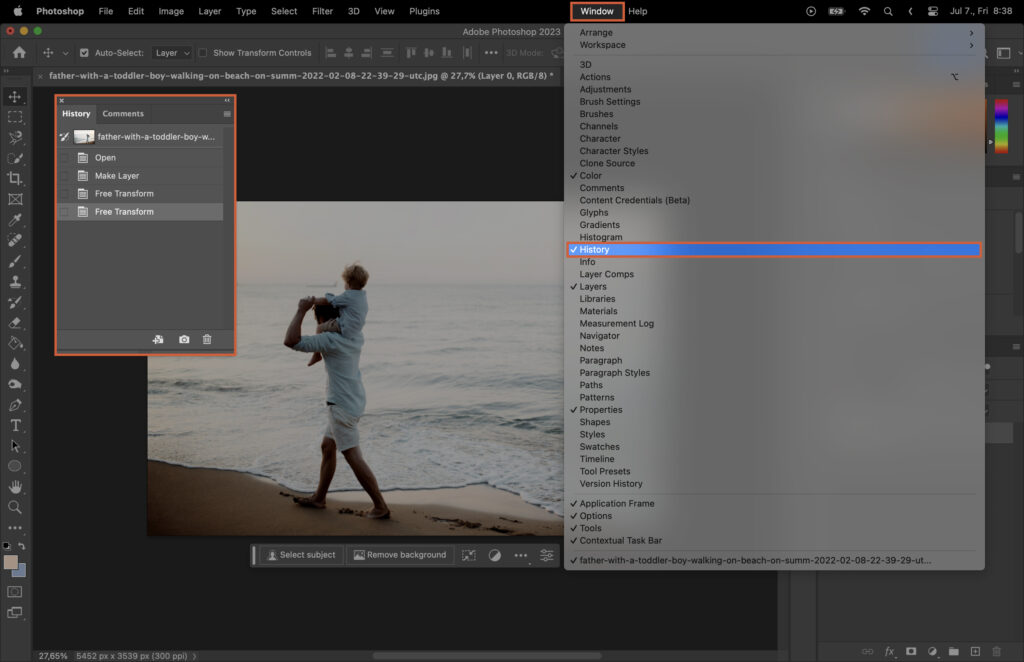
Manipulating images is a fundamental aspect of graphic design, and one of the most basic yet powerful techniques is flipping an image. Whether you’re creating a mirror effect or simply adjusting the orientation of a photo, knowing how to flip an image can significantly enhance your design capabilities. However, if…
By Szilard Kovacs
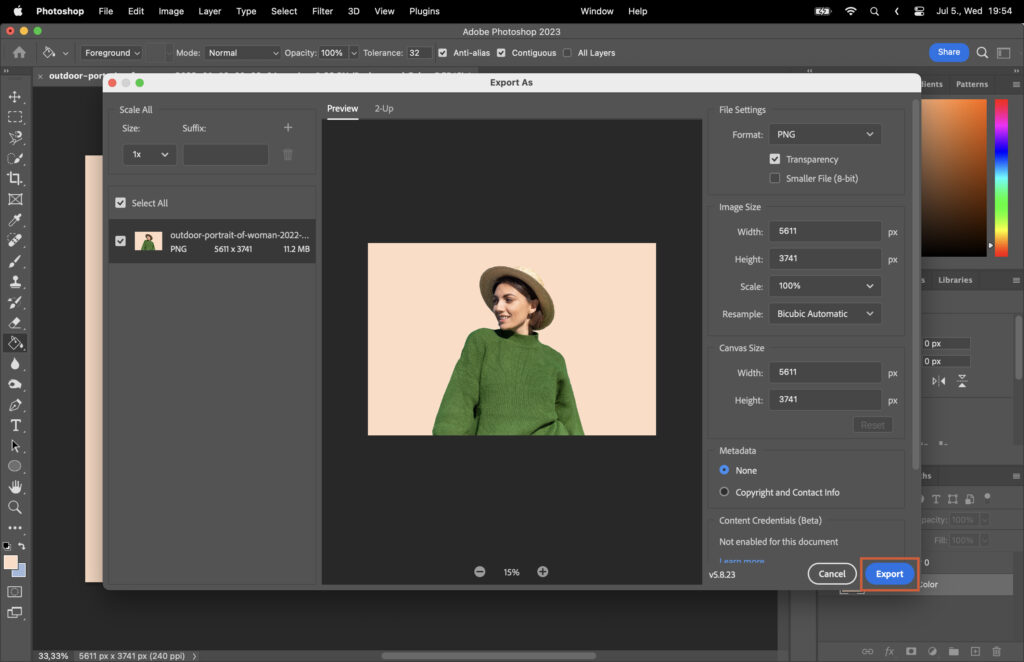
Have you ever wanted to remove the background of an image to create a clean and professional look, or perhaps to replace it with a different background? Adobe Photoshop is a powerful tool that can help you achieve this goal. In this step-by-step guide, we’ll walk you through the process…
By Szilard Kovacs
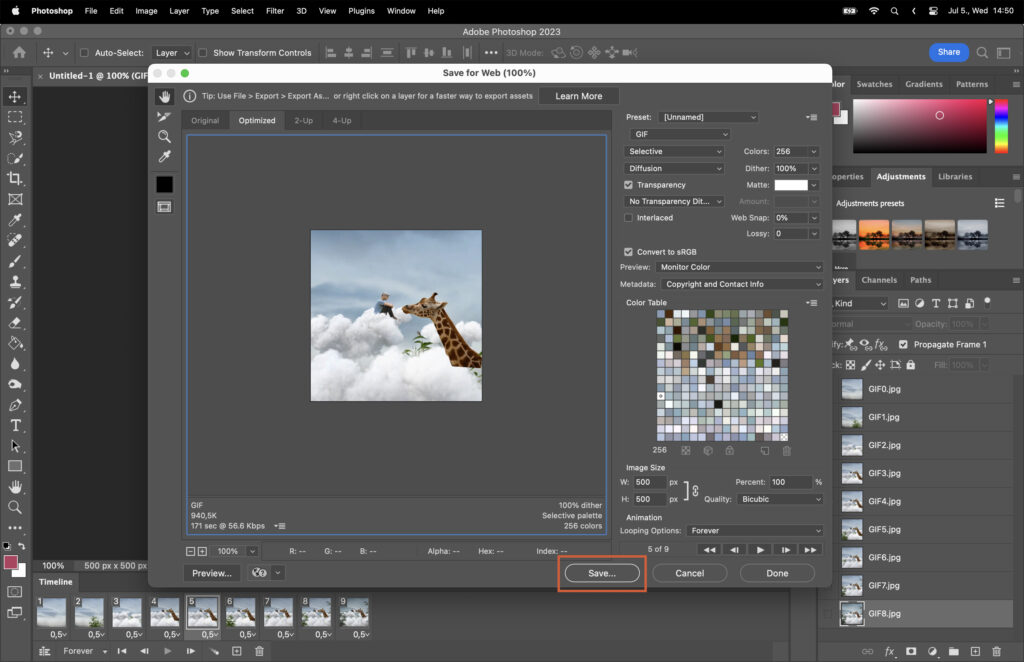
GIFs have become a popular way to express emotions, reactions, and ideas online. They’re fun, engaging, and easy to share on social media platforms. But did you know you can create custom GIFs using Adobe Photoshop? In our step-by-step guide, we walk you through making a GIF in Photoshop, from…
By Szilard Kovacs
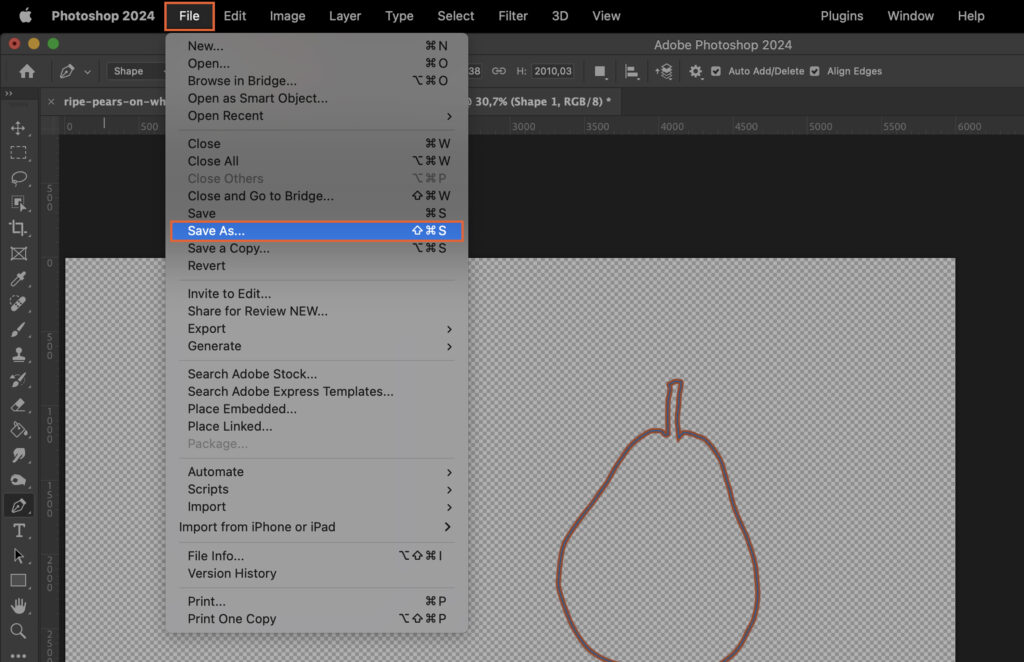
Creating an outline in Photoshop can enhance your images and designs, but the process might seem complex. This article simplifies the steps, providing an easy-to-follow guide that will help you master this essential skill, leading to improved designs and efficient editing. Step 1. Select the Layer To begin, choose the…
By Szilard Kovacs