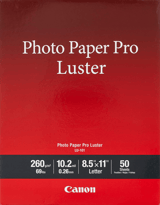
For most photographers, the best photo paper for an inkjet printer is Canon Photo Paper Pro Luster LU-101. Its luster surface keeps much of the color and depth of gloss but shows far less glare under lights and behind glass. At 260 gsm it feels like a lab print, and it is thin enough for the paper path of most home photo printers. It suits framed prints, portfolios and prints you sell.
Other jobs need a different sheet. Fine art printers want heavy cotton paper that lasts on a gallery wall. Some photographers want a deep, wet-looking gloss, a quiet matte surface for black and white, or a large box for a long print run. Others only need cheap 4 x 6 snapshots for an album. The picks below cover each of those needs, and our guide to choosing photo paper explains the basics if you are new to printing.
The Best Photo Papers for Inkjet Printers
Choose the finish first, because it changes the print more than the brand does. Gloss gives the most color and the deepest blacks but reflects light. Luster, semi-gloss and pearl papers keep most of that depth with less glare. Matte has no shine at all and suits black and white and prints behind glass. Then check weight and thickness against your printer. Heavy sheets feel better in the hand, but some home printers cannot feed them from the main tray. The table gives each paper's role. The reviews explain the trade-offs.
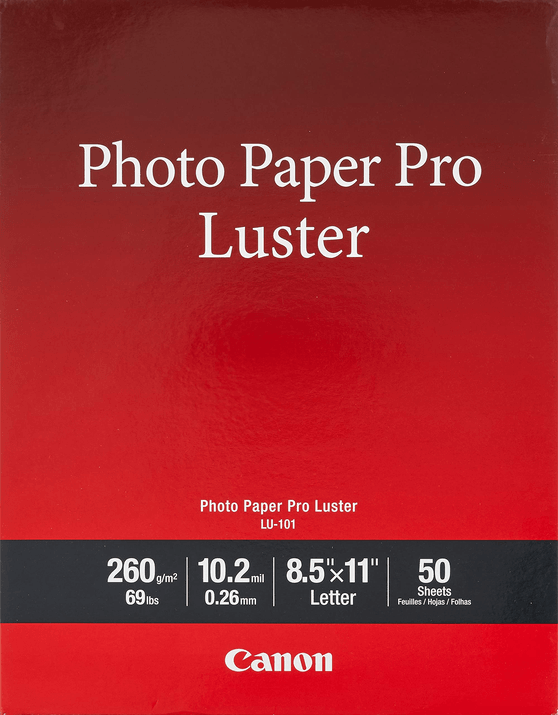
The Canon Pro Luster LU-101 is the paper to start with if you print photos to frame, sell or show to clients. A luster surface sits between gloss and matte. It has a fine texture that breaks up reflections, so a print stays readable under room lights and behind glass. Colors and blacks still have most of the depth you get from gloss.
At 260 gsm and 10.2 mil thick, the sheet feels like a print from a photo lab. It is heavy enough to hold its shape in a frame or a portfolio sleeve. It is also thin enough for the rear or top feed of most photo printers, which matters if your printer cannot take the 15 mil cotton sheets further down this list.
The letter pack holds 50 sheets, more than the 20 or 25 sheets in most premium packs here. Canon also sells LU-101 in a 13 x 19-inch pack for wide-format printers.
It is not a fine art paper. It has no cotton base and no paper texture, so it will not give the feel of the Hahnemühle Photo Rag Baryta. And if you want the most shine, the Canon Platinum PT-101 has a smoother, glossier surface.
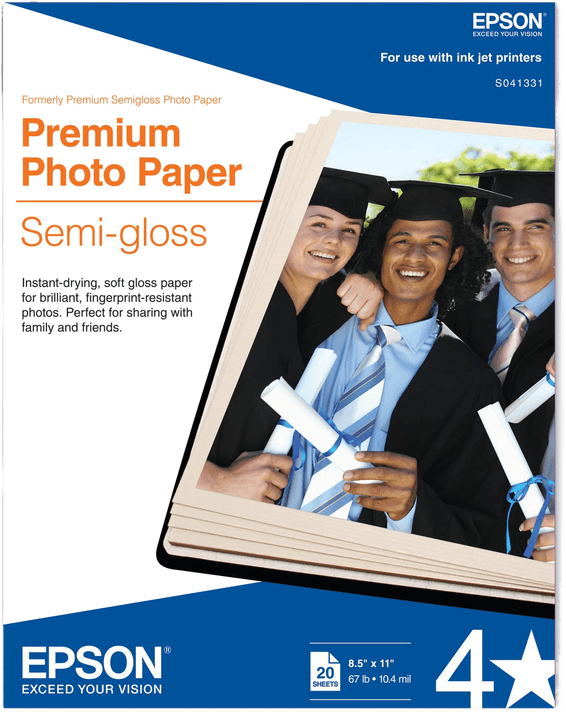
The Epson Premium Semi-Gloss is the closest rival to the Canon Luster, and it is the one to choose if you print on an Epson. Epson printer drivers include a media setting for this paper, so you get a matched result without loading a separate profile. The semi-gloss surface gives a little more shine than luster with a similar resistance to glare.
The weight is 251 gsm and the sheet is 10.4 mil thick, almost the same as the Canon. That makes it easy to feed and solid enough for frames and albums. Epson sells it in 4 x 6, letter and 13 x 19-inch sheets, so you can keep the same paper when you move from small prints to large ones.
The letter pack holds only 20 sheets, so it suits a set of display prints more than a whole album. Epson does not recommend laminating it. If you print on a Canon, or you want 50 sheets to a box, the Canon LU-101 is the better buy.
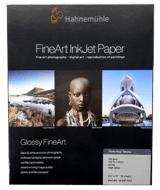
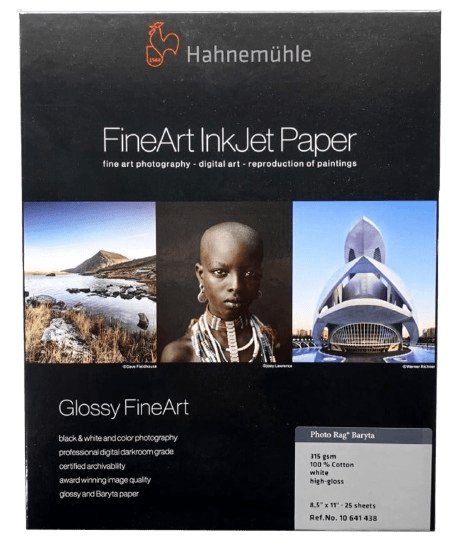
Hahnemühle Photo Rag Baryta is the pick for exhibition prints and limited editions. It is a 100% cotton paper with a high-gloss baryta coating. Barium sulphate in the coating gives it the deep blacks and smooth tones of a traditional darkroom fiber print, and the cotton gives it the feel of real art paper.
It is made for long display life. The paper is acid free and contains no optical brighteners, which are the whitening agents that can yellow over time. Hahnemühle rates its water resistance as very high and says the ink dries instantly. For accurate color, download the Hahnemühle ICC profile for your printer model.
The weight is 315 gsm and the sheet is 15.4 mil thick. That is the thickest paper here. Many home printers cannot pull it through a curved front tray, so check that yours has a rear or straight-through feed that takes paper of about 0.4 mm. It is also the most costly paper per sheet on this list. For prints that do not need cotton or archival claims, the Canon LU-101 gives a similar look for much less.
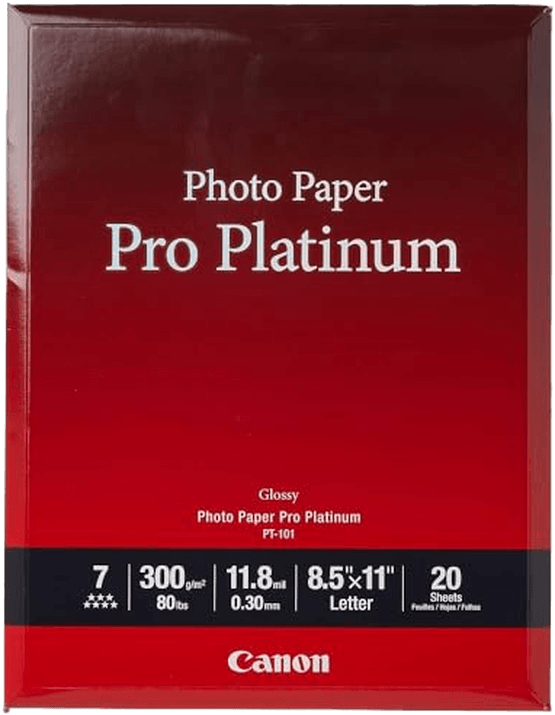
The Canon Pro Platinum PT-101 gives the most shine of any paper here. Its smooth gloss surface and very bright white base make colors look rich and blacks look deep. It is the paper for landscapes, product shots and other images that depend on punch.
At 300 gsm and 11.8 mil, it is heavier than the Canon Luster. It feels substantial and stays flat in an album or a print box. Canon makes it for its PIXMA and imagePROGRAF photo printers, and the driver settings for it are already in those printers.
High gloss has the usual weak points. It reflects room lights and shows fingerprints, so it is a poor choice for prints behind glass or prints that people will handle a lot. The letter pack has only 20 sheets. For framed work, the Canon LU-101 is the safer choice. On an HP printer, the HP Premium Plus gives a similar glossy result with matched HP settings.
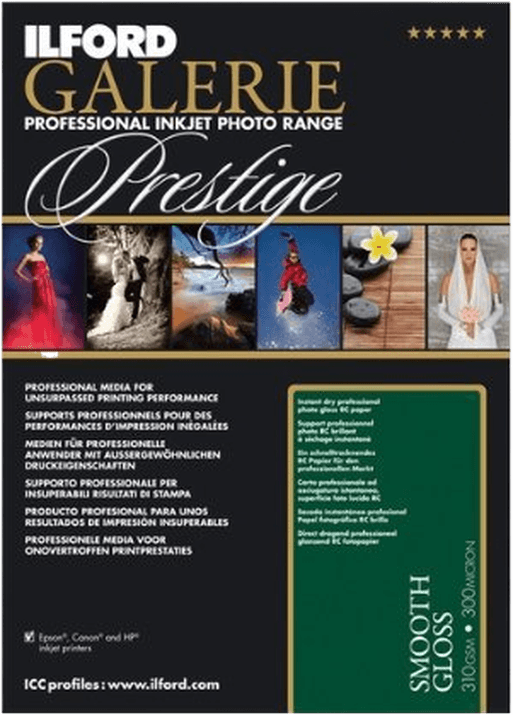
Ilford Galerie Prestige Smooth Pearl is a professional resin-coated paper sold in large boxes. This pack holds 100 letter sheets, and Ilford also makes 250-sheet packs. That makes it the practical choice for wedding albums, event prints and anyone who prints in volume and wants every print to match.
The pearl surface is a fine, low-shine texture, close to luster. At 310 gsm and 12 mil, it is heavier than the Canon and Epson luster papers, so the prints feel more like professional lab prints. Ilford says it works with both dye and pigment ink printers. It comes in sheets up to 16.5 x 23.4 inches and in rolls, so a studio can use one paper on every printer it owns.
The big pack is also its main drawback. It is a large purchase if you only want to try the paper, and you need to set up an Ilford profile on a Canon, Epson or HP printer. If you print a few frames at a time, the 50-sheet Canon LU-101 is the easier start.
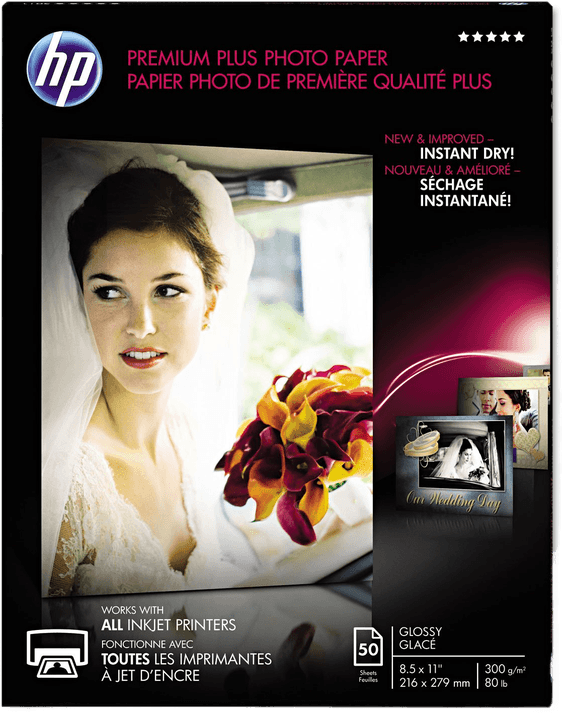
HP Premium Plus Glossy is the paper to buy if you own an HP printer. HP designs it for HP inks, so your printer's paper setting and color are already matched to it. The glossy surface gives bright, saturated color and a smudge- and water-resistant finish.
It is a heavy paper for its type. HP lists it as 80 lb, which is about 300 gsm on the metric scale, and the sheet is 11.5 mil thick. That gives prints a firm feel. HP also states that the paper is FSC-certified and recyclable. The letter pack holds 50 sheets.
Like every high-gloss paper, it shows glare and fingerprints, so it suits albums more than frames. On a Canon or Epson printer, it will print, but you lose the matched settings, so the Canon PT-101 or Epson Ultra Premium is the better fit. For cheaper everyday 4 x 6 prints, HP's own Everyday Glossy costs less per sheet.
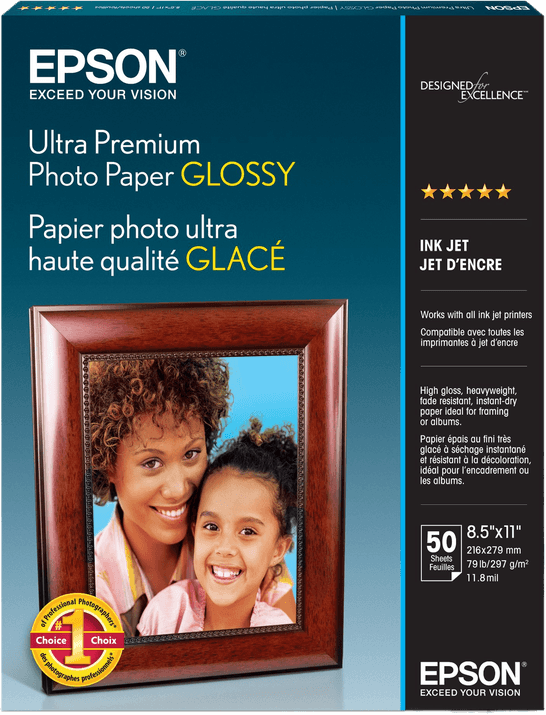
Epson Ultra Premium Glossy is Epson's best everyday glossy paper and the natural pick for an Epson printer. It has an ultra smooth, bright white surface that gives clean whites and saturated color. Epson says the surface dries fast and resists smudges and water, so you can stack prints soon after printing.
It is a thick paper. Epson lists it at 79 lb, about 297 gsm, and 11.8 mil thick. That puts it beside the Canon PT-101 and HP Premium Plus in feel. The letter pack holds 50 sheets, more than the 20 in a PT-101 pack. On an Epson printer it is the better buy of the three, because the Epson driver already has a setting for it.
Its limit is size. Epson makes this paper only up to 8.5 x 11 inches, in 4 x 6, 5 x 7, 8 x 10 and letter sizes. If you print 13 x 19-inch enlargements on an Epson wide-format printer, use the Epson Premium Semi-Gloss, which comes in that size.
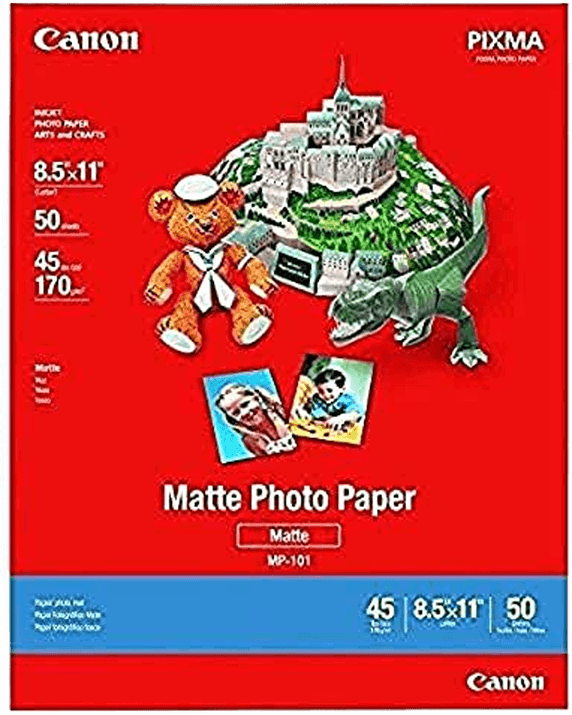
Canon Matte Photo Paper MP-101 is the matte pick for everyday prints. A matte surface has no shine, so it never shows glare or fingerprints. That suits black and white images, soft portraits, prints you write on and proof sheets you hand around.
It is lighter than the other photo papers here, at 170 gsm and 8.7 mil. That makes it easy to feed in any inkjet printer, including printers that cannot take heavy stock. The letter pack holds 50 sheets, and Canon also sells it in larger sizes.
Matte paper has a narrower range of tones than gloss. Blacks look softer and colors less saturated, which is the trade for no reflections. This is also a coated photo paper, not a cotton fine art sheet, so it will not give the texture or display life of a museum matte paper. For framed color work, the Canon LU-101 gives more depth with only a little more shine.
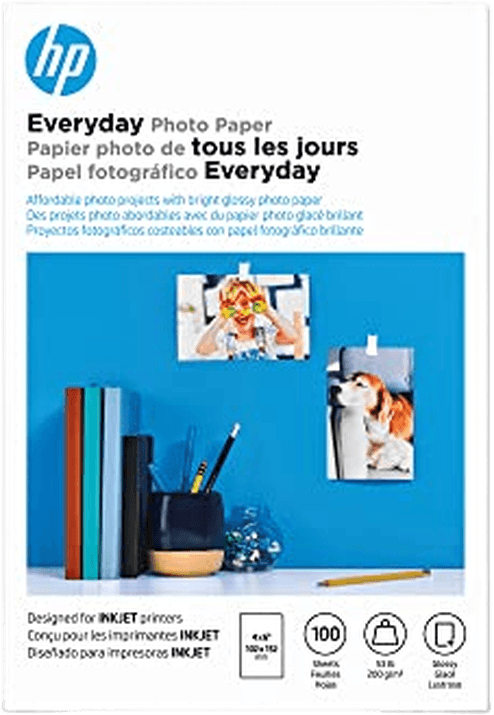
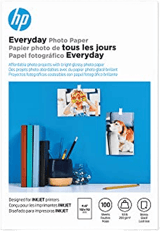
HP Everyday Glossy is the cheapest way to make good 4 x 6 prints at home. The box holds 100 precut 4 x 6 sheets, so you can print a whole trip for an album or the fridge without trimming. The glossy finish gives bright color, and HP states that the paper is FSC-certified.
It is a light, thin paper. HP lists it at 52 lb, about 200 gsm, and retailers list it at 8 mil thick. That is fine for album pages and casual prints, but it bends more easily than the 300 gsm papers above and will not feel like a lab print. It works in any inkjet printer that takes 4 x 6 paper, and it is designed for HP inks.
This pack is 4 x 6 inches only, so it is not the paper for framed enlargements. For prints that people will keep, HP Premium Plus is the step up. For prints to hang, choose the Canon LU-101.
How to Choose Photo Paper for Your Printer
© Trevor Marshall
The reviews cover the differences between the papers. These checks help you match a paper to your printer and to how you show the print.
Match the Finish to Where the Print Will Go
Decide where the print will live before you choose a finish. Prints behind glass or under strong lights look best on luster, pearl, semi-gloss or matte, because gloss adds a second reflection to the glass. Prints in albums, print boxes or portfolios can use full gloss, because people view them close up and at an angle they control. Black and white prints often look best on matte or on a baryta paper such as the Hahnemühle Photo Rag Baryta. Our comparisons of luster vs glossy and glossy vs matte show the same image on each finish.
Check Your Printer's Weight and Thickness Limits
Your printer manual lists the heaviest and thickest paper each tray can take. A front cassette usually bends the paper as it feeds, so it has the lowest limit. A rear tray, a manual feed slot or a straight paper path takes thicker sheets. Thickness is the safer number to compare, because it is what jams. The papers here run from 8 mil to 15.4 mil (about 0.2 to 0.4 mm). The Hahnemühle at 15.4 mil is the one most likely to need a special feed. Our photo printer guide lists the feed limits of current photo printers.
Read Paper Weight in gsm, Not Pounds
(Jumpstory)
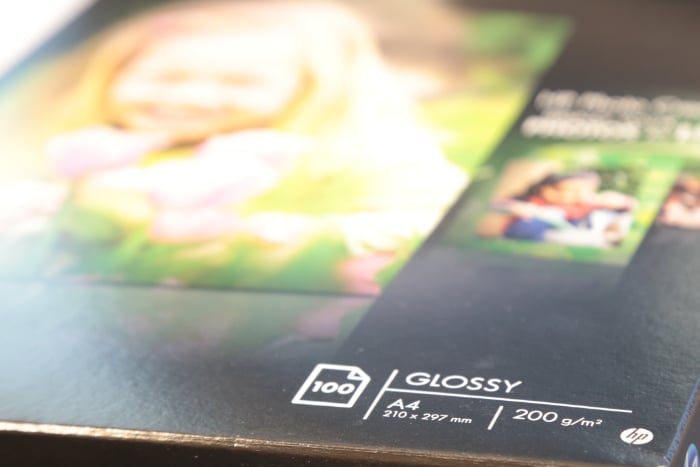
Paper weight is the mass of one square meter of paper, given in grams per square meter (gsm). It tracks thickness but does not measure it. US makers often quote pounds instead, and the pound figure depends on the paper type it is based on. HP and Epson quote their photo papers on the bond scale, where 80 lb is about 300 gsm. On the cover-stock scale, 80 lb is only about 216 gsm. US copy paper is usually 20 lb bond, about 75 gsm. Compare gsm figures when you can, and treat a bare pound figure with care.
Choose the Paper Size
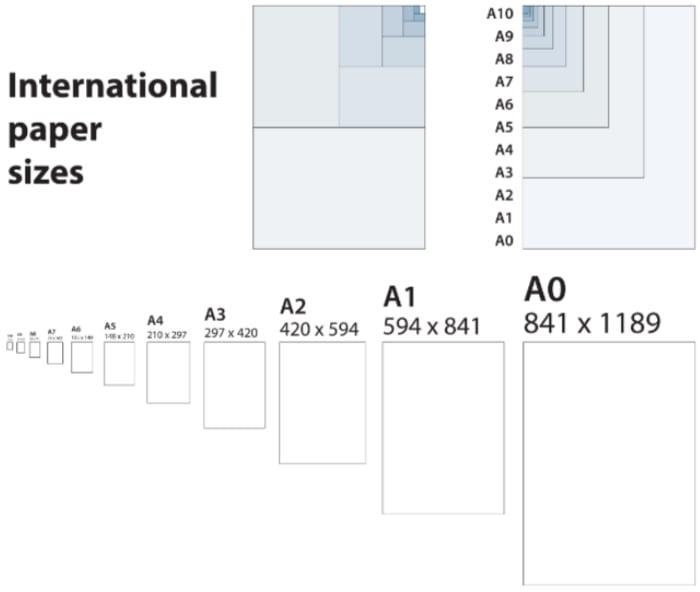
US letter (8.5 x 11 inches) is the standard size for home printers. A4 (8.3 x 11.7 inches) is the standard in most other countries, and many papers come in both. A standard 4 x 6 print has the same 2:3 shape as a full-frame or APS-C camera file, so it needs no cropping. For larger prints, 13 x 19 inches is the common size for wide-format home printers.
(DepositPhotos)
Use the Right Paper Setting or ICC Profile
Every brand of paper works in any inkjet printer, but color is only accurate when the printer knows what paper it is using. With paper from your printer's maker, choose that paper in the print settings. With a third-party paper such as Hahnemühle or Ilford, download the maker's ICC profile for your printer model and select it in your editing software. A profile only helps if your screen is accurate too, so calibrate your monitor before you judge a test print. US paper makers such as Red River Paper publish profiles in the same way.
Frequently Asked Questions
Can I use Canon photo paper in an Epson or HP printer?
Yes. Any inkjet photo paper works in any inkjet printer that can feed its size and thickness. You lose the matched media setting in the driver, so choose the closest paper type or load an ICC profile for that paper and printer.
Can I print photos on regular printer paper?
You can, but the result will look flat. Plain paper has no ink-receiving coating, so the ink spreads into the fibers. Colors look dull, detail softens and the sheet can curl. A coated photo paper holds the ink on the surface, which gives sharp detail and accurate color.
Conclusion
Canon Photo Paper Pro Luster LU-101 is the best photo paper for most inkjet printers. It gives framed and sold prints good color and depth with little glare, and its 50-sheet letter pack feeds easily in most photo printers.
For exhibition prints and limited editions, choose the cotton Hahnemühle Photo Rag Baryta if your printer has a feed that takes thick paper. For cheap snapshots in an album, choose HP Everyday Glossy in 4 x 6.