

Jenn Mishra is a fine art travel and landscape photographer based in the St. Louis metro area. Jenn is an active photographic educator and has been invited to speak at conferences such as Out of Chicago. Her photos have been featured in a number of solo exhibitions. Her studio is Wits End Photography. You can see more of Jenn's photo at www.jennifermishra.com or visit her Instagram @jennatwitsend
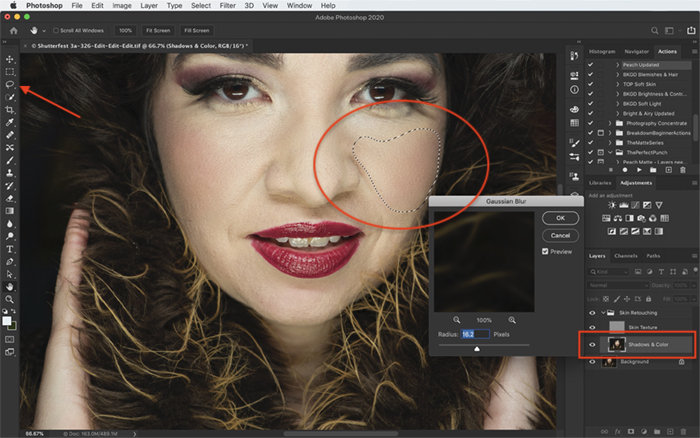
Separate skin texture from color in Photoshop. Build the layers with the correct 8-bit or 16-bit settings, then make local repairs while preserving natural detail.
By Jenn Mishra
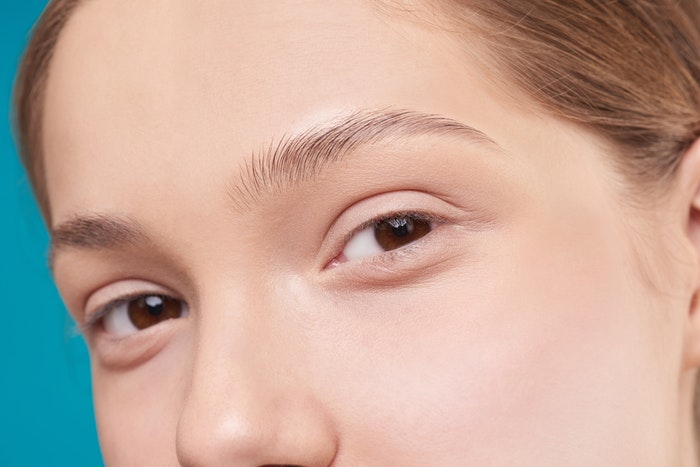
Knowing how to smooth skin in Photoshop is a good skill to know. Whether I’m taking portraits of models or photographing seniors, it’s my job to make my model look amazing. This includes retouching skin to remove blemishes and smooth out any imperfections. Many advanced retouchers of portrait, glamor, and…
By Jenn Mishra
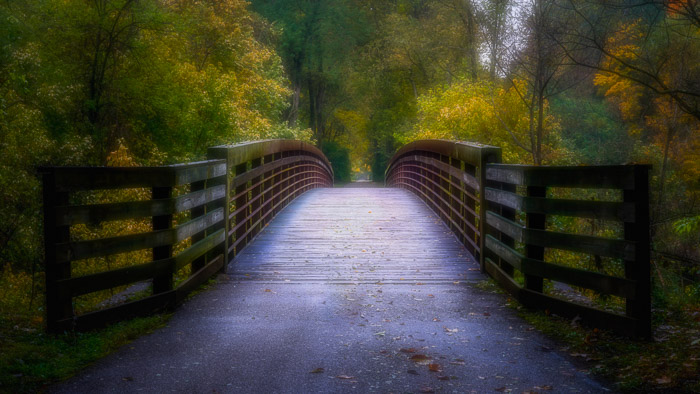
The Orton Effect is a popular, artistic post-processing technique developed in the 1980s. The process is popular in landscape photography and creates a soft watercolor effect. In this article, we’ll show you how to create the dreamy effect in Photoshop and Lightroom. What Is the Orton Effect? The Orton Effect…
By Jenn Mishra
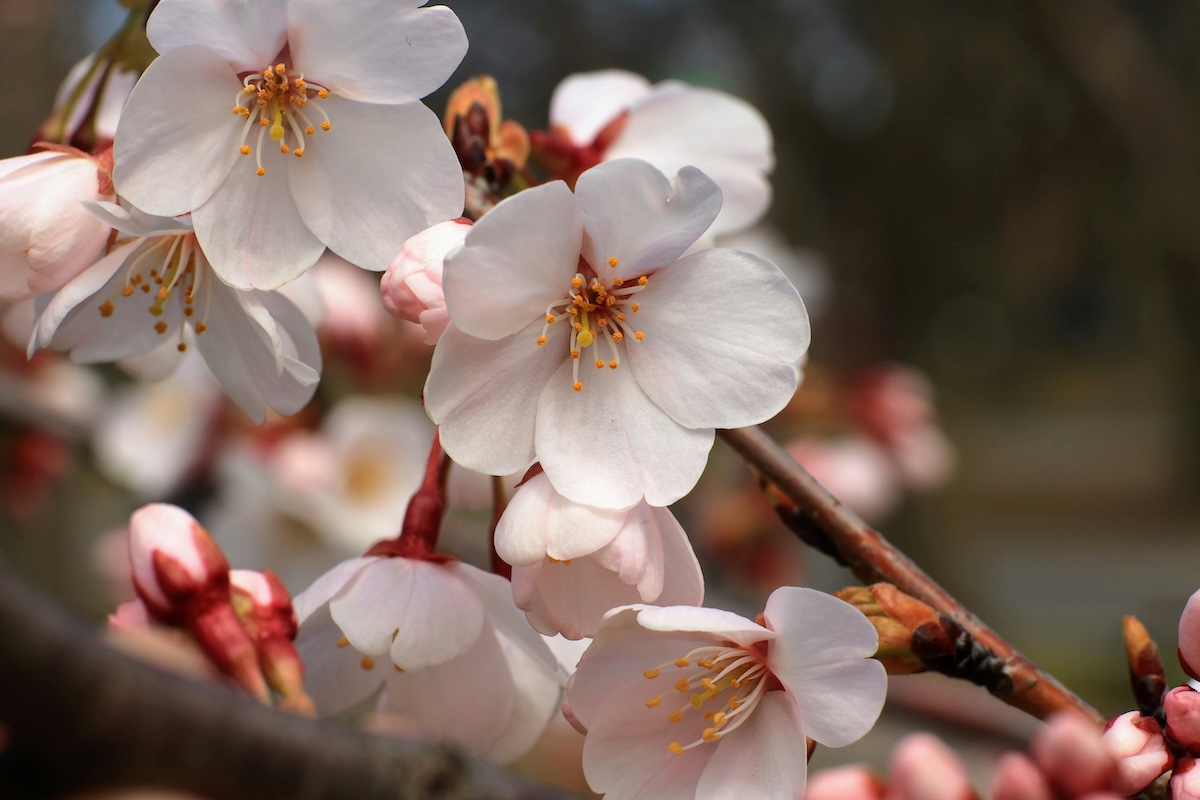
Depth of field (DoF) refers to how much of your scene is (and isn’t) in focus. Photographers often manipulate the depth of field as a creative choice. They do this by selecting the right aperture for the scene they want to create. Choosing the right depth of field affects all…
By Jenn Mishra
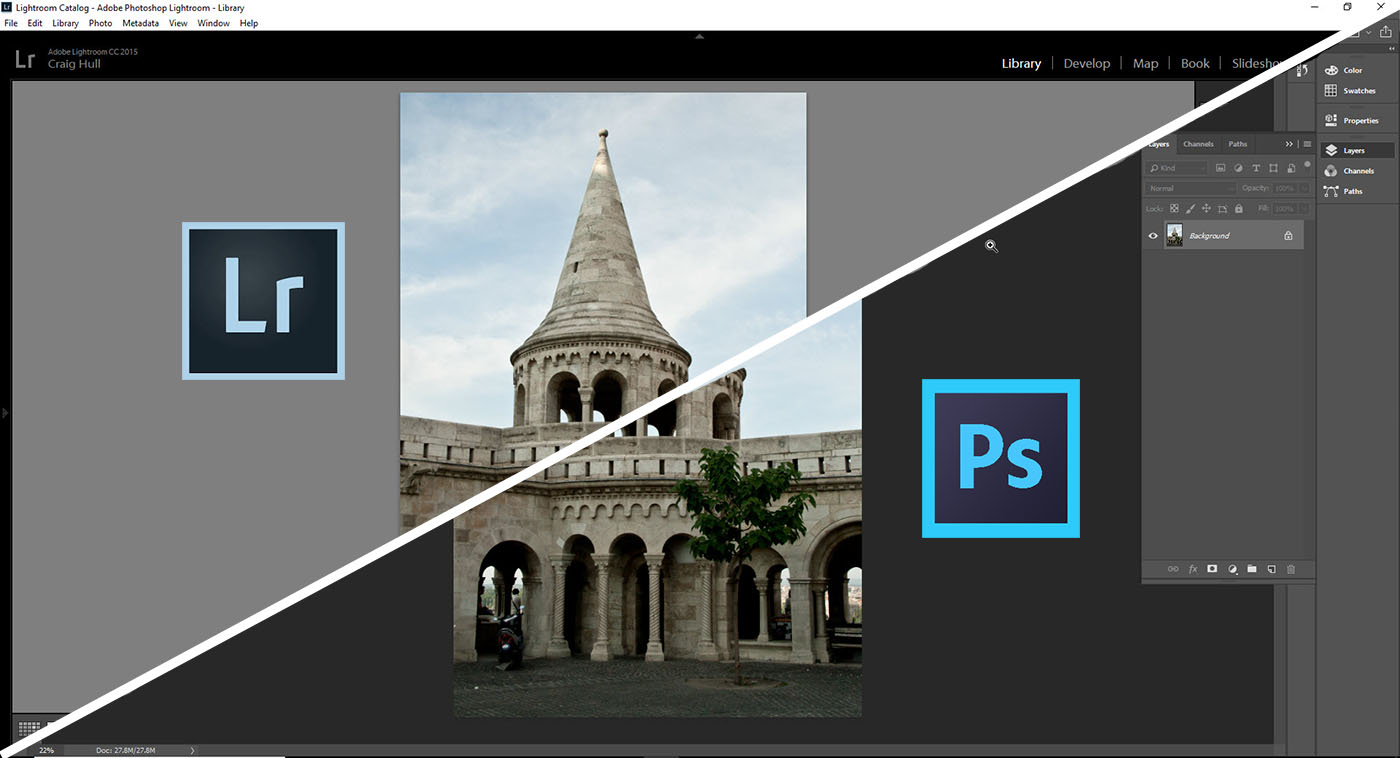
Photographers have many tools to choose from when editing photos. And Adobe developed two of the most popular. So we will look at Lightroom vs Photoshop. If you’re new to photo editing, you may wonder why Adobe has two post-processing tools. Which should you use? Which is better? Some Background…
By Jenn Mishra
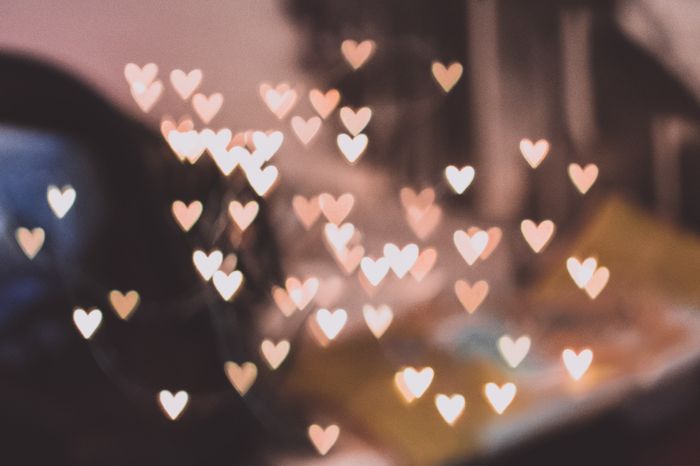
Today, we’ll have some fun with lighting and custom bokeh shapes. We show you how to create photos of fun light shapes. All you need to make bokeh shapes is your camera, some craft supplies, light, and a little imagination! We’ll start with a little background on how you create…
By Jenn Mishra

Do you enjoy taking photos but find yourself buried in unprocessed images? This article is for you! We give you our top 10 photo editing tips for speeding up your workflow. I do most of my post-processing in Adobe Lightroom Classic. But the basic principles apply regardless of the editing…
By Jenn Mishra
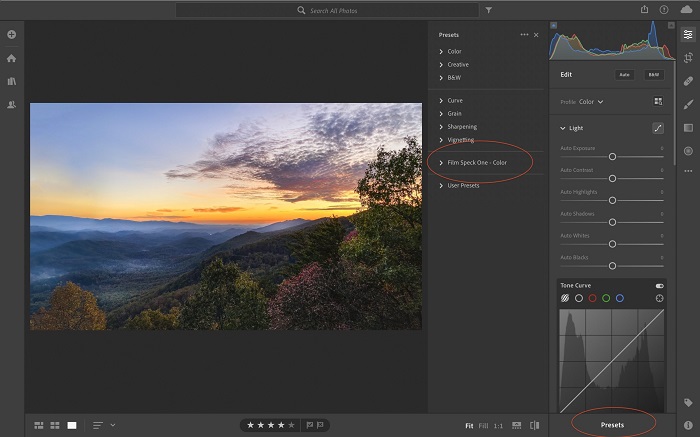
It’s a good idea to import Lightroom presets. That’s because Lightroom presets are post-processing recipes. They are like filters. In one click, you can completely change the look and style of your image. You don’t need to be a post-processing master for your photos to have a professional look. In…
By Jenn Mishra
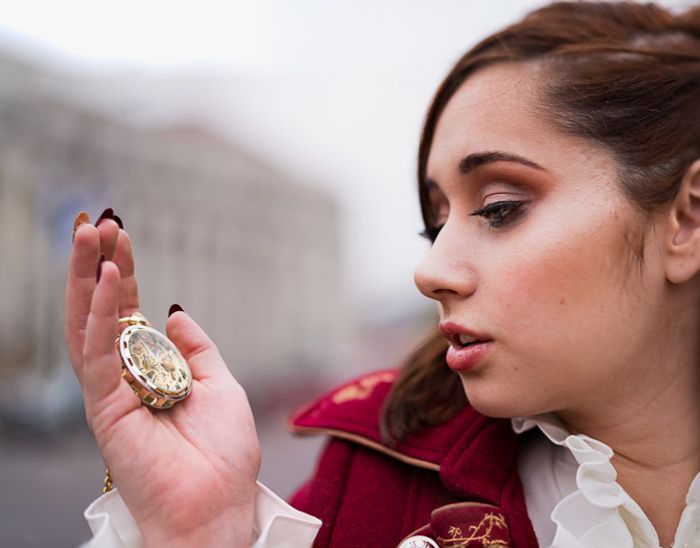
Shooting with the aperture wide open is a really good way of taking soft, naturally lit photos, as the aperture produces a shallow depth of field, and allow the maximum amount of light in. It’s also a great way of drawing the viewers eye to a certain part of the photo, as the majority of the photo will be out of focus.
By Jenn Mishra
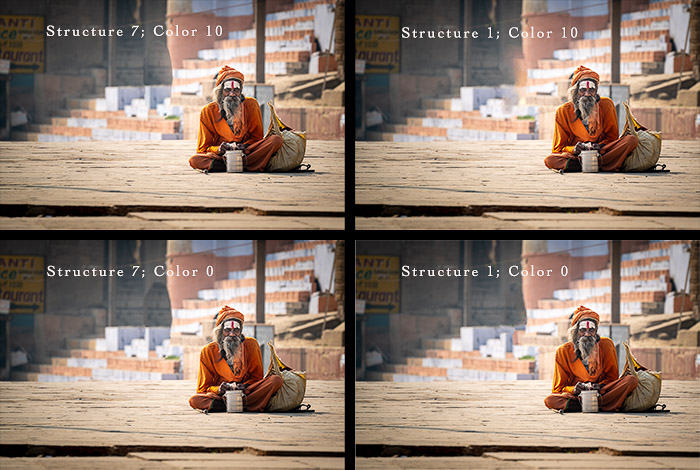
The Content Aware Fill tool in Adobe Photoshop is an action all creative photographers must become familiar with. It allows you to seamlessly eliminate certain objects that could ruin your photo. You can apply these transformations in many situations. You can use it in photos with loved ones where people…
By Jenn Mishra
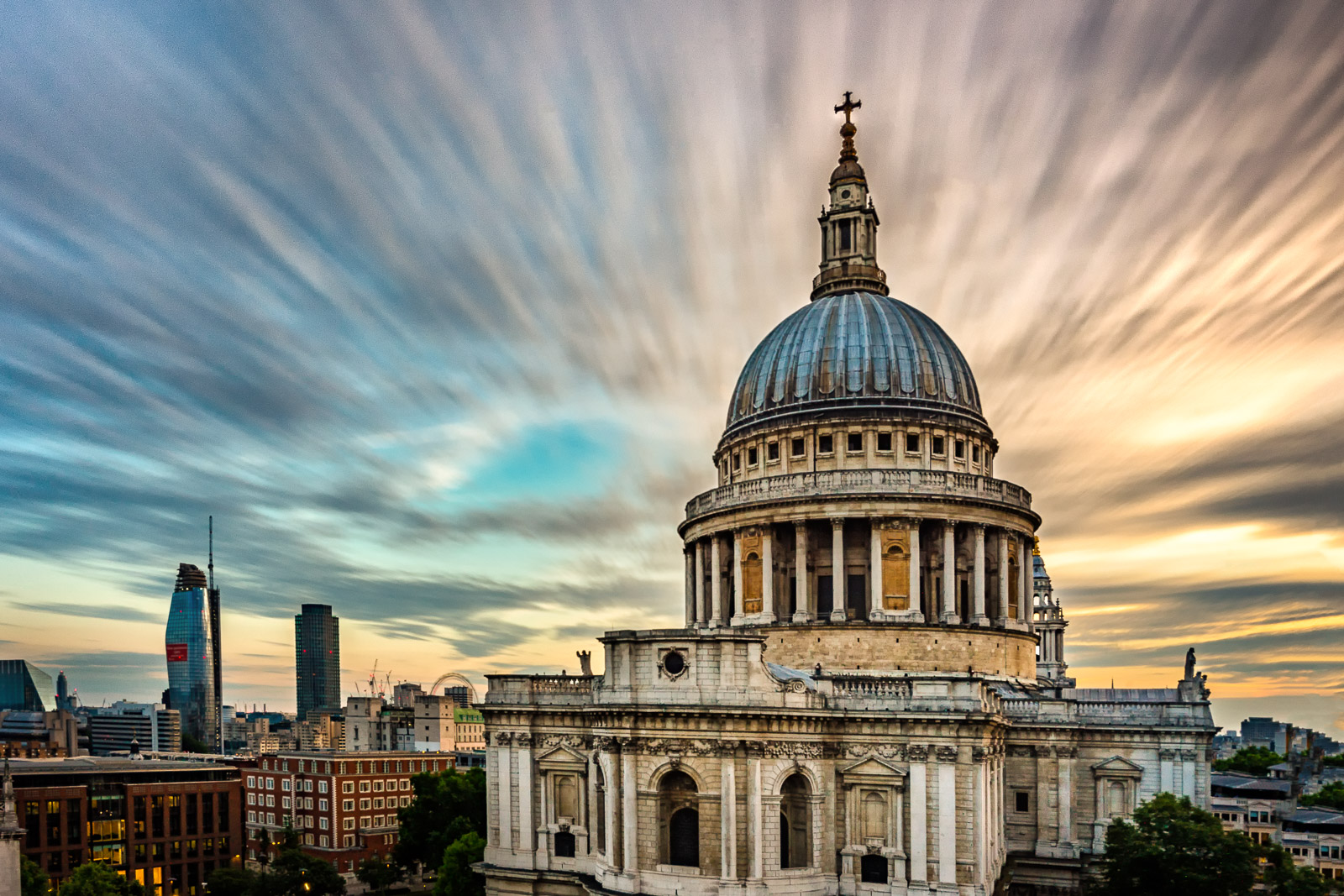
I love the look of long exposure photographs. There’s something special about smooth water, soft waterfalls and cotton candy clouds. But I find myself guessing how long I need to leave the shutter open to get these results. I hop from one neutral density (ND) filter to another, trying various…
By Jenn Mishra
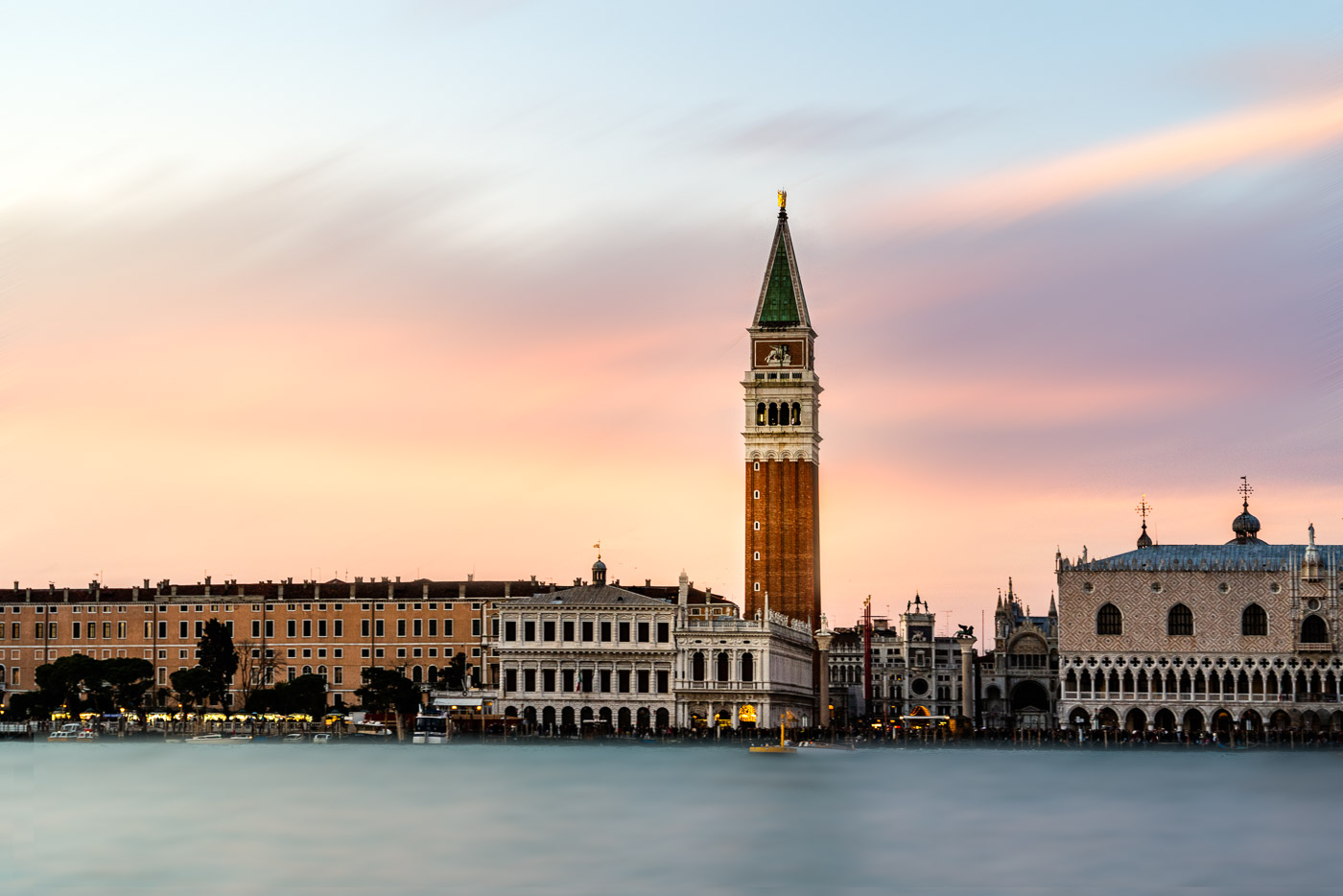
Exposure blending is the process of combining multiple exposures into a single photograph. This can be done in-camera, but more often it’s done in post-processing using software like Photoshop. The goal is to create a photo that looks like it was shot with a single exposure, but that has the…
By Jenn Mishra