

Jenn Mishra is a fine art travel and landscape photographer based in the St. Louis metro area. Jenn is an active photographic educator and has been invited to speak at conferences such as Out of Chicago. Her photos have been featured in a number of solo exhibitions. Her studio is Wits End Photography. You can see more of Jenn's photo at www.jennifermishra.com or visit her Instagram @jennatwitsend
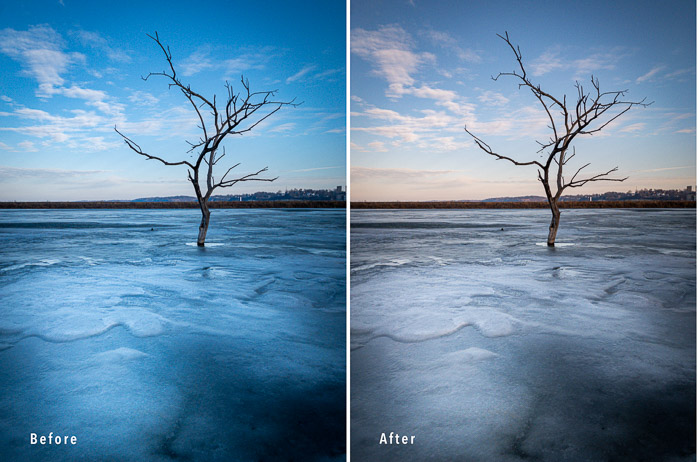
Have you ever noticed an orange or blue tint in your photos? The colors make skin look jaundiced or deathly. What should be white in your photo takes on an unusual color. If so, your color temperature, or white balance, needs adjusting. In this article, we will define color temperature…
By Jenn Mishra
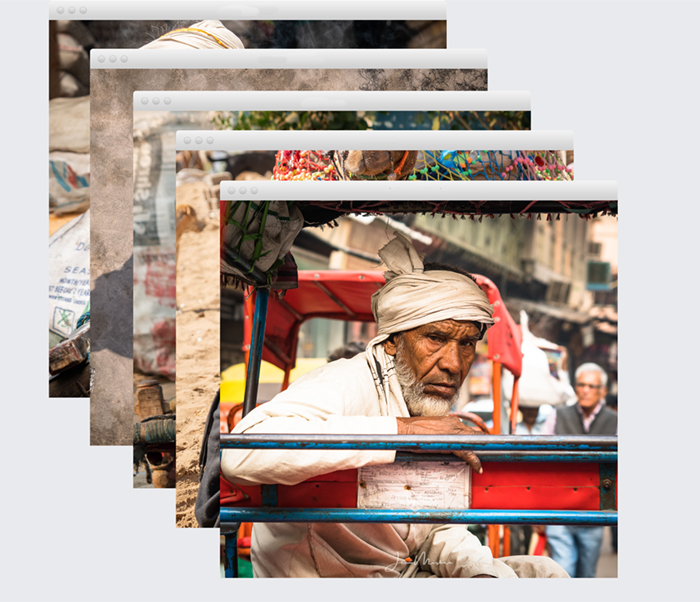
If you’re like most photographers, you have a lot of photos that you want to keep, and similar shots soon crowd your Lightroom workspace. So what can you do? The answer is simple:…
By Jenn Mishra
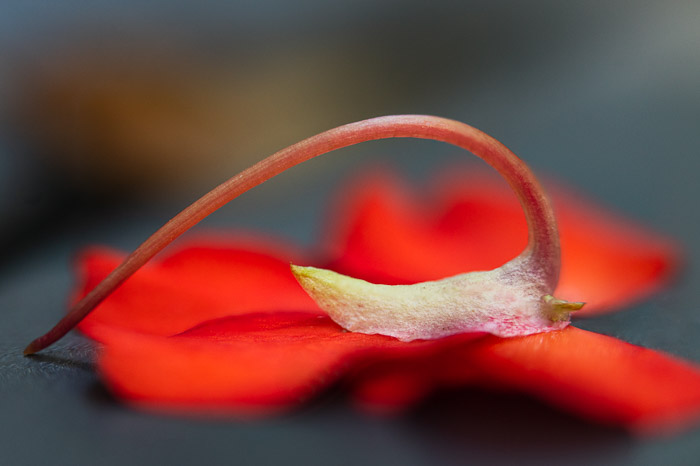
Selective focus uses our visual preferences to highlight elements in our composition. Our attention first goes to the brightest parts of the scene and those that are sharpest. In this article, we will show you how to create selective focus. What is Selective Focus? Selective focus isolates a subject. Choose…
By Jenn Mishra
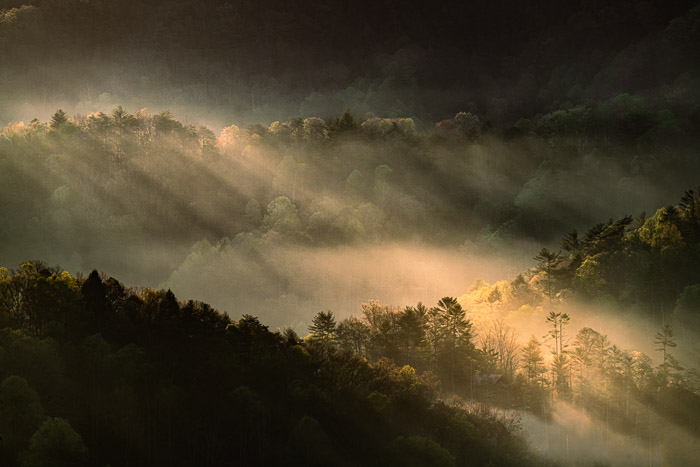
When it comes to photography, there are a lot of different file formats to choose from. JPEGs, RAWs, and TIFFs are the three most popular formats, but what’s the difference between them? And which one should you be using? JPEGs are the most common format, and they’re good for general…
By Jenn Mishra
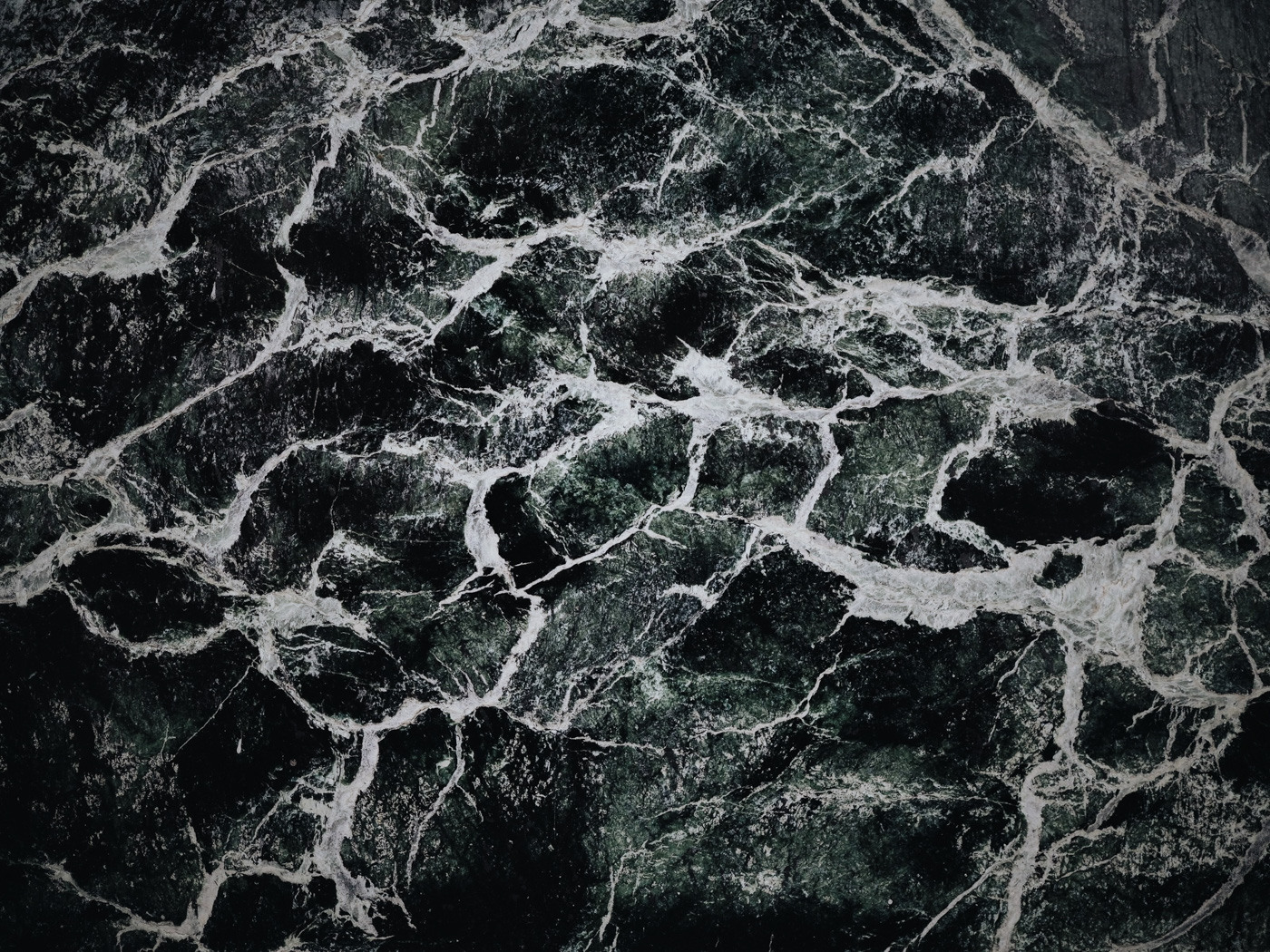
Textures create depth and a tactile element to your photographs. They can add visual interest to an average photo and make your images pop off the page. It is not difficult to add texture in Photoshop. Once you know these four steps, the creative possibilities are endless. How to Add…
By Jenn Mishra

By Jenn Mishra
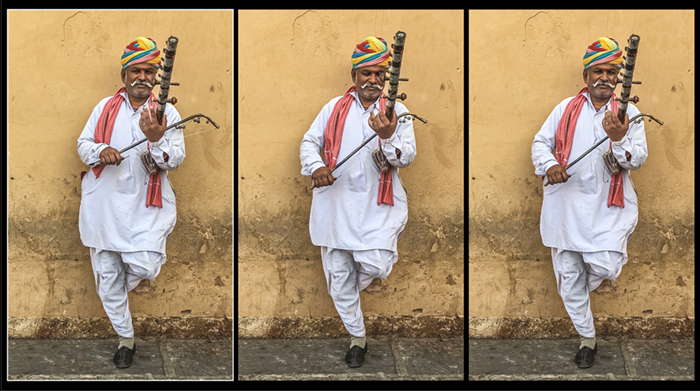
Our article will show you how to extract frames from a video in Adobe Photoshop. Extracting frames from a video is a great way to create custom images for your projects. You can use Photoshop to extract individual frames or even small sections of a video and save them as…
By Jenn Mishra
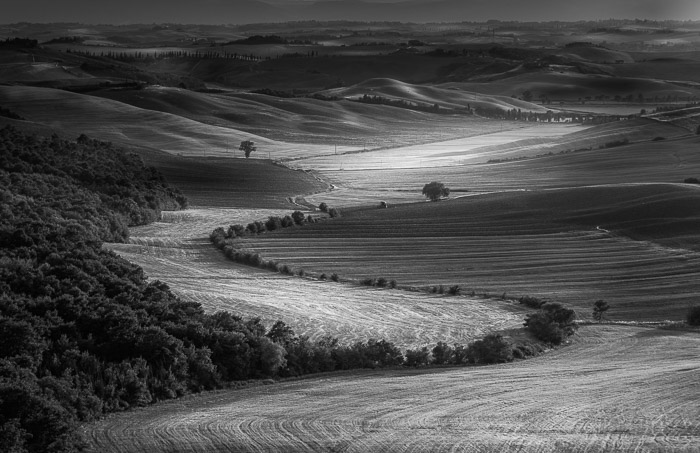
There are many reasons to make an image black and white in Photoshop. Monochrome photos highlight lines, light, and shapes. Color can sometimes be distracting or dull. Also, we see the world in color. A photo in black and white is a welcome change. It draws our attention to different aspects…
By Jenn Mishra
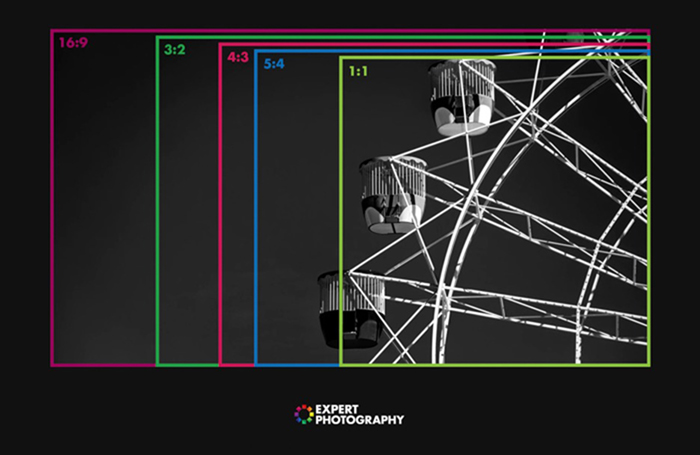
Knowing how to change the aspect ratio in Lightroom is a great skill to know. That’s because photographers love to share our work with others through print or social media. But it’s often hard to guess what the viewer will see. Sometimes the edges of the photograph are cropped off…
By Jenn Mishra
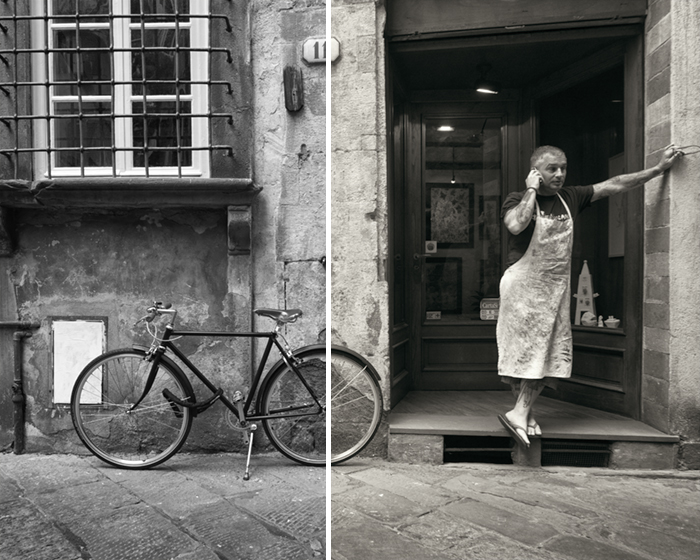
If you’re looking to give your photos a classic, old-school feel, you can do so by adding a sepia filter in Photoshop. This simple step will add an antique look to your images that can be really appealing. Here’s how to do it. Using a Sepia Filter in Photoshop Converting…
By Jenn Mishra
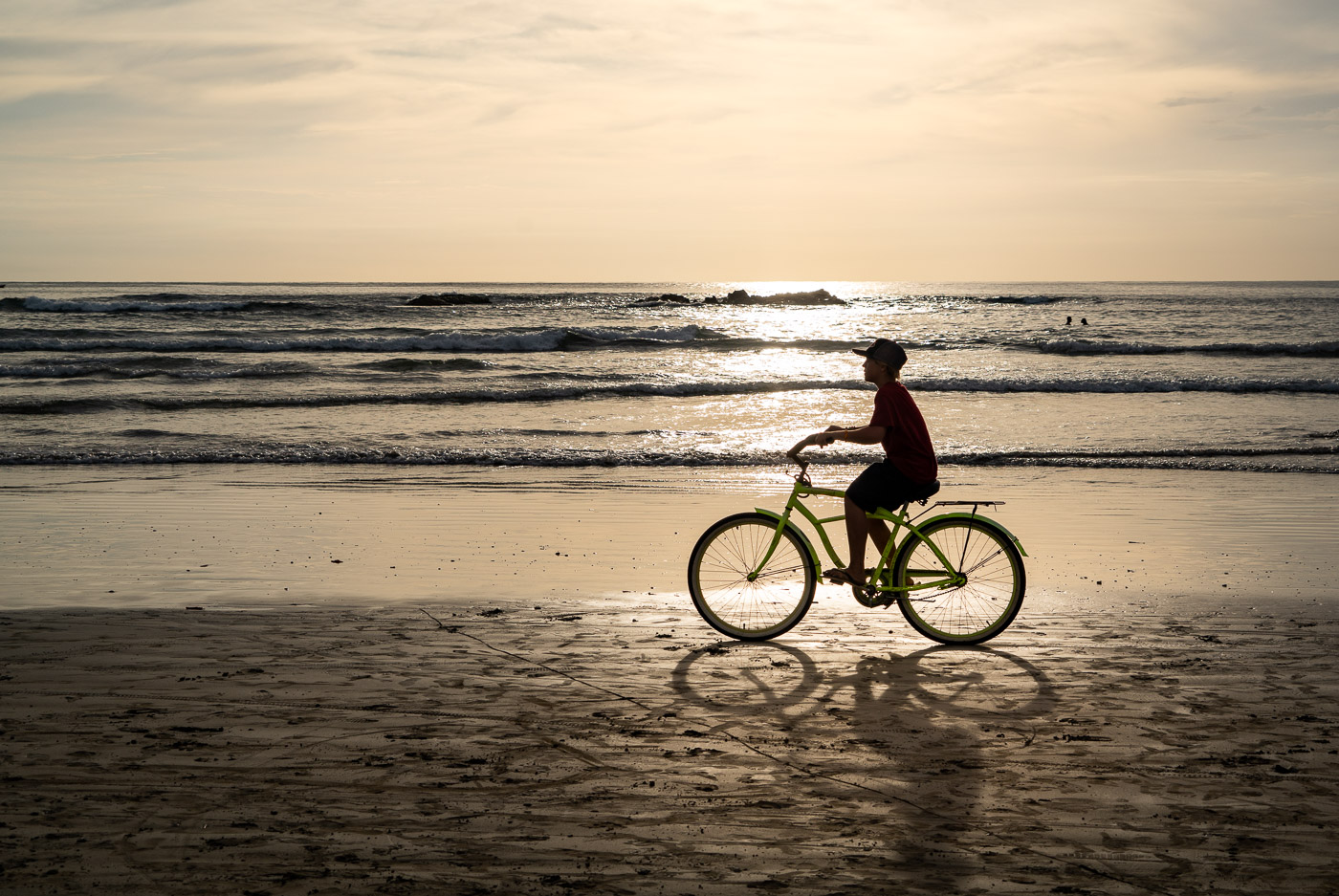
Silhouette photography has a dramatic and mysterious atmosphere. You might have wondered, how other photographers take breathtaking silhouette photos. In this article, I’ll let you in on the secret tips to creating spectacular silhouette photography. Once you understand the basic techniques, challenging lighting conditions become photographic opportunities. What Is Silhouette…
By Jenn Mishra
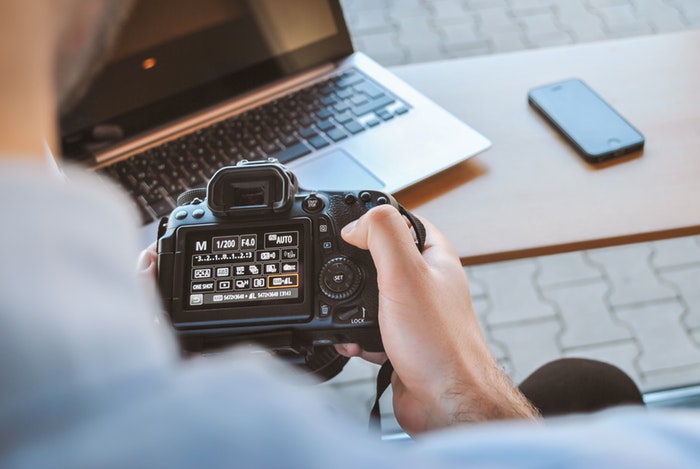
Understanding the exposure triangle is crucial but a bit of a complicated part of photography. I’ll guide you through the three elements of the exposure triangle—aperture, shutter speed, and ISO. You will be able to understand how these settings interact with each other. Believe me. You can master the exposure…
By Jenn Mishra