

Featured Course:
Transform your portraits with magic and wonder using simple Photoshop techniques.
Learn More
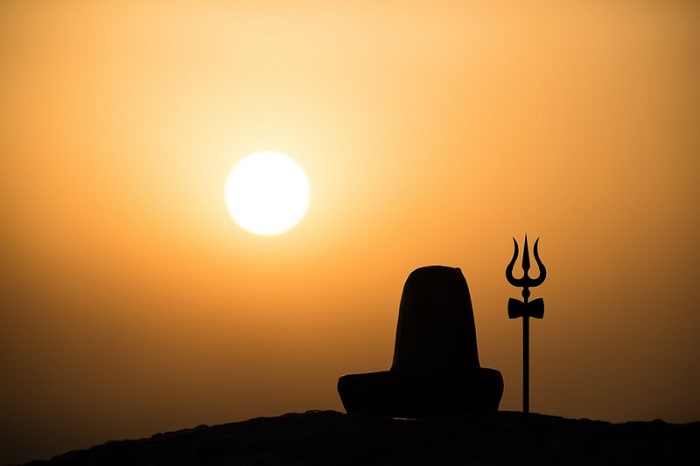
We’re all familiar with creative storytelling in literature and on the small and big screen. But photography is a great medium for storytelling, too. Remember, a picture paints a thousand words! A powerful photograph can take us on a journey. It can transport us to another world. And it can…
By Christopher Bryan-Smith
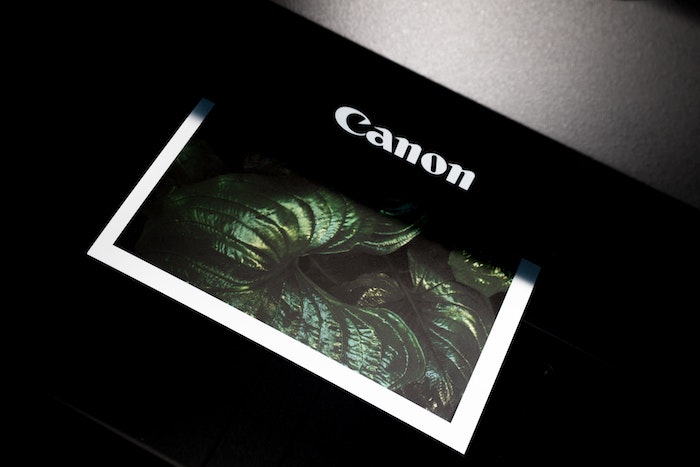
Whether for personal use or to sell, ways of enlarging photos are crucial for printing. You hope that preparing a print file would be a breeze… simply resizing and then clicking on the big print button. But there are many things you need to consider. Today, we discuss what you…
By N Constant

Miniature photography is a lot of fun. You can play god and create your own little world. It’s also a great way to practice your close-up camera skills. And it will help you with storytelling and cinematography techniques. If you have never tried miniature photography, you should. And we are here…
By Christopher Bryan-Smith
DxO’s new release of Nik Collection 4 may be just the thing for you if you’re looking for new ways to make your photos pop. The Nik Collection includes powerful tools that change your images in ways that other photo editing programs can’t. There is a reason the Nik fanbase…
By Jenn Mishra
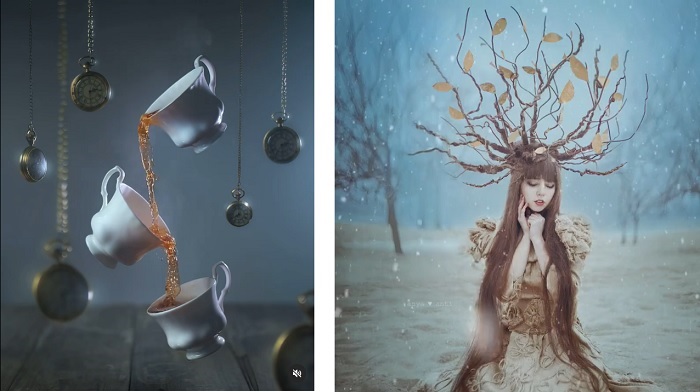
Cinemagraphs are mysterious and enticing. They make you double-take when you’re scrolling down a web page. They look surreal and as if they’re made by magic. But you don’t need to be a magician to make cinemagraphs. In this article, we’ll draw back the wizard’s curtain to reveal the mysteries…
By Christopher Bryan-Smith
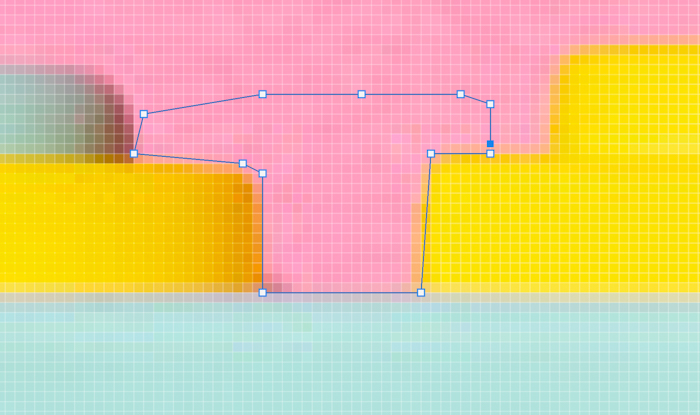
For years, Photoshop users have been using Quick Selection, Magic Wand, and Select Subject tools to isolate subjects. They work well in most situations, but they’re not perfect. Thankfully, in late 2019, Adobe released the Object Selection tool to make selecting elements easier for you. In this article, we’ll show…
By Chad Verzosa
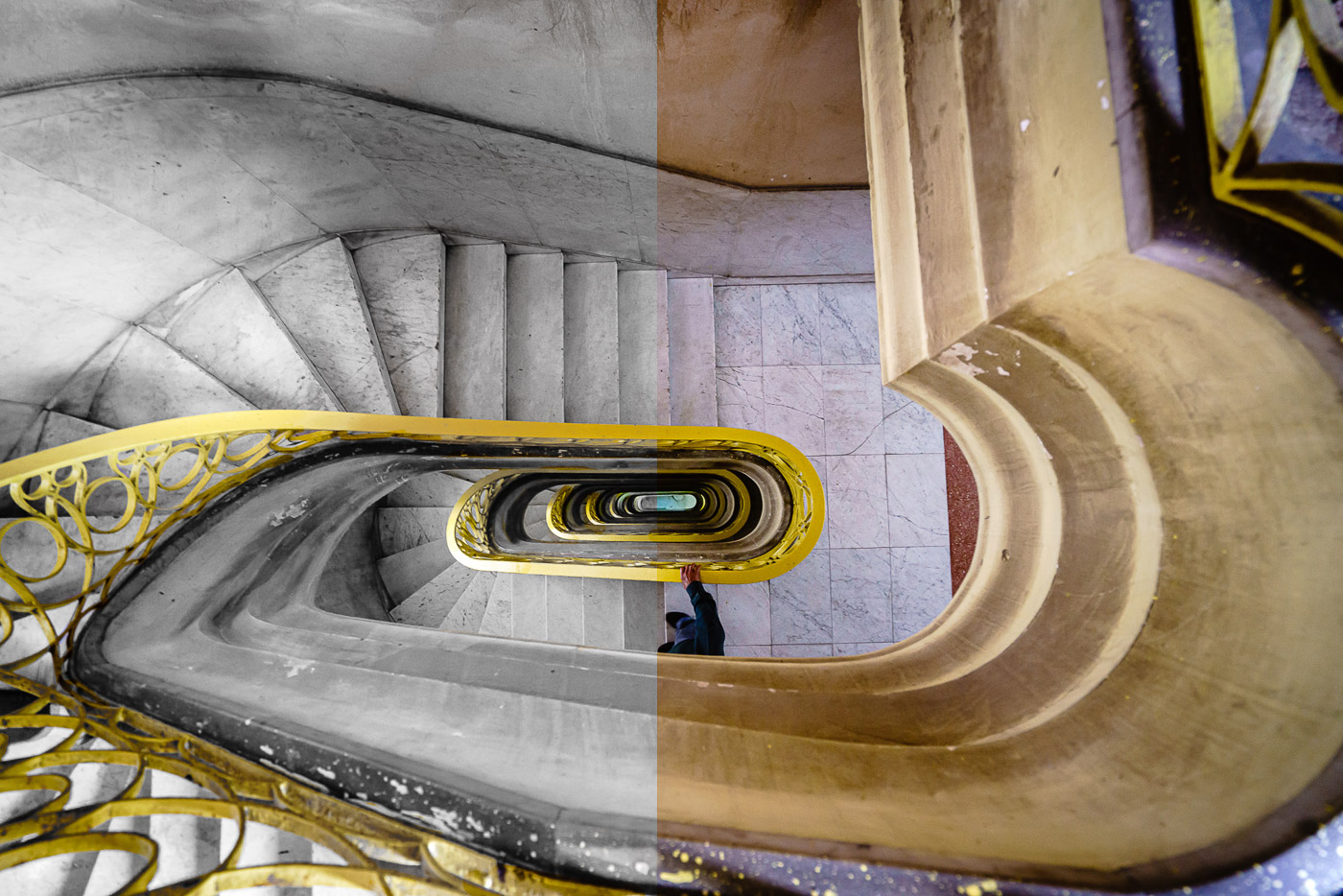
Selective color is a great way to add interest and excitement to your photos. But it can be tricky to use correctly. That’s why we’ve put together this guide on how to use selective color in Photoshop. With these tips, you’ll be able to create amazing photos with beautiful colors!…
By Jenn Mishra
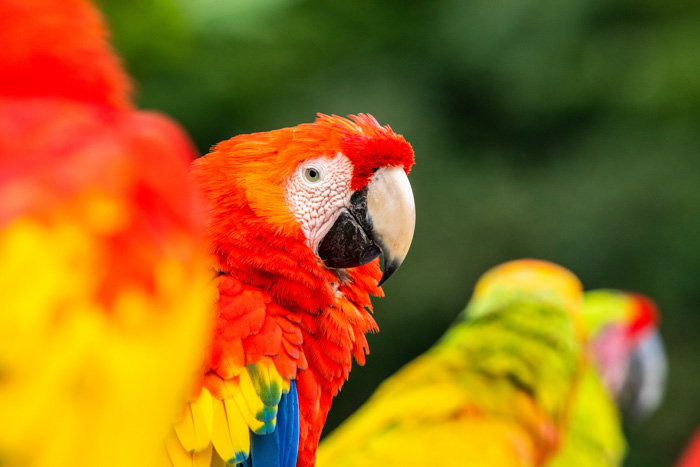
What is color saturation, and how will it help your images? These questions are the focus of today’s article. It’s important to know how to use color saturation in your images, whether you’re editing pictures in Lightroom, Photoshop, or any other image editing software. And it’s essential if you’re shooting in…
By Dora Jokkel

There are many reasons to use the Gaussian Blur filter in Photoshop. You can use it to reduce noise, add an artistic blur effect, or create depth by blurring the background. The Gaussian effect results in a smooth blur that looks as if you are viewing the photograph through a translucent screen.…
By Joris Hermans
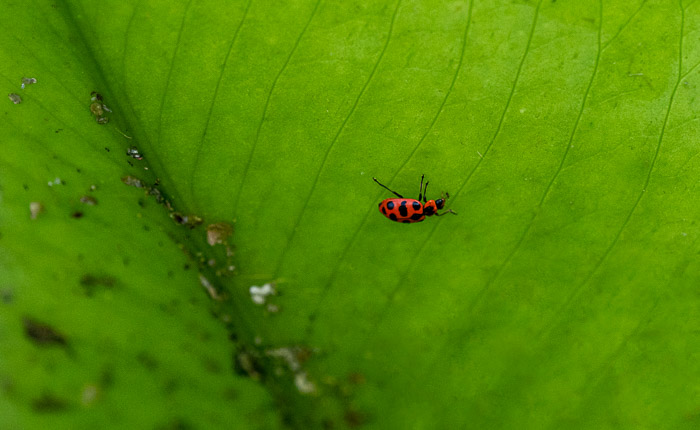
Adobe Photoshop has some of the best tools for removing unwanted objects from your image. In this article, we take a deep dive into the Spot Healing Brush tool. This powerful tool is also the easiest one to use. Just click a spot, and Photoshop does the rest. Both the…
By Jenn Mishra
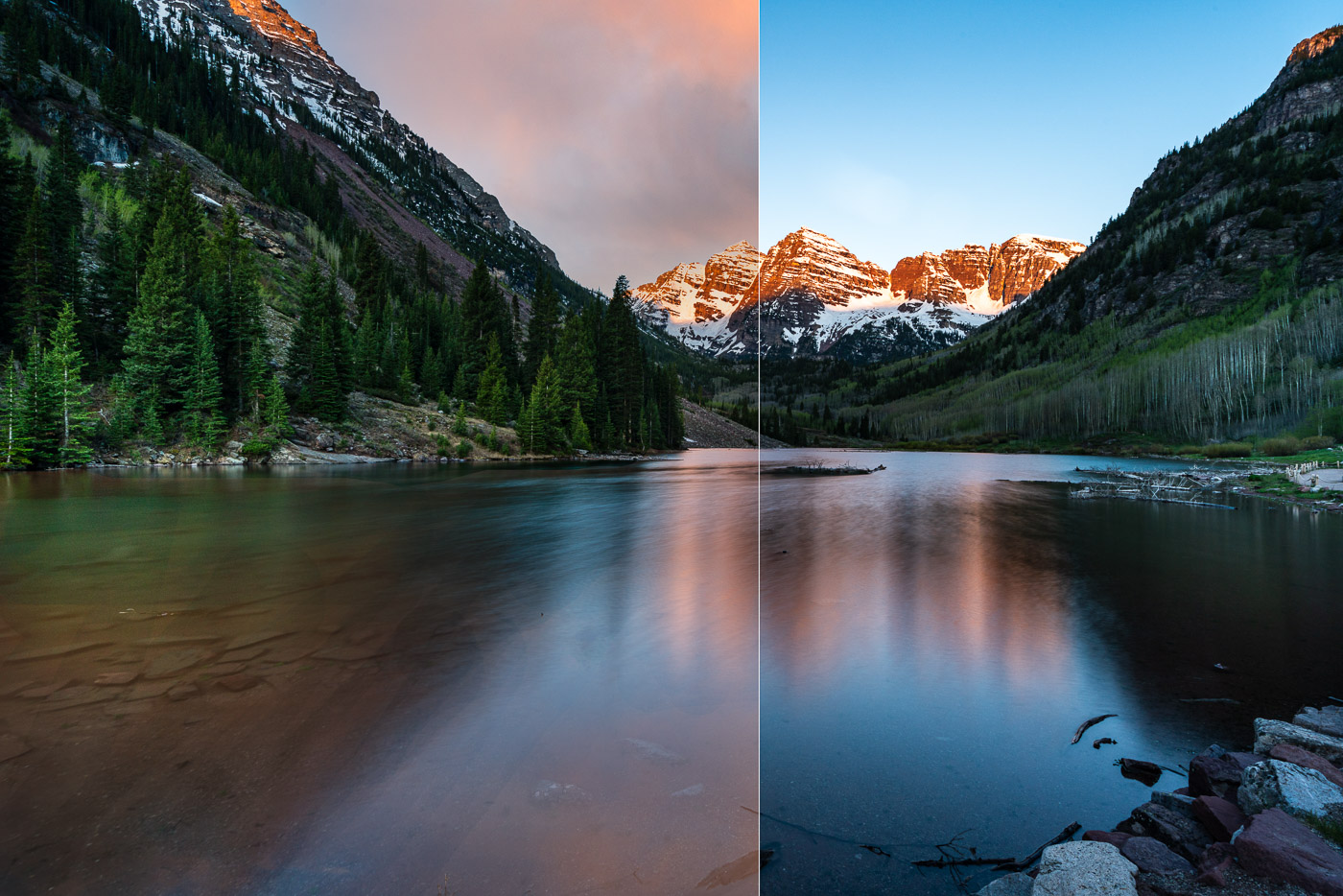
Sky replacement in Photoshop can be a lifesaver when the weather isn’t quite right. We can study weather apps, track the sun, and show up early to get the best light. But that doesn’t guarantee the weather’s always going to be perfect. As a result, sometimes the sky in your…
By Jenn Mishra
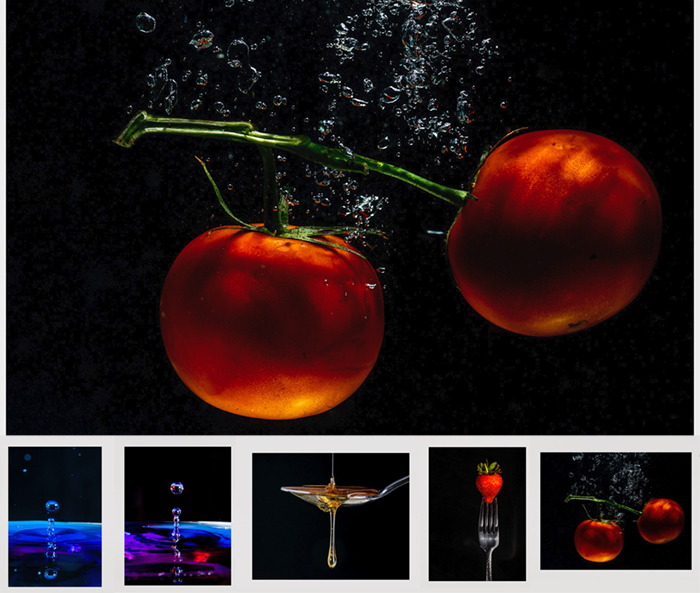
Slideshows make sharing pictures with friends and family a special event. It is also a professional way to showcase your images to clients or for a presentation. Adobe Lightroom has a slideshow feature, but you can also create a slideshow in Photoshop. Photoshop is almost as easy as using Lightroom…
By Jenn Mishra