

Featured Course:
Transform your portraits with magic and wonder using simple Photoshop techniques.
Learn More
Photoshop Elements and Lightroom are two photo editing programs developed by Adobe. They represent different ways of approaching post-processing and attract different types of photographers. In this article, we will pit Adobe Photoshop Elements vs Lightroom Classic. We will talk about the differences and similarities in the software. In the…
By Jenn Mishra
There is much confusion when looking at Photoshop Elements vs Photoshop CC. Adobe develops both, but they are not the same program. Adobe Photoshop CC is the clear industry standard. What is not so clear is where Photoshop Elements fits into Adobe’s software offerings. In this article, we compare Adobe…
By Jenn Mishra
A CR3 file is a Canon RAW photo. Learn how RAW and C-RAW differ, choose software for your camera, and export JPEG or DNG copies.
By Expert Photography
Textures create depth and a tactile element to your photographs. They can add visual interest to an average photo and make your images pop off the page. It is not difficult to add texture in Photoshop. Once you know these four steps, the creative possibilities are endless. How to Add…
By Jenn Mishra
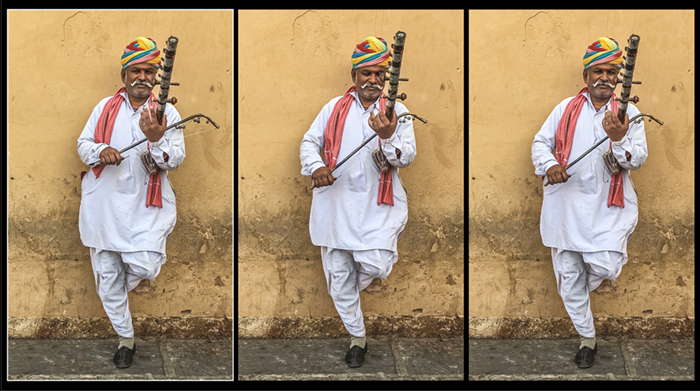
Our article will show you how to extract frames from a video in Adobe Photoshop. Extracting frames from a video is a great way to create custom images for your projects. You can use Photoshop to extract individual frames or even small sections of a video and save them as…
By Jenn Mishra
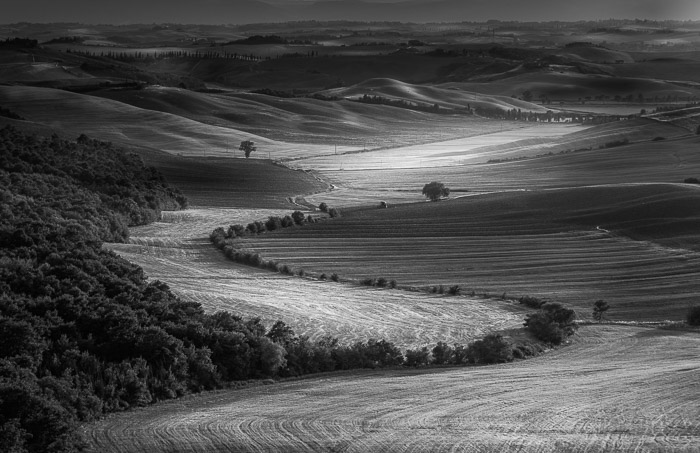
There are many reasons to make an image black and white in Photoshop. Monochrome photos highlight lines, light, and shapes. Color can sometimes be distracting or dull. Also, we see the world in color. A photo in black and white is a welcome change. It draws our attention to different aspects…
By Jenn Mishra
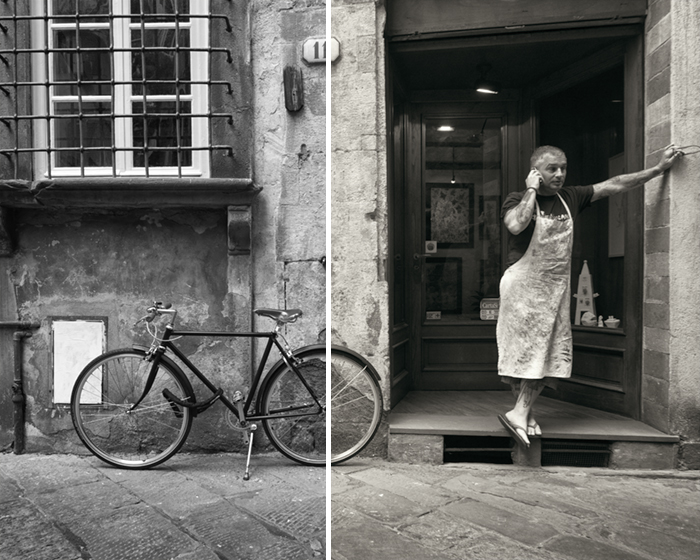
If you’re looking to give your photos a classic, old-school feel, you can do so by adding a sepia filter in Photoshop. This simple step will add an antique look to your images that can be really appealing. Here’s how to do it. Using a Sepia Filter in Photoshop Converting…
By Jenn Mishra

Photoshop, without a doubt, is one of the most widespread photo editing programmes out there. From beginners to professionals, every photographer has tried to master it. That begs the question: How do you use Photoshop? Learning Photoshop in one sitting is impossible and can wear you down. It is a…
By Tamara Kedves

Learn a practical photo editing workflow, from choosing an image and protecting the original to crop, color, exposure, local corrections, sharpening, and export.
By Tamara Kedves
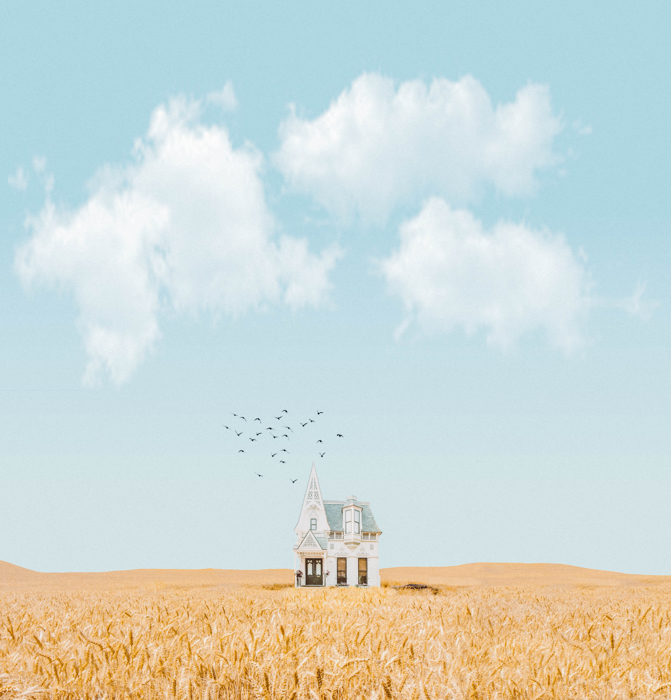
Explore 29 Photoshop artists for surreal portraits, fantasy scenes and digital storytelling, with portfolio links and ideas for your own photo composites.
By Tamara Kedves
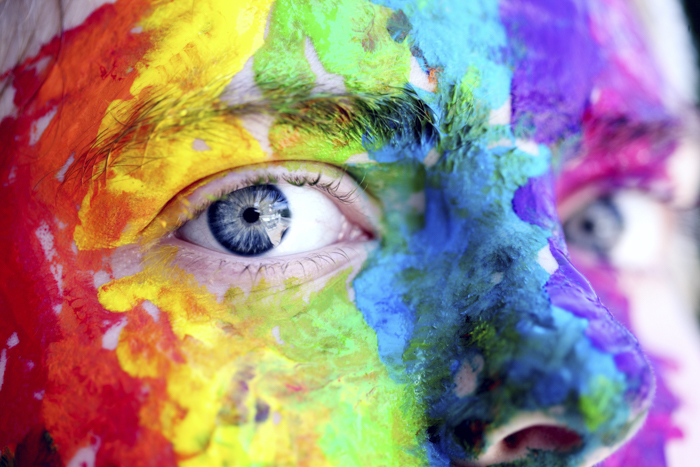
Do you ever wonder why your images look a bit different when you print them? Then it’s time to learn about RGB vs CMYK. You can use them to get accurate tones when you switch from your computer screen to paper. So let’s see the differences between these two color…
By Chad Verzosa
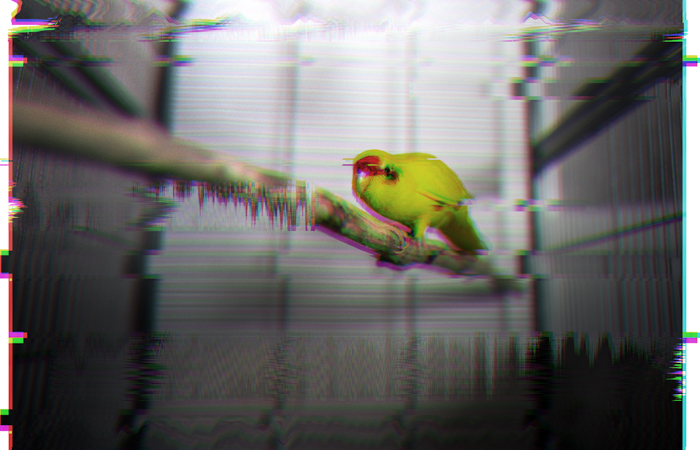
The glitch effect in Photoshop is an excellent way of adding distortion to your images. The unique look that this effect creates will draw attention to your pictures. Using the Glitch Effect in Photoshop: What is It? A glitch is a temporary analog or digital error. It usually appears in…
By Tamara Kedves