

Featured Course:
End the frustration by adjusting just a few simple controls on your camera.
Learn More
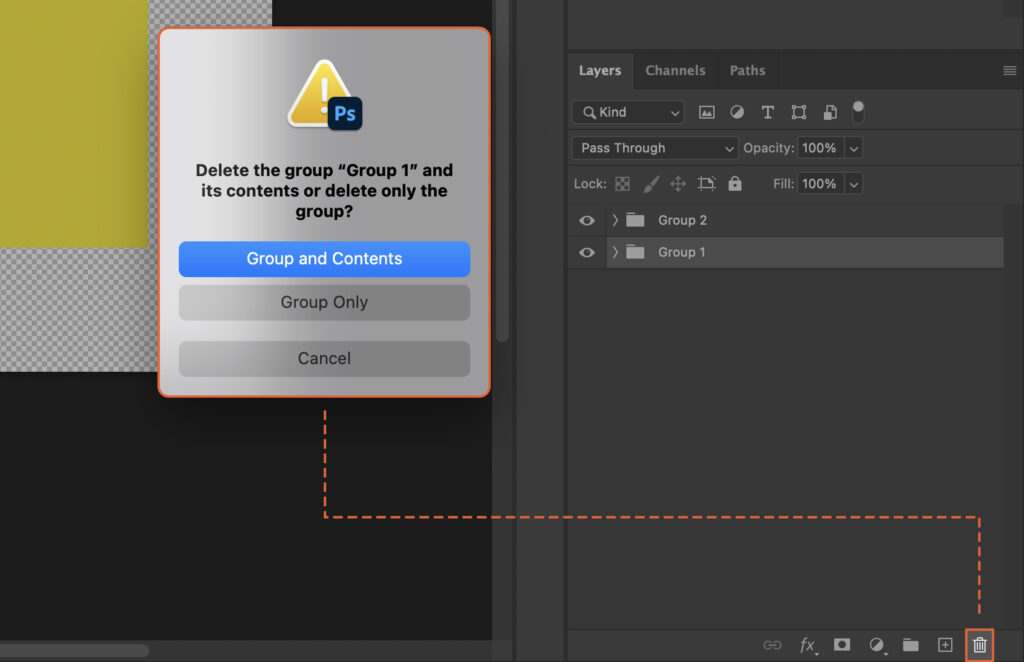
Managing multiple layers in Photoshop can become confusing. This article shows how to Group Objects to streamline your workflow, enhance organization, and simplify transformations. Mastering this technique can lead to a more efficient and productive design process. Step 1. Open the Layers Panel In Photoshop, to view your layers, navigate…
By Szilard Kovacs

Experiencing slow performance or error messages in Photoshop? The culprit might be a full scratch disk. This article guides you through the process to clear scratch disk, enhancing your Photoshop experience by speeding up operations and preventing crashes. Step 1. Understand What a Scratch Disk Is A scratch disk is…
By Szilard Kovacs

Navigating how to delete a project in Photoshop can be a daunting task. This article guides you through the process, potentially saving you valuable time and ensuring you avoid any unnecessary stress or confusion. Step 1. Navigate to the Project File in Your System Now, you need to locate the…
By Szilard Kovacs

Clearing Photoshop Cache can significantly boost your application’s performance. This article provides a step-by-step guide to help you do just that, enabling smoother functioning and faster processing times. Step 1. Open the Photoshop Application Begin by launching the Photoshop application on your computer. You can do this by clicking on…
By Szilard Kovacs

Creating a poster in Photoshop can seem daunting, but with the right steps, it’s a breeze. This article guides you through the process, offering tips to enhance your design skills. Master these techniques and unlock your ability to communicate visually and effectively. Step 1. Setting Up Your Document In Photoshop,…
By Szilard Kovacs

Changing the perspective of an image in Photoshop can reframe a scene, giving it a fresh, new look. This article provides a step-by-step guide to mastering this useful skill, enabling you to create unique, captivating visuals. Step 1. Select the Perspective Tool in Photoshop To begin, locate the Perspective Tool…
By Szilard Kovacs

Creating a mockup in Photoshop can seem daunting, but it doesn’t have to be. This guide simplifies the process, helping you visualize your design in a realistic context. Mastering this skill can enhance your project presentations and boost client satisfaction. Step 1. Open the Base Image Choose the image where…
By Szilard Kovacs
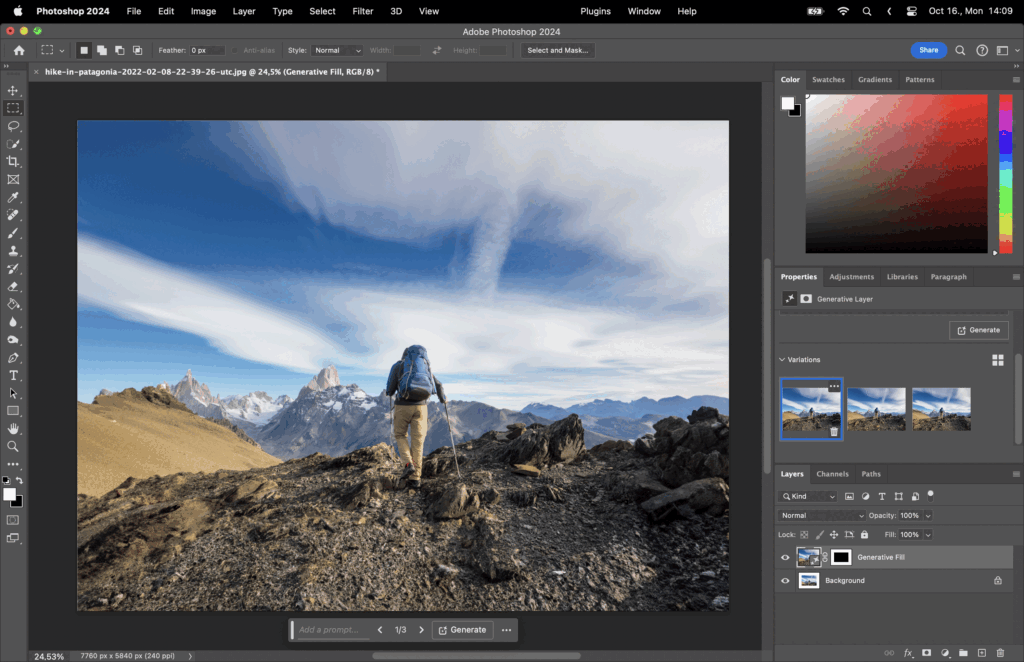
Learning to extend a background in Photoshop can solve issues of limited space in an image and enhance its visual appeal. This article guides you through this handy process, helping you achieve professional-grade results. Step 1: Canvas Size Navigate to Image > Canvas Size, and adjust the dimensions to increase…
By Szilard Kovacs
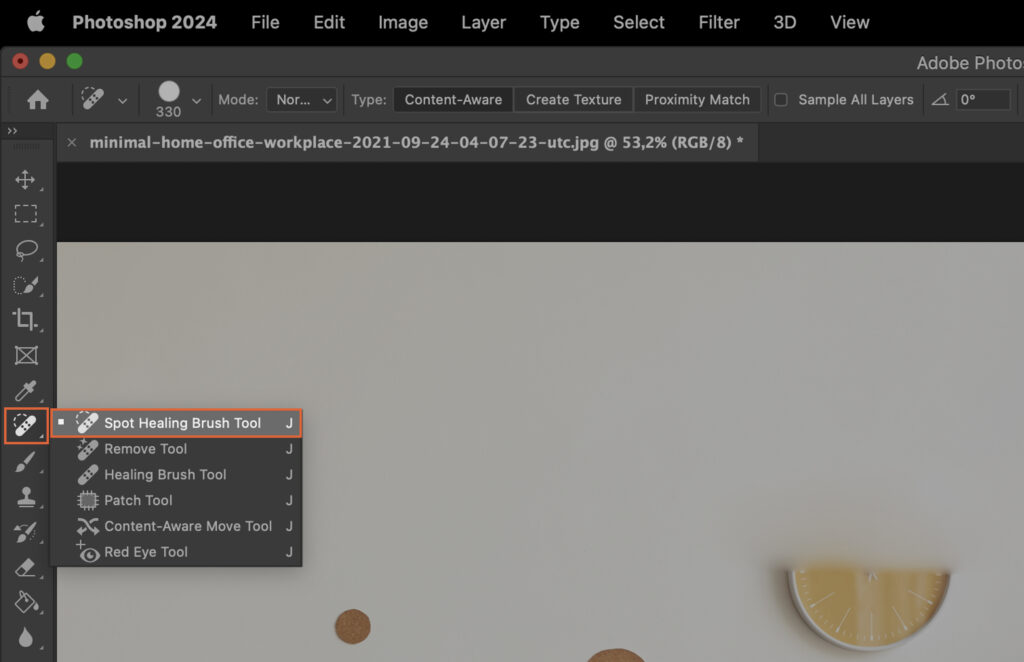
When looking to remove objects in Photoshop, the process can often seem daunting. However, mastering this skill can transform your photos and design work. This article provides a step-by-step guide to simplify this often complex task. Step 1. Select the Object You Wish to Remove First, identify the object you…
By Szilard Kovacs
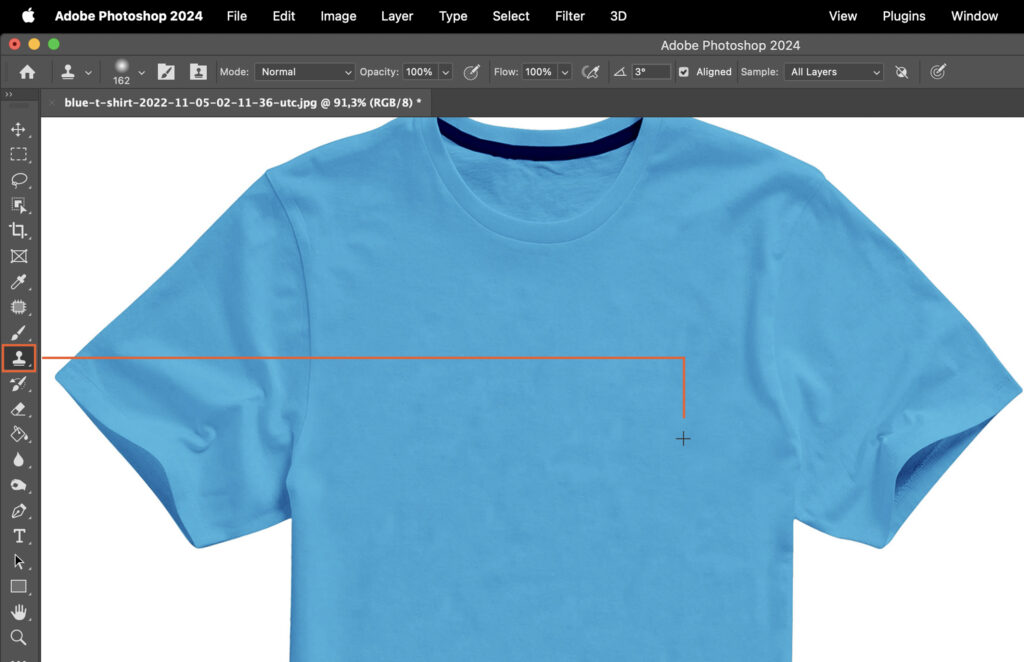
Removing wrinkles from clothes in a photograph can drastically improve its overall quality. This article provides a step-by-step guide on how to accomplish this in Photoshop, offering you the ability to enhance your images and make your subjects look their best. Step 1. Choose the Correct Tool To remove wrinkles…
By Szilard Kovacs
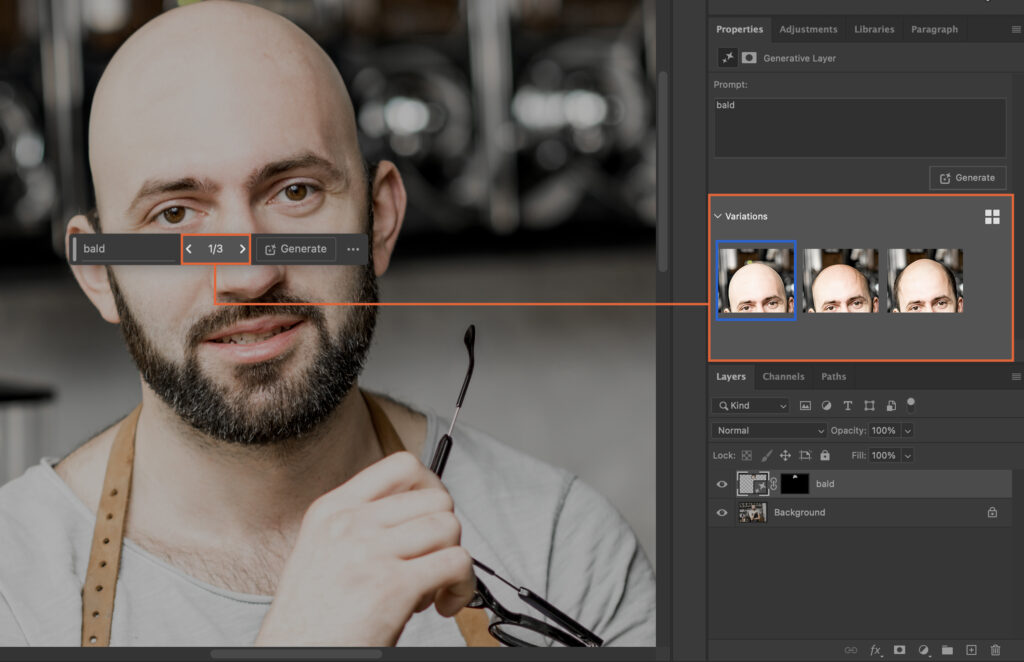
Struggling to remove hair in Photoshop? This article guides you through a simple step-by-step process, enabling you to achieve professional results. Mastering this technique will elevate your photo-editing skills and enhance your digital creations. Step 1. Choose the Right Tool Photoshop provides various tools for different tasks. When removing hair…
By Szilard Kovacs
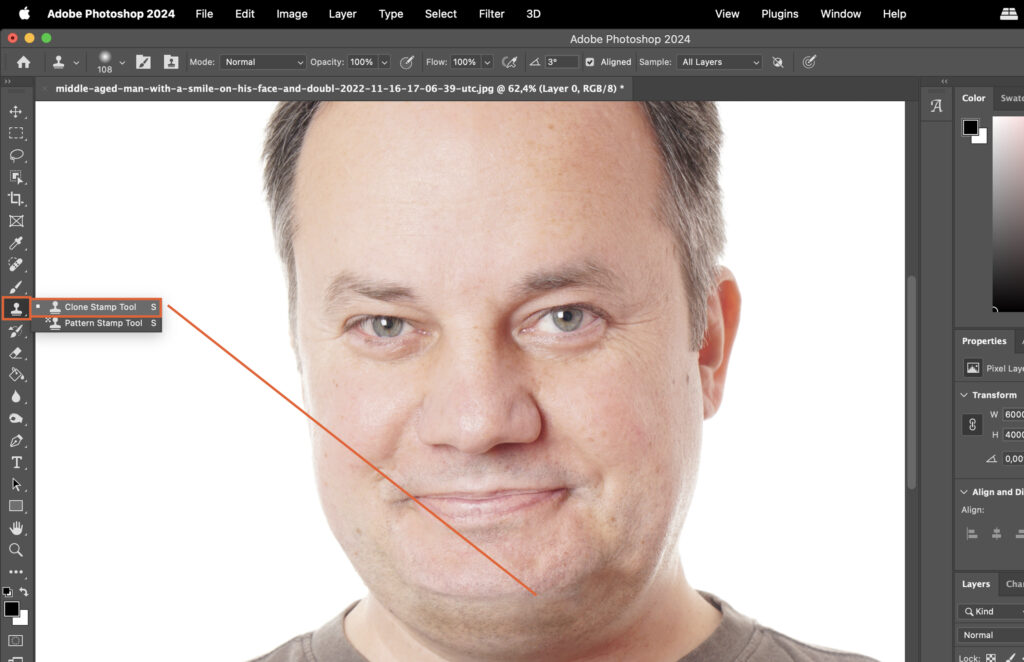
Removing a double chin in Photoshop can enhance your portraits, making them more aesthetically pleasing. This article provides a step-by-step guide to achieve this, helping you improve your photo editing skills and deliver professional results. Step 1. Use the Liquify Tool Select the Liquify Tool. This tool allows us to…
By Szilard Kovacs