

Featured Course:
Transform your portraits with magic and wonder using simple Photoshop techniques.
Learn More
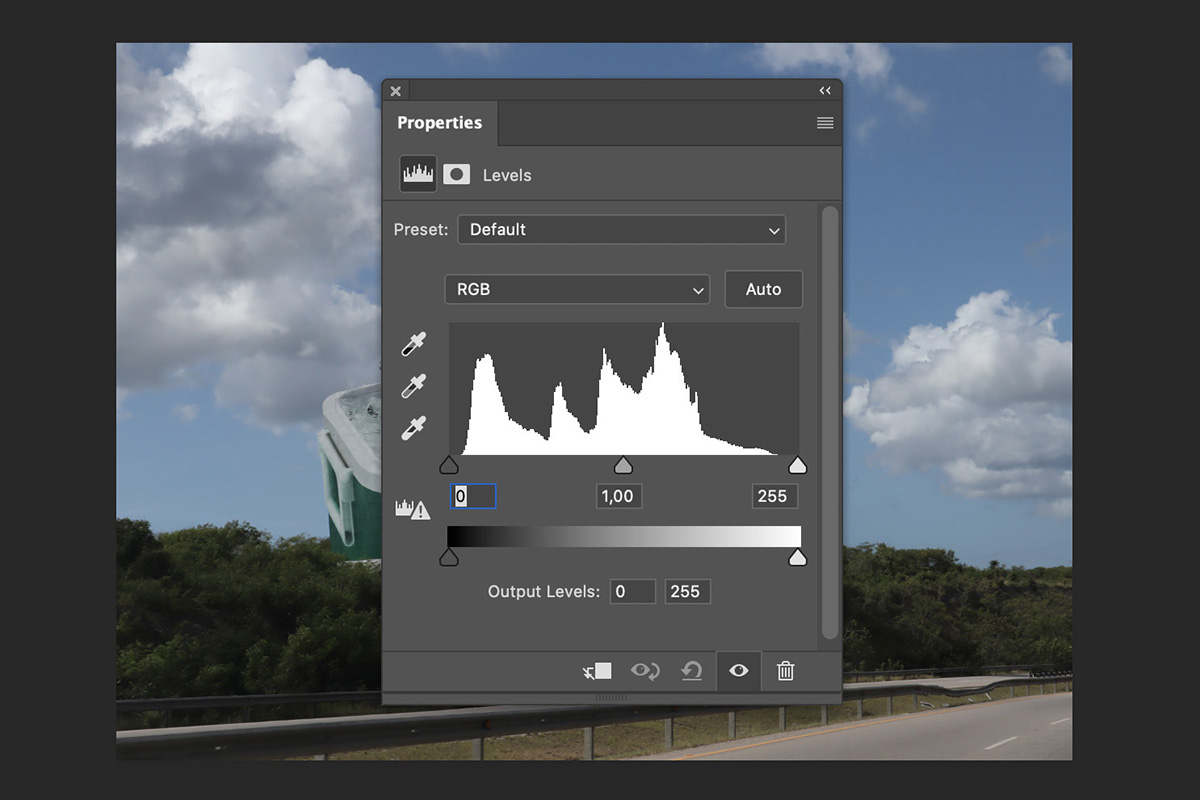
Are you looking for a way to improve your basic photography knowledge? Learning about the Photoshop Levels Tool and histogram will do just that. The Levels tool is one of the most important tools in Photoshop. Here’s how to use it. How to Use the Photoshop Levels Tool Learning how…
By Joris Hermans

Selecting hair in Photoshop might seem very daunting at first but it doesn’t have to be. Photoshop has a great tool that does all the hard work for you. Today, I’ll show you how to cut out an image and easily Photoshop hair. How to Select and Edit Hair in…
By Joris Hermans
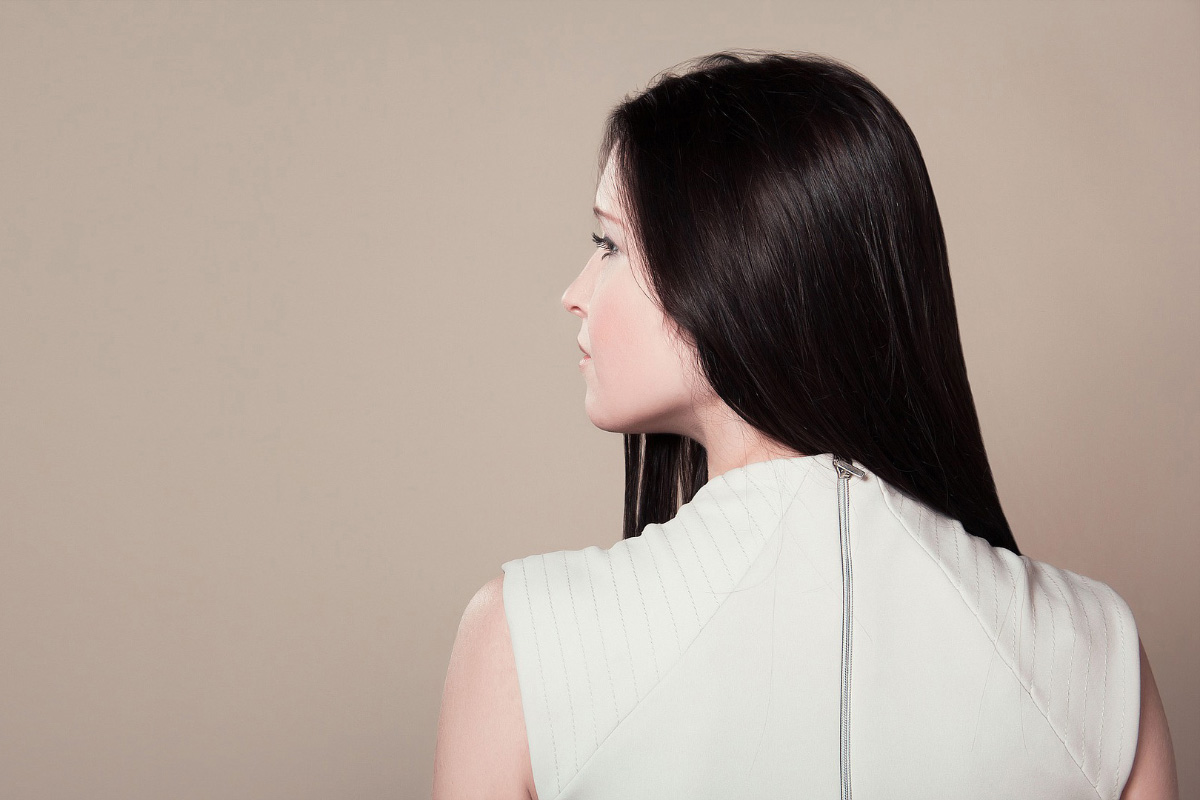
Photoshop has a range of tools available to remove a background. Some tools require you to do all the work while others do it almost entirely automatic. In this article, I’ll show you how to remove background in Photoshop and I’ll use three different tools. How to Remove Background in…
By Joris Hermans

Most people think of Lightroom as a tool for adjusting exposure, white balance, and color. But it can do so much more than that. One of the most powerful (and often overlooked) tools in Lightroom is the Tone Curve. The Tone Curve in Lightroom allows you to adjust the tonal…
By Darina Kopcok
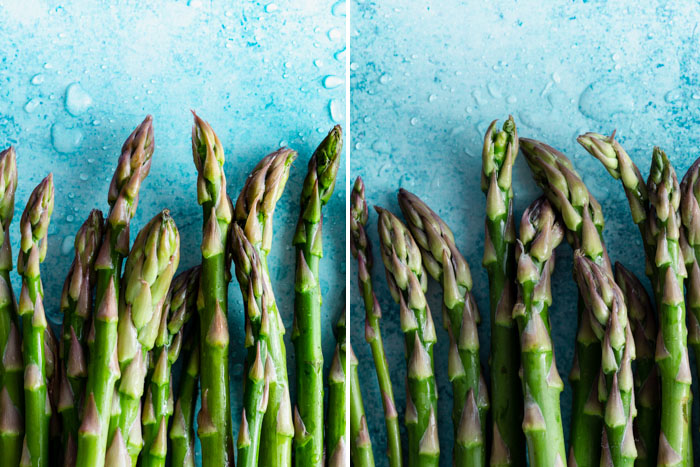
Color Space is a term you may have come across in your camera settings or post-processing software of choice. It refers to the color range that can be displayed by a photograph. Typically, your most common choices in color space are sRGB vs Adobe RGB. These color spaces are not…
By Darina Kopcok
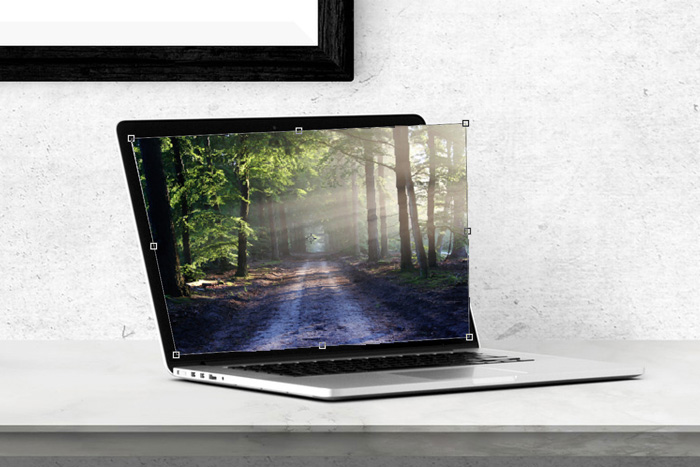
You can use Photoshop to straighten lines or change perspective. But you can distort photos in Photoshop, too! It’s even possible to use this technique to reposition an arm or a leg, for example. In this article, I will show you some basic and advanced techniques to distort images. Tools…
By Joris Hermans
You’ve probably heard of RGB and CMYK. Those are the two most commonly used color spaces. But they’re not the only color spaces. Lab Color space, for example, is the most accurate one. Here’s how Lab Color works, and how to use it in Photoshop. What Is Lab Color? You’ve…
By Joris Hermans
You can use the lens correction filter to remove chromatic aberration (also called color fringing) in Photoshop. But you can easily do it manually too. It takes just a few minutes, and you’ll learn a few important techniques. Here’s how to get rid of chromatic aberration in Photoshop. How to…
By Joris Hermans
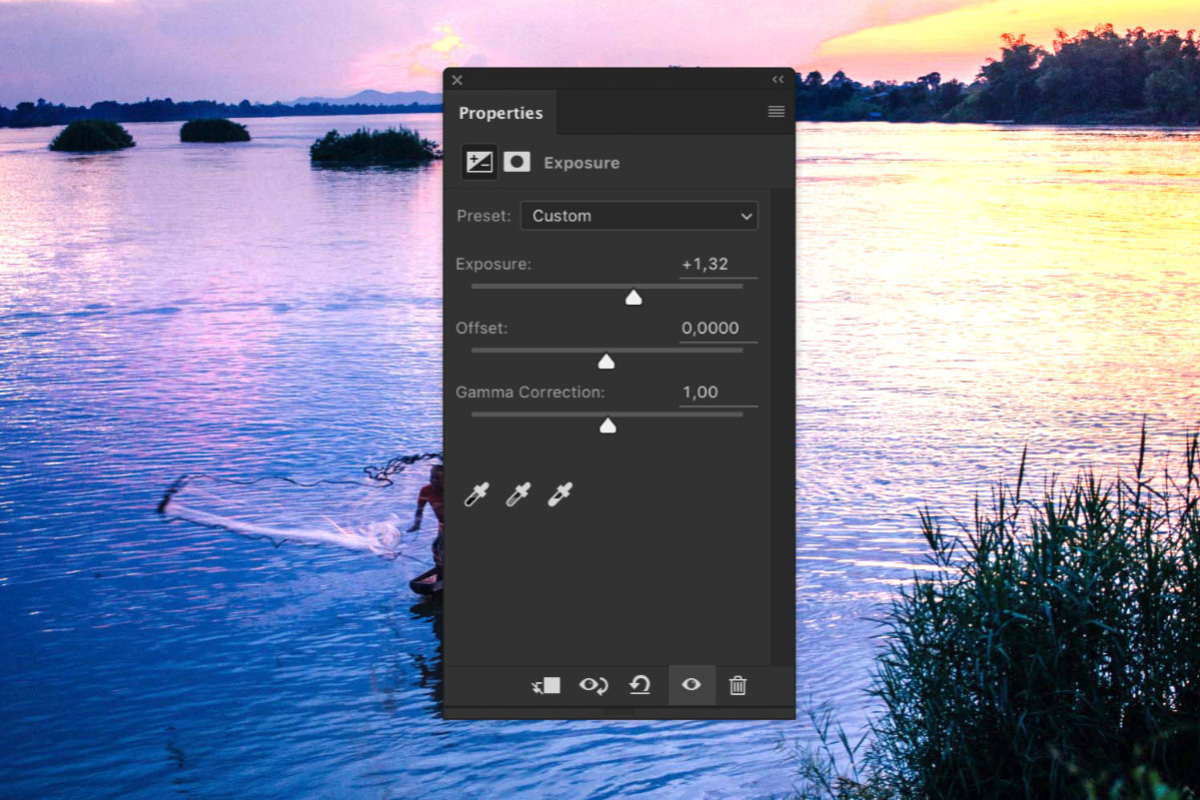
You should always try to get the exposure as good as possible when taking a photo. Sometimes, however, you need to over- or underexpose to save the details in highlights or shadows. You can then use several Photoshop Exposure tools to correct it. Here’s how to correct exposure in Photoshop.…
By Joris Hermans
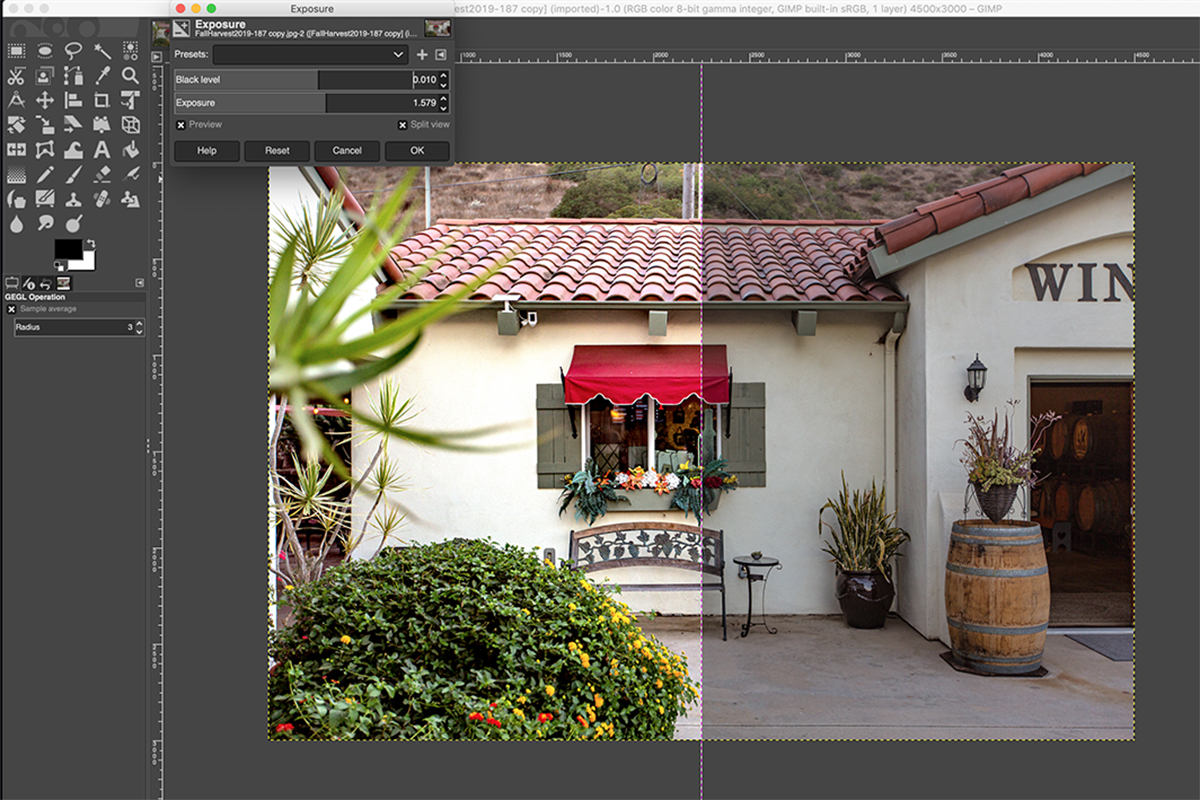
GIMP may have started as a very basic free editing tool. But the range of tools that it offers has expanded over the years. Today, GIMP offers a great alternative to paid programs like Photoshop! You might be considering switching to GIMP or starting out with it instead of a…
By Natalia Robert
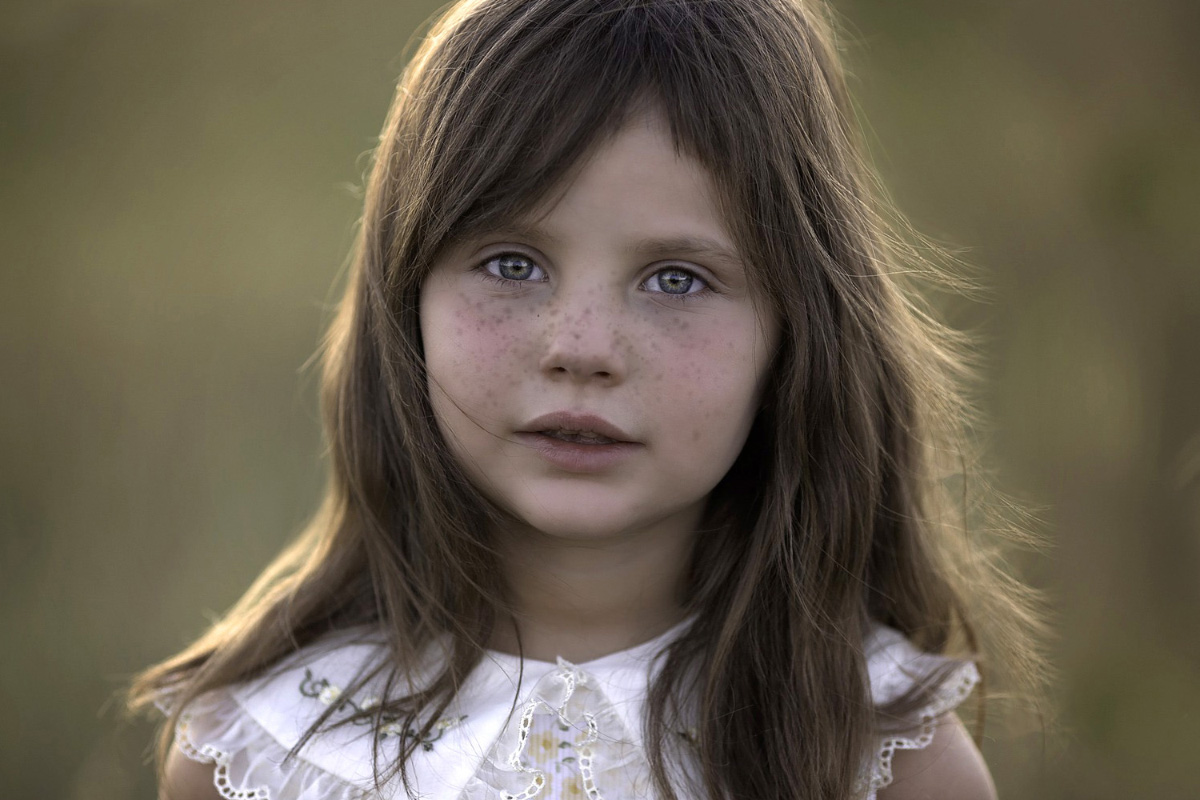
You can enhance or remove freckles with make-up or the right kind of lighting. If you don’t have the right equipment, you can always use Photoshop to highlight or remove them. In this article, I’ll even show you how to draw freckles from scratch in Photoshop. How to Highlight Freckles…
By Joris Hermans

Knowing how to remove lens flare in Photoshop is a great skill to have as a photographer. Sometimes a lens flare works, and sometimes it doesn’t. Whenever an unwanted lens flare appears in your photo, you can try to remove it. In this article, I’ll show you how to get…
By Joris Hermans