

Featured Course:
Effortlessly edit your photos in less than 15 minutes.
Learn More

As any photographer knows, we often spend more time in front of a computer than we do behind the camera. Between importing, editing, exporting, and sharing, our workflow is not even close to done when we press that shutter button! It’s time to speed up your Lightroom workflow with these…
By Natalia Robert

Finding a good Adobe Lightroom course can take time and effort. It is no surprise that there are plenty of them on the internet. And each one promises to teach you how to use it best. Lightroom is an essential tool for photographers. It offers excellent flexibility. And it has…
By Gabor Holtzer
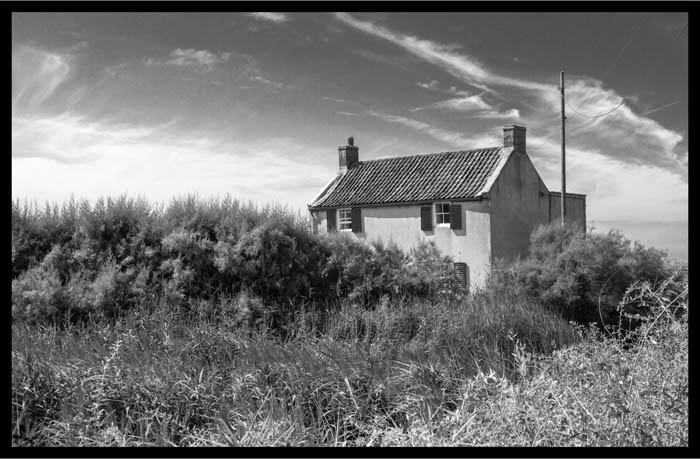
When it comes to black and white photography, the editing process can make or break the photo Luckily, with Lightroom, you have a lot of control over how your photos look. In this tutorial, we’ll show you how to edit black and white photos in Lightroom for maximum impact. Using…
By David Baxter
With their Introduction to Lightroom course, Fstoppers is one of many companies seeking to make the powerful app more accessible to photographers. It’s aimed squarely at complete newbies and walks you through your first nervous steps in processing. So, if you are new to the world of Lightroom, is this…
By Gabor Holtzer
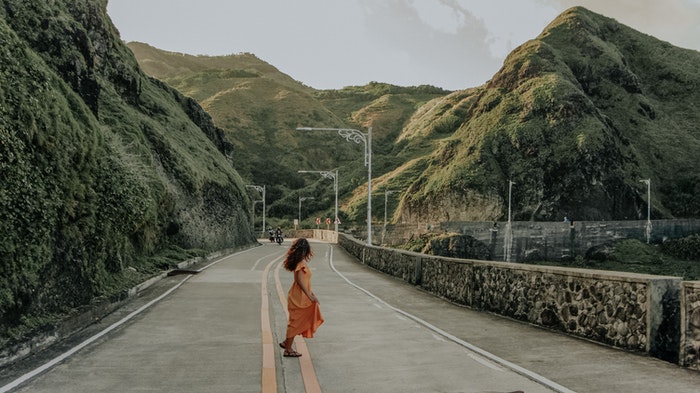
Choosing the correct photo editing app can be daunting as there are so many options. One of the most popular software out there is Adobe Lightroom. A lot of photographers consider it the industry standard. But this program is also one of the easiest to learn and navigate. What Is…
By Expert Photography
You may be wondering, “How can I make a watermark for free?” Today, we guide you through making a watermark design in Canva for free. We also show you three easy ways to make a watermark or add one to a photo using Adobe Photoshop or Lightroom. Use a watermark…
By Kevin Landwer-Johan
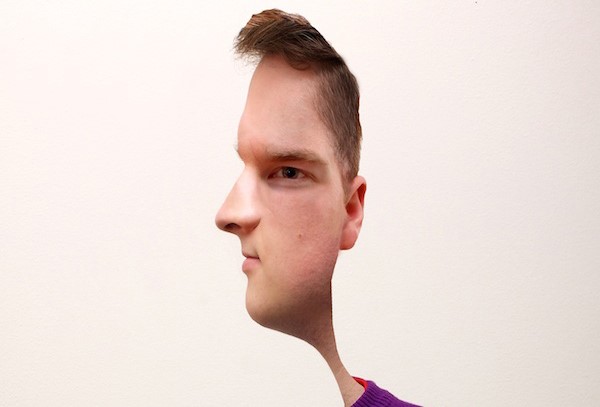
If you’re looking to add a touch of artistry to your portraits, you may want to try creating a Picasso style portrait in Photoshop. In this article, we’ll show you how to create a Picasso-style portrait using a few simple steps. We’ll also provide a few tips on how to…
By Joshua Dunlop
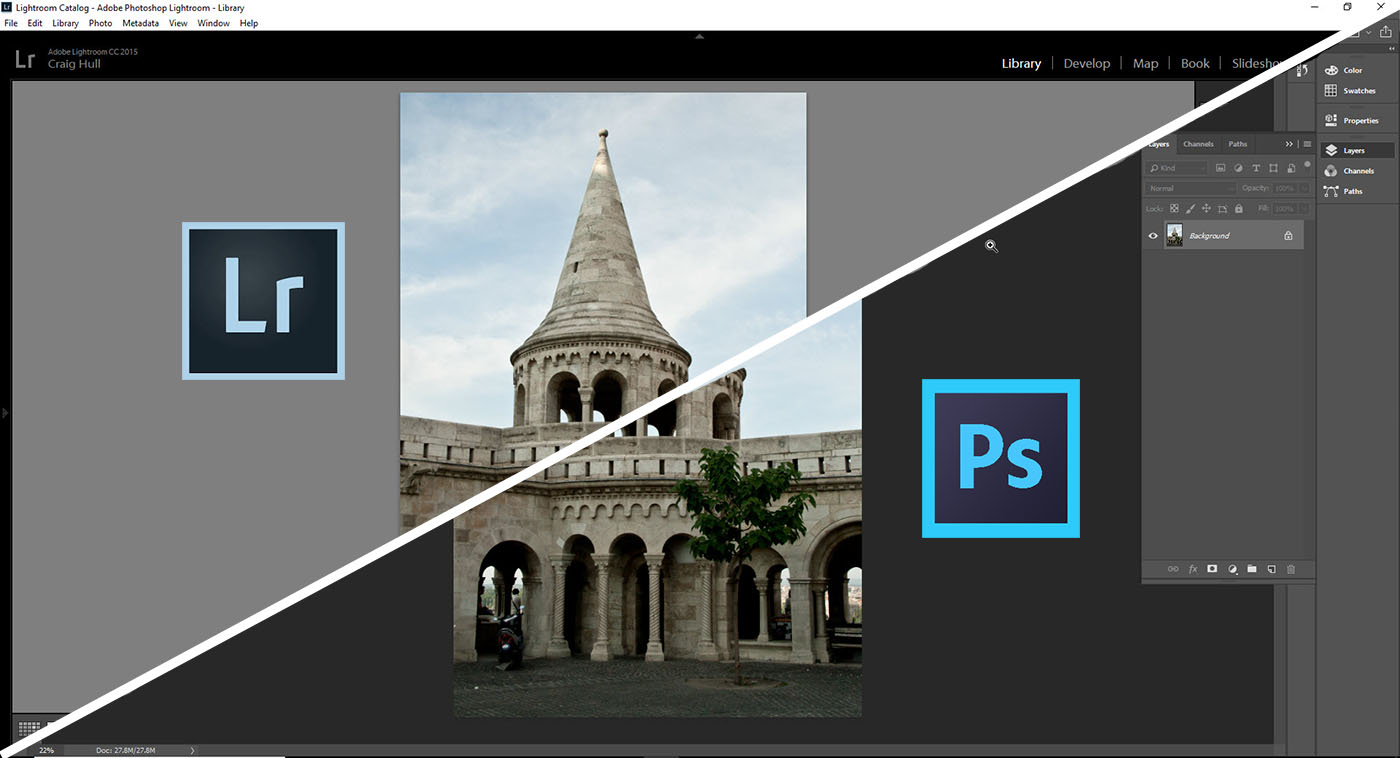
Photographers have many tools to choose from when editing photos. And Adobe developed two of the most popular. So we will look at Lightroom vs Photoshop. If you’re new to photo editing, you may wonder why Adobe has two post-processing tools. Which should you use? Which is better? Some Background…
By Jenn Mishra

Do you enjoy taking photos but find yourself buried in unprocessed images? This article is for you! We give you our top 10 photo editing tips for speeding up your workflow. I do most of my post-processing in Adobe Lightroom Classic. But the basic principles apply regardless of the editing…
By Jenn Mishra
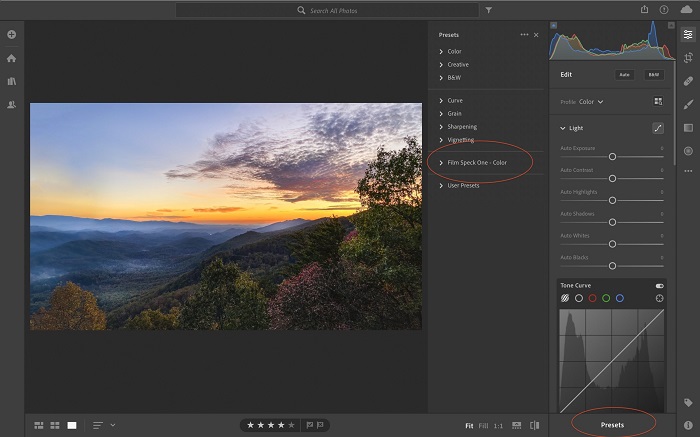
It’s a good idea to import Lightroom presets. That’s because Lightroom presets are post-processing recipes. They are like filters. In one click, you can completely change the look and style of your image. You don’t need to be a post-processing master for your photos to have a professional look. In…
By Jenn Mishra
Learning how to use Adobe Lightroom can be daunting. Especially on your own. Contrastly are online specialists in training users in Lightroom and other products. Decoding Lightroom is a comprehensive online video course that’s designed for photographers who want to get the most out of their software subscription. This review…
By Gabor Holtzer
The Content Aware Fill tool in Adobe Photoshop is an action all creative photographers must become familiar with. It allows you to seamlessly eliminate certain objects that could ruin your photo. You can apply these transformations in many situations. You can use it in photos with loved ones where people…
By Jenn Mishra