

Featured Course:
Effortlessly edit your photos in less than 15 minutes.
Learn More
Photoshop Elements and Lightroom are two photo editing programs developed by Adobe. They represent different ways of approaching post-processing and attract different types of photographers. In this article, we will pit Adobe Photoshop Elements vs Lightroom Classic. We will talk about the differences and similarities in the software. In the…
By Jenn Mishra

A CR3 file is a Canon RAW photo. Learn how RAW and C-RAW differ, choose software for your camera, and export JPEG or DNG copies.
By Expert Photography
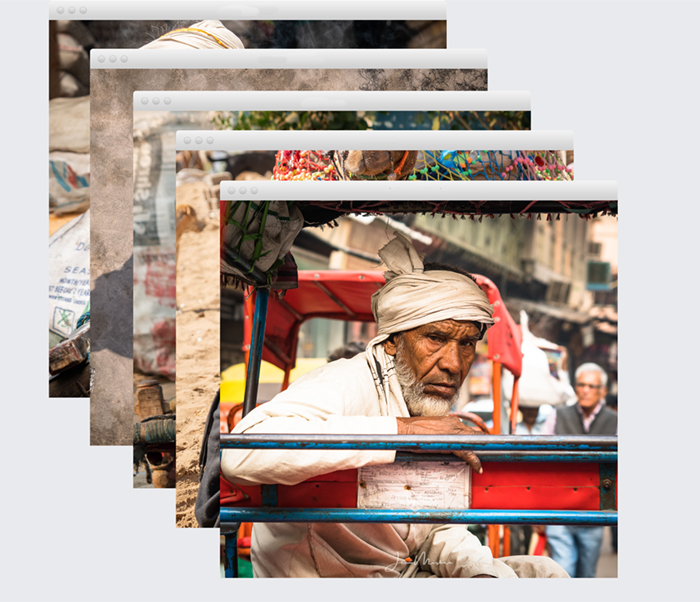
If you’re like most photographers, you have a lot of photos that you want to keep, and similar shots soon crowd your Lightroom workspace. So what can you do? The answer is simple:…
By Jenn Mishra
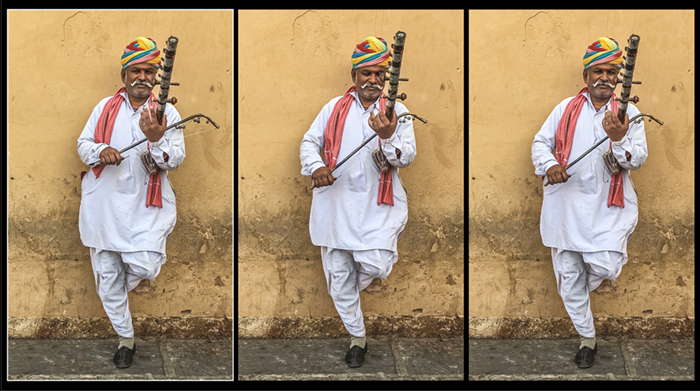
Our article will show you how to extract frames from a video in Adobe Photoshop. Extracting frames from a video is a great way to create custom images for your projects. You can use Photoshop to extract individual frames or even small sections of a video and save them as…
By Jenn Mishra
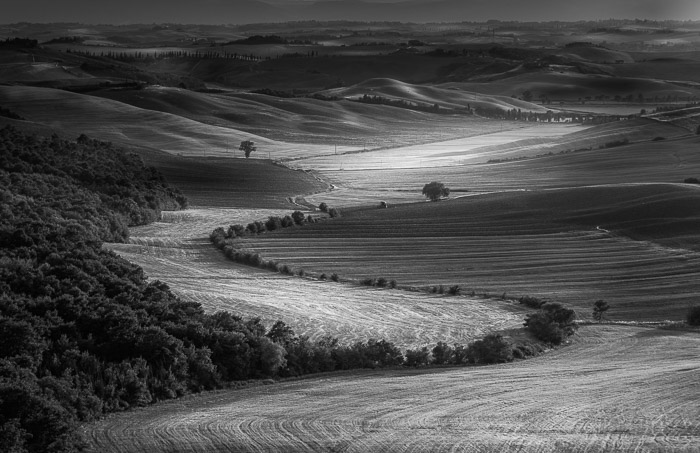
There are many reasons to make an image black and white in Photoshop. Monochrome photos highlight lines, light, and shapes. Color can sometimes be distracting or dull. Also, we see the world in color. A photo in black and white is a welcome change. It draws our attention to different aspects…
By Jenn Mishra
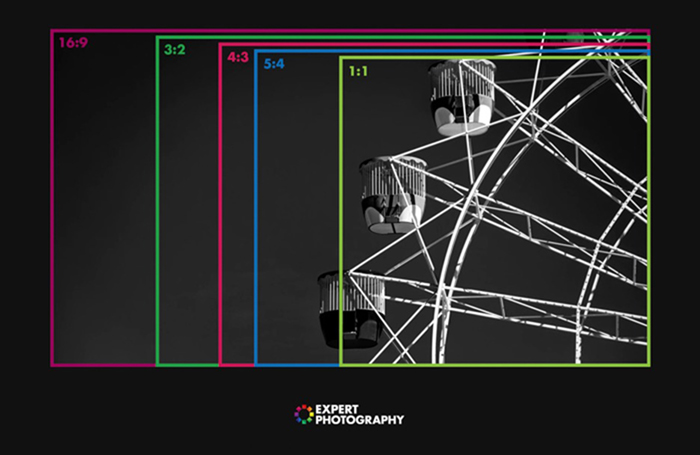
Knowing how to change the aspect ratio in Lightroom is a great skill to know. That’s because photographers love to share our work with others through print or social media. But it’s often hard to guess what the viewer will see. Sometimes the edges of the photograph are cropped off…
By Jenn Mishra
Photoshop, without a doubt, is one of the most widespread photo editing programmes out there. From beginners to professionals, every photographer has tried to master it. That begs the question: How do you use Photoshop? Learning Photoshop in one sitting is impossible and can wear you down. It is a…
By Tamara Kedves

Learn a practical photo editing workflow, from choosing an image and protecting the original to crop, color, exposure, local corrections, sharpening, and export.
By Tamara Kedves
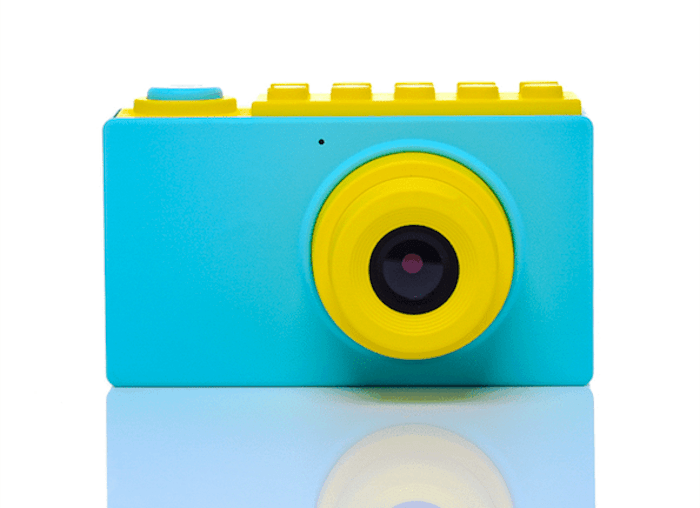
Our article shows you what 360 product photography is and how to shoot images with this technique. It involves taking a series of product images from all angles to create a 360-degree view. And this lets viewers rotate and examine the product from every angle on a website. This is…
By Chad Verzosa

Fix overexposed photos in Lightroom Classic with a clear recovery workflow. Learn which tone controls to use, when to use a mask, and how to recognize lost highlight detail.
By Tamara Kedves

If you’re looking to learn how to edit food photos in Lightroom, you’ve come to the right place. In this tutorial, we’ll show you how to make simple adjustments that will improve your images dramatically. We’ll walk you through the editing process in Lightroom…
By Darina Kopcok

As any photographer knows, we often spend more time in front of a computer than we do behind the camera. Between importing, editing, exporting, and sharing, our workflow is not even close to done when we press that shutter button! It’s time to speed up your Lightroom workflow with these…
By Natalia Robert