

Featured Course:
Effortlessly edit your photos in less than 15 minutes.
Learn More
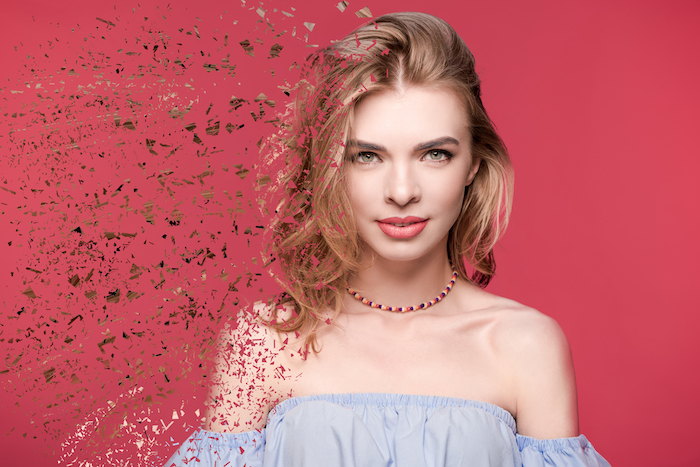
If you want a fun Photoshop technique that imagines your friends disappearing into the abyss, then look no further! Whether you want to prank your friends or you wish to copy inter-dimensional travel, the dispersion effect is here for you. Today we will take you through the most straightforward route…
By N Constant

Capturing motion can be tricky. Photographic techniques like panning will give you a better sense of motion and speed. But, this technique can be hard to master. Today, we’re going to show you how to show motion in your photographs. This is done through the simple use of motion blur in…
By N Constant
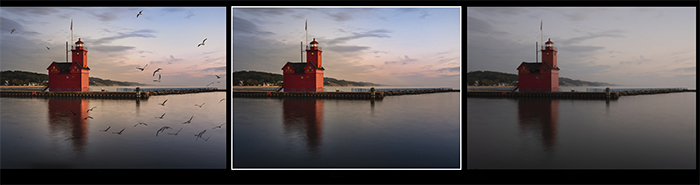
This article will show you how to make a GIF in Adobe Photoshop. Each step is easy. So let your imagination flow! A GIF is a picture with motion. It can be a short video clip or a series of still images that appear to move. GIFs do not need…
By Jenn Mishra

It’s easy to add a glitter effect in Photoshop. In this tutorial, we’ll show you how to create a sparkling effect in Photoshop using just a few simple steps. First, we build a glitter texture from a noise layer with the Add Noise and Crystallize filters…
By Jenn Mishra
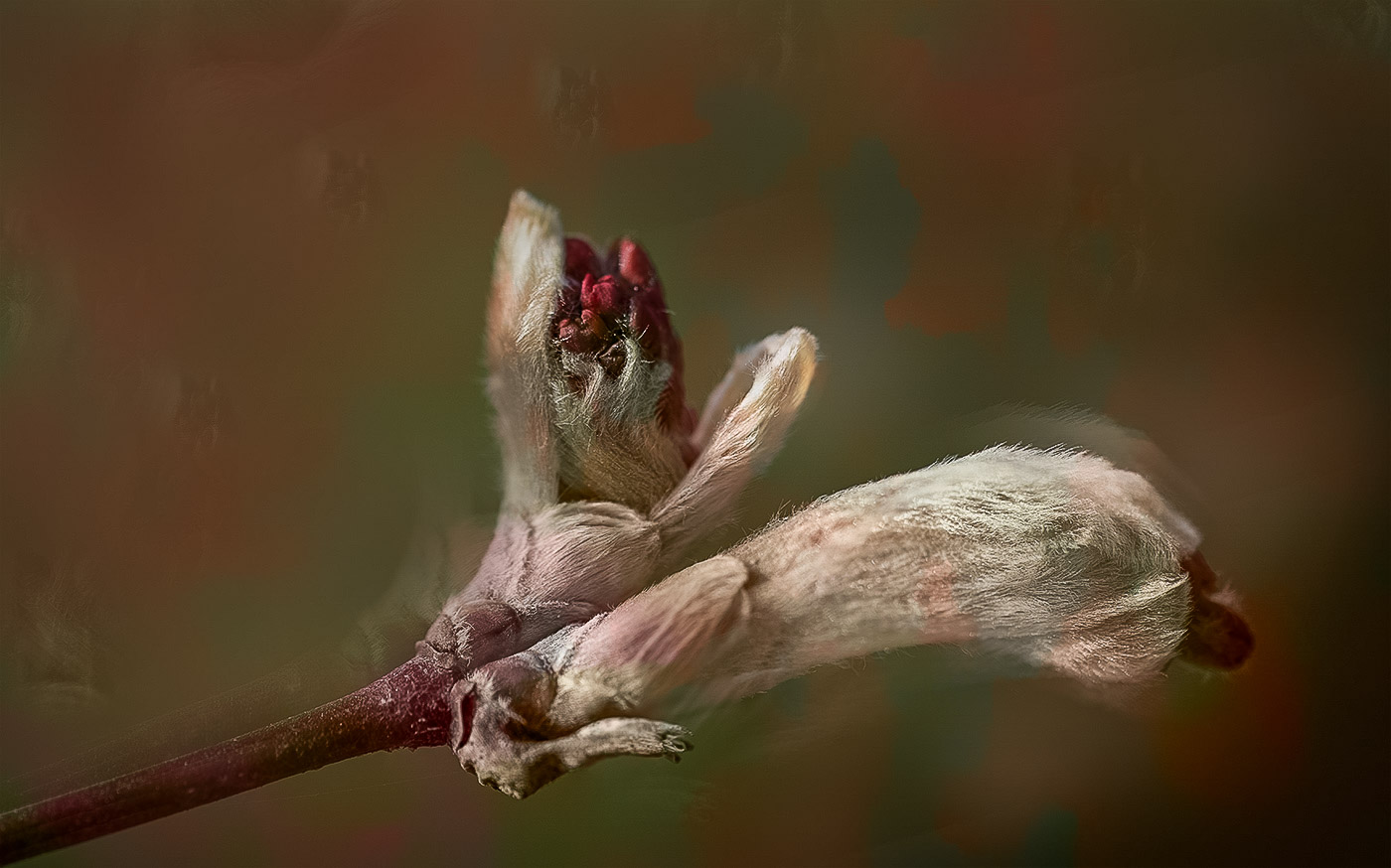
If you are looking for a Blend tool in Photoshop, you won’t find it. There is no Photoshop blending tool. But you will find blend modes (blending modes) and brushes that let you mix colors. Three different brushes help you blend colors in your image. They are the Brush, the Smudge…
By Jenn Mishra
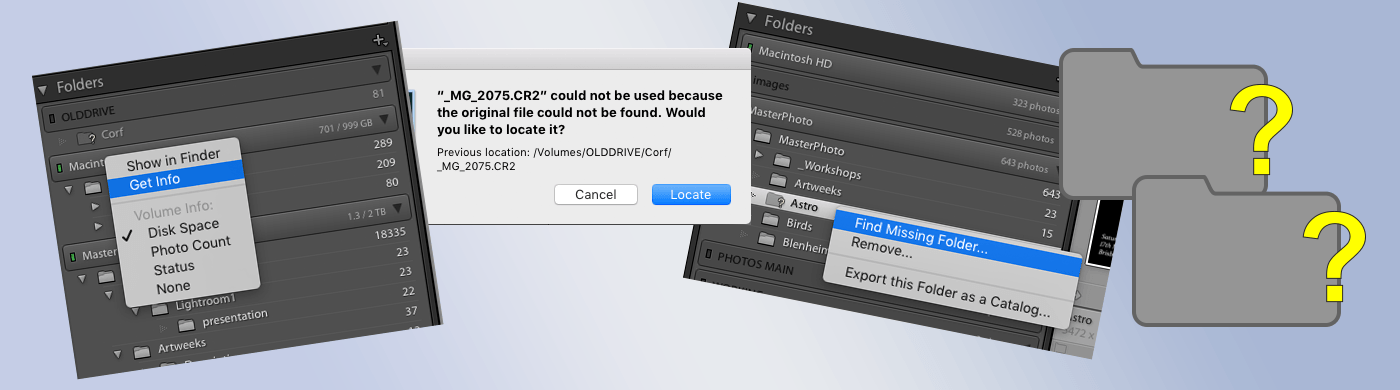
The Lightroom catalog system is one of the most important aspects of the software. It’s essentially a database that stores all of your photos and keeps track of all the changes you make to them. This makes it easy to find and edit any photo in your library, no matter…
By N Constant
Even people who have never taken a picture in their life will have heard of Adobe Photoshop. Now enter Serif, with an equally powerful, accessible, and cheaper integrated design package. But can Serif's Affinity Photo software rival the reigning champion? In this article, we take a look at the ins…
By Joe Taylor

ImagenAI promises to be your artificially intelligent personalized photo editing assistant. It learns your editing style and preferences for each photo. Then it makes editing decisions based on this. It does this in a fraction of the time it would take to outsource the work to a picture editor…
By Joe Taylor
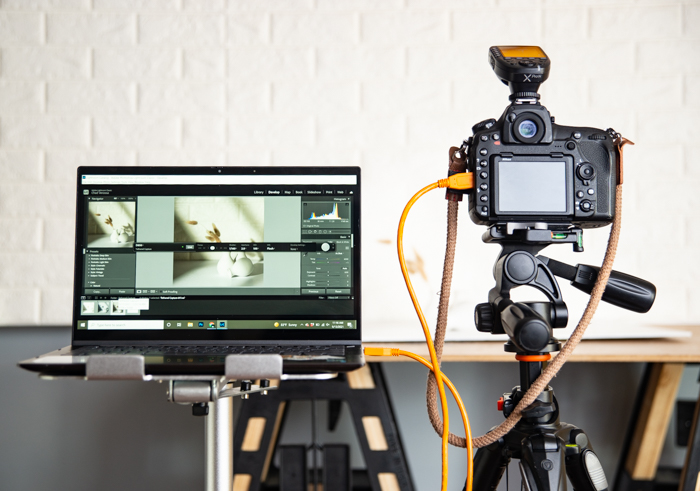
Tethered photography is the process of tethering your camera to a computer, using a cable, so that you can see the photos as you take them. This is a great way to ensure that you get the perfect shot, since you can make any changes you need without having to…
By Chad Verzosa
DxO’s new release of Nik Collection 4 may be just the thing for you if you’re looking for new ways to make your photos pop. The Nik Collection includes powerful tools that change your images in ways that other photo editing programs can’t. There is a reason the Nik fanbase…
By Jenn Mishra
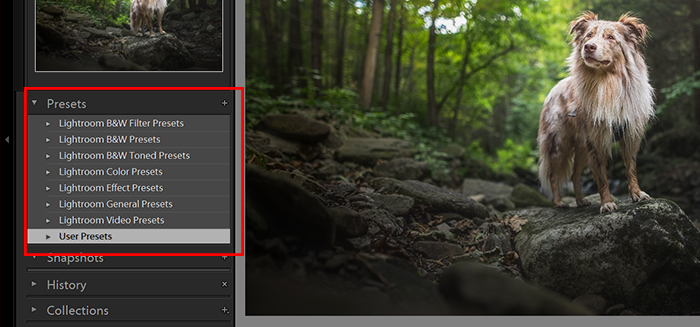
Lightroom preset settings are a popular and simple way to post-process your photos. You can use them on individual images or during batch editing. This article will show you how to install, create, and use Lightroom Develop presets to improve your images. What Exactly Are Lightroom Preset Settings? Lightroom presets…
By Kevin Landwer-Johan
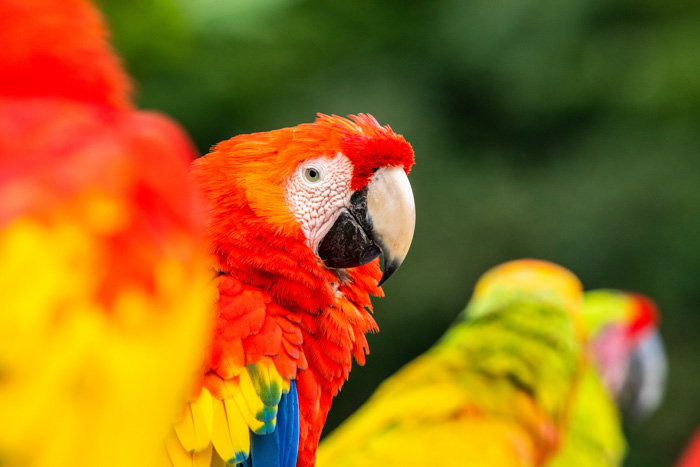
What is color saturation, and how will it help your images? These questions are the focus of today’s article. It’s important to know how to use color saturation in your images, whether you’re editing pictures in Lightroom, Photoshop, or any other image editing software. And it’s essential if you’re shooting in…
By Dora Jokkel