

Featured eBook:
Create fun minimalist shots of urban scenes with your phone.
Learn More
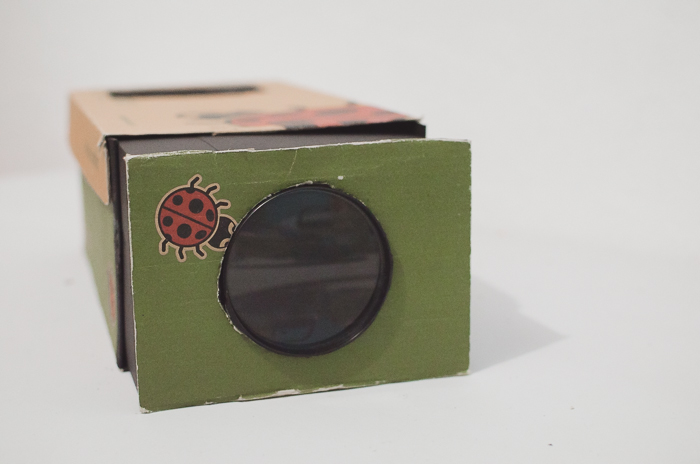
Making your own homemade smartphone projector is a fun project that you can do with all the family. You will learn about how optics work and develop your creativity, as well as recycling the boxes you have at home. Enjoy watching your phone videos and photos with an affordable DIY…
By Sarah Rodriguez-Martinez
The iPhone X camera brought plenty of cool features that took iPhone photography to the next level in 2017. With the release of the iPhone XR, the iPhone can now rival professional cameras at a fraction of the price. In this iPhone XR camera tutorial, we’ll share a few tips…
By Chad Verzosa

Glitch art is a cool trend these days. You can find glitch art anywhere from music videos to social media posts. But what is a glitch effect? This is when you create a visual glitch on your image or video. It creates unusual visual effects. In this article, we’ll show…
By Chad Verzosa

Send Live Photos with their motion, save a video for other apps, or share just the still image. Follow the steps for sharing, capture and editing.
By Chad Verzosa
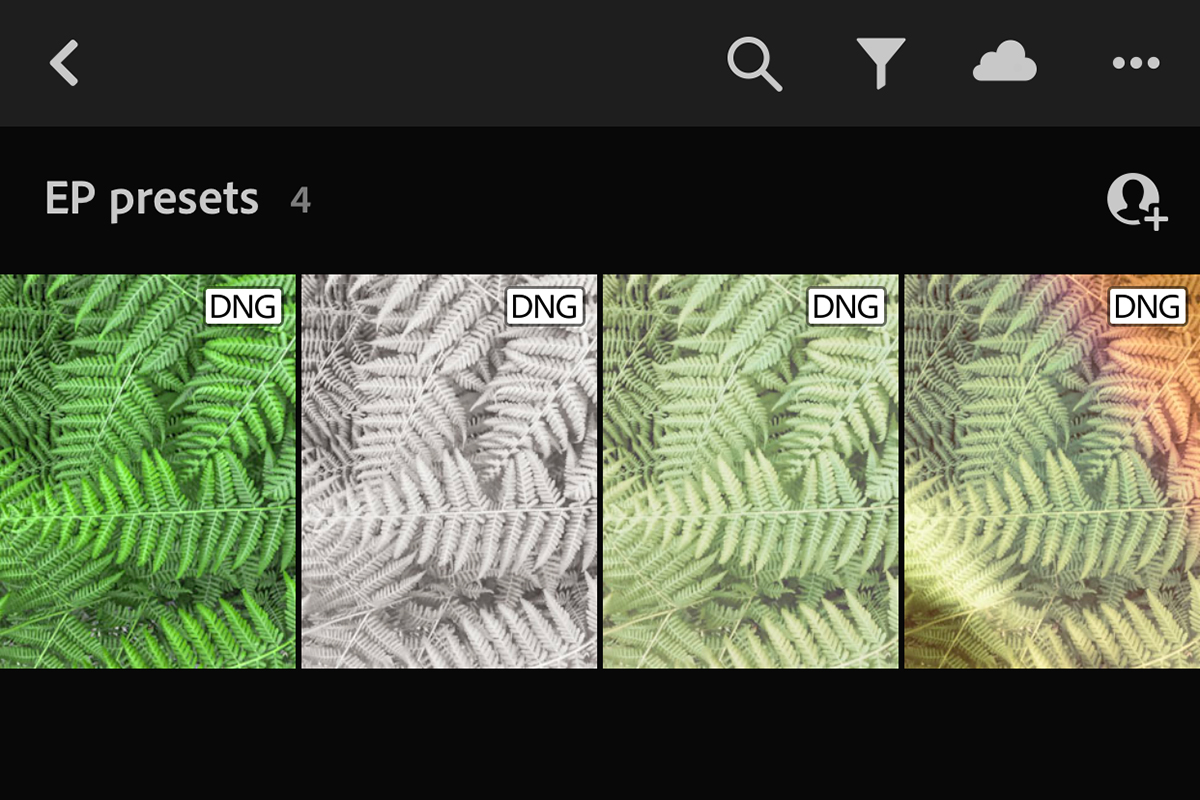
The Lightroom Mobile app is a powerful editing tool to have at your fingertips. And it’s free to download and use. If you want to use Lightroom mobile presets on it, though, things can get confusing. Let’s break it down so that you can easily install presets into Lightroom Mobile…
By Natalia Robert

Hiring a professional newborn photographer doesn’t always fit into the budget. This is why many parents turn to DIY newborn photography. Newborns grow quickly, making photos a must even if you snap them with a smartphone. But newborn photography that you see coming from a professional studio isn’t always safe…
By Hillary Grigonis
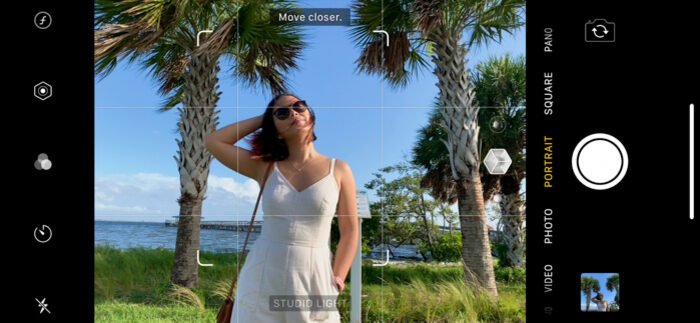
With the release of the iPhone 7 Plus, Apple introduced a new camera mode called Portrait Mode. This mode allows you to take photos with a depth-of-field effect, similar to what you would get with a DSLR camera. In order to take advantage of this feature, you need to know…
By Chad Verzosa

It’s no secret that we take a lot of photos with our iPhones. And while it’s really easy to snap a picture and share it with the world, sometimes you want to keep those memories for yourself. So what do you do when you want to transfer photos from an…
By Simon Bond

If you want to take your photography skills to the next level, you need to start using the Canon Camera Remote app. This app allows you to control your camera from a distance, which is perfect for taking photos of yourself or landscapes. In this article, we will show you…
By Anabel Dflux
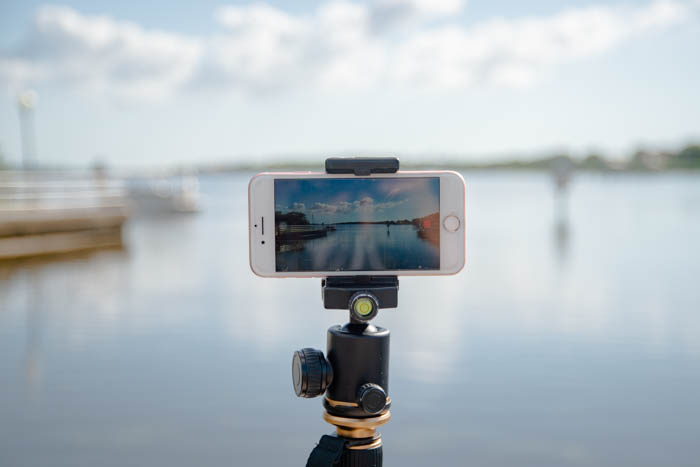
Creating an iPhone time-lapse is much easier than most people think. Time-lapse sequences may appear too technical for regular smartphone photographers to do. But that’s not true. With the newest iPhones, you can do it without any experience in a few simple steps. And we’ll show you how to make an…
By Chad Verzosa
Ever wonder why photos on social media look stunning while the ones you take with your camera look bland? The gap is almost never the camera. It is the filter, and the app you apply it in. 9 Best Instagram Filter Apps We checked every app below against its own App Store and Google Play listing…
By Chad Verzosa

Flowers make beautiful subjects for photographs, and with the right techniques, you can capture their natural beauty using just your smartphone. Here are a few tips to help you photograph flowers with better results. Photograph Flowers in Portrait Mode Portrait mode is now available on most smartphones. It can give…
By Darina Kopcok