

Featured Course:
Transform your portraits with magic and wonder using simple Photoshop techniques.
Learn More
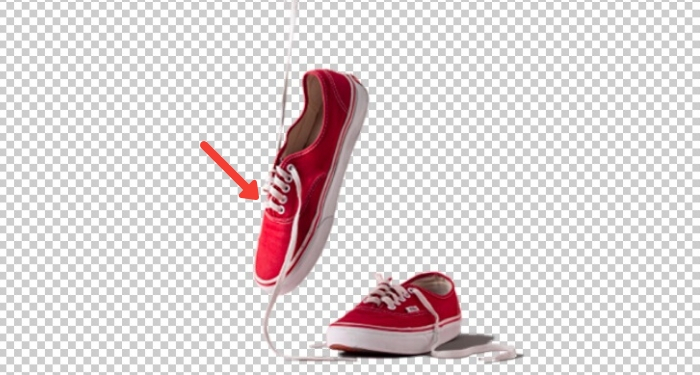
Knowing how to change the background color in Photoshop is a great skill. And if you don’t know how to do that, we’re here to show you the step-by-step process. It takes some patience, but it’s so easy to do. So let’s get started! How to Change the Background…
By Kevin Landwer-Johan

If you’re looking to increase the resolution of an image in Photoshop, you’ve come to the right place. In this tutorial, we’ll show you how to do just that in a few simple steps. So whether you’re working on a high-resolution image or just need to bump up the quality…
By Joris Hermans
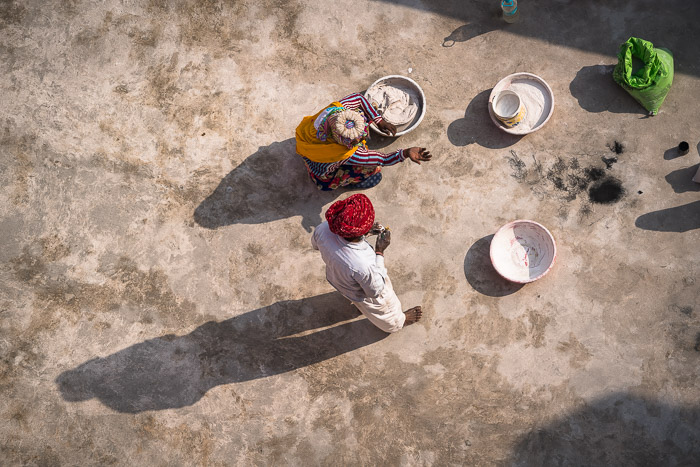
Shadows can be beautiful additions to your images. They add depth and interest. But they can also be distracting or too harsh. In this article, I’m going to show you how to remove shadows in Photoshop. First, I’ll show you how to remove shadows in Photoshop using the content-aware fill…
By Joris Hermans
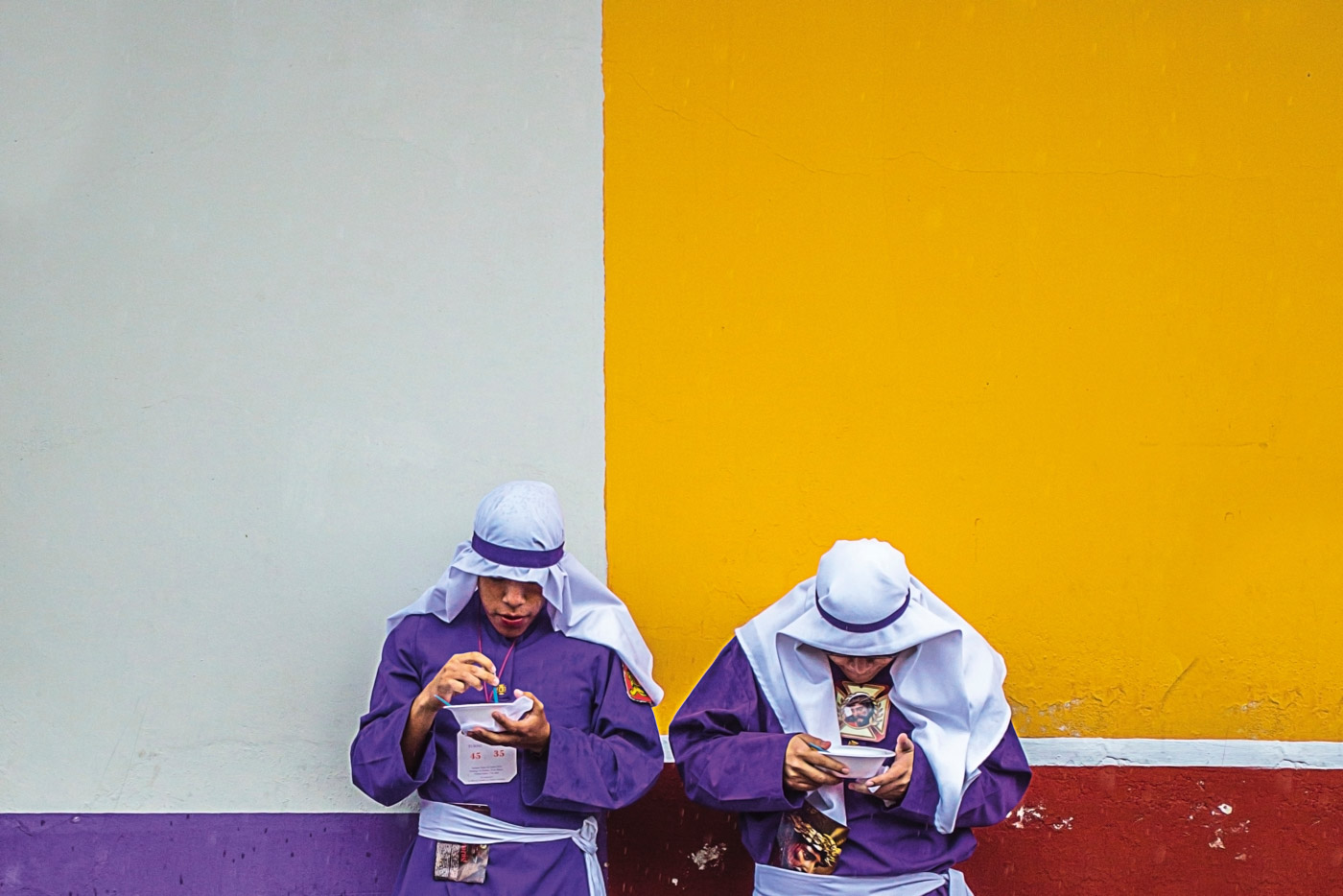
White balance is one of the most important aspects of photography, and it’s also one of the easiest to adjust in Photoshop. In this tutorial, we’ll show you how to master Photoshop white balance. Understanding Photoshop White Balance and Its Importance Often, the colors of our images precisely match the…
By Chad Verzosa
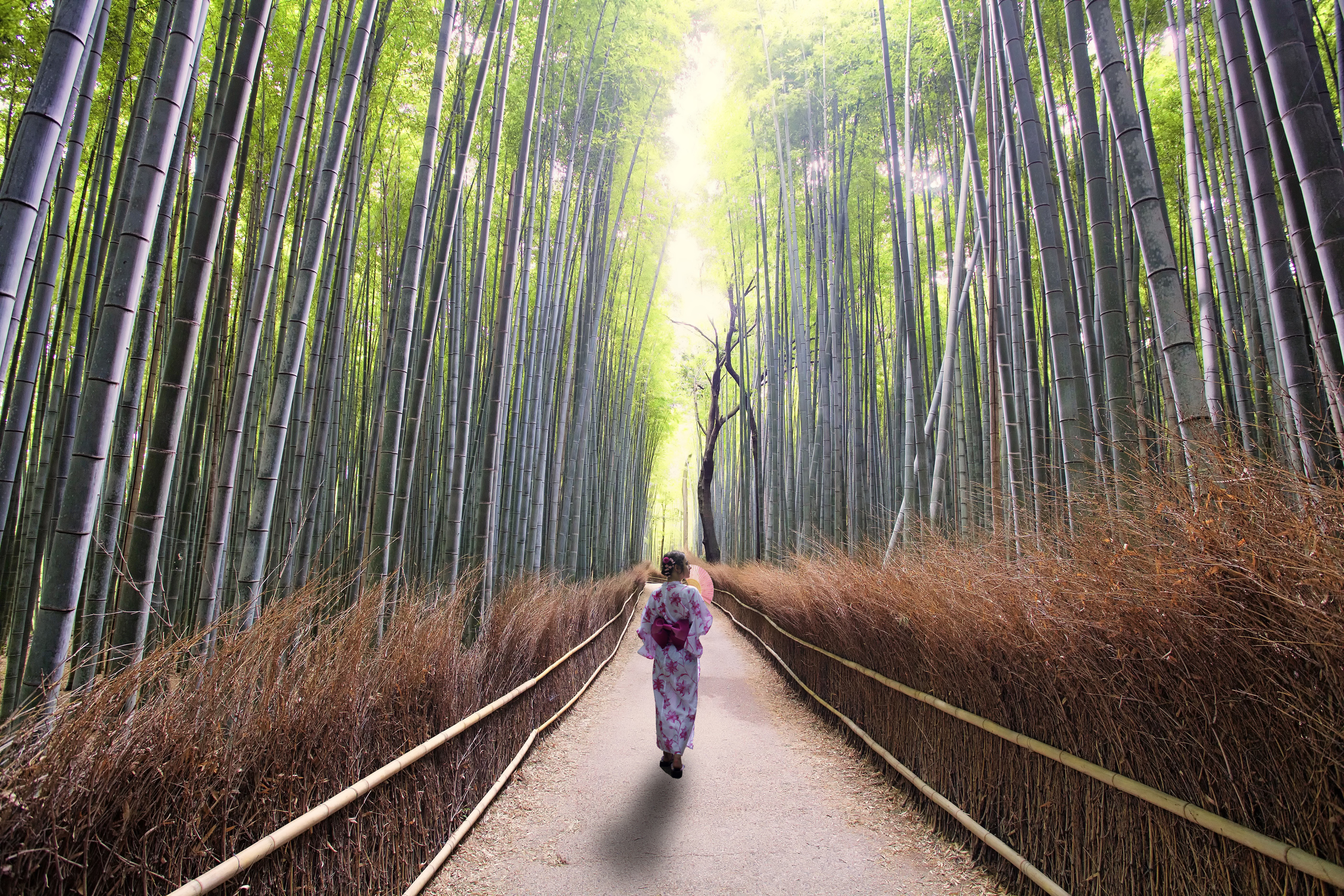
Knowing how to make a shadow in Photoshop is a great skill to have. Adding shadows to your photo is vital to grounding an object in a scene when you are making a composite image. In this article, you’ll see how to make a shadow in Adobe Photoshop. You’ll be…
By Simon Bond
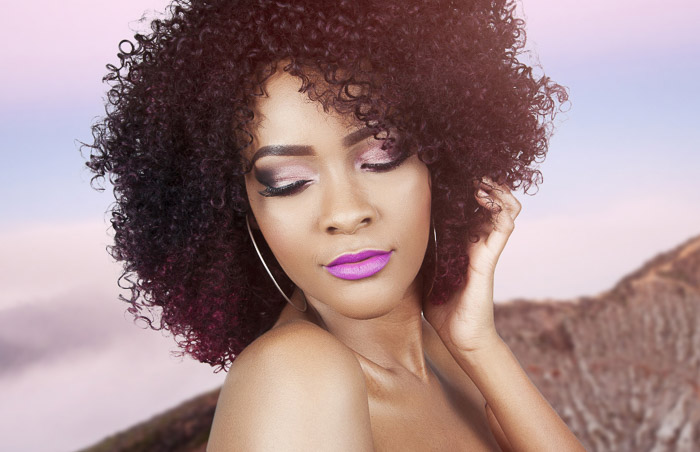
Making selections of people in Photoshop can be difficult. But the Refine Edge tool in Photoshop makes it a lot easier and quicker! This is especially true when you have to select hair or fur, making it perfect for pets and portraits. Here is our step-by-step guide to using this very…
By Joris Hermans
By Joshua Dunlop
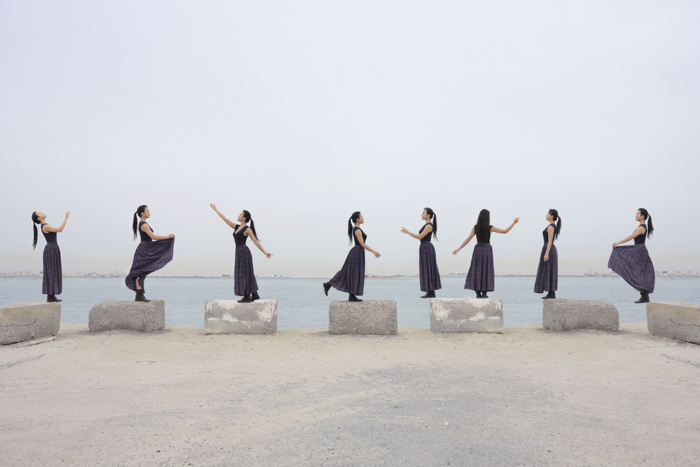
You’ve probably seen multiplicity photography presented as a funny story-telling composite or in a fine art photograph. It makes you wonder, how do you put multiple pictures in one? Multiplicity photography is one of the simplest photo editing projects. I’ll show you the steps of how to merge photos in…
By Heather Joy Milne
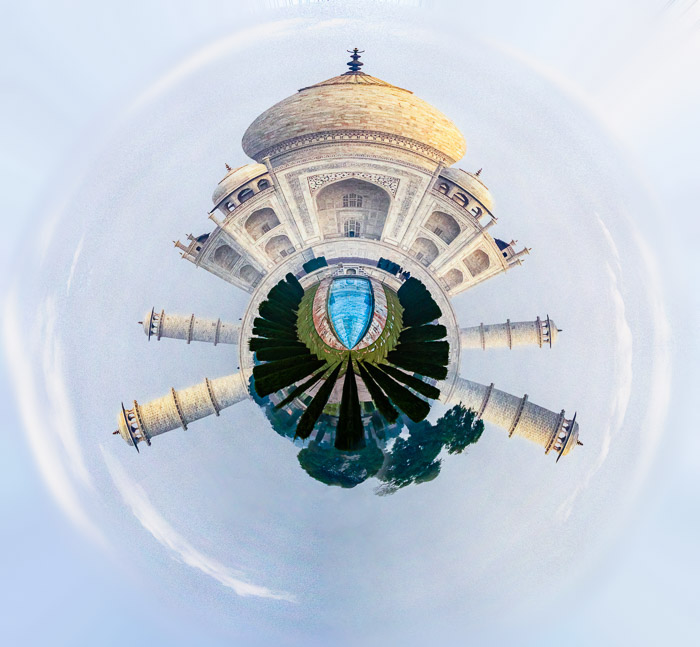
Tiny planet photography is a fun and unique way to capture your surroundings. By stitching together multiple photos of a scene, you can create a “tiny planet” effect that gives the viewer a new perspective on your surroundings. In this tutorial, we will show you how to create cool tiny…
By Joris Hermans
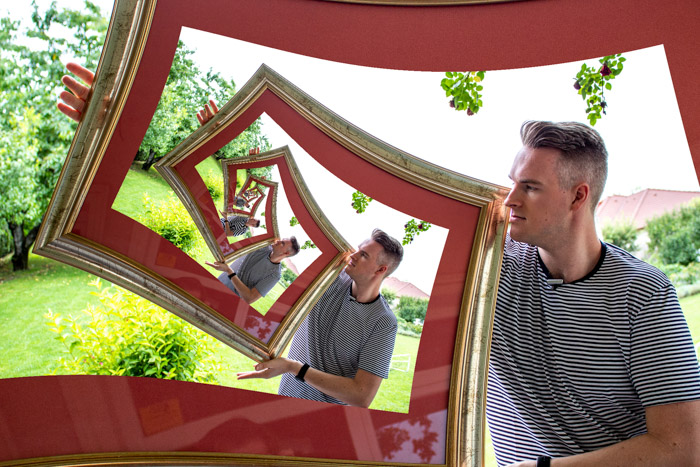
What is it called when you see a picture within a picture? The answer is the Droste effect, an exciting and creative way to photograph a scene. In French, it is also known as a mise en abyme (put in abyss). And this technique involves placing a copy of an image…
By Chad Verzosa
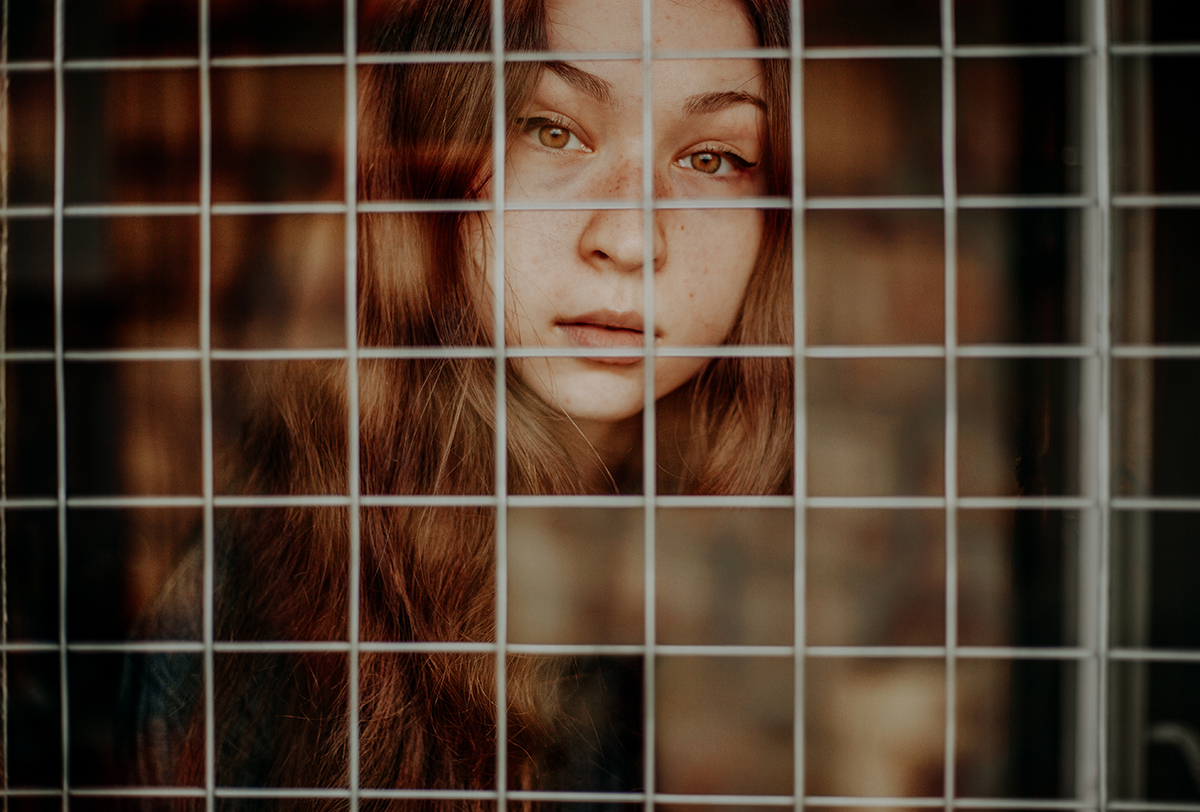
In this Photoshop project tutorial, we’re going to learn how to cut out an image in Photoshop. This is a common task that you’ll likely need to do at some point, whether you’re working on a photo-editing project or creating a graphic for your website. So let’s get started! In…
By Taya Ivanova
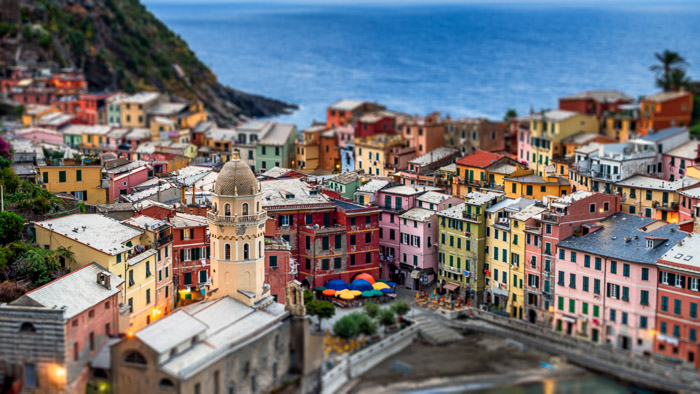
Tilt-shift photography is a technique that can be used to create unique and interesting photos. In this article, we’ll show you how to create tilt-shift photos in Photoshop using a few simple steps. We’ll also provide a few tips on how to get the most out of this technique. Let’s…
By Joshua Dunlop