

Nick Constant is a conceptual photographer based in London, England. He has won numerous awards for his photographic work which has led him to group shows around Europe.

Lightroom is our pick for making a soft photo clearer with full control. Compare it with seven more apps for free manual sharpening, one-tap Unblur, blurry faces, small files and old photos.
By N Constant

Tenorshare UltData is the best photo recovery app for most iPhone and Android owners. Compare it with eight more, from free DiskDigger on Android to Stellar, Dr.Fone and Disk Drill.
By N Constant

Improve the photos your camera produces with clean glass, good light, accurate focus, and steady capture. Check supported iPhone, Pixel, and Samsung photo settings, keep original files when sharing, and use the separate digital-camera checklist.
By N Constant

Lightroom is the best photo stitching software for most photographers. Compare it with nine more, from PTGui for difficult 360-degree panoramas to free Hugin and Affinity.
By N Constant

Photomyne is the best photo scanner app for most people, because it scans several prints in one shot and works on iPhone and Android. Here are the best apps for whole albums, free scanning, film negatives and mixed paperwork.…
By N Constant

Today, we’re looking at the easiest way to perform a face swap in Photoshop. Adobe Photoshop allows us to get creative with our photography. A face swap is a great way to have fun with pictures of our friends or family. A successful face swap can be tricky even though…
By N Constant
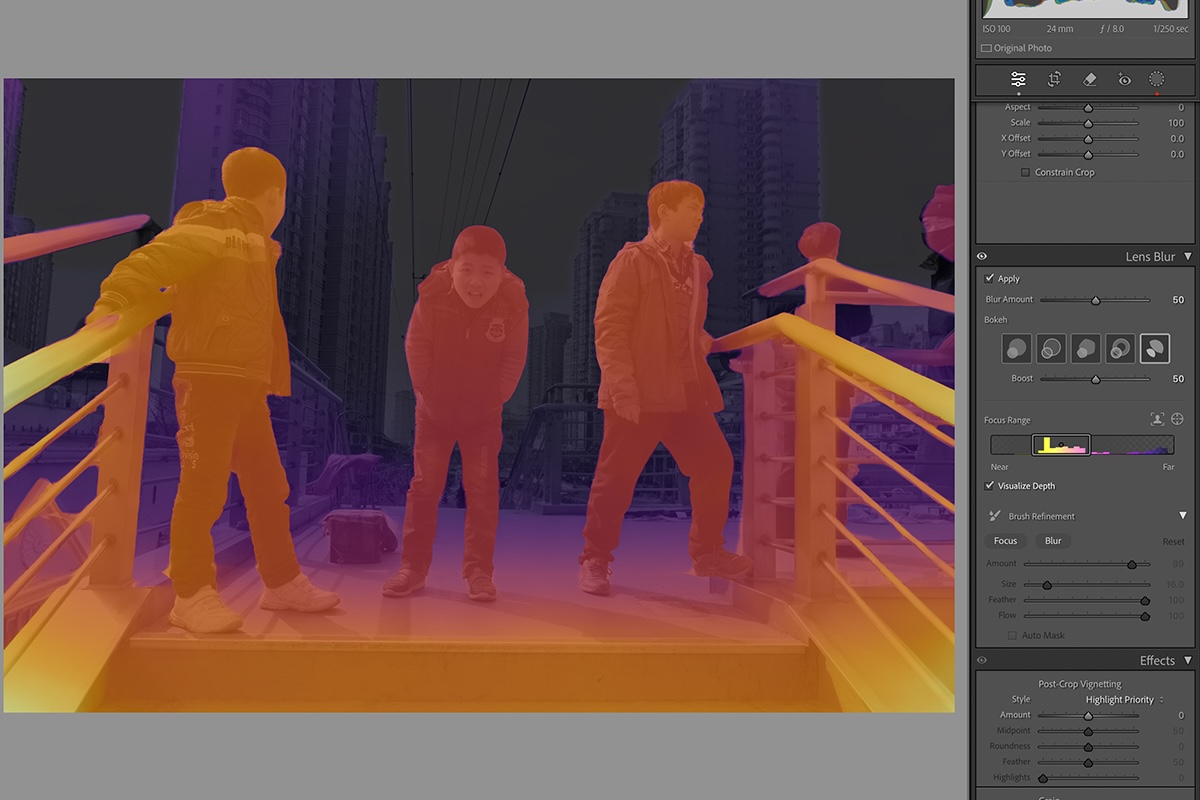
If you want to learn how to blur the background in Lightroom, you have come to the right place. This article will guide you through Lightroom’s easiest background blur methods. Lightroom continues to add cutting-edge tools, allowing easier and more customizable background blur tools. This means you do not have…
By N Constant

Today, we are looking at Lightroom lens correction tools. Adobe Lightroom is an all-in-one editing and organization software for photographers. This digital editing software includes various ways to correct images, from cropping to lens correction. Lightroom lens correction is as simple as it gets. Adobe provides an automatic function and…
By N Constant
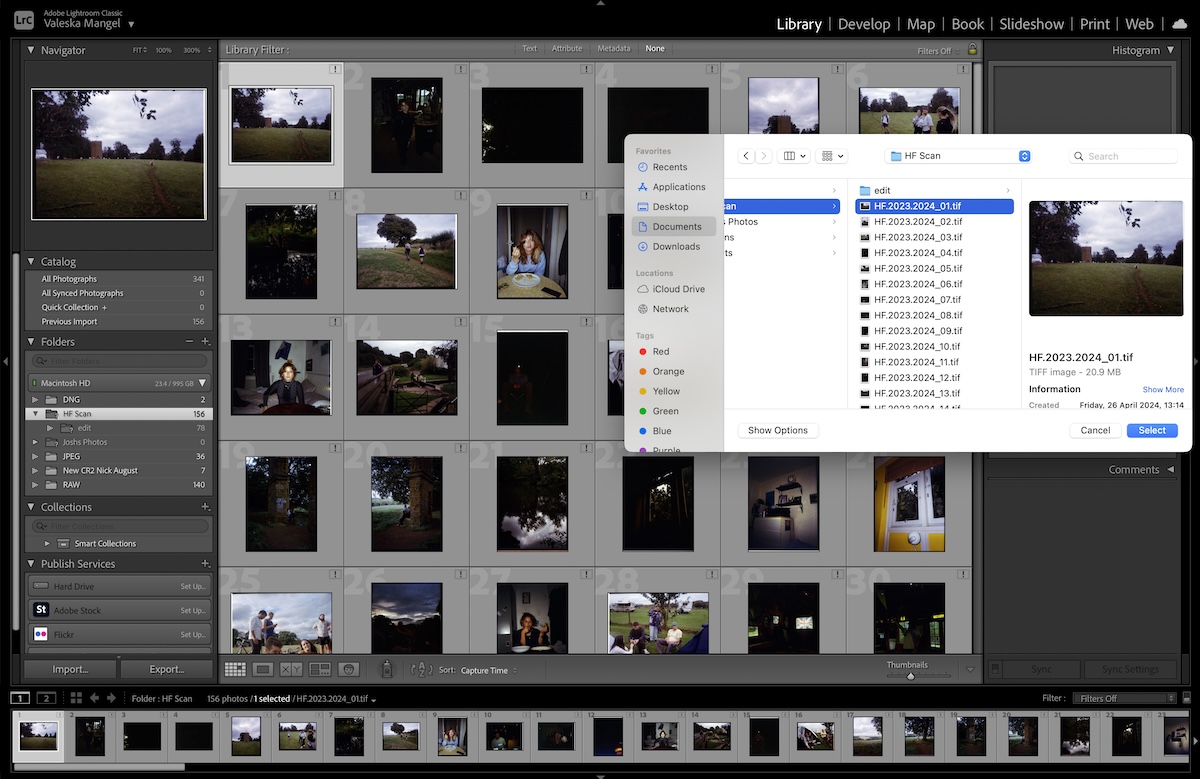
Today we will guide you through the easiest way to transfer a Lightroom catalog to a new computer. It should be a fairly straightforward process, but there are certain elements people often need to remember. Adobe Lightroom is crucial to many photographers’ archives. It can house all the photographs we…
By N Constant

Develop a RAW photo in RawTherapee or Lightroom Classic, then edit the rendered image in GIMP. Follow the importer and TIFF transfer steps, with fixes for a missing RAW loader.
By N Constant

Today, we will guide you through how to add a watermark in Lightroom. Watermarks are an important form of security in digital photography, especially if you share your images online. Luckily, Lightroom provides a brilliant process for applying customized watermarks to our photos. This process is much easier than applying…
By N Constant

Today, we’re looking at the best free Lightroom presets. After a quick search on Google, you’ll be flooded with thousands of free Lightroom presets. Some can be very expensive, while others are free. Presets are a great way to work through your images in Adobe Lightroom. They are adjustments made…
By N Constant