

Featured Course:
End the frustration by adjusting just a few simple controls on your camera.
Learn More
In this article, we will show you how to use the Blur tool in Photoshop. We will start by painting blur into specific areas using the Blur tool in the toolbar. Then, we will explore Blur filters and the Blur Gallery effects. These latter tools let you control blur across…
By Jenn Mishra
Taking pictures of bunnies proves it’s fair to say that they’re one of the cutest countryside critters. They’re a delight to see when we’re out walking through fields and woodland. But rabbits are becoming ever more popular as a household pet. As we start to see more bunnies in our…
By Christopher Bryan-Smith
Have you ever wondered how you can move your face from one picture to another? Today, we will show you the best face swap apps people use. You can swap your faces with family, try a new hairstyle, or photobomb a friend’s picture. Maybe you want to be the star…
By Joe Taylor

Christmas flat lay photography is the perfect way to get creative and into the festive spirit. Even if there’s a blizzard outside, embrace your Christmas creativity and make some magical flat lay photos! We’ll provide you with a list of our 16 favourite Christmas flat lay photo ideas that you can…
By Christopher Bryan-Smith
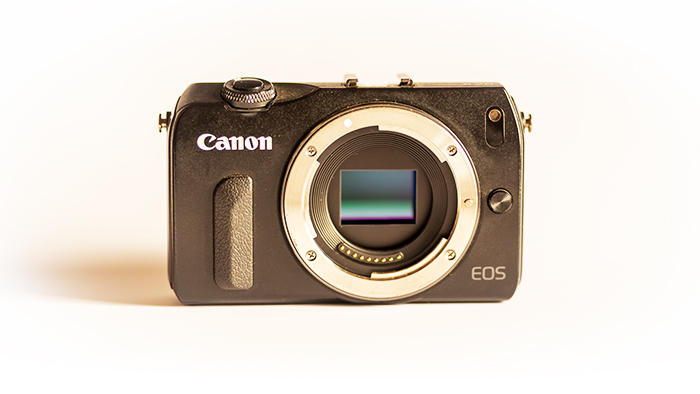
The Canon EOS M might not be the first thing you think of when choosing a camera. But I’ve written this review because I used the EOS M to take the images you see below. And I’m really pleased with the way they came out. Read on to see why I…
By Joe Taylor
The blur effect in Photoshop is a quick way to make your photo more dramatic. Adding a blur is a great way to do it. Consider this a quick-and-easy beginner’s guide to using a blur filter and a blur effect in Adobe Photoshop. Whether you want to achieve that shallow depth…
By N Constant
Flat lay photography is all the rage these days, and for good reason: it’s a great way to show off your style and creativity. But if you’re new to the genre, it can be tough to know where to start. That’s why we’ve put together this list of seven flat…
By Chad Verzosa
If you’re a photographer, or even if you just like to dabble in photo editing, you’ve probably heard of Photoshop actions. But what are they? How do they work? And how can you use them to make your photos look even better? In this article, we’ll show you how to…
By Joris Hermans
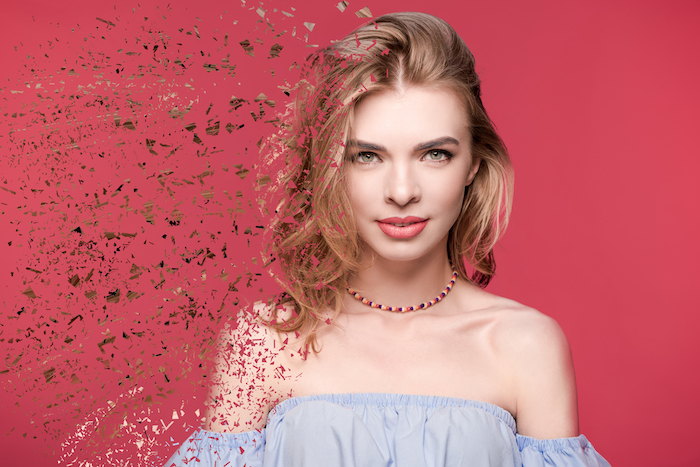
If you want a fun Photoshop technique that imagines your friends disappearing into the abyss, then look no further! Whether you want to prank your friends or you wish to copy inter-dimensional travel, the dispersion effect is here for you. Today we will take you through the most straightforward route…
By N Constant
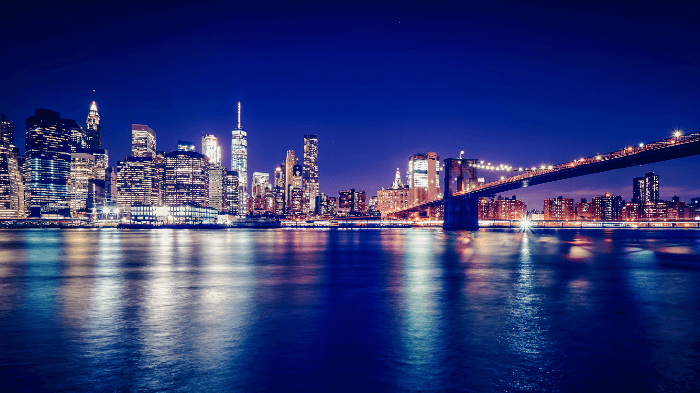
It’s no wonder that cityscape photography is so popular. New York, London, Paris. Think of any famous city around the world. Their iconic cityscapes will immediately come to mind. The good news is that cityscapes aren’t hard to photograph. You will often find clear vantage points around a city and…
By Kav Dadfar

Capturing motion can be tricky. Photographic techniques like panning will give you a better sense of motion and speed. But, this technique can be hard to master. Today, we’re going to show you how to show motion in your photographs. This is done through the simple use of motion blur in…
By N Constant
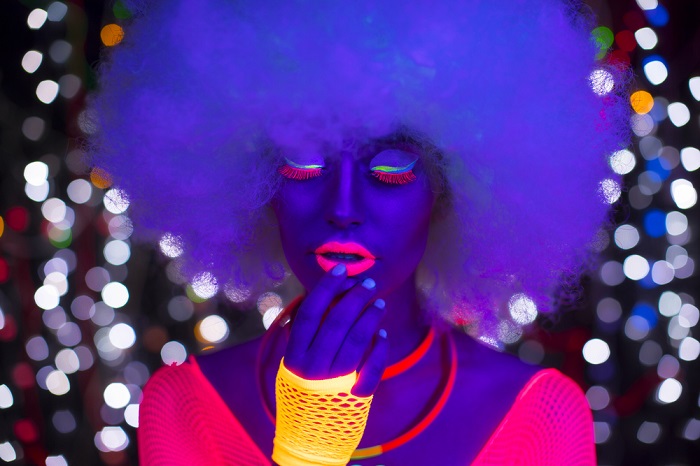
If you’re bored of the same old lighting effects, black light photography is definitely worth trying. Using black light will give your photos a completely different aesthetic. With black lights, you can take a standard scene or portrait and turn it into a vibrant image full of neon colors. Just…
By Christopher Bryan-Smith