

Featured Course:
End the frustration by adjusting just a few simple controls on your camera.
Learn More

Different file extensions have different properties. The more familiar you are with these different file types, the more control you have over your digital archive. Today, we’re going to take a deeper look into the NEF file extension. We will explore what it is and the properties that make it.…
By N Constant

The ’60s pop art movement is known for its strong shapes and vibrant colors. In this 10-step Photoshop pop art tutorial, you will learn how to create an Andy Warhol-style pop art Photoshop effect. You’ll also learn to use adjustment layers and layer groups in 10 additional steps to make…
By Joe Taylor

Urban exploration photography is one of the most exciting ways to venture out with your camera. Our cities and industrial areas are full of abandoned buildings. And they make a prime location for urbex photography. But you should never go exploring unprepared. If you plan on visiting abandoned places, you…
By Christopher Bryan-Smith

Neural filters in Photoshop are an amazing feature in the software. They allow you to smooth skin and colorize black and white photos. Here’s how to use them. Using Neural Filters in Photoshop: What Are They? Neural Filters are AI tools…
By Jenn Mishra

To find out the properties of your Nikon lens, you can either check the lens manual or read the abbreviations around the lens. The sequence of letters you find may seem more like hieroglyphics than helpful pointers. This article will look at a list of Nikon lens abbreviations. We will…
By N Constant

This article features all Sony lenses explained by dissecting its features. This guide will explain all the abbreviations and what they mean, as well as the different types of Sony lenses available. We’ll also take a look at some of the best Sony lenses for different photography genres. Let’s get…
By N Constant

Composite photography is widely used. Many photo advertisements you see are composites. That’s because it’s easier to create a crazy, fictional scene in post-production. It can be hard to capture something in real life or build a whole set with every detail you need. And a composite…
By N Constant

The glow effect in Adobe Photoshop is amazingly versatile. You can create a soft, dreamy portrait. Or you can go for an edgy neon glow. There are several different ways to make your portraits glow. You might be surprised at how easy it is. Once you see the basic principles, you…
By Jenn Mishra

If you want to add some extra pizazz to your photos, you might want to try color blocking in photography. This is a technique that can be used in both digital and analog photography, and it’s a great way to add some excitement to an otherwise dull photo. Exploring Color…
By Christopher Bryan-Smith

If you’re looking for a simple way to emphasise pattern or form, you may want to try making a kaleidoscope effect in Photoshop. It is a simple method that uses duplication, mirroring, and rotation to create a geometric pattern. A kaleidoscope pattern has a hypnotising quality to it. The pattern…
By N Constant
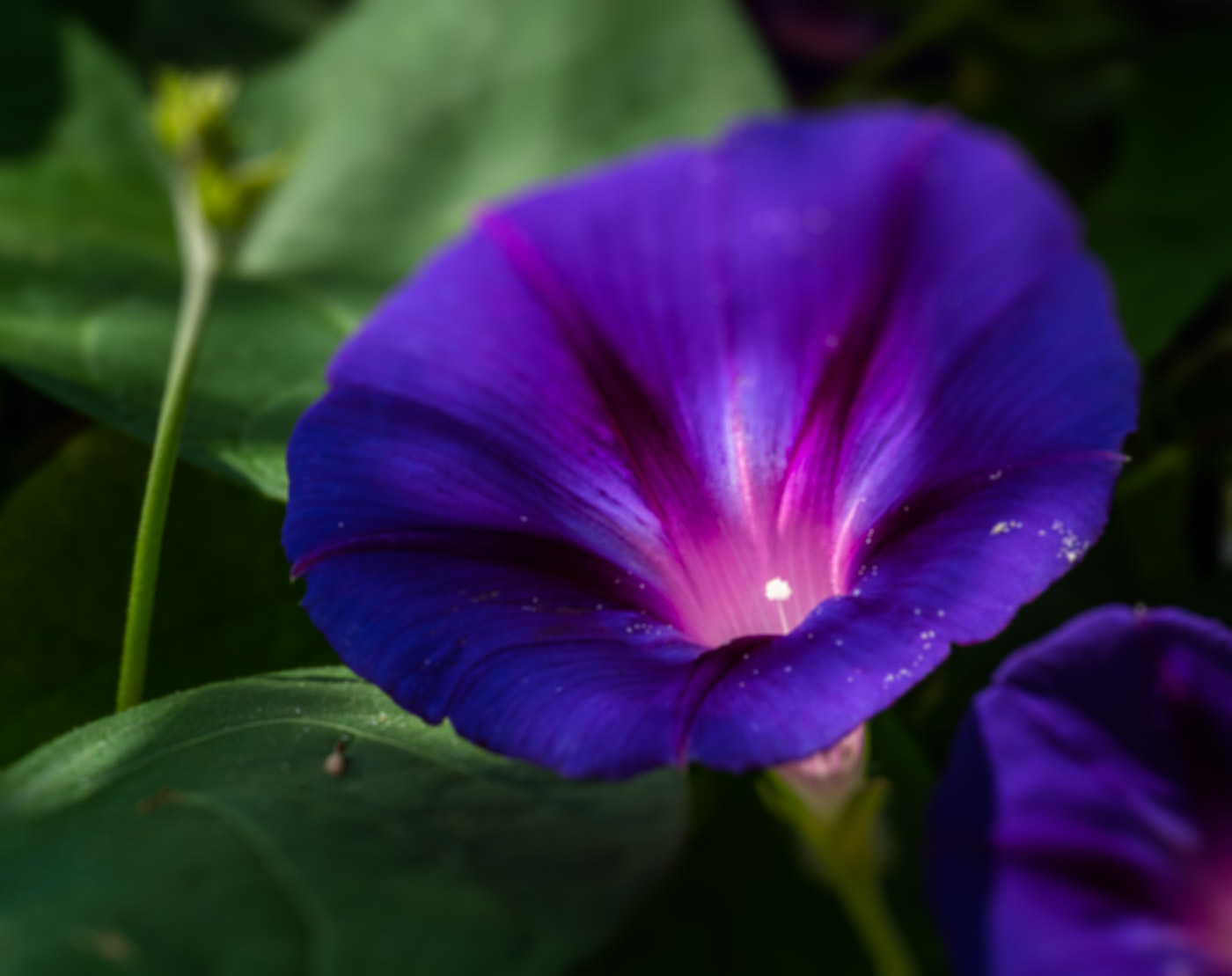
In this article, we will show you how to use the Blur tool in Photoshop. We will start by painting blur into specific areas using the Blur tool in the toolbar. Then, we will explore Blur filters and the Blur Gallery effects. These latter tools let you control blur across…
By Jenn Mishra
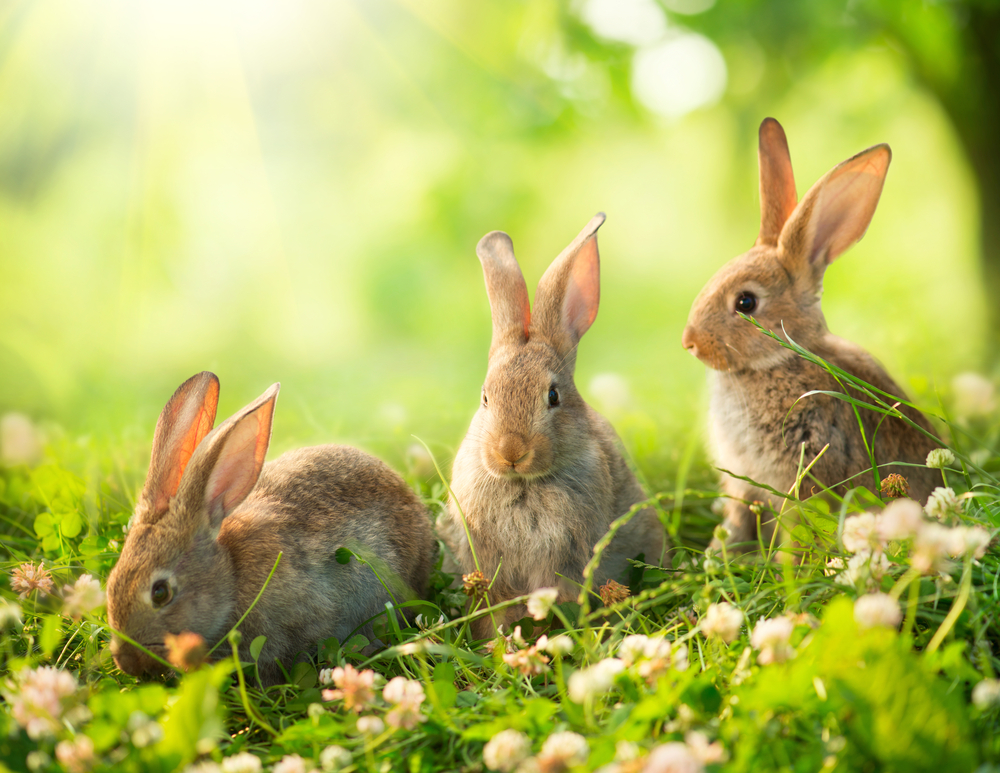
Taking pictures of bunnies proves it’s fair to say that they’re one of the cutest countryside critters. They’re a delight to see when we’re out walking through fields and woodland. But rabbits are becoming ever more popular as a household pet. As we start to see more bunnies in our…
By Christopher Bryan-Smith