

Kazu is a professional travel, documentary & portrait photographer. He has been exploring the world with his camera for more than a decade creating work in Europe, Africa, Asia, and the Americas.
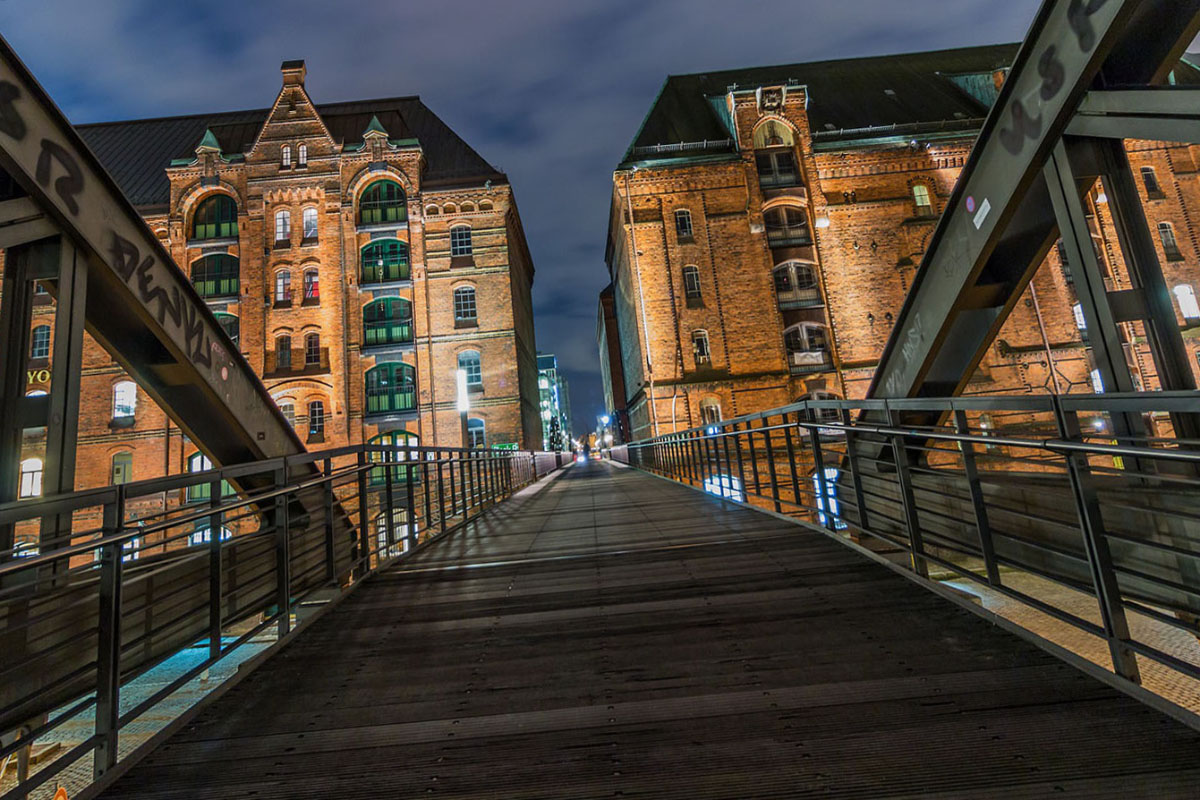
If you’ve ever photographed architecture, you know that it’s difficult to keep buildings and lines straight. Unless you use a tilt-shift lens, you’re always going to end up using Photoshop Lens Correction. And this nifty filter is useful for more than just architecture photography. Here are the basics. How to…
By Joris Hermans
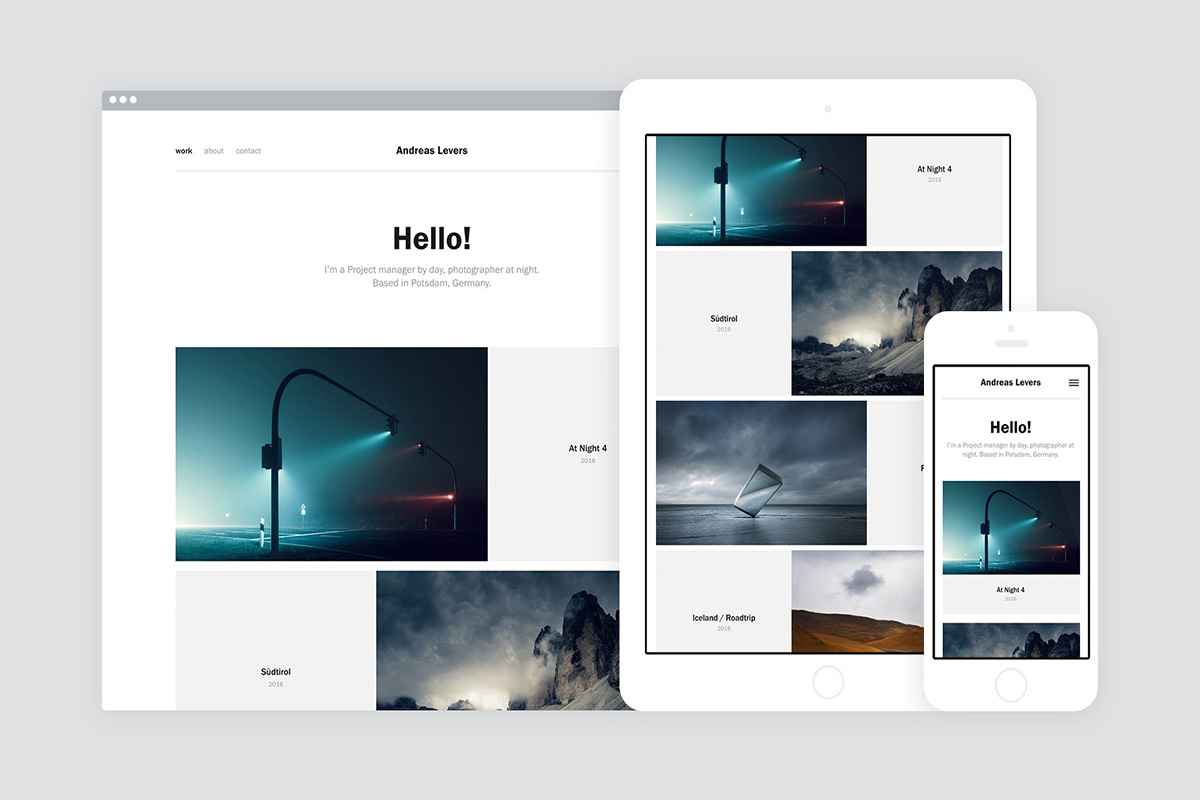
Adobe Portfolio review: see how galleries, Lightroom imports, themes, and custom domains work, plus the limitations to check before building your site.
By Joris Hermans
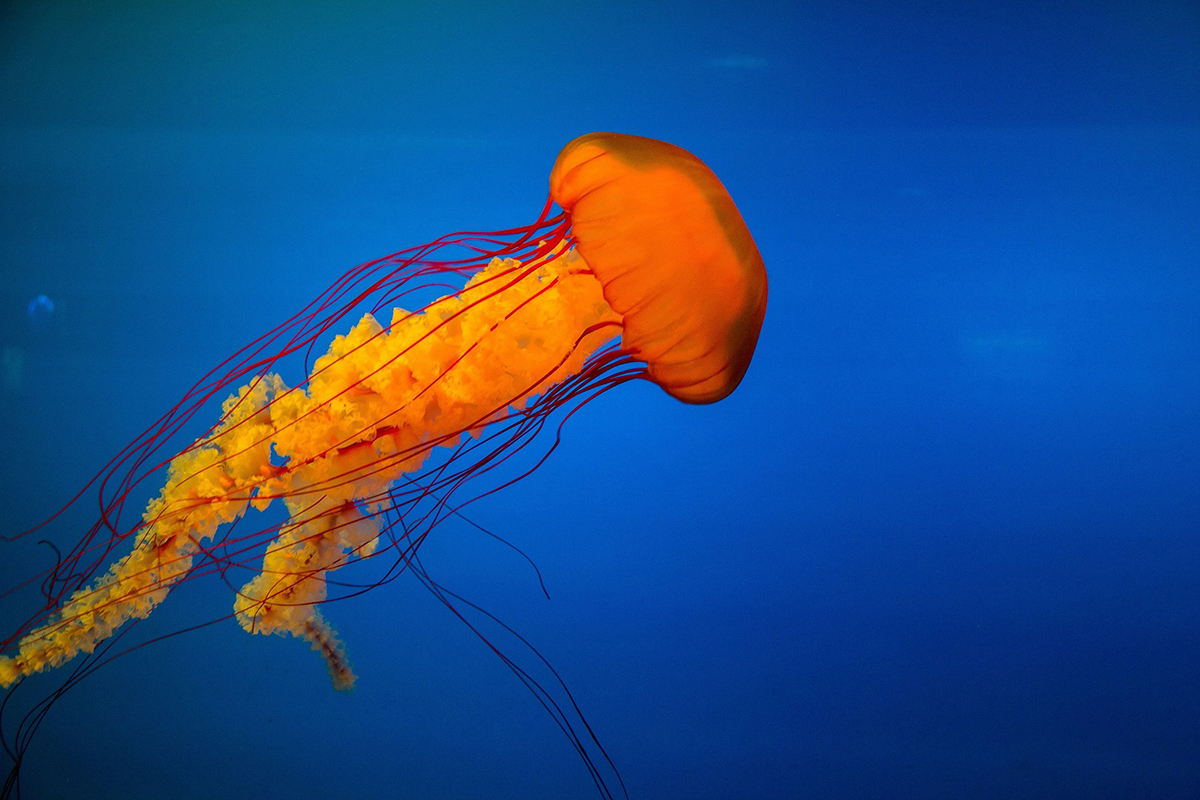
Underwater photography is one of the most unique and challenging forms of photography there is. Not only do you have to worry about getting the shot right in camera, but you also have to think about how you’re going to edit it later. In this post, we’ll give you a…
By Joris Hermans
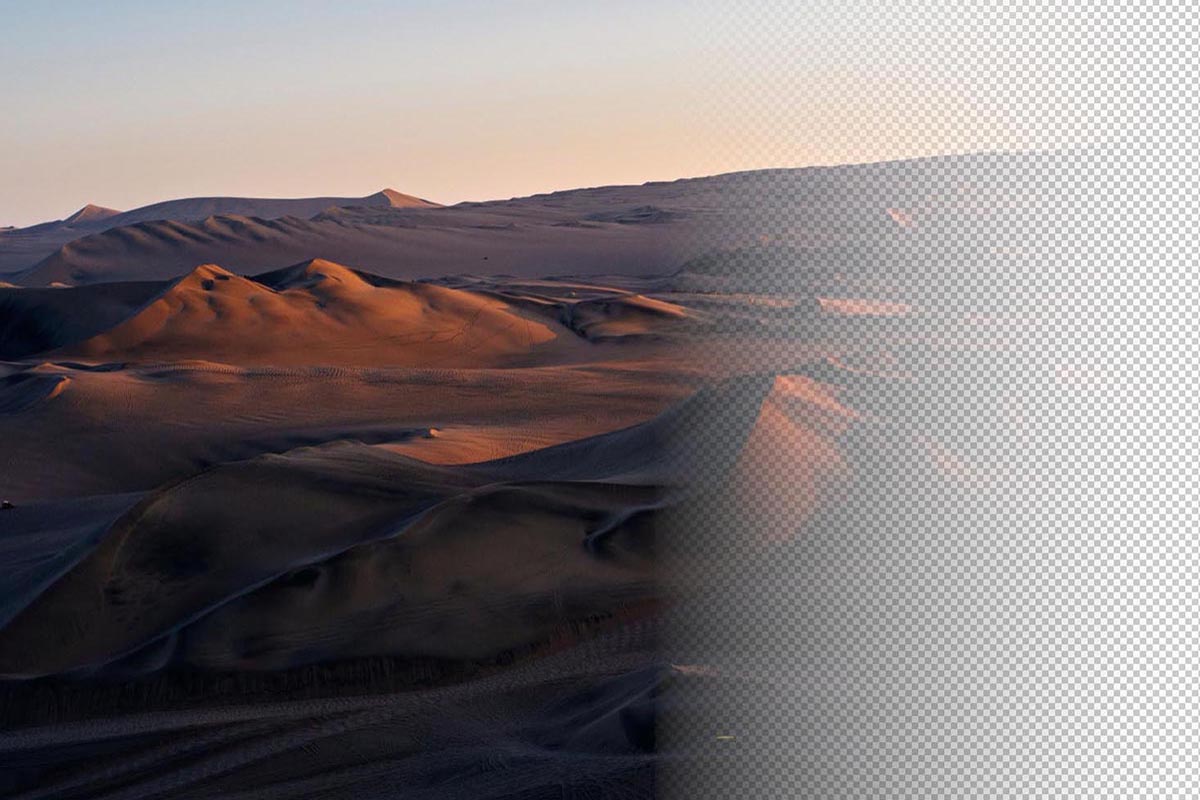
A transparent gradient in Photoshop is super useful for photographers and graphic designers. You can use it to fade a photo into the background, for masking, and many other things. In this article, I’ll show you how to create and modify a transparent gradient. How to Create a Transparent Gradient…
By Joris Hermans
Are you looking to add shapes other than a boring old circle or square to your designs? You can add a ton of Photoshop custom shapes to your photos. In this article, I’ll even show you how to make your own custom Photoshop shapes. How to Use the Custom Shape…
By Joris Hermans
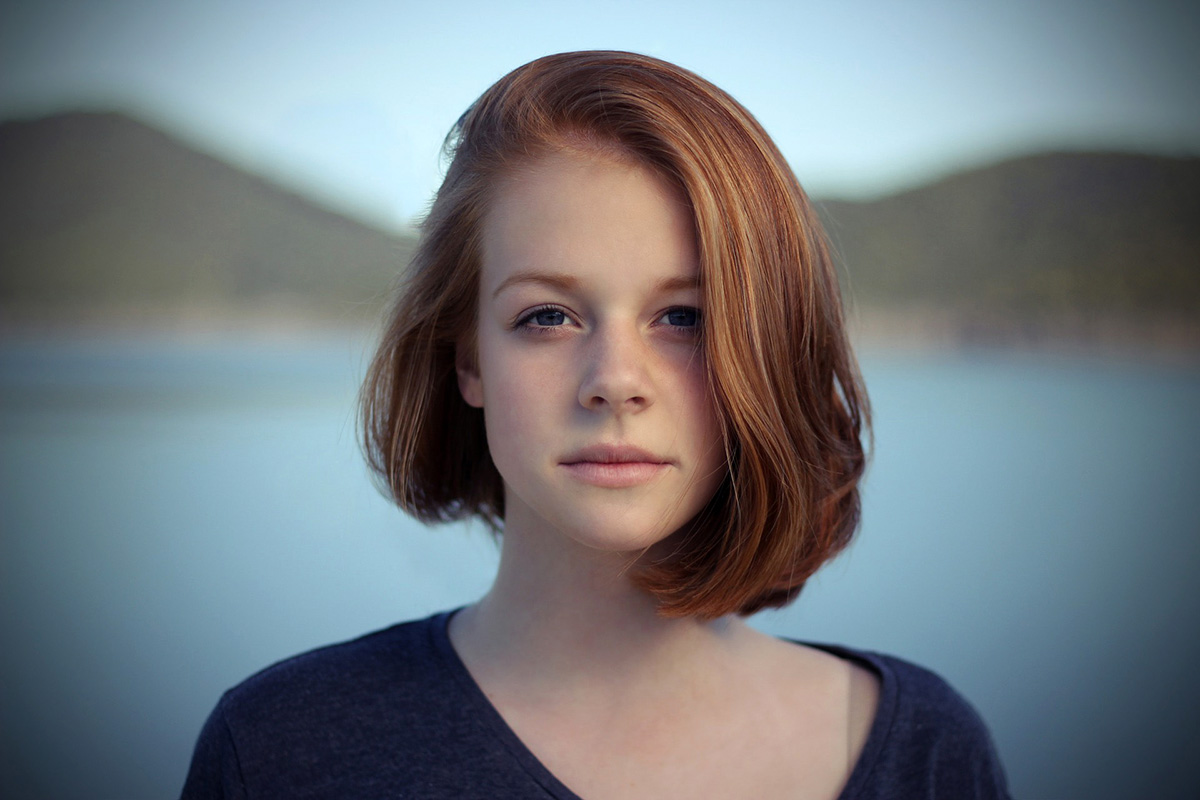
Want to add a subtle effect to your photos to draw the viewer’s attention? Adding a vignette in Photoshop will do just that. In this article, I’ll show you three different ways to create a vignette effect. Creating a Vignette in Photoshop The vignette effect is probably as old as…
By Joris Hermans
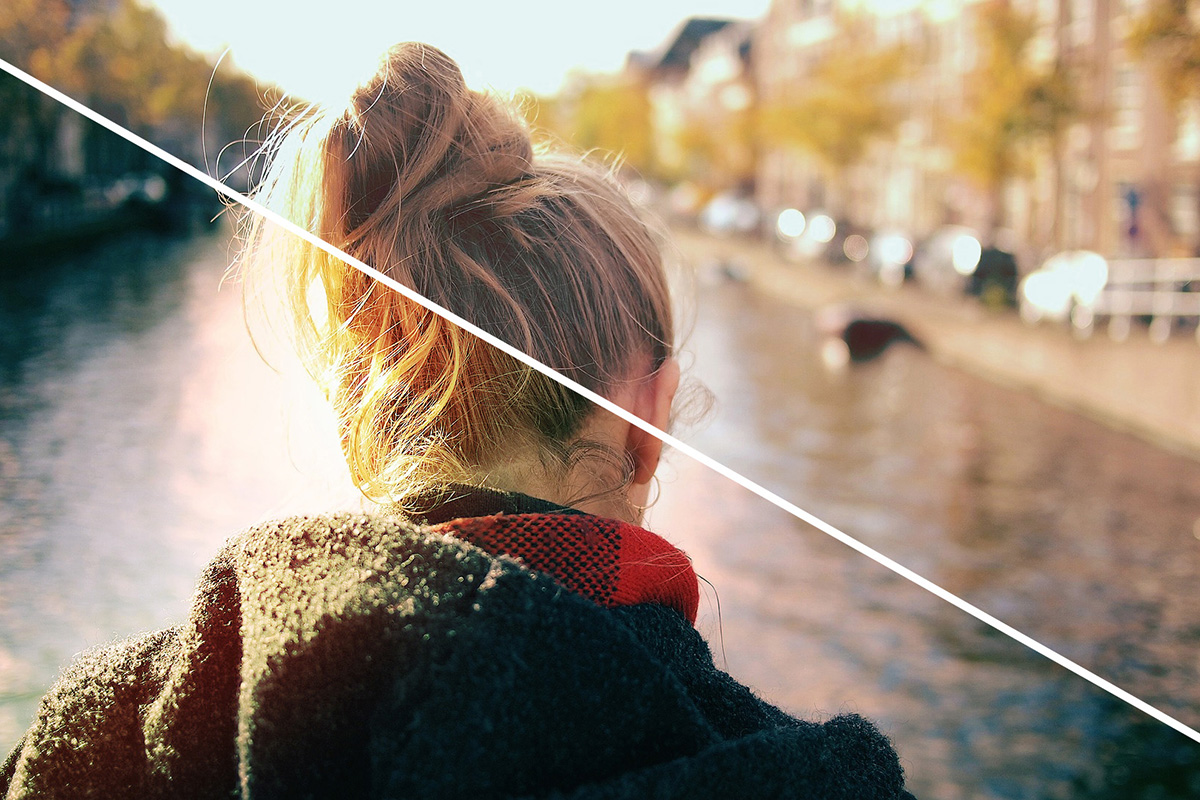
Are your photos missing some punch or atmosphere? Color Dodge is a great way to add color and contrast. You can use Color Dodge in different ways. Often, it’s used in combination with Color Burn, but we’ll start with just Color Dodge. How to Use Color Dodge in Photoshop This…
By Joris Hermans
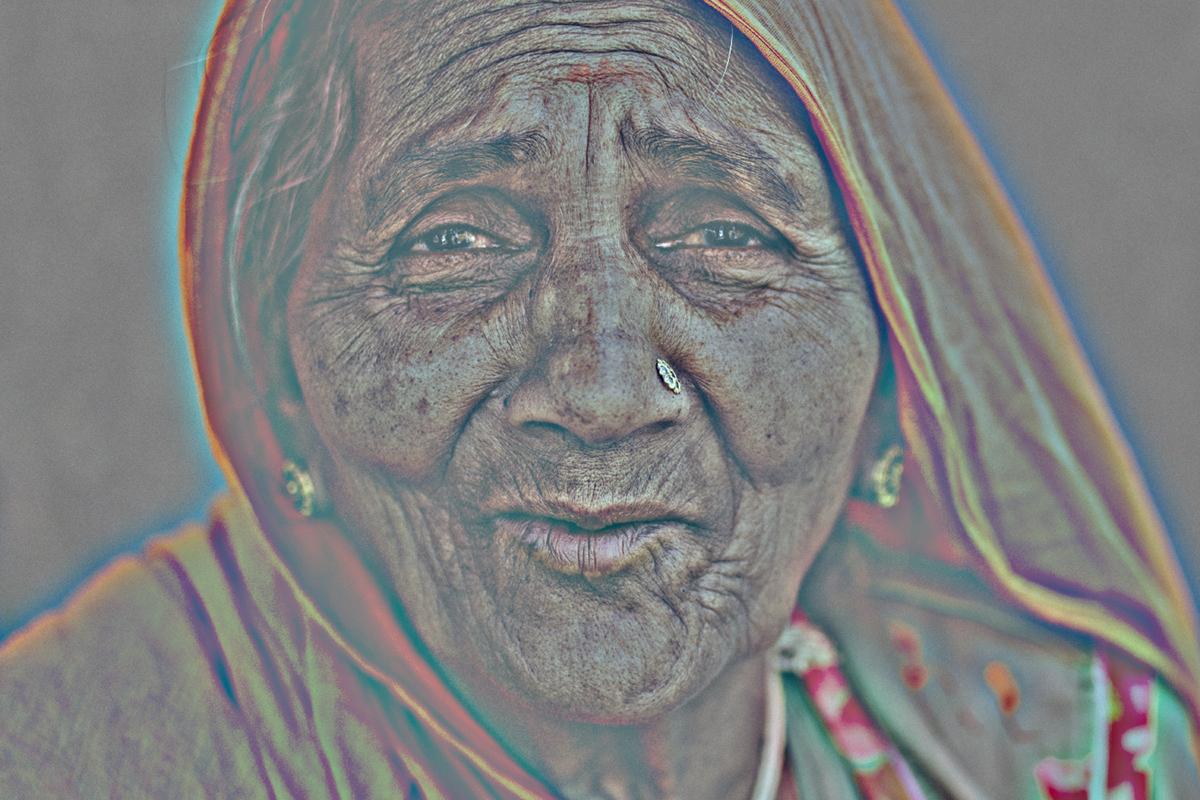
The high pass filter is one of the most commonly used filters in Photoshop. It’s a tool that can be used to sharpen images, and it’s also great for removing noise from photos. In this tutorial, we’ll show you how to use the high pass filter in Photoshop to improve…
By Joris Hermans
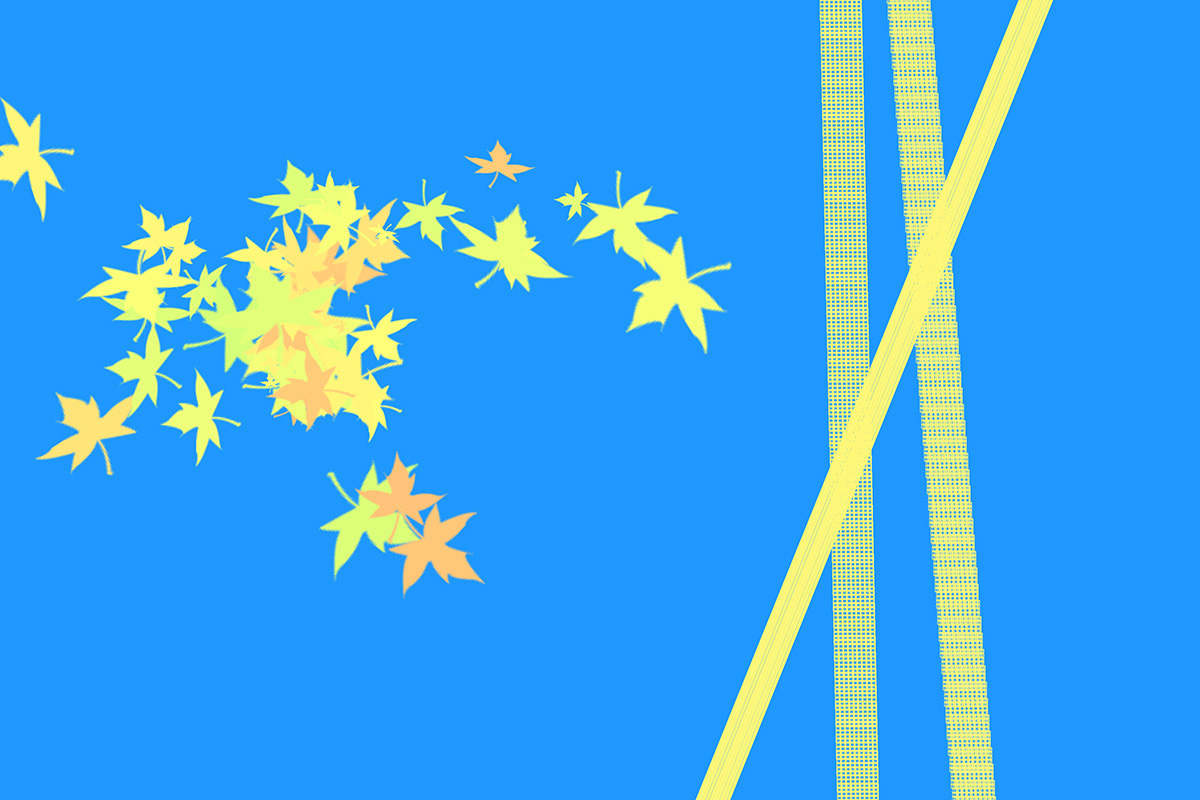
Photoshop brushes are useful for all Photoshop users. You can buy sets of brushes but there are also tons of free Photoshop brushes available. In this article, I’ll show you how to install and use them. What Are Photoshop Brushes You don’t need to be an illustrator to use Photoshop…
By Joris Hermans
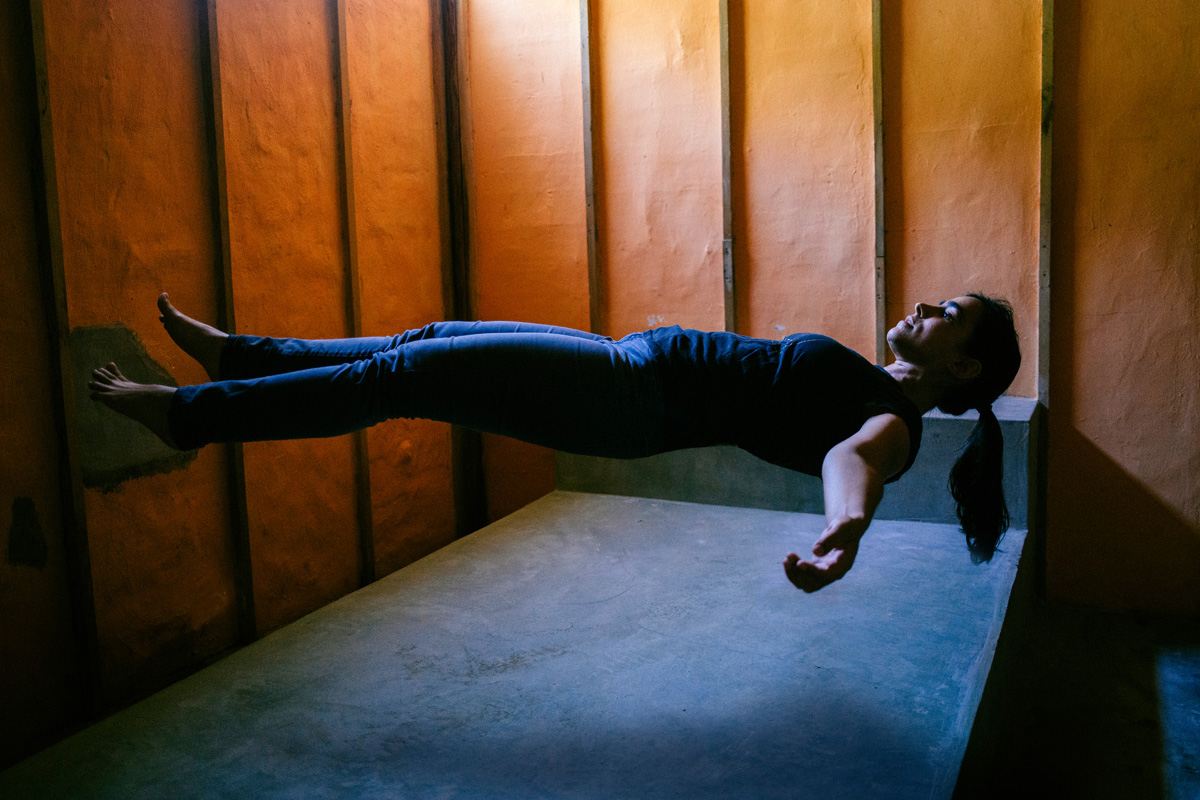
The switch from film to digital has created thousands of creative possibilities. And levitation photography is one of those fun and surreal things you must try. Today, I’ll explain exactly how to create the effect of a floating person in your photo. Gear for Levitation Photography There are a…
By Joris Hermans
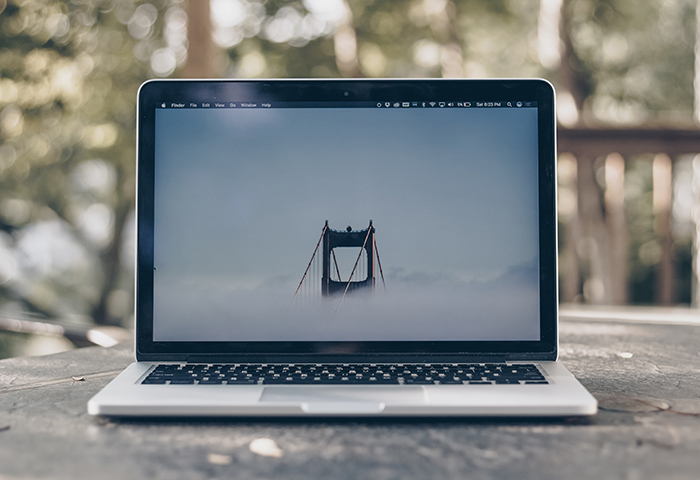
Photoshop grids and guides are tools to make editing your photos easier. Use them if you need to straighten lines in a photo or when creating a layout. In this article, I’ll show you how to use them both. How Do You Make a Photoshop Grid? We’ll start with the…
By Joris Hermans
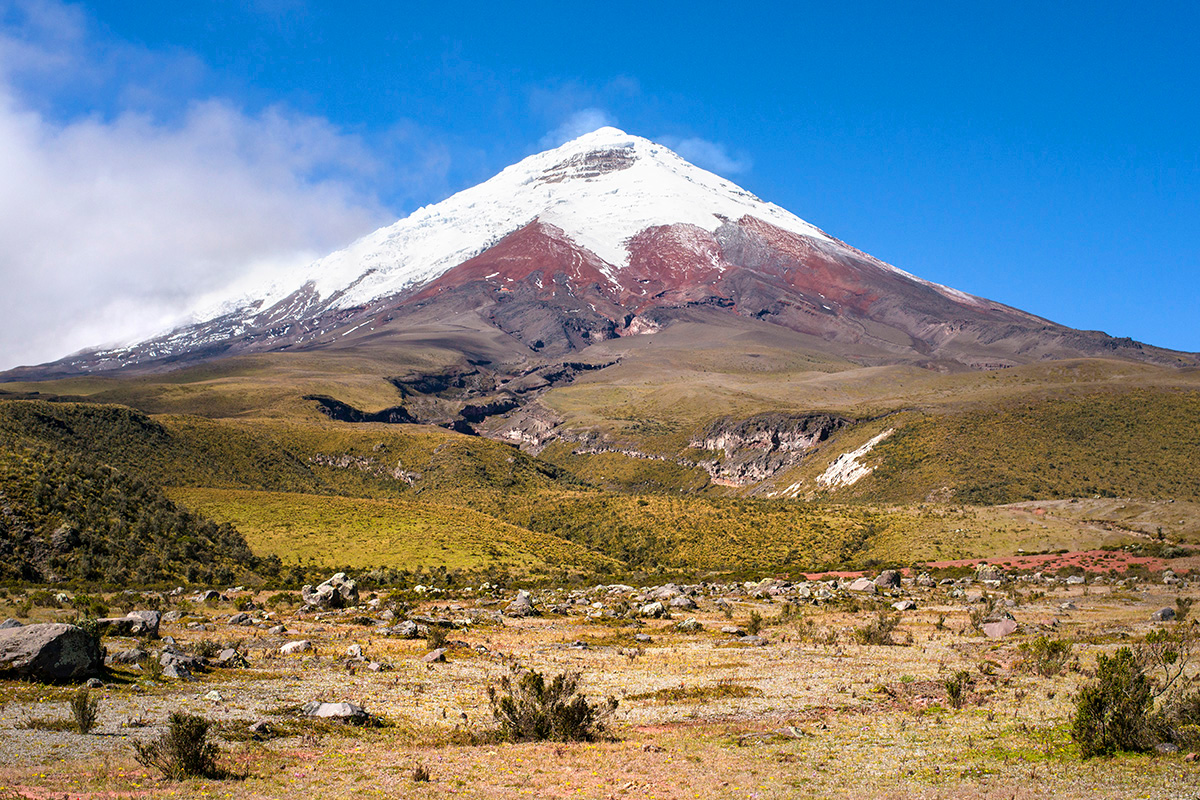
Every landscape photographer should learn how to edit their photos. The problem is that there are countless Photoshop landscape tutorials available. And not all of them are that good. I’ll show you the basics of everything you need to know on how to Photoshop landscape photos. A Guide to Photoshop…
By Joris Hermans