

Featured Course:
Transform your portraits with magic and wonder using simple Photoshop techniques.
Learn More
Today we are comparing GIMP vs Photoshop. Both photo editing software aims to provide users with tools to fully manipulate and adjust photographs. They allow you to release creativity, create photo composites, or fine-tune your favorite photos. The main difference between the two is that Adobe Photoshop is the industry-standard…
By N Constant

Products like Adobe Photoshop and Adobe Lightroom lead the photo editing industry. But they also have a steep learning curve. And sometimes you don’t need all the editing tools they offer. Plus, they are expensive! That’s why we’ve compiled a list of the 13 best free photo editing software. Capturing…
By N Constant
Today, we will guide you through the easiest way to batch resize images in Photoshop. You will encounter this process at some point in your photographic journey. Learning how to do this will save you a lot of time. Adobe Photoshop is digital editing software that usually works with single…
By N Constant
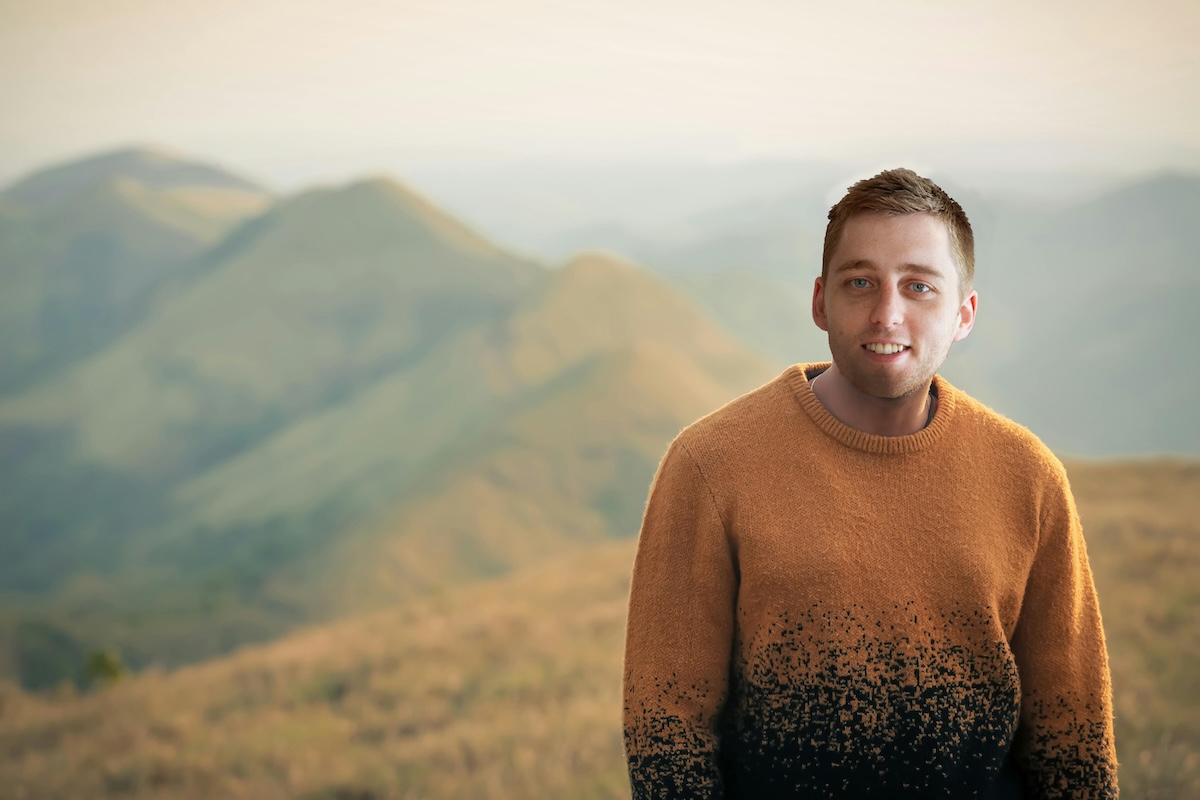
Today, we’re looking at the easiest way to perform a face swap in Photoshop. Adobe Photoshop allows us to get creative with our photography. A face swap is a great way to have fun with pictures of our friends or family. A successful face swap can be tricky even though…
By N Constant
This article looks at all the best ways to edit details in Photoshop. We cover everything from adding grain to reducing now. So if you want to learn more about editing details like a pro in Photoshop, keep reading. How to Edit Details in Photoshop Adobe Photoshop is one of…
By Christopher Bryan-Smith

Learning how to edit color in Photoshop is essential if you want your images exactly how you imagined them. There are a few ways you can edit colors using Photoshop, from inverting colors to adding color to monochrome images. This article has everything you need to know about editing color…
By Christopher Bryan-Smith
Today we will show you how to open a RAW file in GIMP. This involves using RAW file reading programs to transfer our files. We will be exploring both free and paid options so everyone has a choice. GIMP is a brilliant great open-source image editor we can access for…
By N Constant

Toady, we will explore the best Lightroom export settings. These settings balance image quality with accessibility. Maybe you’re editing photos for Instagram or enlarging photos for printing. Here, you’ll find the perfect way to share your best work. Let’s dive deep into the many settings in the Lightroom export dialogue…
By N Constant

Today, we will examine how to fix grainy photos in post-production and explore several different approaches to making your images as sharp as possible. By the end of this article, photographic grain will no longer be an issue! Grain can be a stylistic choice to add a certain feel to…
By N Constant

If you’re in a creative rut, these creative editing ideas will help you escape it. I’m sure most of us have used photo editing software before, whether for touch-ups or enhancements. But you can use modern software for much more than tweaks and adjustments. These creative editing ideas show you…
By Christopher Bryan-Smith
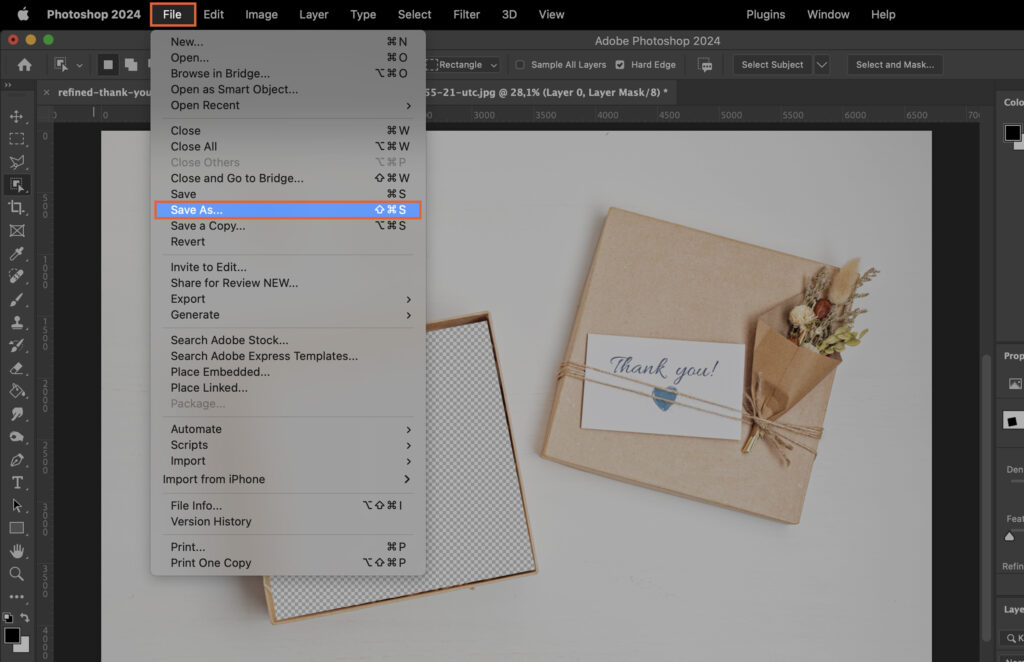
Mastering the ability to make an image transparent in Photoshop can unlock a new level of creativity in your graphic design work. This article provides a step-by-step guide to help you solve this challenge, enhancing your skills and the quality of your projects. Step 1. Choose the Right Photoshop Tool…
By Szilard Kovacs
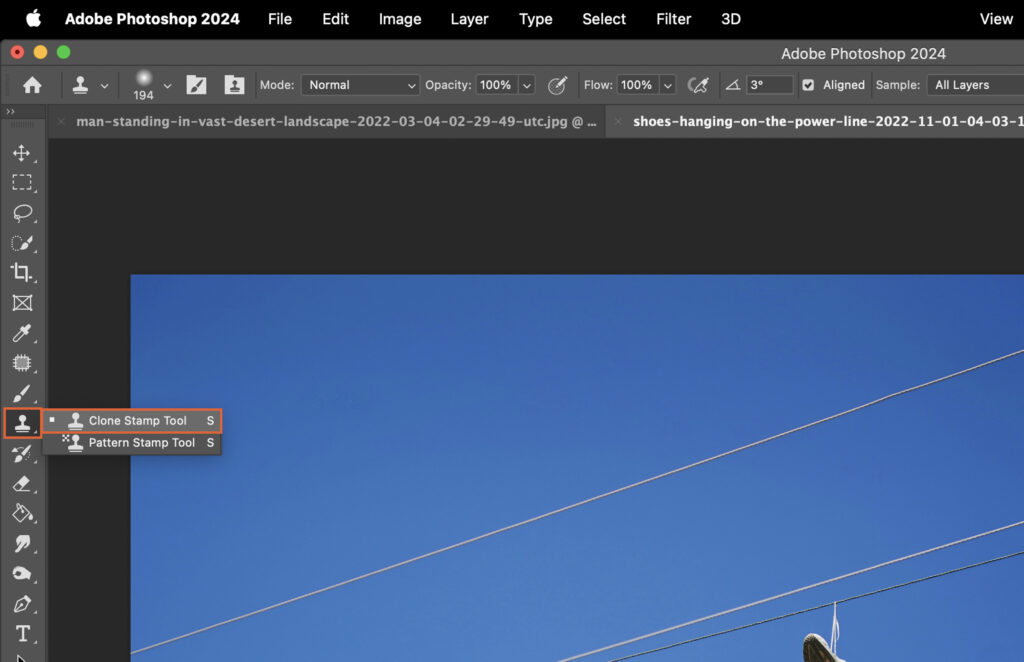
Struggling to remove lines in Photoshop? This article provides a step-by-step guide to help you navigate this process. Mastering these techniques can greatly enhance your digital editing skills and lead to cleaner, more professional images. Step 1. Choose the Right Tool for Line Removal Different tools in Photoshop offer various…
By Szilard Kovacs