

Featured Course:
End the frustration by adjusting just a few simple controls on your camera.
Learn More

Zoom lenses are essential for photographers who need versatility without changing their lens frequently. They offer a range of focal lengths, making them perfect for capturing everything from wide landscapes to detailed portraits. Our guide to the 18 best zoom lenses covers top picks for various needs and budgets, ensuring…
By Trevor Marshall

If you want to learn how to merge photos in Lightroom, you have come to the right place. Lightroom lets us merge photos inside the application for advanced edits. We can easily produce high-quality HDRs and panoramas thanks to the Photo Merge tool. Today, we take you through the photo…
By N Constant

Choosing the right lens is key for any photography enthusiast or professional, ensuring you capture the perfect shot every time. Our guide to the 15 Best Lenses for Every Type of Photography offers a comprehensive overview, helping you find the lens that best suits your needs, whether you’re shooting landscapes,…
By Trevor Marshall
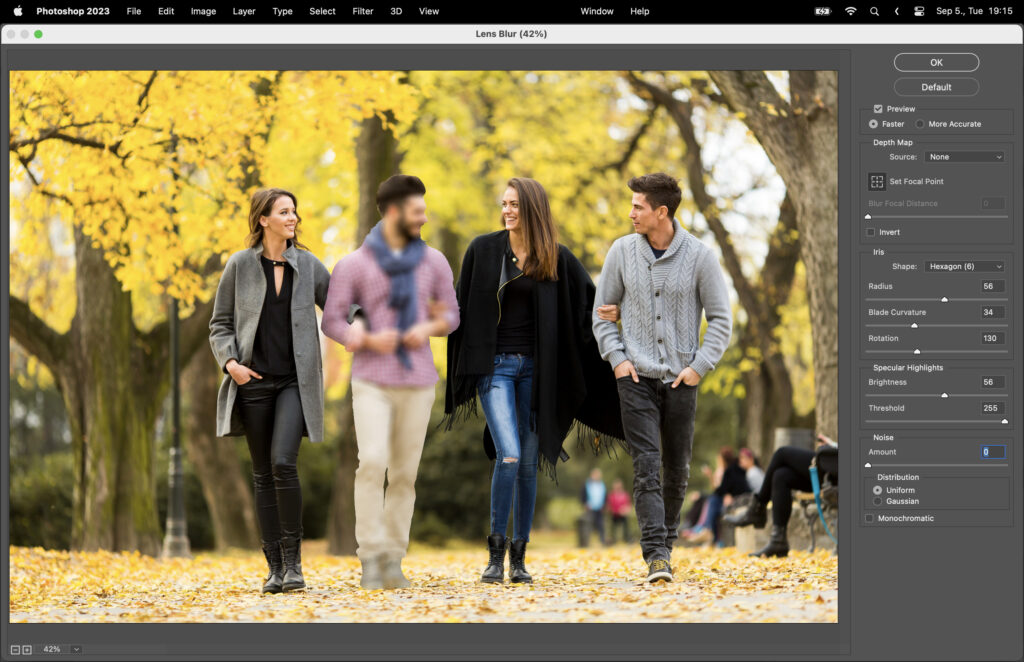
In the world of photo editing and graphic design, Adobe Photoshop is a powerful tool that offers a wide range of effects to enhance and transform images. One such effect is the blur effect, which can be used to create a sense of depth, movement, or focus. However, applying a…
By Szilard Kovacs
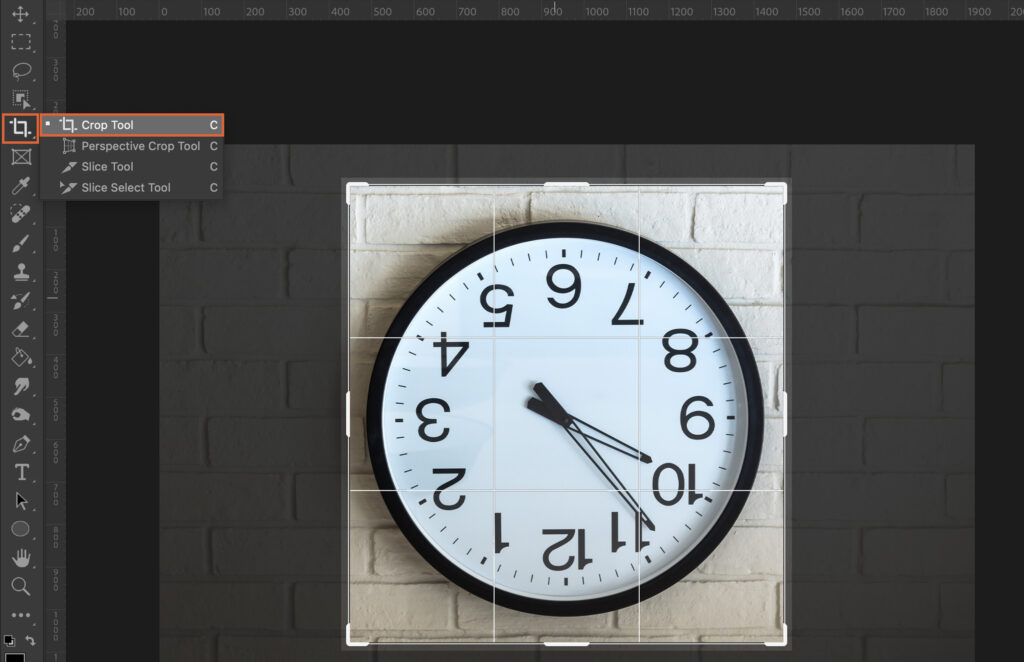
In the world of digital design and photography, Photoshop reigns supreme, but even the most seasoned users can stumble upon simple tasks such as image rotation. Whether you’re correcting a slanted horizon, or simply want to change the orientation of your photo for a creative project, knowing how to rotate…
By Szilard Kovacs
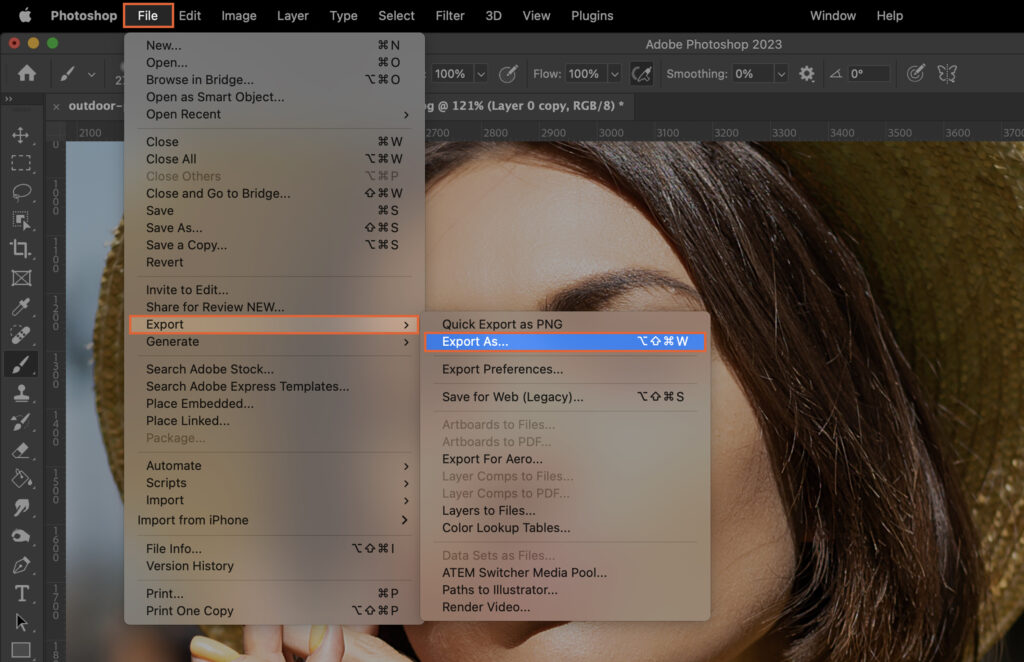
Capturing the perfect image is only half the battle in digital photography. The other half lies in post-production, which includes enhancing and refining your image to make it look its best. Among various adjustments, sharpening the image is a crucial step. It enhances the details, making the picture more appealing…
By Szilard Kovacs

Learning how to add grain in Lightroom may seem like a step backward, but this aesthetic can add a new dimension to your photos. In the age of digital photography, we expect our images to be crisp and clean. But when we look back at old photographs, grain adds a…
By Joshua Dunlop
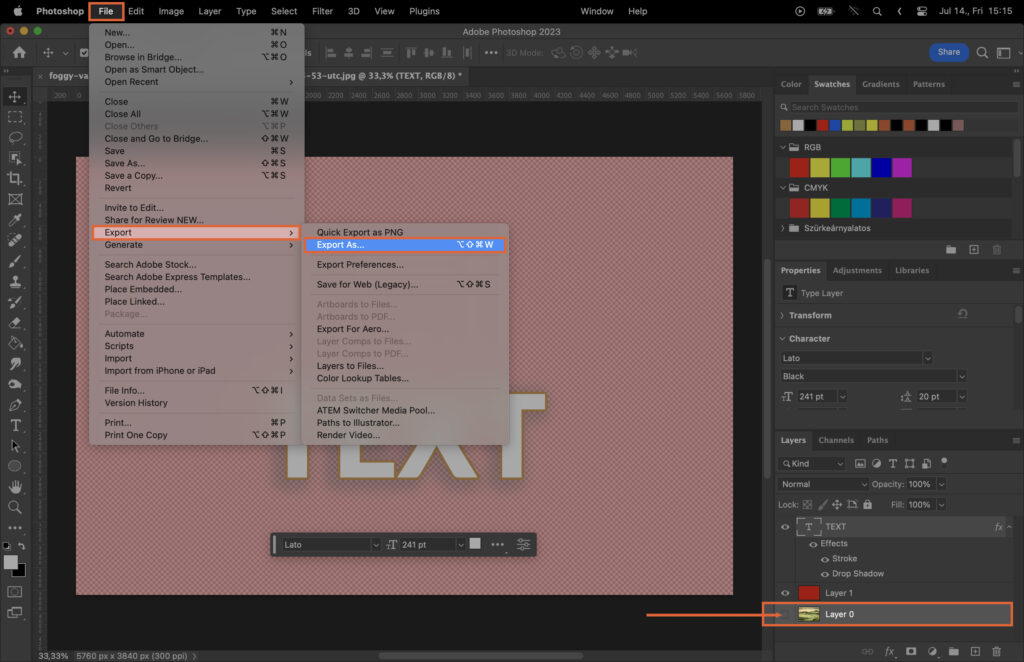
Creating overlays in Photoshop can seem like a daunting task, especially if you’re new to the software. Overlays can add depth, highlight specific areas, or simply give your image a unique aesthetic touch. However, the process can feel complex without a clear step-by-step guide. This article aims to solve that…
By Szilard Kovacs
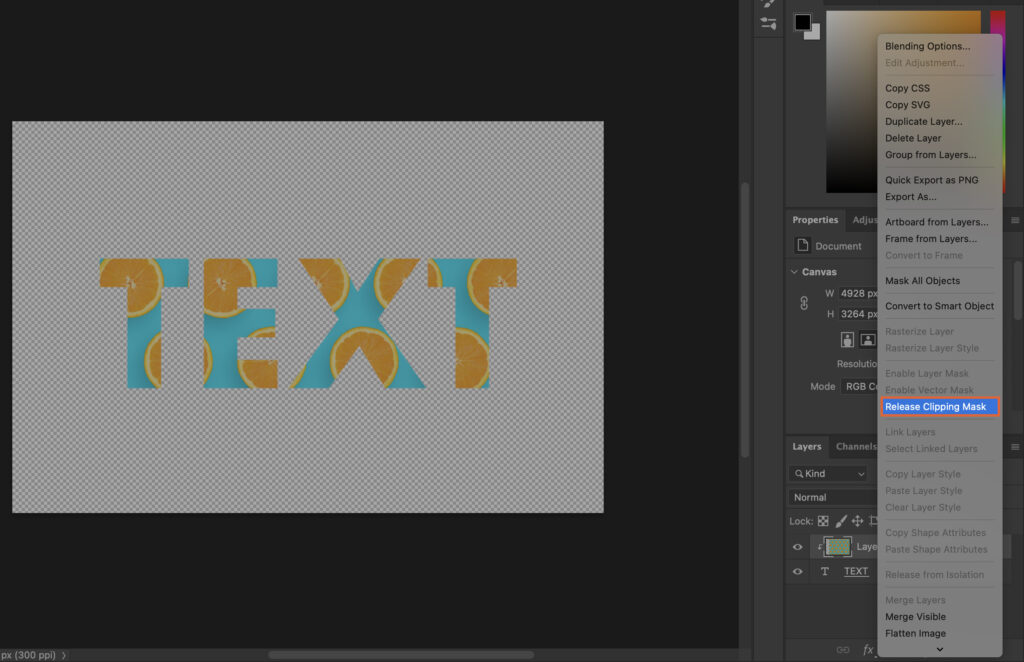
Mastering the art of Photoshop can be a daunting task, especially when it comes to more complex techniques like creating a clipping mask. This powerful tool can transform your designs, allowing you to blend images and shapes in a way that truly captures your creative vision. However, the process can…
By Szilard Kovacs
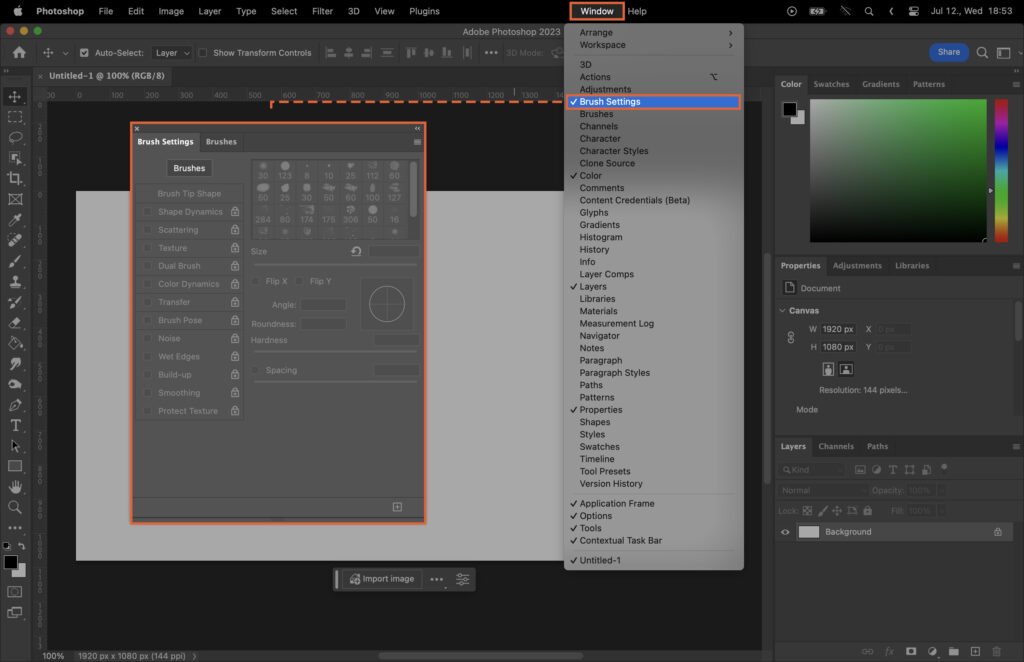
Mastering the use of Photoshop brushes can significantly elevate your digital artistry, but the array of options and settings can be overwhelming for beginners and even intermediate users. This article aims to demystify the process, providing a comprehensive guide on how to effectively use Photoshop brushes. From understanding the basics,…
By Szilard Kovacs
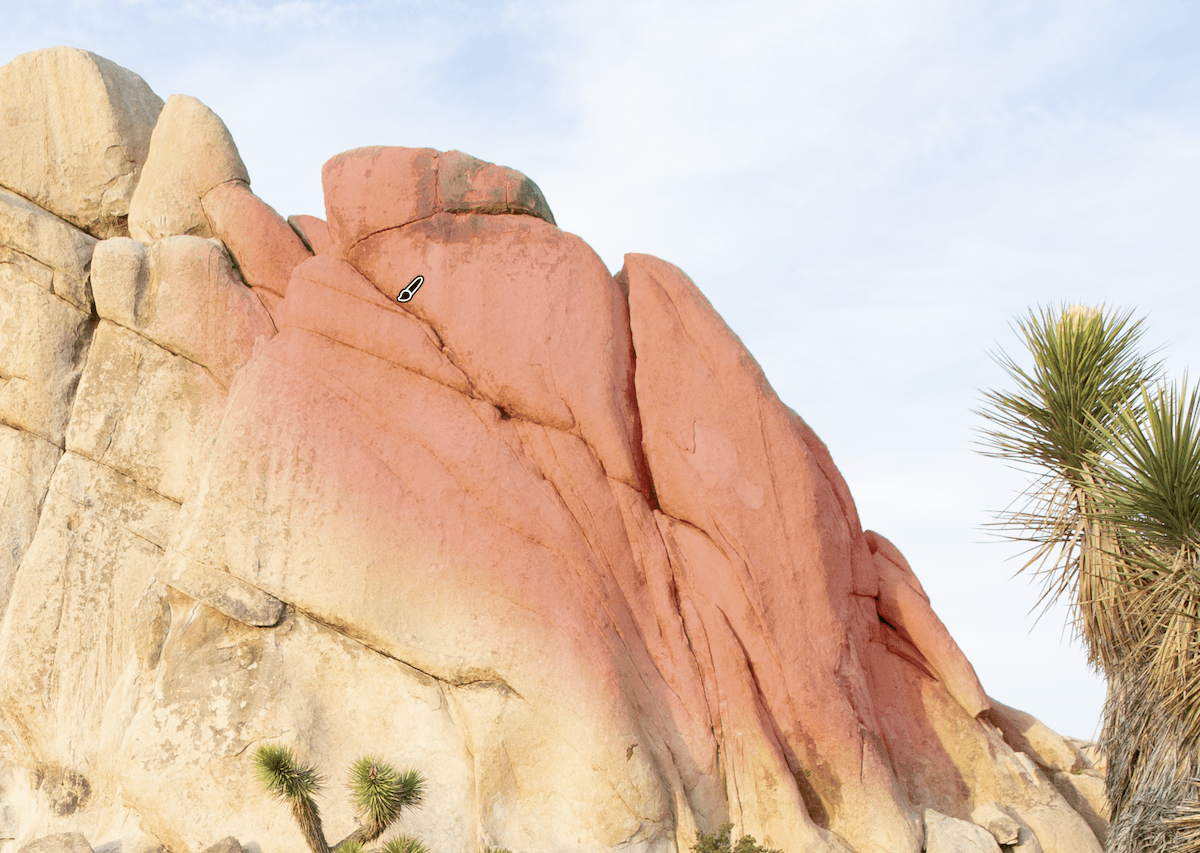
The Lightroom Brush tool is a feature that lets you edit specific regions without affecting the rest of the image. A brush tool feature means we can perform advanced edits inside Adobe Lightroom. Today, we’ll show you all the benefits of using the Lightroom Brush tool. We will show you…
By N Constant
Learn how to blur a background in Photoshop using selections and blur filters.…
By Szilard Kovacs