

Featured Course:
Transform your portraits with magic and wonder using simple Photoshop techniques.
Learn More
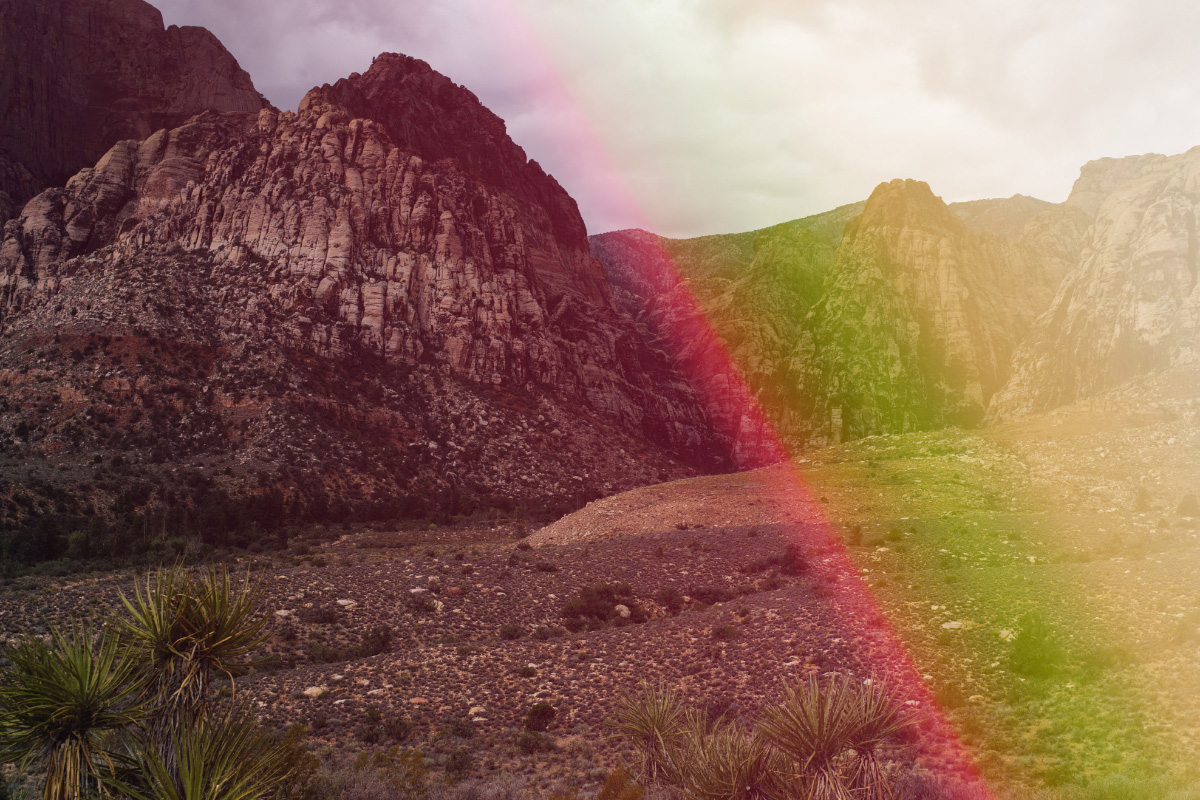
Light leaks can add an interesting and creative touch to your photos, but they can be difficult to create. Here are two ways to create amazing Photoshop light leaks. What are Photoshop Light Leaks? The term comes from film days. It’s caused by a small hole or breach in the…
By Joris Hermans
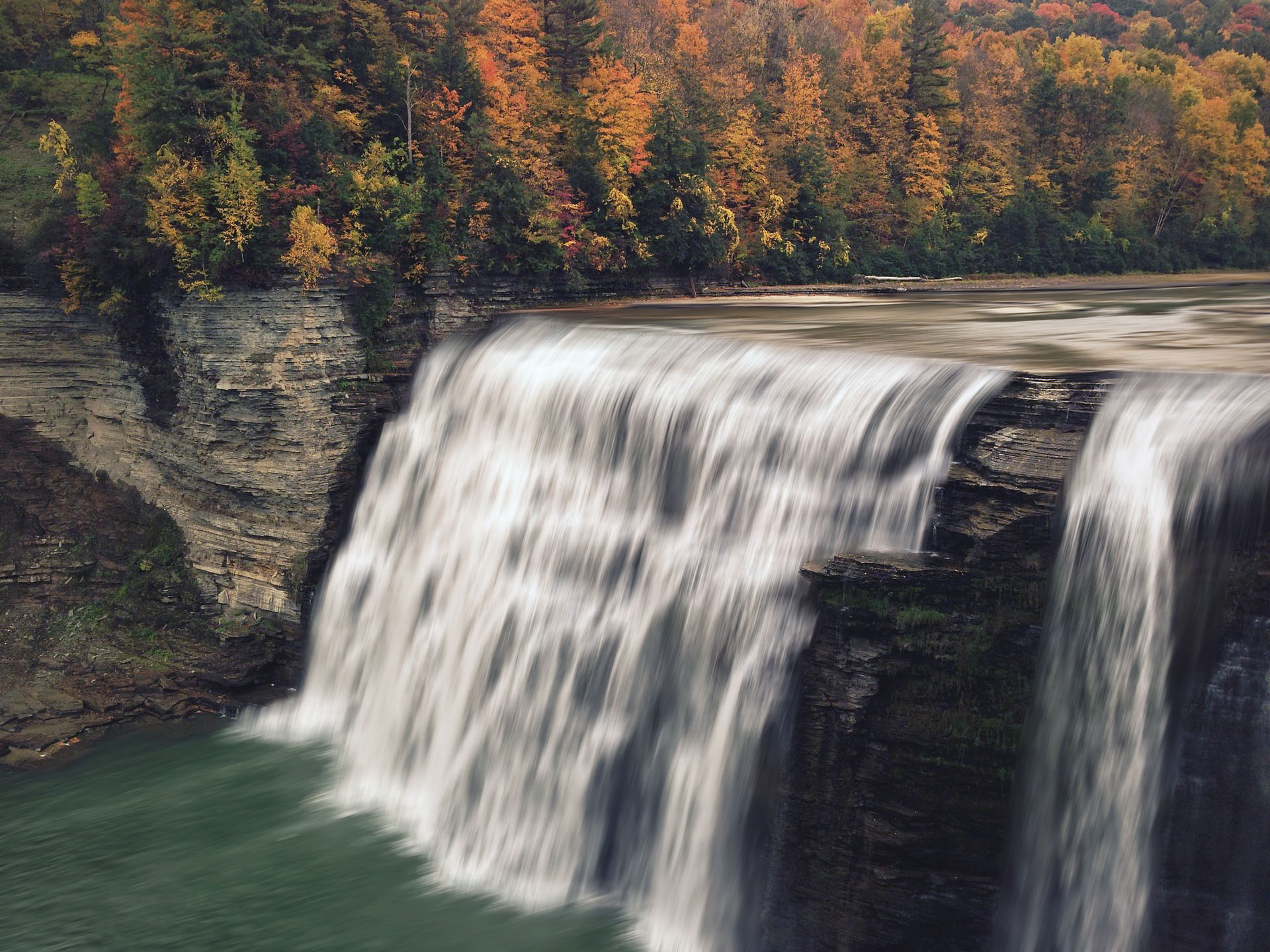
Waterfall photography often requires the use of a neutral density filter. You need it to be able to create a silky-smooth waterfall effect. But you can also create a beautiful waterfall effect in Photoshop. If you don’t have an ND filter, you can add the effect afterward. In this tutorial,…
By Joris Hermans
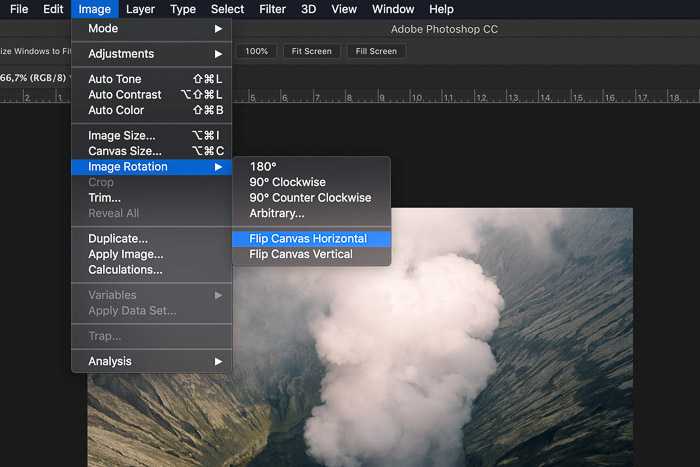
Depending on the purpose of a photo, you might want to learn how to flip an image in Photoshop. It’s easy to flip a whole photo or even added objects or shapes that are in separate layers. In this article, I’ll show you how to flip an image in Photoshop. How…
By Joris Hermans
Do you know how to use Layers in Photoshop for nondestructive editing? Smart Objects will expand the possibilities even further. In this article, I’ll show you how to start working with Smart Objects in Photoshop. Understanding Smart Objects in Photoshop Photoshop Layers are great. They allow you to edit your…
By Joris Hermans
If you’re looking to change the color mode in Photoshop, there are a few different ways you can go about it. In this article, we’ll show you how to use Image > Mode. We’ll also explain the different color modes and when to use them.…
By Joris Hermans
Product photography is very important these days. Every ecommerce business relies on beautiful product photos to make sales. In this article, I’ll show you the basic steps to edit product photos in Photoshop. How to Edit Product Photos for Product Photography Product photography is a genre of photography, which represents…
By Joris Hermans
Photoshop Layers is one of the most important things to learn when you start editing. It’s one of the best features of this powerful editing software. There are tons of possibilities but that means it’s not easy to learn every aspect at once. In this article, I’ll show you the…
By Joris Hermans
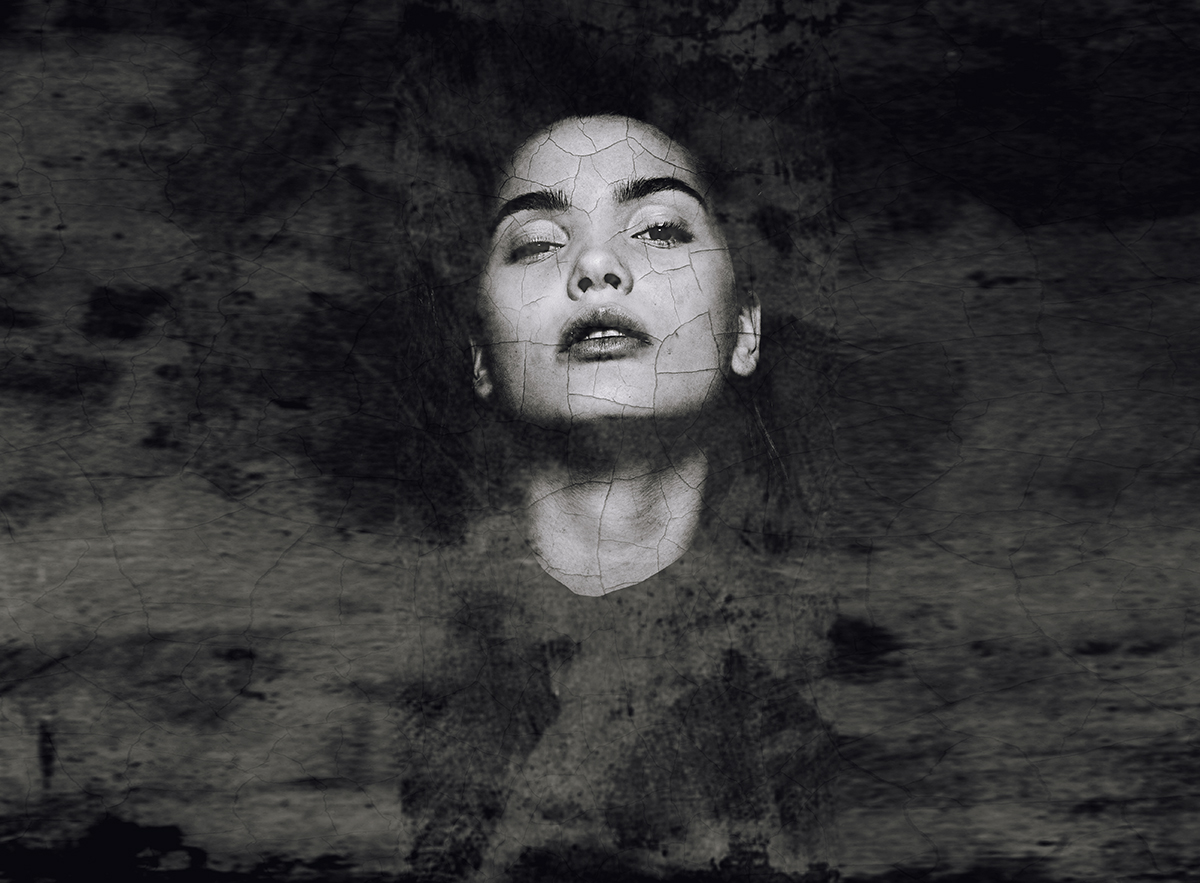
Even though beautiful abstract portraits look complicated, they’re fairly easy to create. All you need are a few images and Adobe Photoshop. This Photoshop tutorial will teach you how to quickly create an eye-catching abstract portrait with the help of a few Photoshop tools. Abstract Portraits: What You’ll Need for…
By Taya Ivanova
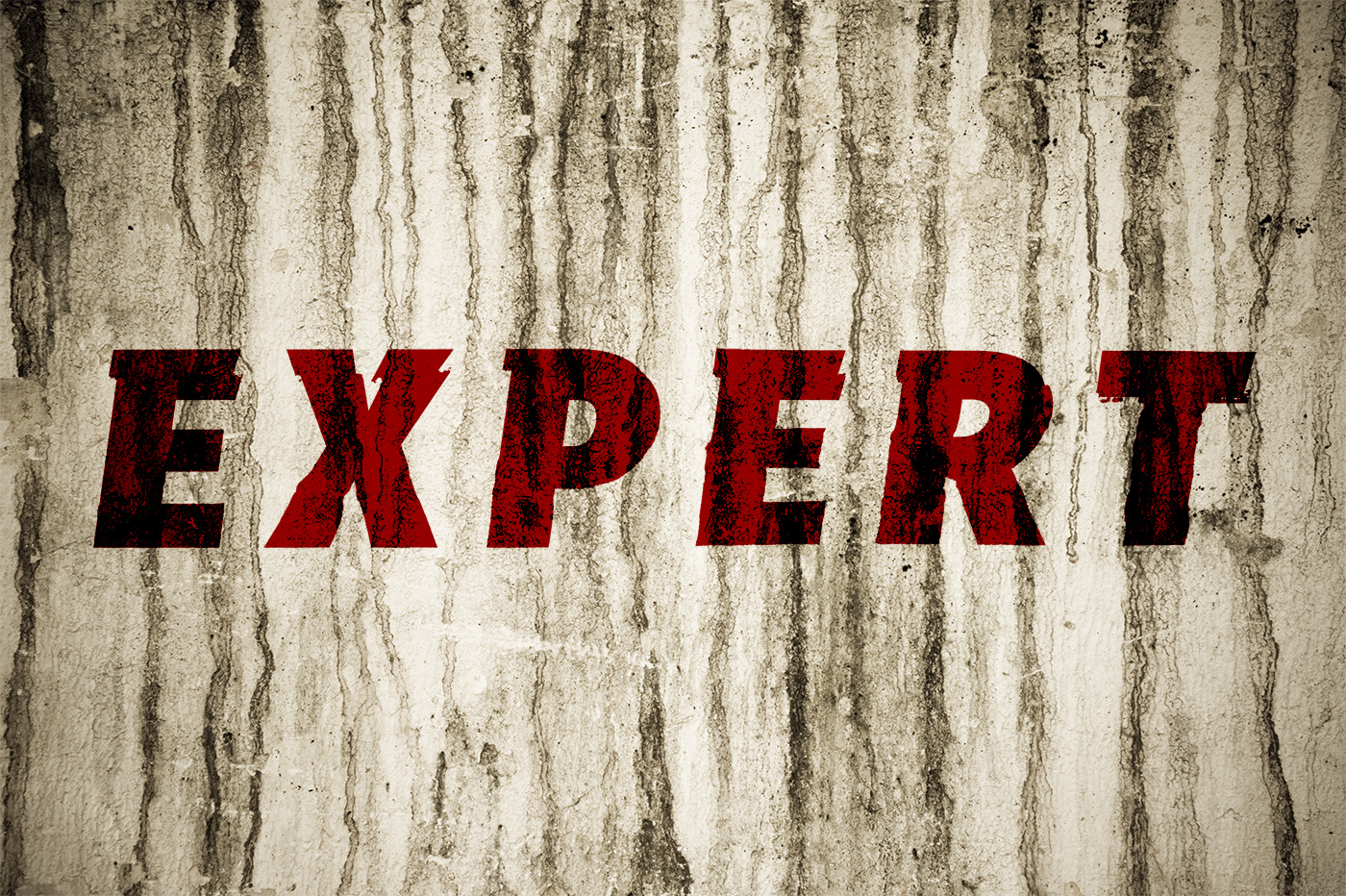
The displacement map in Photoshop is a great feature, but you need to know how to use it. In this article I will take you through seven steps on how to make a displacement map in Adobe Photoshop. Using Photoshop displacement maps can add a new dynamic to how text and graphics…
By Kevin Landwer-Johan
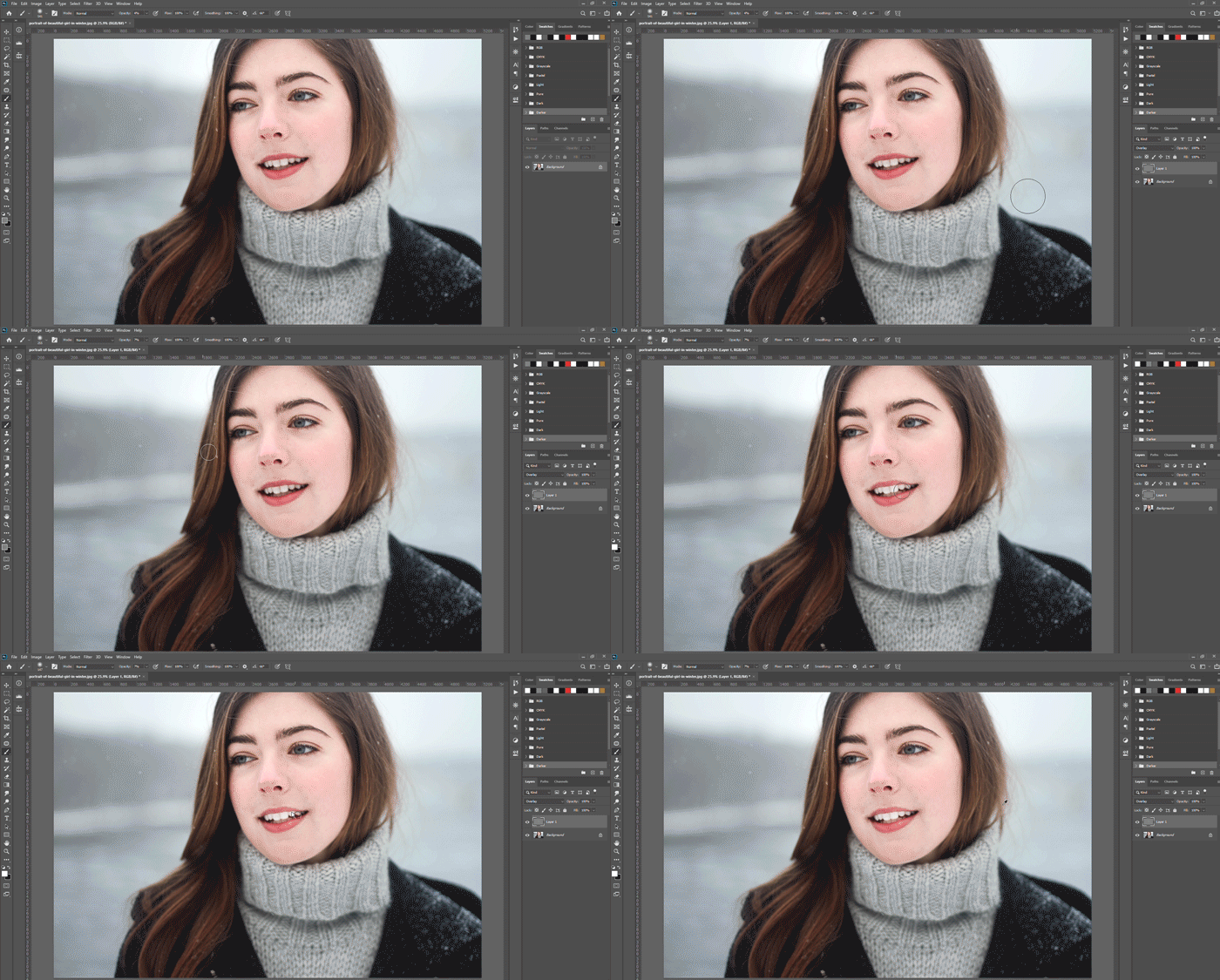
Do you take a lot of photos of people? Then you’re going to have to whiten and brighten teeth at some point. In this article, I’ll show you how to whiten teeth in Photoshop using layers and masks. How to Whiten Teeth in Photoshop Before you start, it’s important to…
By Joris Hermans
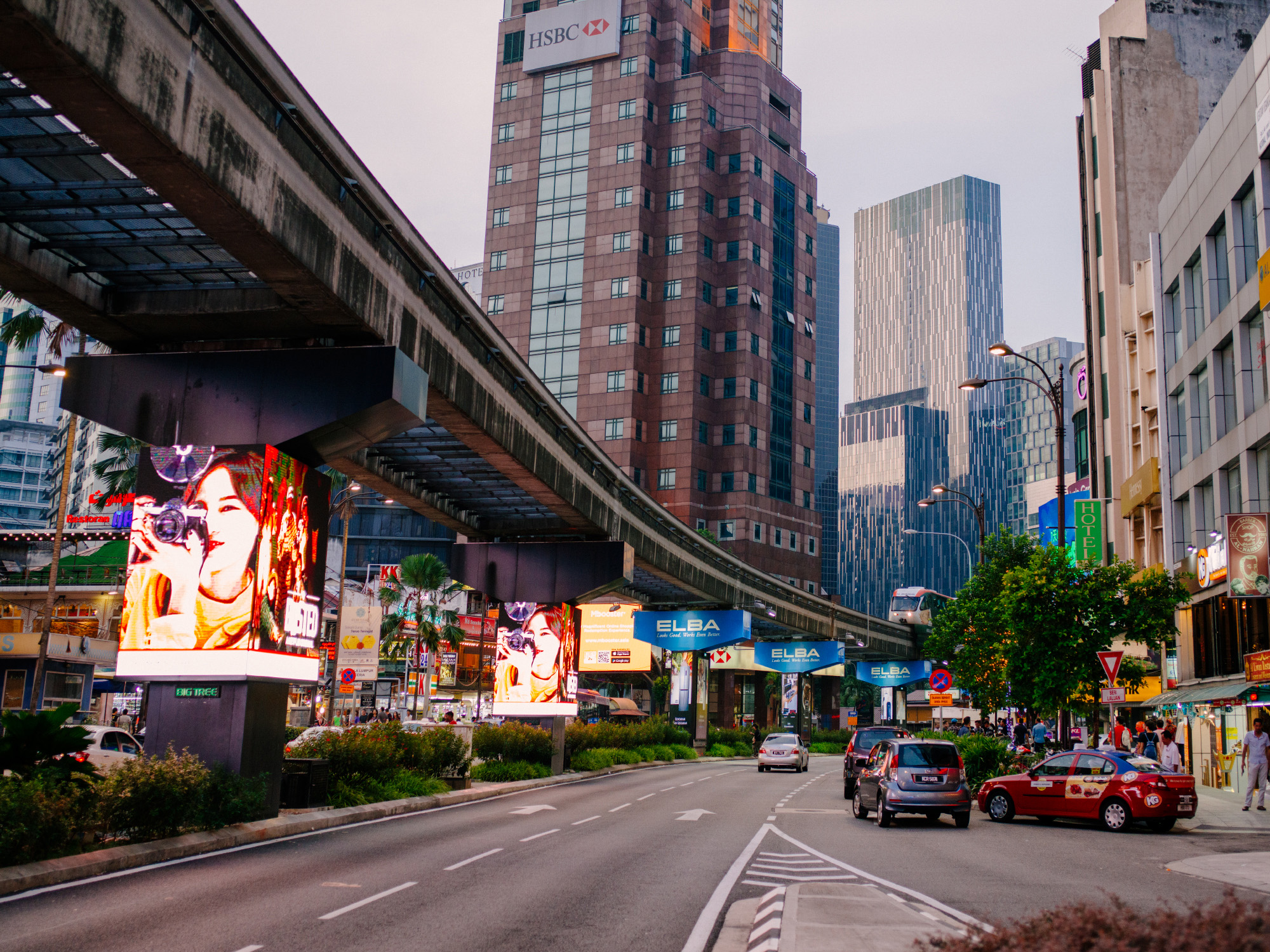
Cropping photos is a great way to improve their composition and make them more visually appealing. In this tutorial, we’ll show you how to crop a photo in Photoshop using the Crop Tool. Crop a Photo in Photoshop and Check for Non-Vertical Lines The first step is to check if…
By Joris Hermans
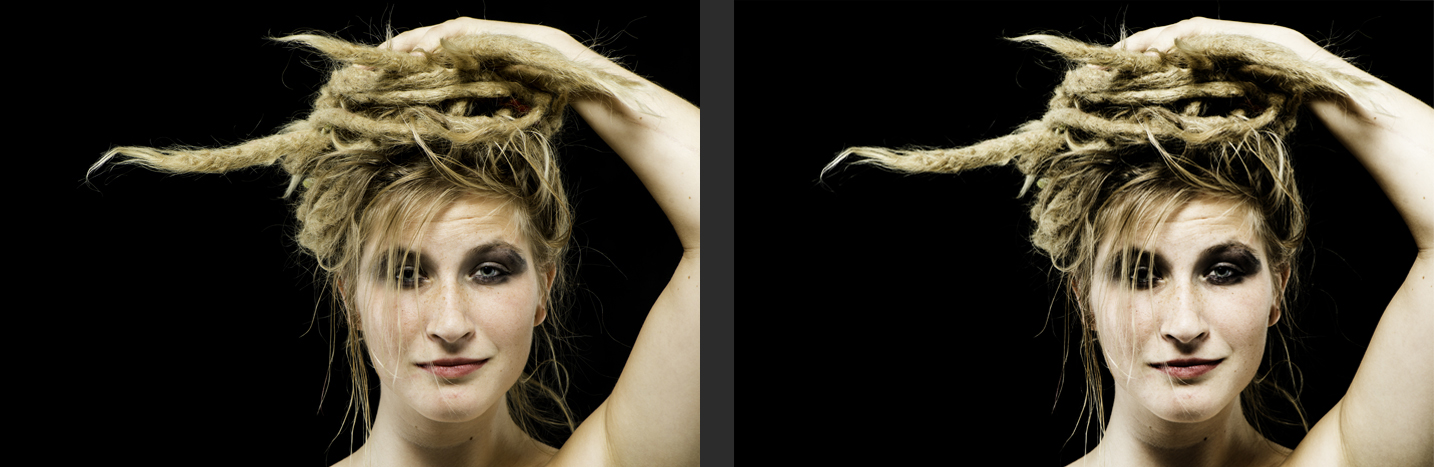
The gradient map in Photoshop is a powerful tool for color correction and image manipulation. It allows you to create custom gradients and apply them to your images to achieve a wide range of effects. In this tutorial, you’ll learn how to use the gradient map to correct colors, add…
By Kevin Landwer-Johan