

Featured Course:
Transform your portraits with magic and wonder using simple Photoshop techniques.
Learn More
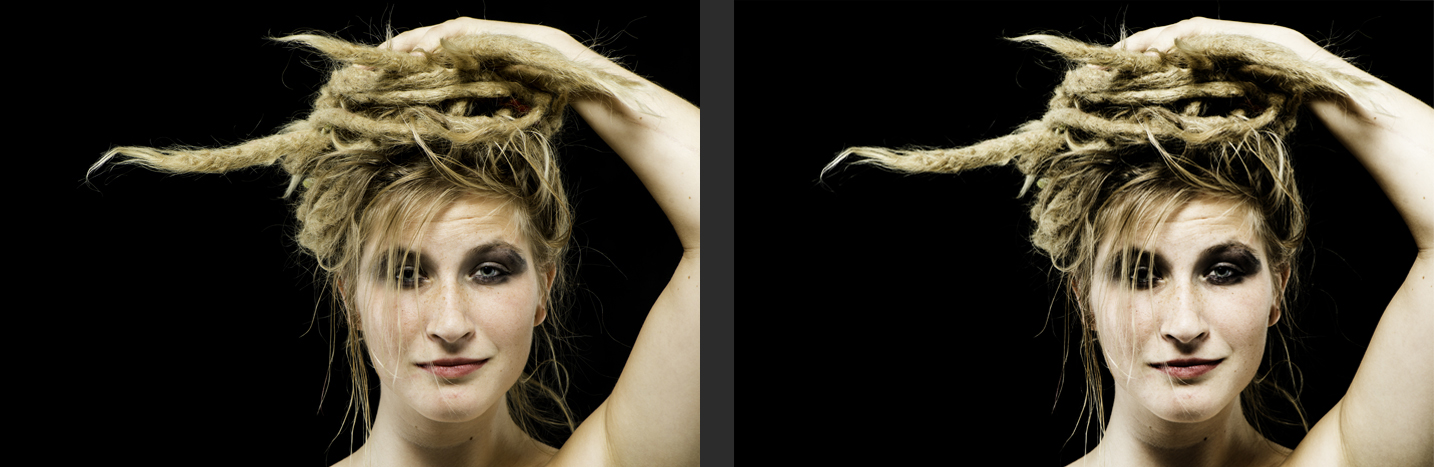
The gradient map in Photoshop is a powerful tool for color correction and image manipulation. It allows you to create custom gradients and apply them to your images to achieve a wide range of effects. In this tutorial, you’ll learn how to use the gradient map to correct colors, add…
By Kevin Landwer-Johan
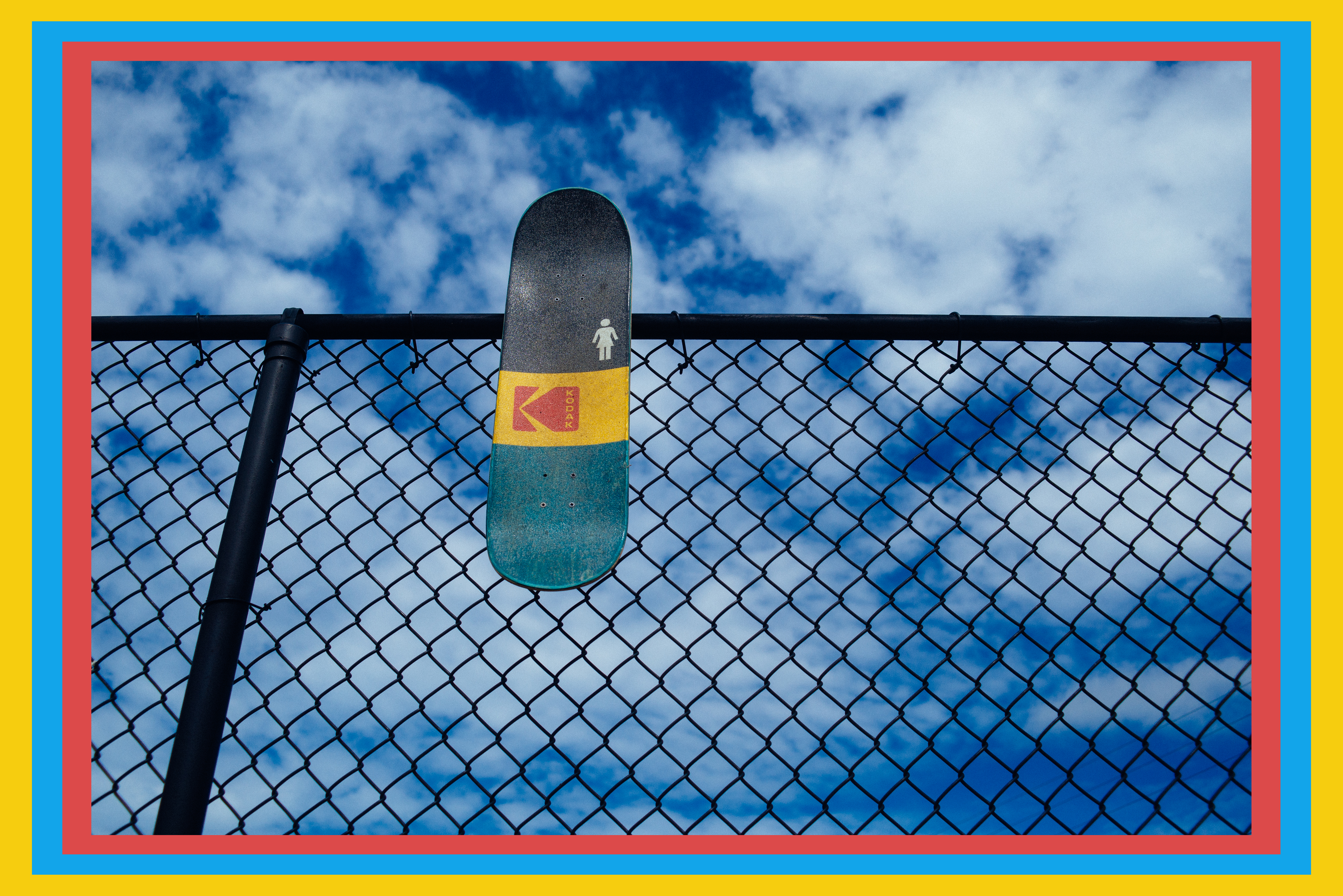
Does your photo look a bit boring? Then perhaps adding a frame would help people notice it. In this article, we’ll show you how to create Photoshop frames that are unique and engaging. It’s surprisingly easy to do so you should definitely give it a try! 8. Photoshop Frames: Adding…
By Chad Verzosa
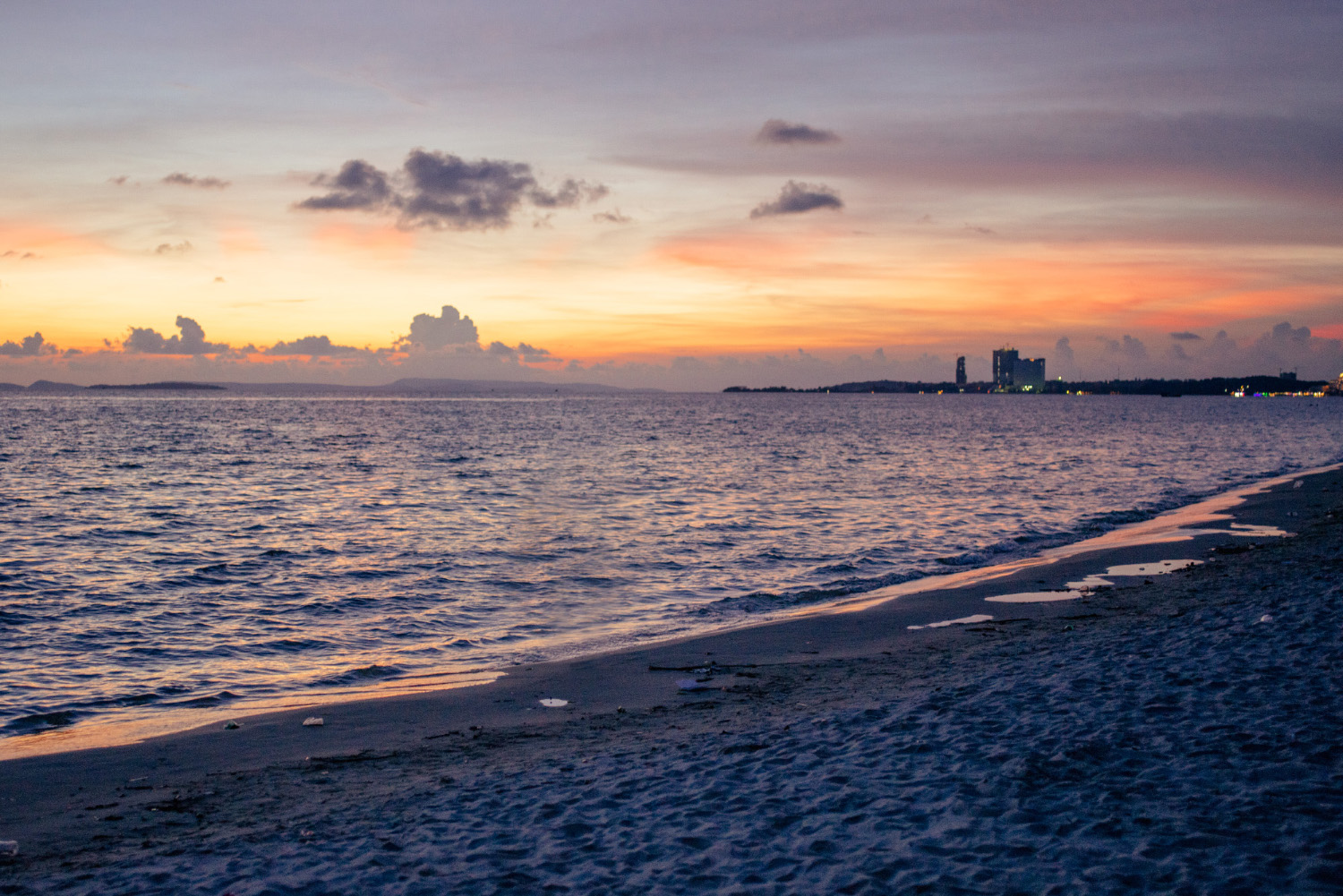
Removing people from photos can be a tricky business, but with the right tools and techniques, it’s definitely possible. In this tutorial, we’ll show you how to use Photoshop to remove people from photos in just a few simple steps. So whether you’re trying to erase an unwanted person from…
By Joris Hermans

Removing objects from photos can be a difficult task, but it’s made a lot easier with the right app. In this article, we’ll introduce you to one of our favorite apps and show you how to use it to remove objects from photos. How to Remove Objects From Photos Using…
By Chad Verzosa
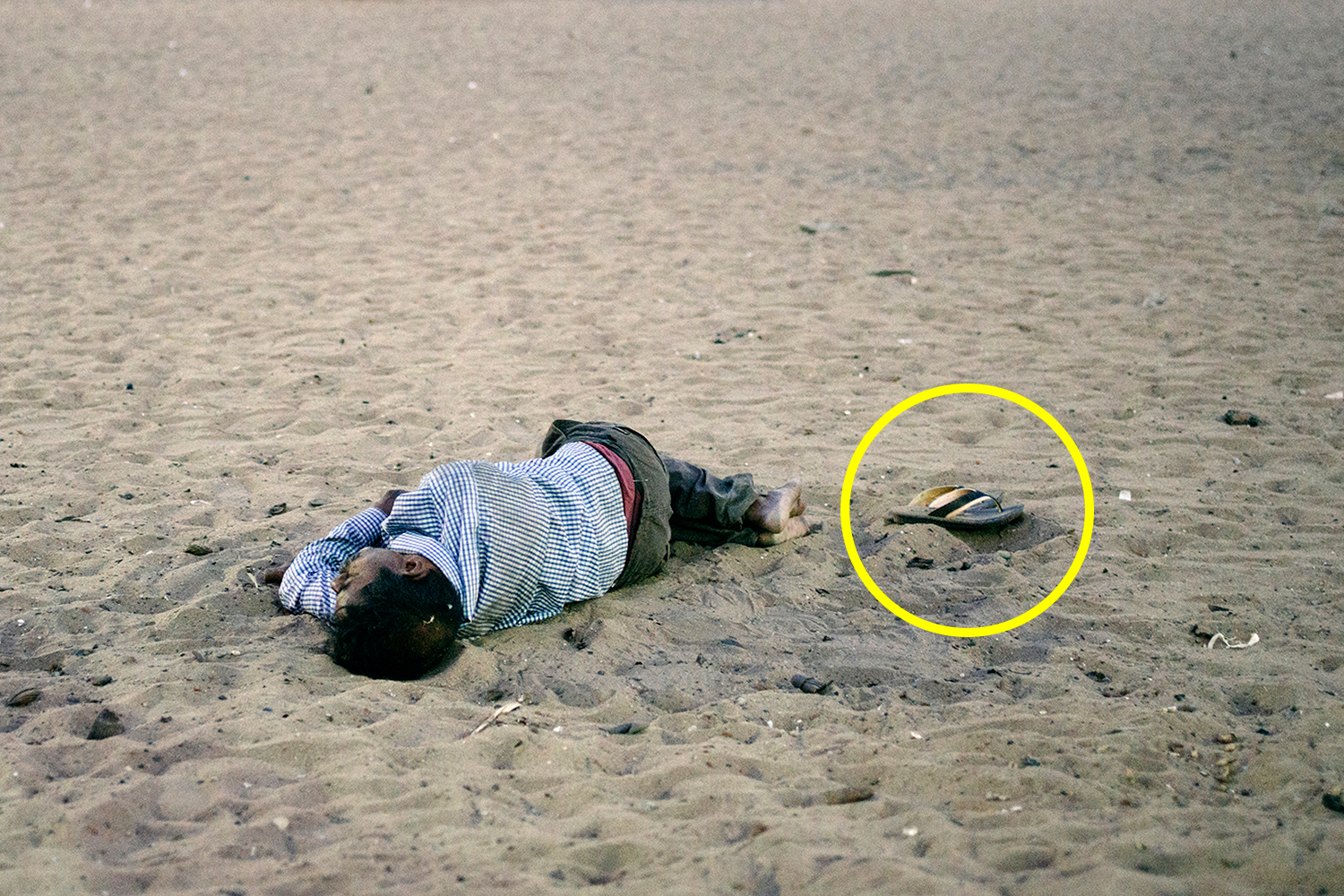
Knowing how to use the Clone Stamp tool in Photoshop is essential when editing photos. It lets you remove objects and imperfections by duplicating pixels. The difference between the Clone Stamp tool and other Photoshop tools is that you have full control while cloning. Read on to learn everything you…
By Joris Hermans
You’ve just finished a photo shoot. But when you take a look at your photos, the light just isn’t right. Is it dull and boring? Don’t worry! You can create your own lighting effects in Adobe Photoshop. This article will show you how to add cool Photoshop lighting effects to your…
By Simon Bond

Unlock the power of Photoshop masking with this beginner’s guide. Learn the essential techniques to seamlessly blend and manipulate images for professional-level results. In this article, we’ll discuss how to do Photoshop masking basics. Photoshop Masking Basics Photoshop masking determines what parts of a layer are visible and what parts…
By Hillary Grigonis
Creating a reflection in Photoshop is a great way to add depth and interest to an image. There are several ways to create a reflection, but the most common is to use the Mirroring tool. In this tutorial, we’ll show you how to create a realistic reflection in Photoshop using…
By Kevin Landwer-Johan
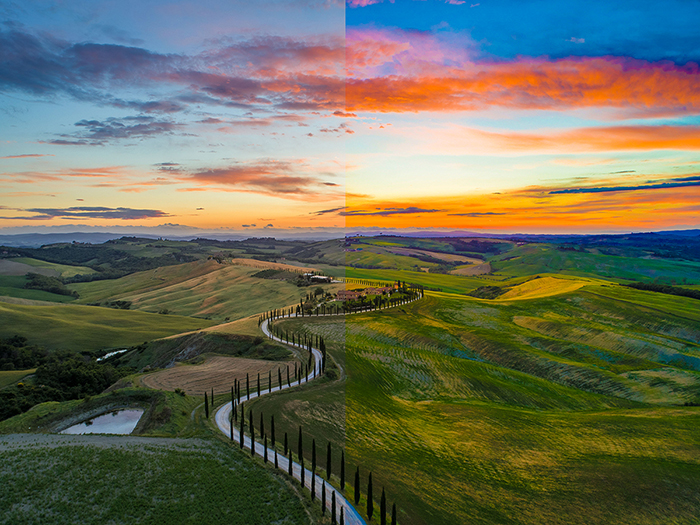
Vibrance vs saturation is a popular photography debate. Right up there with Nikon vs Canon, or mirrorless vs DSLR. Which tool is better? Which one should you use? Which one will make your images even better? In short, saturation enhances colors. And vibrance is its subtler counterpart. But there is more…
By Taya Ivanova
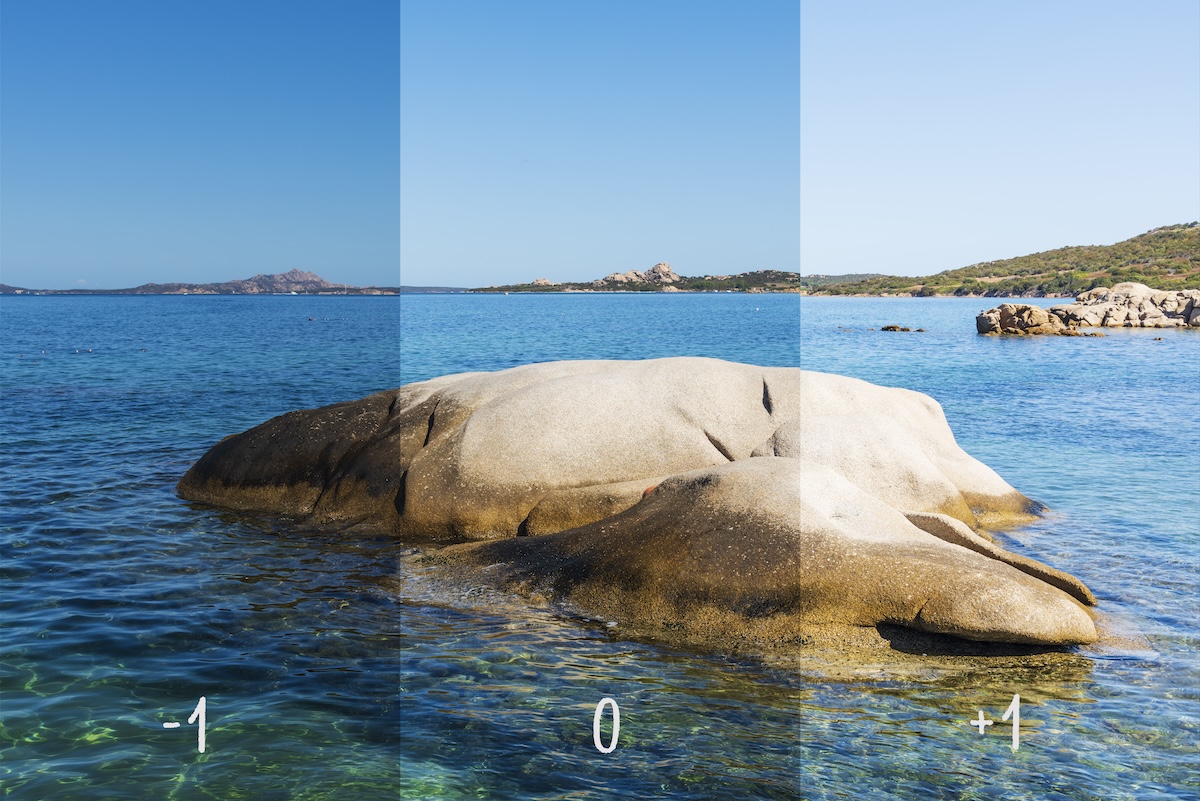
Photography bracketing can help you photograph high-contrast scenes. Other approaches, like filters, have more drawbacks than advantages for HDR creation. Bracketing is an easy way to overcome technical limitations and create natural-looking images. What Is Photography Bracketing? Bracketing means creating several photos of a single scene with different settings.…
By Anton Gorlin
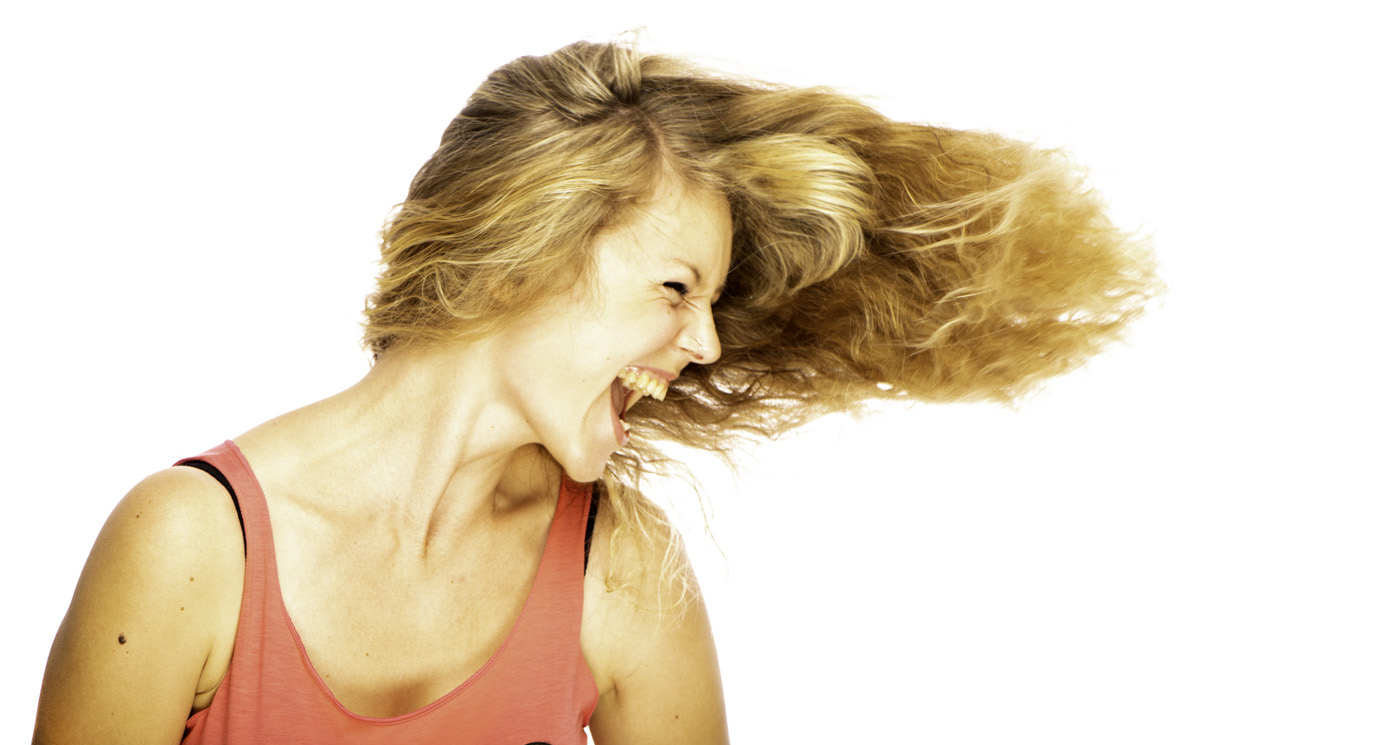
Is it possible to create a pure white photography background ‘in camera’? Common practice for white background photography is to use post processing. But I’m here to tell you it’s not all about Photoshop. You can do it in camera. In this article, I’ll show you two methods to create…
By Kevin Landwer-Johan

It is easy to feel overwhelmed by the amount of commands that Adobe Photoshop has. That’s why we’ve put together this list of 20 Photoshop shortcuts for photographers. Using Photoshop keyboard shortcuts make your editing workflow faster, so keep reading. And bookmark this article for future reference. 1. Photoshop Shortcuts:…
By Sarah Rodriguez-Martinez