

Featured Course:
Effortlessly edit your photos in less than 15 minutes.
Learn More
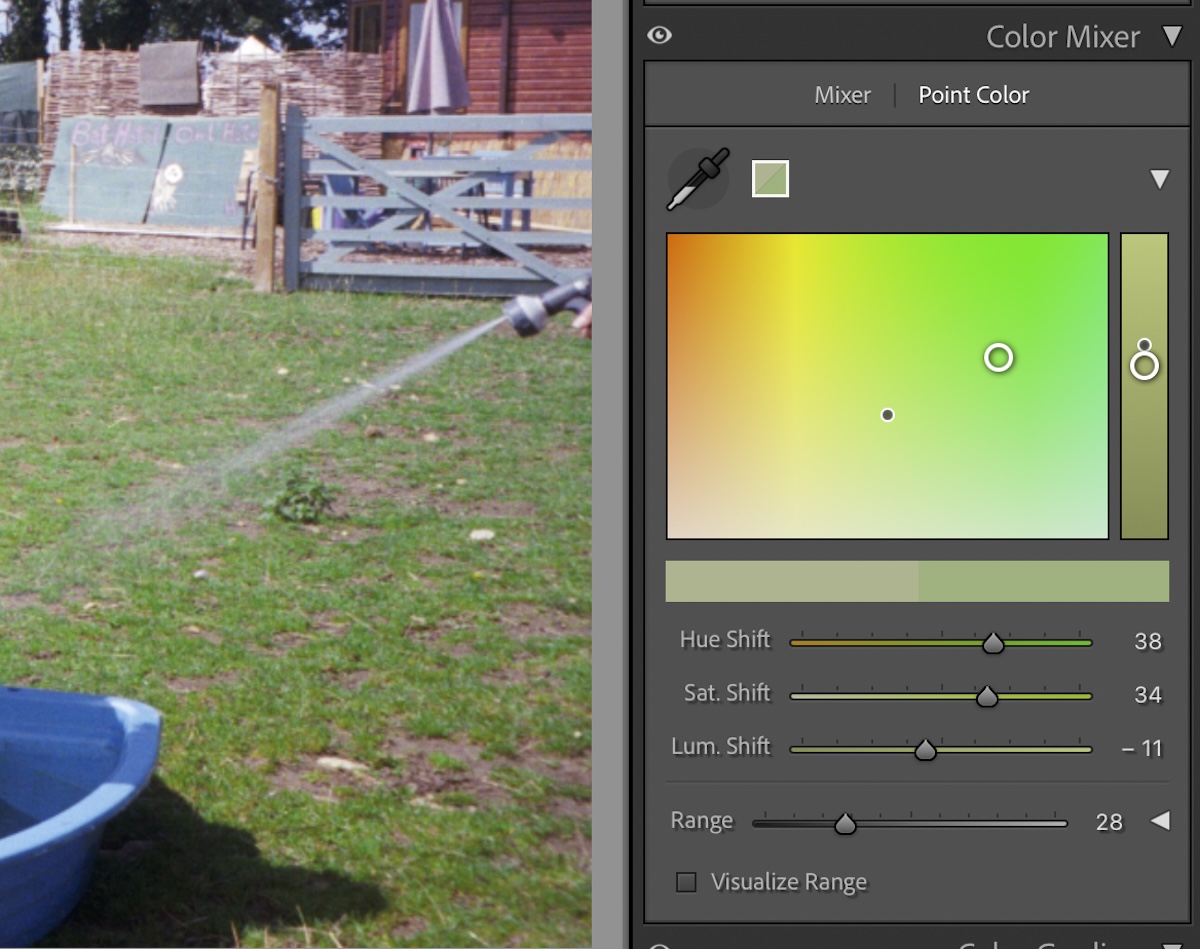
Color correction is a crucial part of photo editing. Sometimes, the colors produced by our camera are not entirely accurate. Photographers must use digital editing software to make adjustments for an accurate representation. Today, we will guide you through a color correction in Lightroom. Luckily, this program has numerous ways…
By N Constant

Today, we will guide you through how to get the correct exposure in Lightroom. Exposure is key in photography. Underexposed and overexposed photographs are important for stylistic reasons. But, working out how to have an even exposure across your image is incredibly important for beginners. We will outline some ways…
By N Constant

One problem you will ask yourself at one point in your photographic journey is: how do I fix blurry photos? Today, we will guide you through different methods to fix blurry photos in Lightroom. We will touch on techniques you can use in both versions of Lightroom. So, whatever version…
By N Constant

Today, we will examine how to fix grainy photos in post-production and explore several different approaches to making your images as sharp as possible. By the end of this article, photographic grain will no longer be an issue! Grain can be a stylistic choice to add a certain feel to…
By N Constant

A smooth Lightroom workflow is essential for keeping digital photography organized. Beginners may not immediately see its importance, but more experienced photographers will always wish they had organized their digital editing software from the beginning. This article will guide you on everything you need to know about getting your Lightroom…
By N Constant

Today we will look at how to edit details in Lightroom. Adobe Lightroom stands out for its seamless approach to fixing details. It’s more than just a tool; it’s a photographer’s perfect companion. Adobe designed Lightroom to correct common issues in photography with unparalleled ease. Adobe Lightroom is the top…
By N Constant
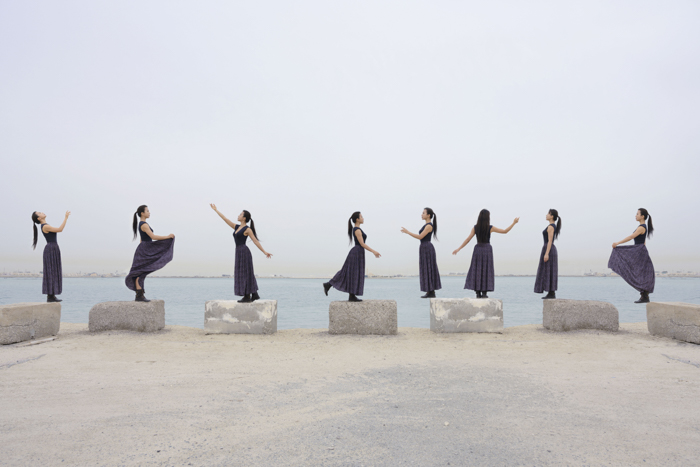
Try 16 creative photo editing ideas, from double exposures and digital collages to sepia tones and tiny planets. Find a starting project and the steps to plan your edit.
By Christopher Bryan-Smith

Adobe Lightroom is the most popular digital organization and editing software on the market today. It caters to both complete beginners and seasoned professionals, successfully balancing a simple interface with a wide range of features. We have dissected the photo editing software to provide you with the ultimate guide to…
By N Constant
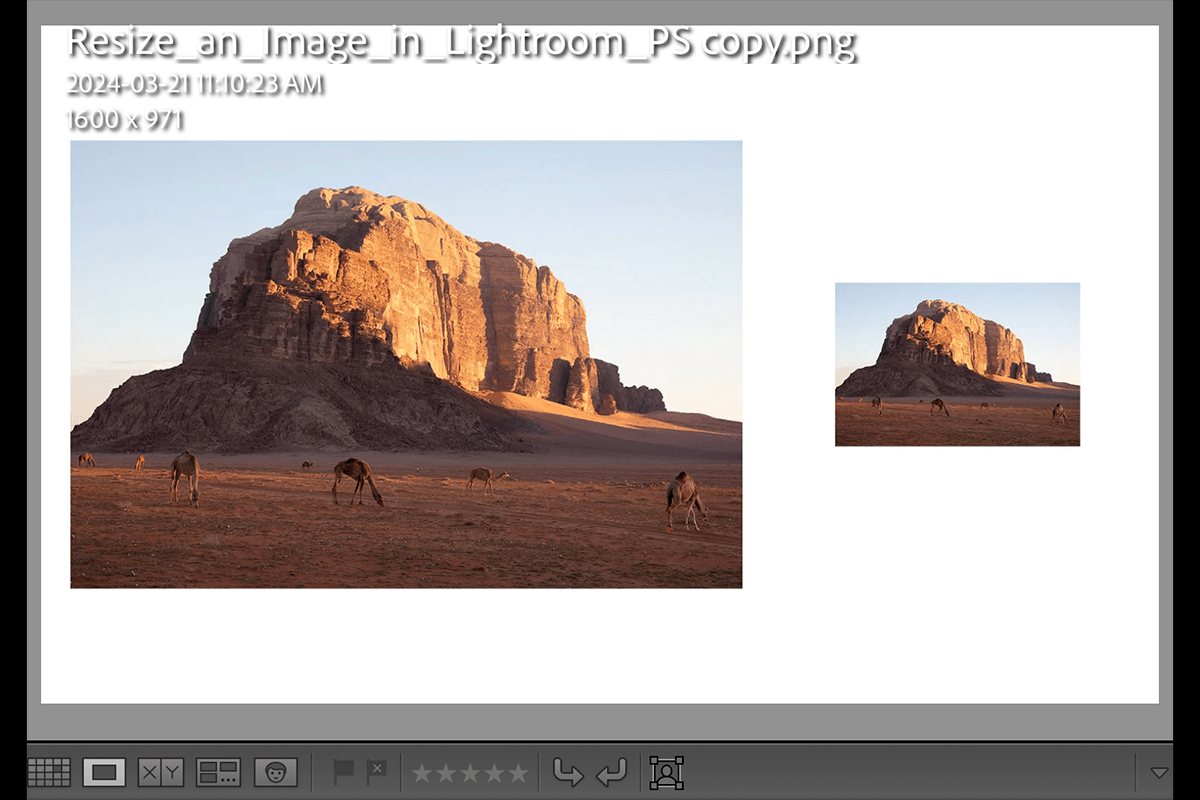
A crucial post-processing task you must learn is how to resize an image in Lightroom. You need this for a wide range of your photography needs, from entering photos into competitions to sending images to clients! Today, we guide you through several approaches to resizing images in Adobe Lightroom. We…
By N Constant

A great skill to learn is how to batch edit in Lightroom. Batch editing lets you apply adjustments to multiple images at the same time. This can save you hours, especially if you edit an event or photoshoot with similar lighting settings. Today, we discuss several methods for batch editing…
By N Constant

If you want to learn how to merge photos in Lightroom, you have come to the right place. Lightroom lets us merge photos inside the application for advanced edits. We can easily produce high-quality HDRs and panoramas thanks to the Photo Merge tool. Today, we take you through the photo…
By N Constant
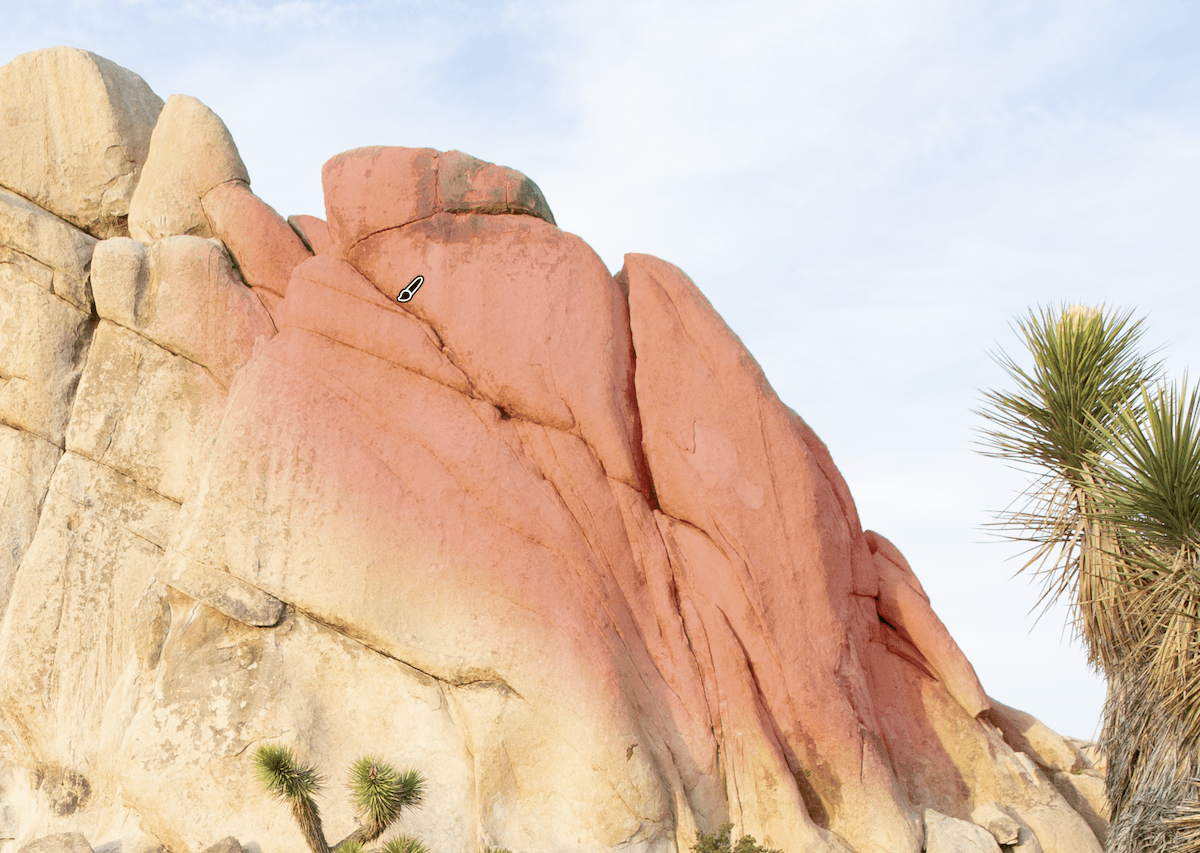
The Lightroom Brush tool is a feature that lets you edit specific regions without affecting the rest of the image. A brush tool feature means we can perform advanced edits inside Adobe Lightroom. Today, we’ll show you all the benefits of using the Lightroom Brush tool. We will show you…
By N Constant