

Featured Course:
Effortlessly edit your photos in less than 15 minutes.
Learn More
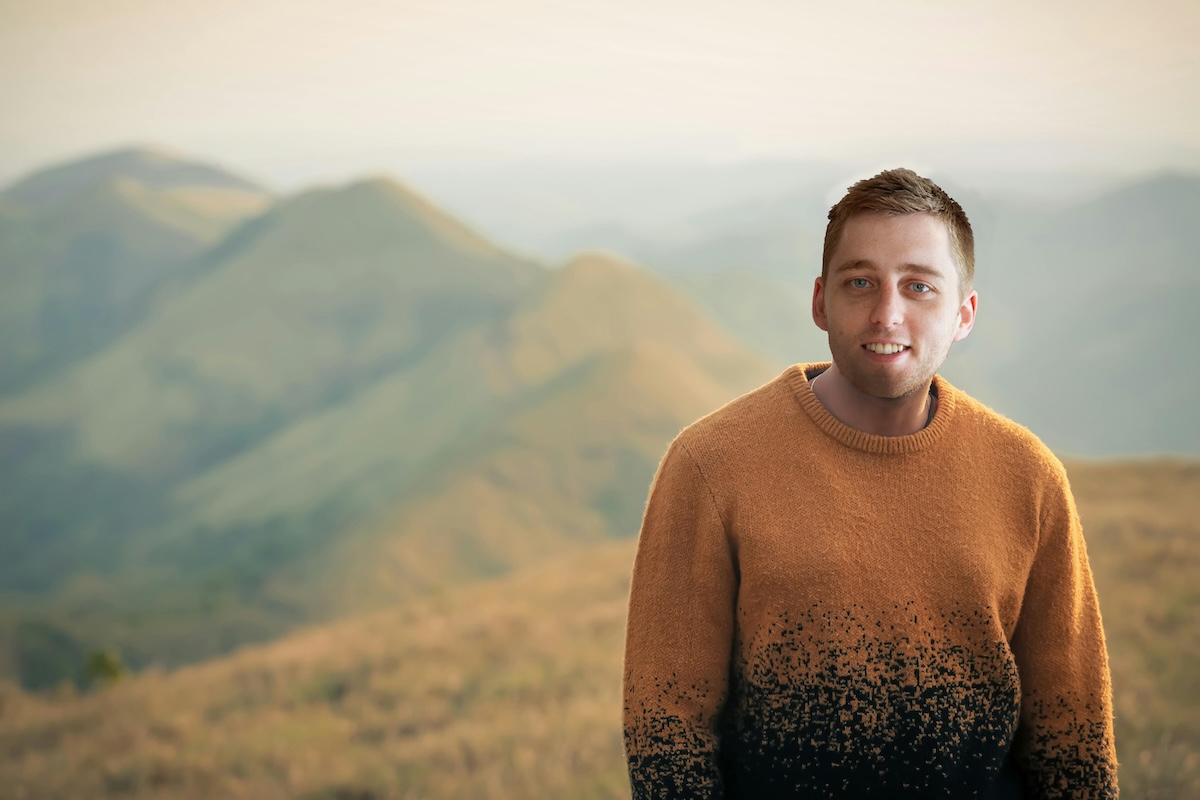
Today, we’re looking at the easiest way to perform a face swap in Photoshop. Adobe Photoshop allows us to get creative with our photography. A face swap is a great way to have fun with pictures of our friends or family. A successful face swap can be tricky even though…
By N Constant
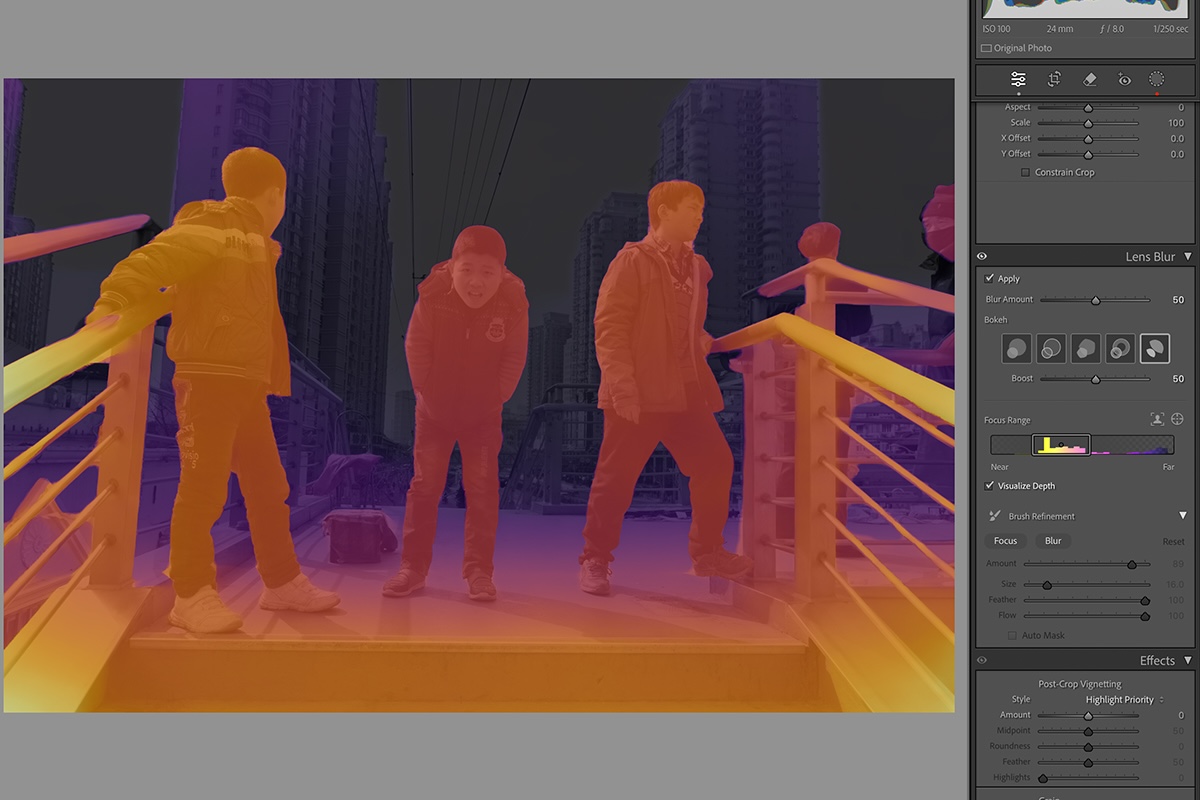
If you want to learn how to blur the background in Lightroom, you have come to the right place. This article will guide you through Lightroom’s easiest background blur methods. Lightroom continues to add cutting-edge tools, allowing easier and more customizable background blur tools. This means you do not have…
By N Constant

Today, we are looking at Lightroom lens correction tools. Adobe Lightroom is an all-in-one editing and organization software for photographers. This digital editing software includes various ways to correct images, from cropping to lens correction. Lightroom lens correction is as simple as it gets. Adobe provides an automatic function and…
By N Constant
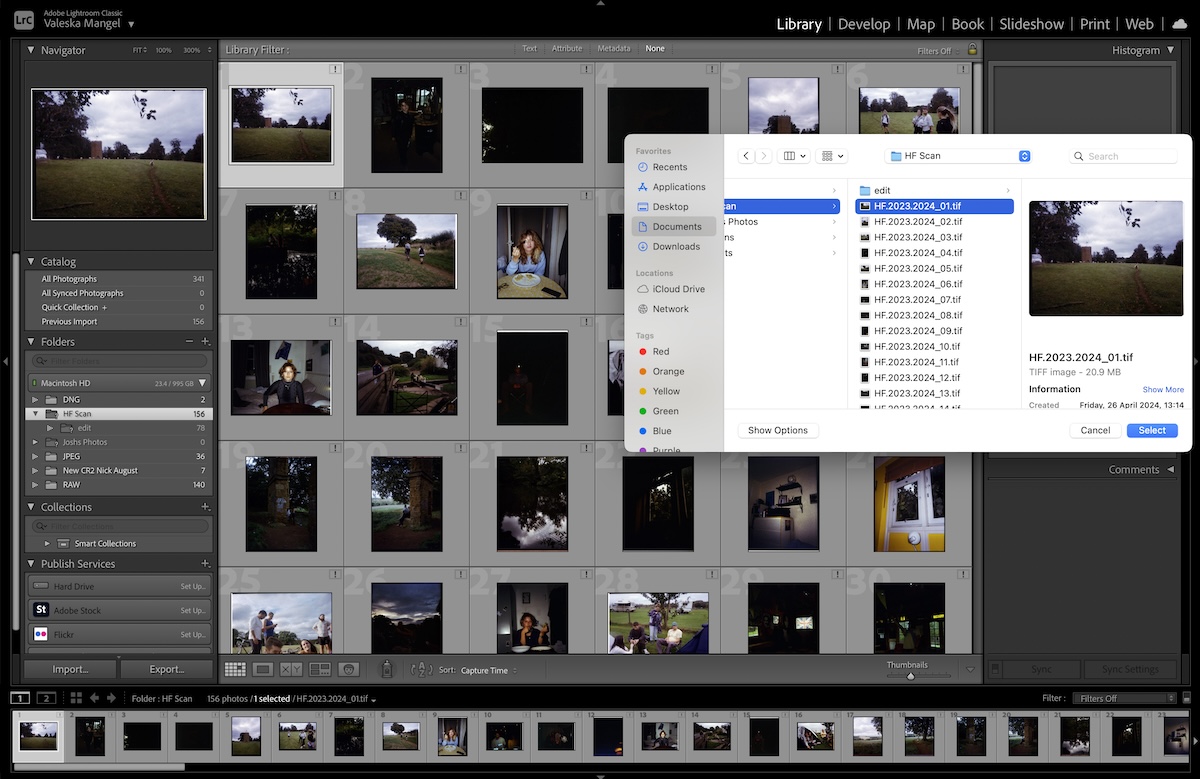
Today we will guide you through the easiest way to transfer a Lightroom catalog to a new computer. It should be a fairly straightforward process, but there are certain elements people often need to remember. Adobe Lightroom is crucial to many photographers’ archives. It can house all the photographs we…
By N Constant
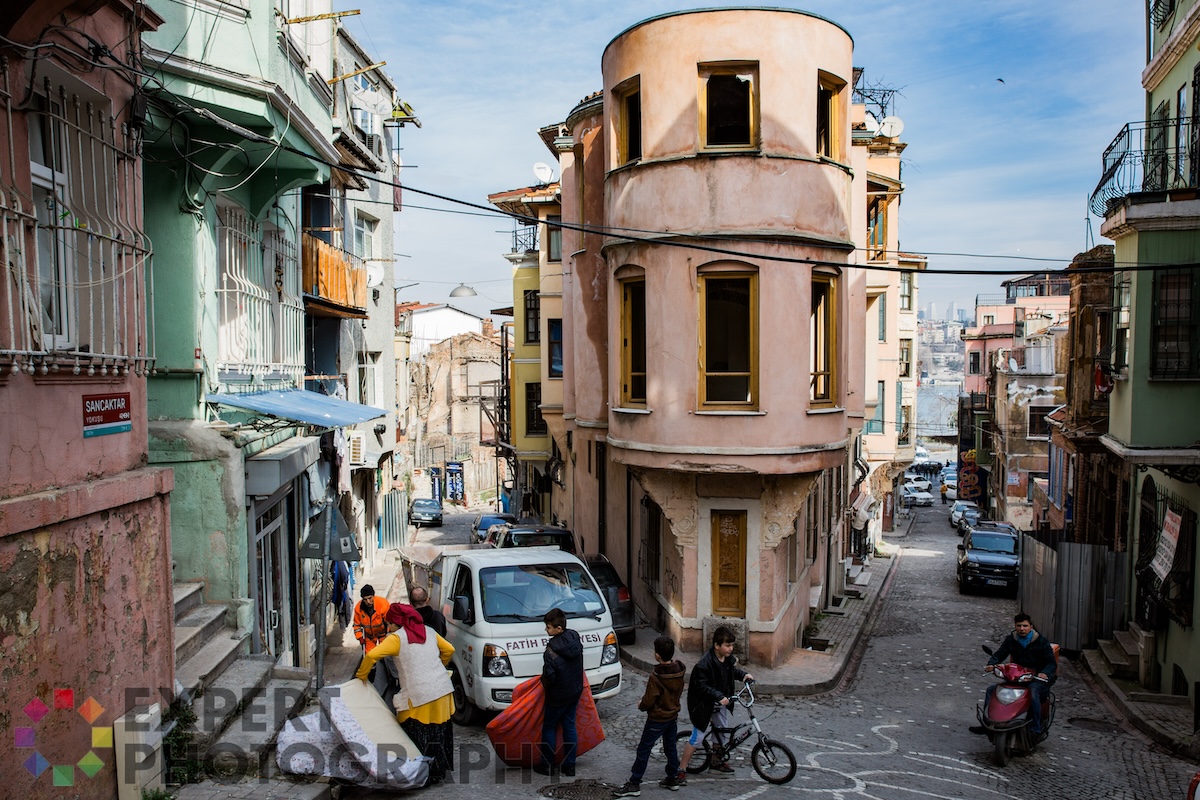
Today, we will guide you through how to add a watermark in Lightroom. Watermarks are an important form of security in digital photography, especially if you share your images online. Luckily, Lightroom provides a brilliant process for applying customized watermarks to our photos. This process is much easier than applying…
By N Constant

Today, we’re looking at the best free Lightroom presets. After a quick search on Google, you’ll be flooded with thousands of free Lightroom presets. Some can be very expensive, while others are free. Presets are a great way to work through your images in Adobe Lightroom. They are adjustments made…
By N Constant

Today, we will explore the best Lightroom export settings. These settings balance image quality with accessibility. Maybe you’re editing photos for Instagram or enlarging photos for printing. Here, you’ll find the perfect way to share your best work. Let’s dive deep into the many settings in the Lightroom export dialogue…
By N Constant
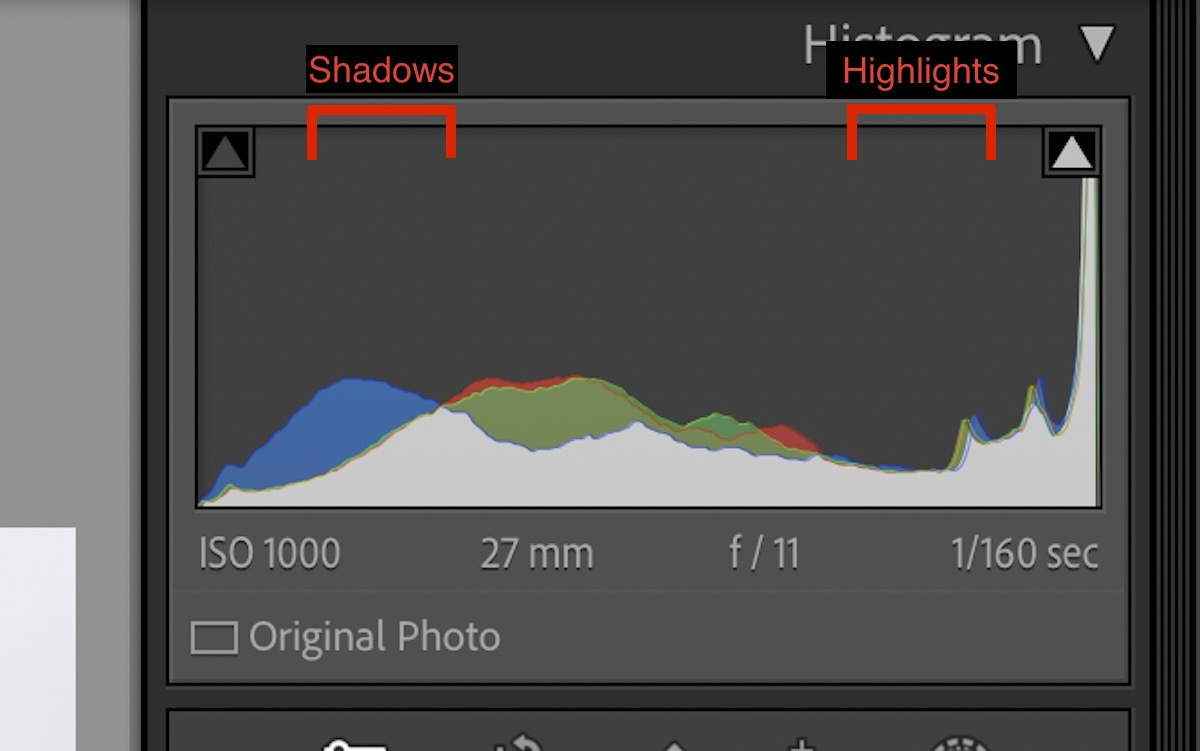
The Lightroom histogram is a crucial tool in digital photo editing. Today, we will guide you through everything you need to know about the Lightroom histogram. These skills are transferable as almost every digital editing software will include a histogram. Our ultimate guide will show you how to use the…
By N Constant
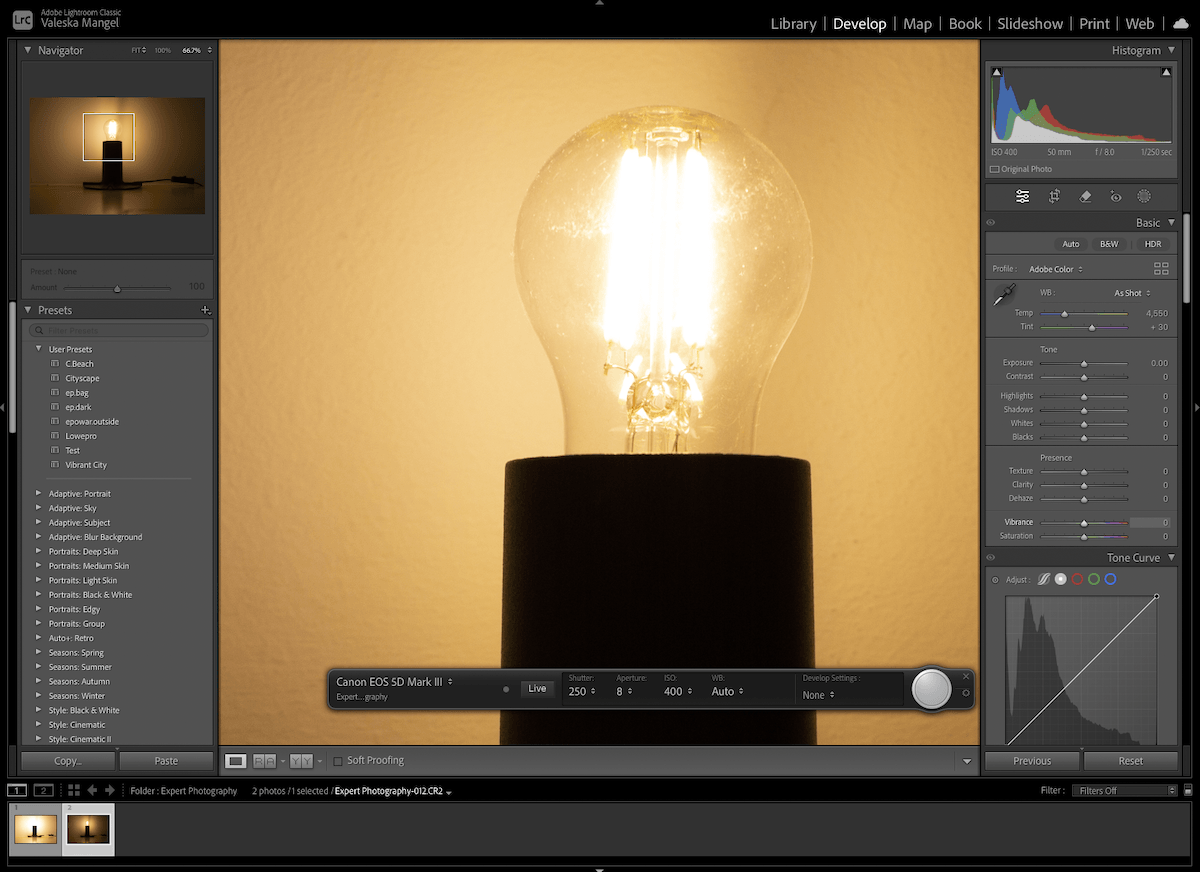
Lightroom tethering is an essential feature for studio photography. It allows you to instantly and continuously upload your images to Lightroom while shooting. This means that you can check images on a good screen as the shoot progresses, making sure you have the right focus and best shots. Today, we…
By N Constant
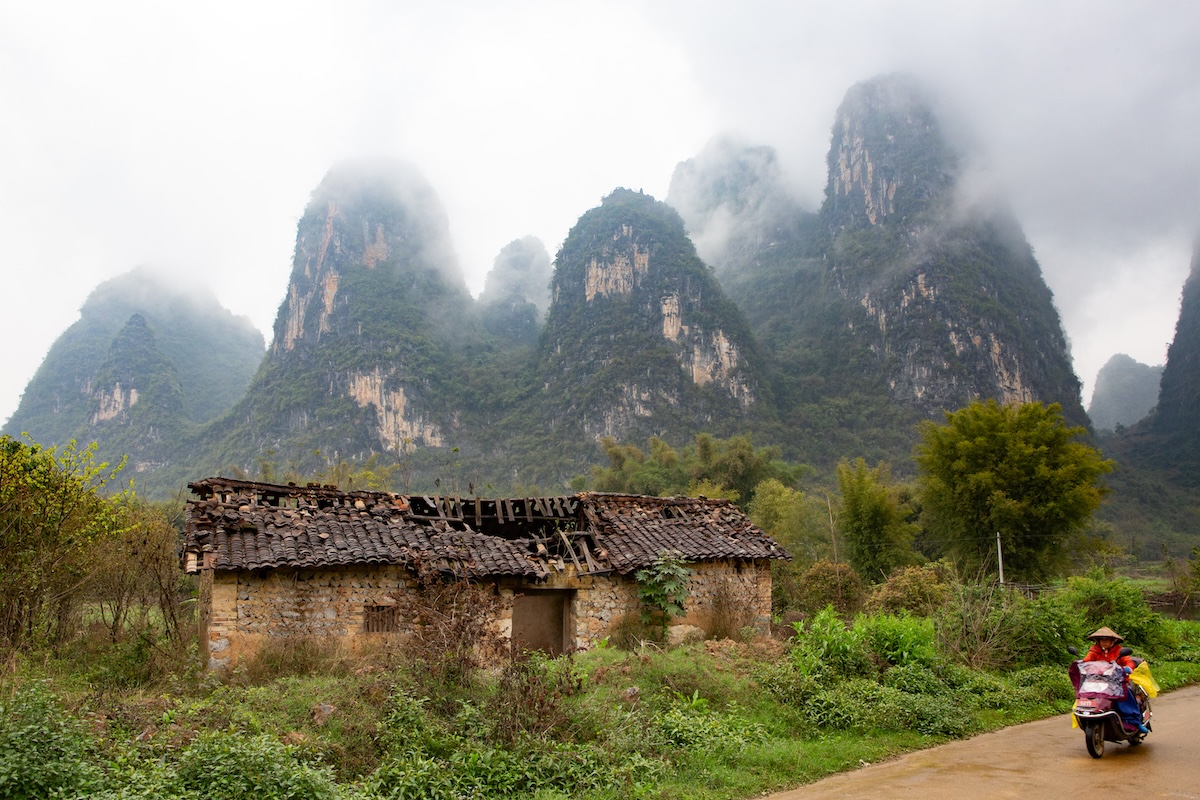
The dehaze adjustment in Lightroom is a brilliant photographic tool. Clarity is a key issue when editing photos. The dehaze tool allows us to recover as much detail from the photograph as possible. Today, we will examine how the dehaze adjustment functions and how we can use it to our…
By N Constant
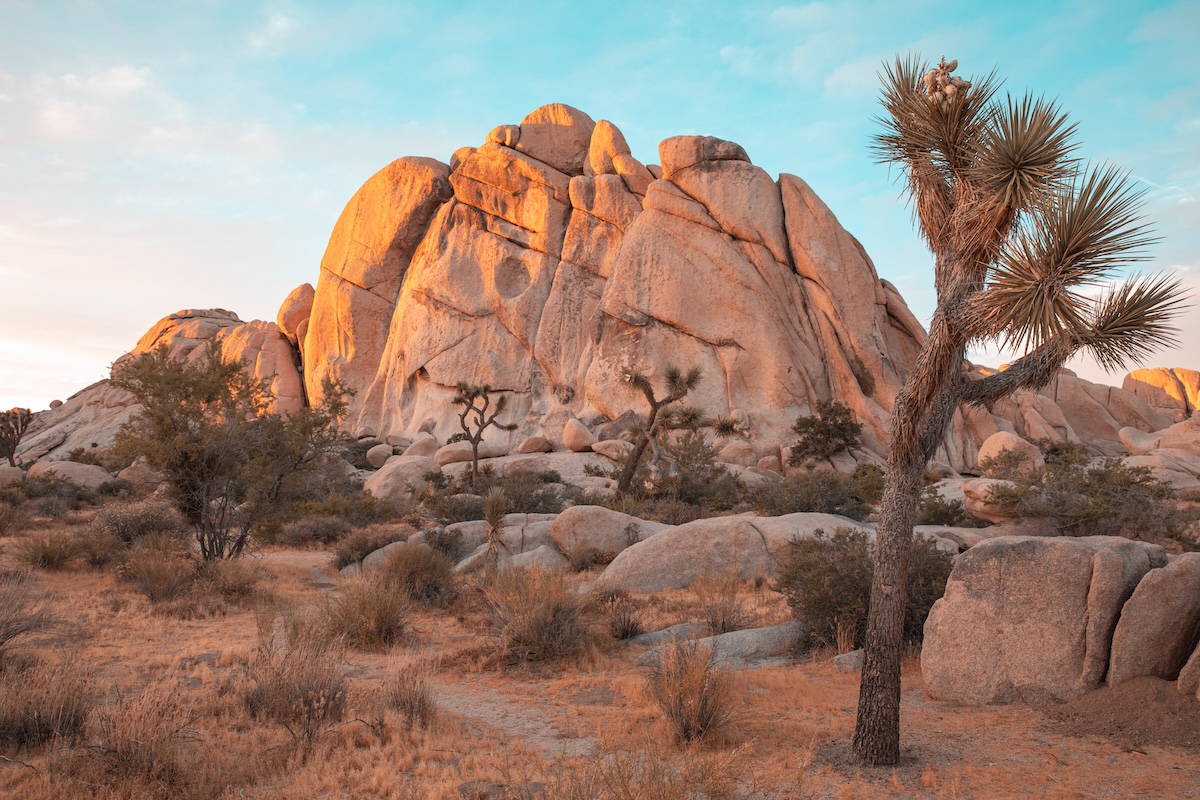
The popular teal and orange color grading effect is achievable in Lightroom. This aesthetic brings a cool cast to our images. You will notice many preset packages will have this style. Instead of buying them, we will tell you how to make your own inside Lightroom. This is a quick…
By N Constant
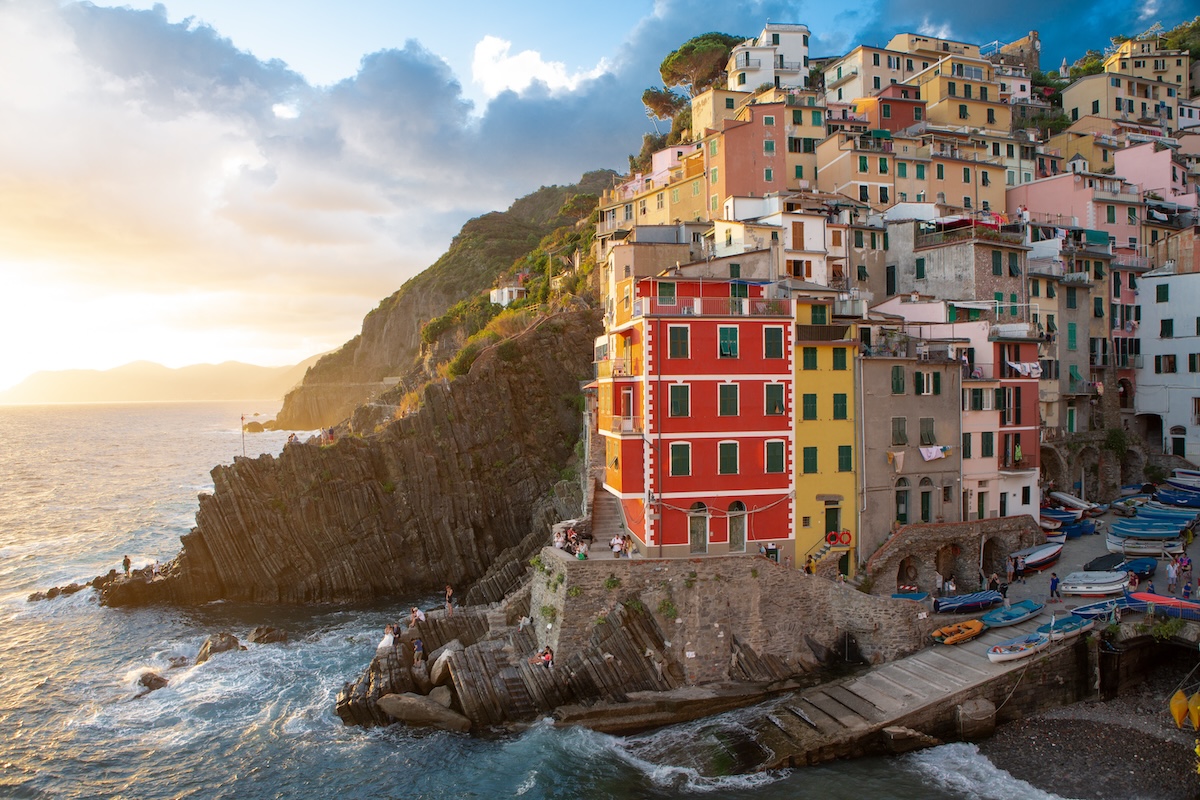
This article is the ultimate guide to the HSL in Lightroom. You may find this color customization section in other digital editing software. Diving deeper into HSL sliders in Lightroom gives you a great understanding of HSL sliders in general. The HSL in Lightroom is a brilliant way to fine-tune…
By N Constant