

Featured Course:
Effortlessly edit your photos in less than 15 minutes.
Learn More
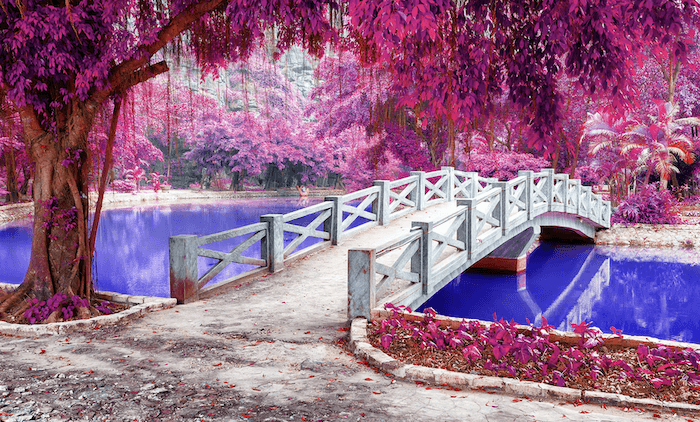
There are many reasons why you should use Photoshop filters and plugins. Photoshop filters can take your photos to the next level and make editing easier and faster. Today, I will take you through the top 30 Photoshop filters and plugins available! You will definitely find a function in this…
By Joris Hermans
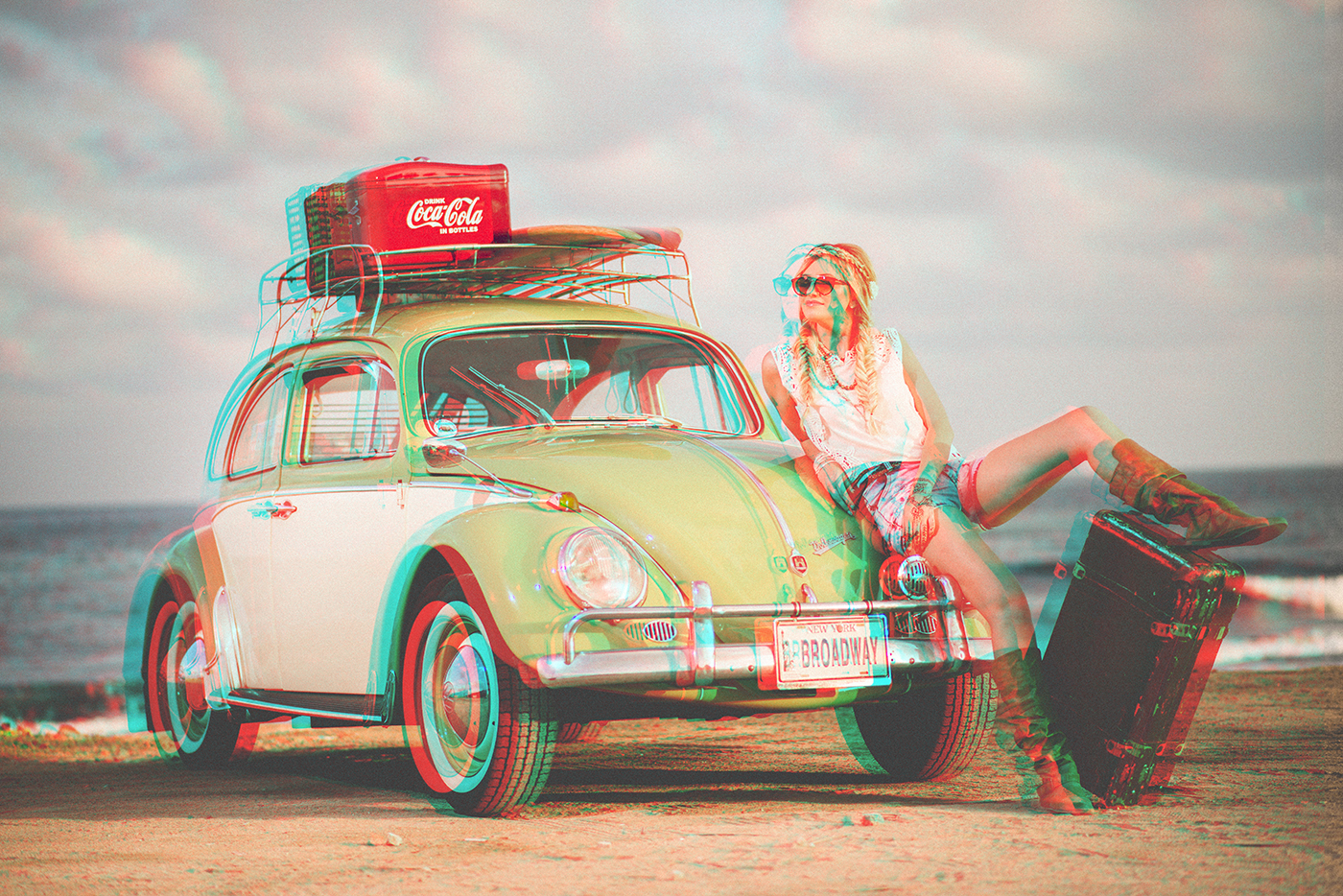
Are you looking for a way to make your images pop off the screen? If so, let’s create a 3D effect in Photoshop. It is so quick and easy, even for a Photoshop beginner. In this step-by-step Photoshop tutorial, I will show you the secret. It is so easy that…
By Jenn Mishra
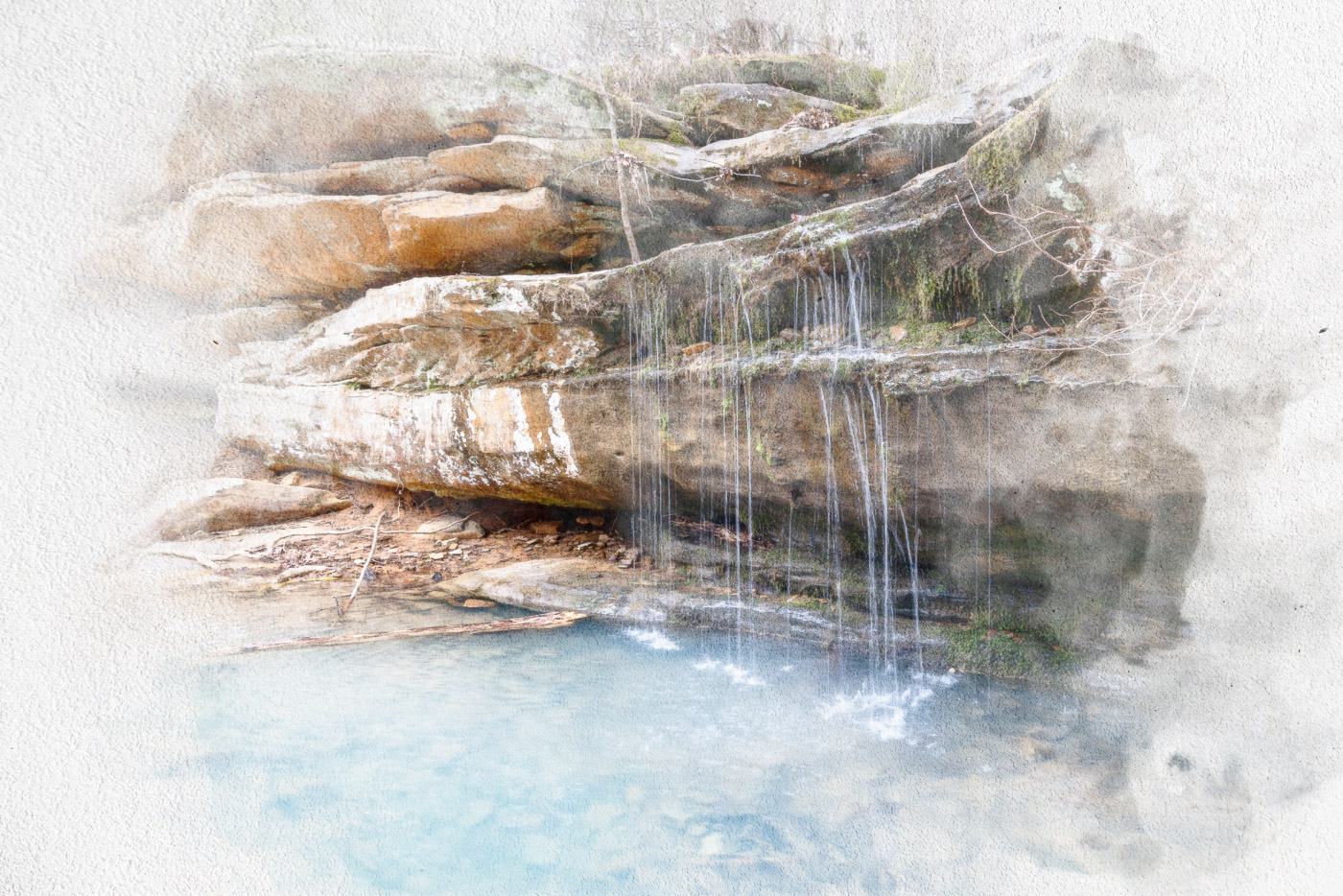
This step-by-step tutorial will show you how to make a photo look like a watercolor painting in Photoshop. We will use a couple of filters, a Smart Blur, blending modes, a paper texture overlay, and some brushes to create the watercolor effect in Photoshop. So if you’re looking to turn your…
By Jenn Mishra
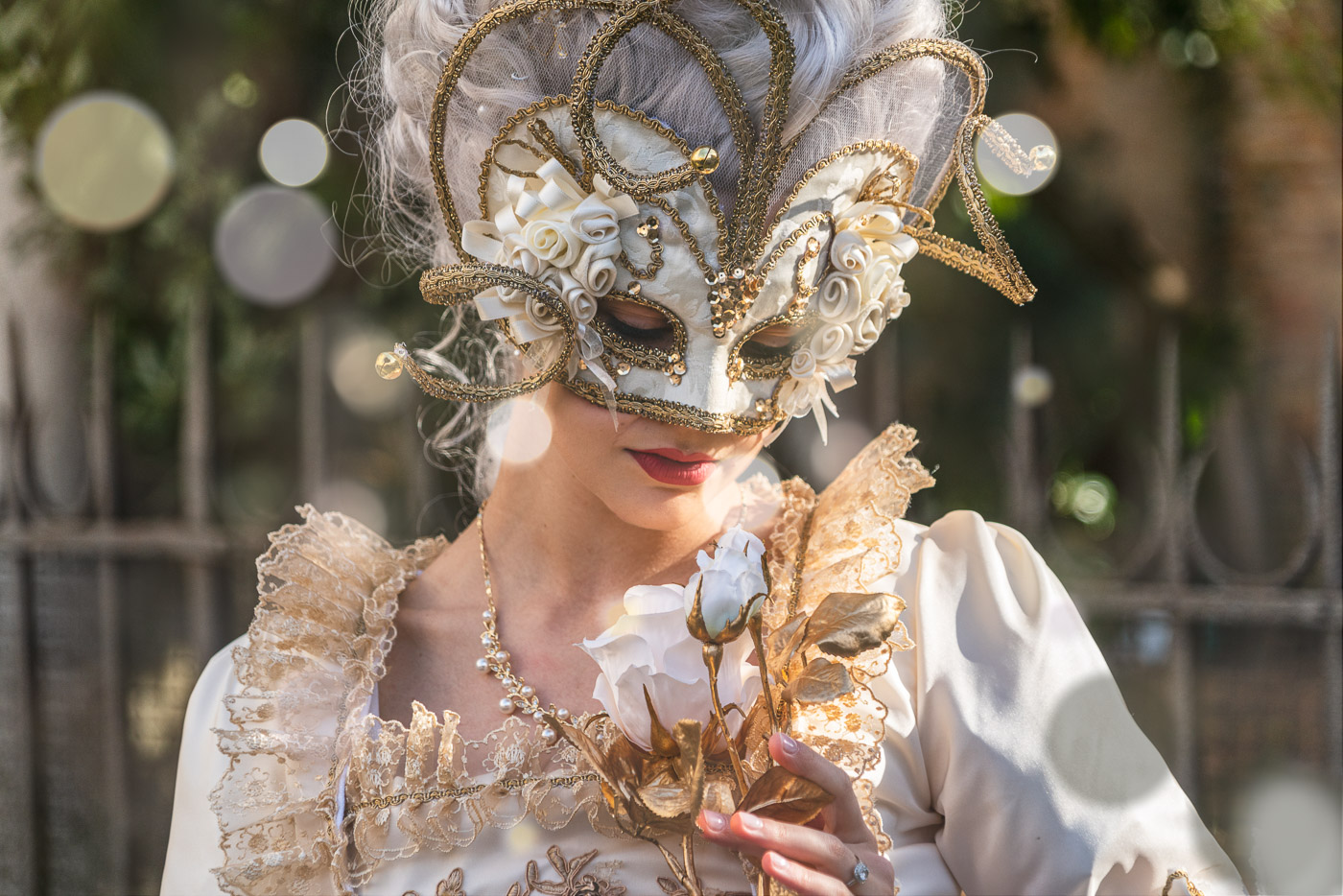
Bokeh is a photography term used to describe the aesthetic quality of the blur produced in the out-of-focus parts of an image. It can be used to create an ethereal and dreamy effect in your photos, or simply to make them more interesting. In this tutorial, you’ll learn how to…
By Jenn Mishra
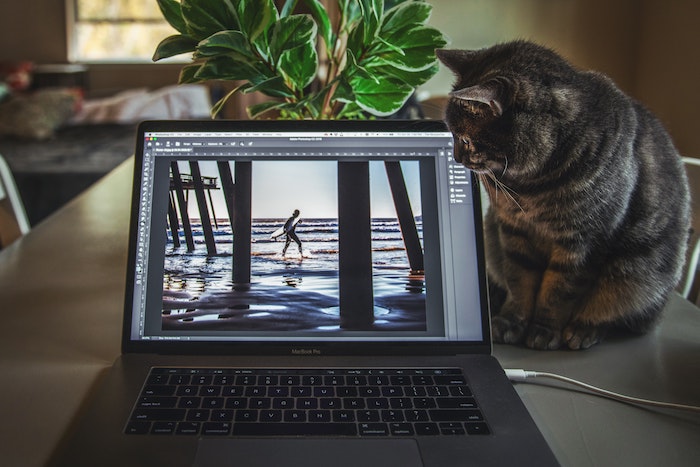
You won’t use Photoshop for long before realizing the Pen tool is essential. You can’t get away from using the Pen tool when learning intermediate editing techniques like photo composites. Today, we’ll talk you through how to use the Pen tool in Photoshop. I will explain all its functions and then…
By N Constant

With the best photo editing apps, your smartphone becomes an all-in-one photography tool. We all know how great smartphone cameras have become, but now you can edit your photos on your mobile too. And we don’t just mean adding filters and stickers. You can do sophisticated edits of all kinds. …
By Christopher Bryan-Smith
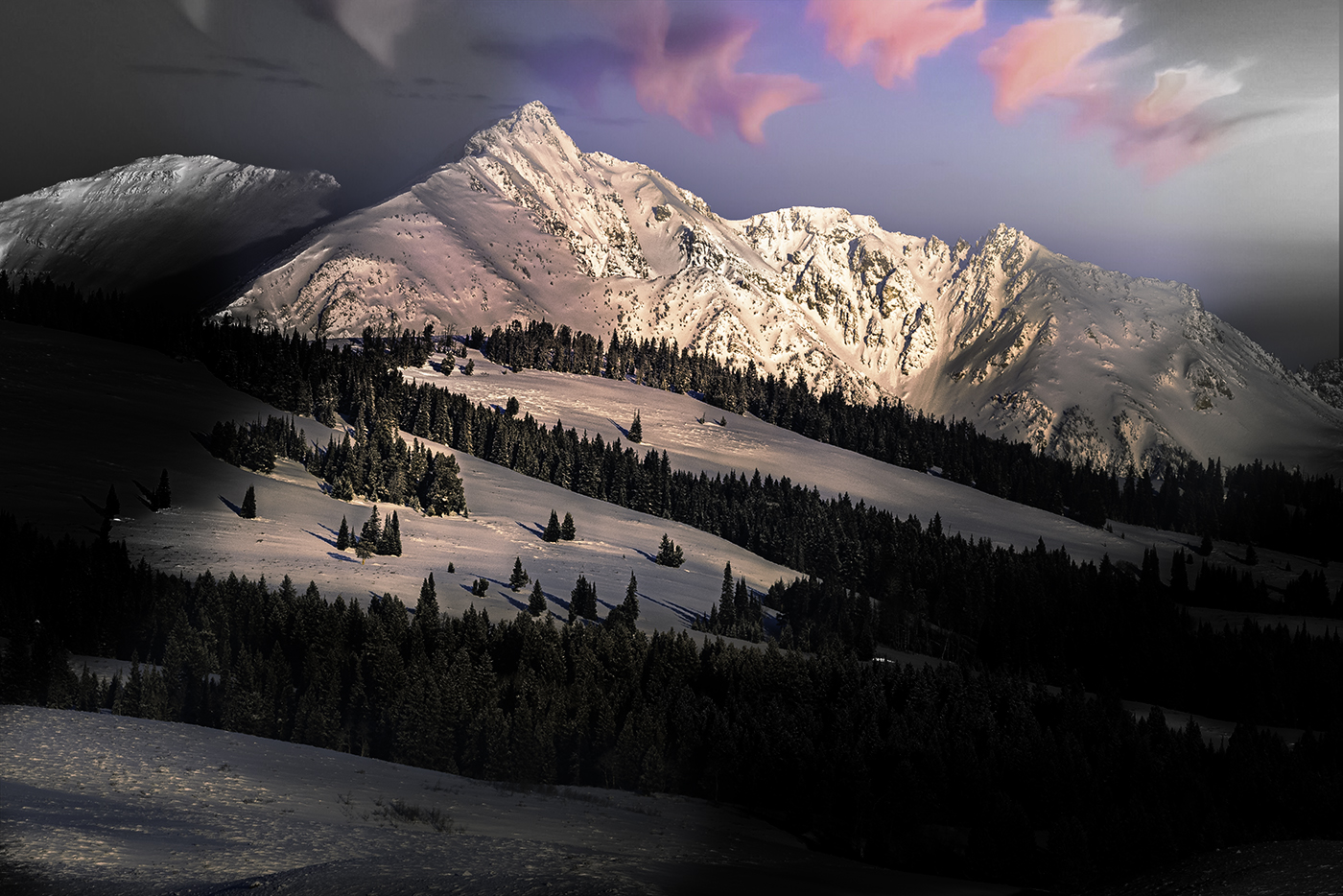
If you’re looking to add a little more pizzazz to your photos, consider adding color splashes in Photoshop. This can be done easily in Photoshop by following these simple steps. Using Color Splashes in Photoshop: Comparing the Color Splash Effect and Selective Color Techniques A color splash effect in Photoshop…
By Jenn Mishra
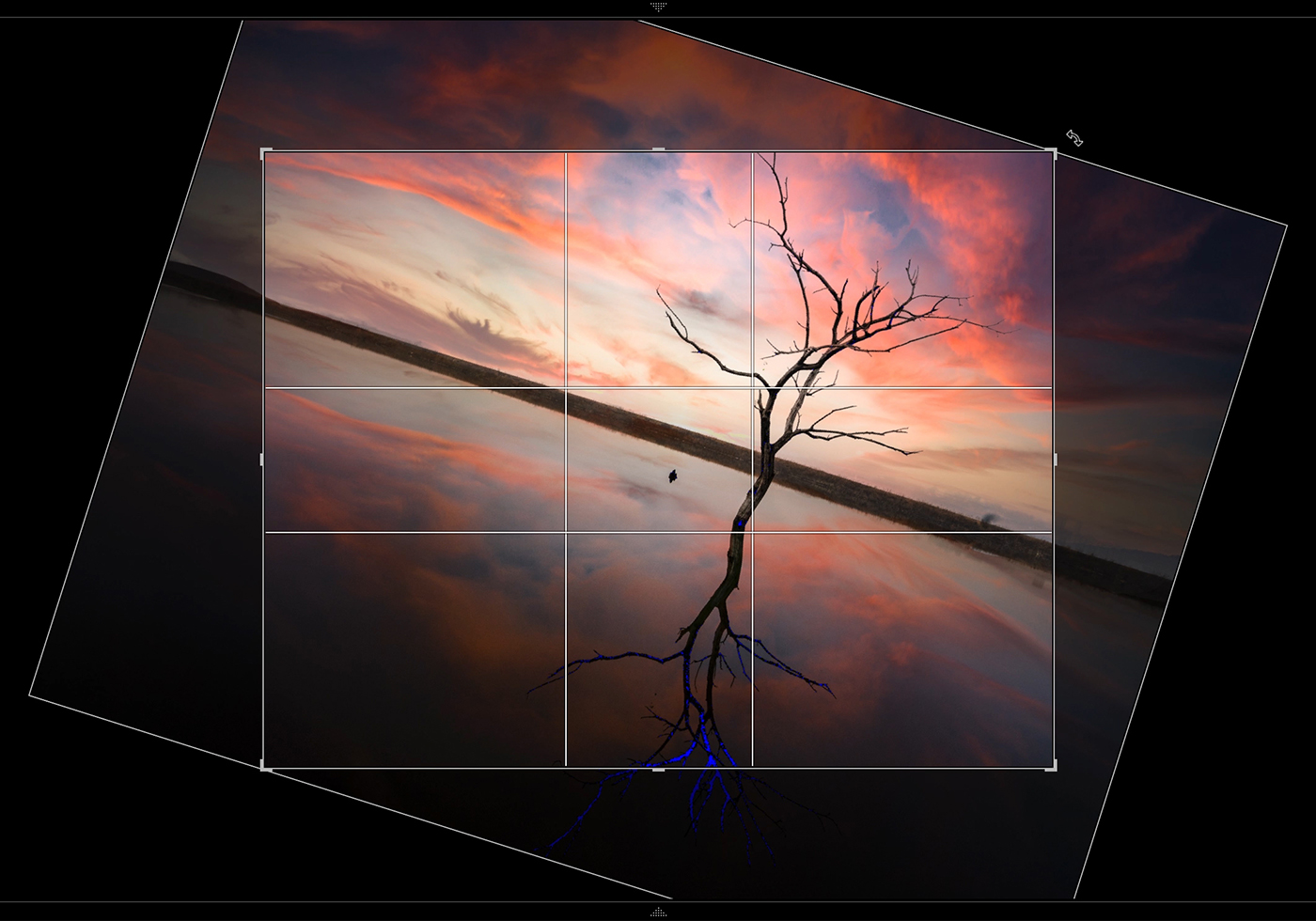
If you’re using Lightroom to edit your photos, there’s a quick and easy way to rotate them without having to go into the menus. Just use this Lightroom rotate shortcut: Command-R (Mac) or Control-R (Windows). Lightroom Rotate Shortcut: How to Rotate a Photo 90˚ in Lightroom Rotate multiple photos or…
By Jenn Mishra
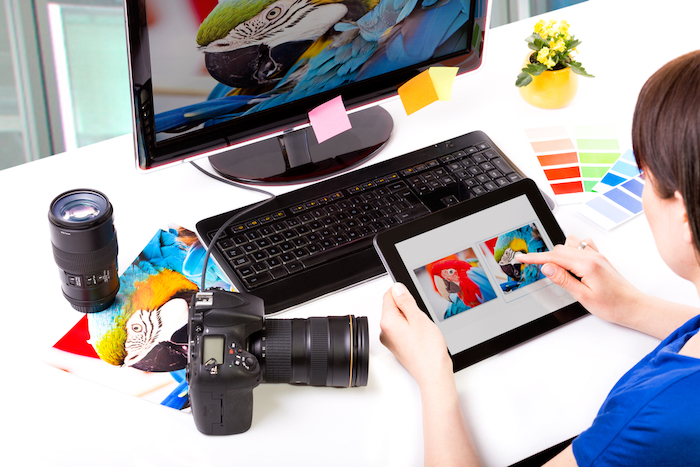
Our article covers the best Lightroom export settings. These settings balance image quality with accessibility. Maybe you’re editing photos for Instagram or enlarging photos for printing. You’ll find the perfect way to share your best work. Let’s dive deep into the many settings in the Lightroom Classic export dialogue box…
By Jenn Mishra
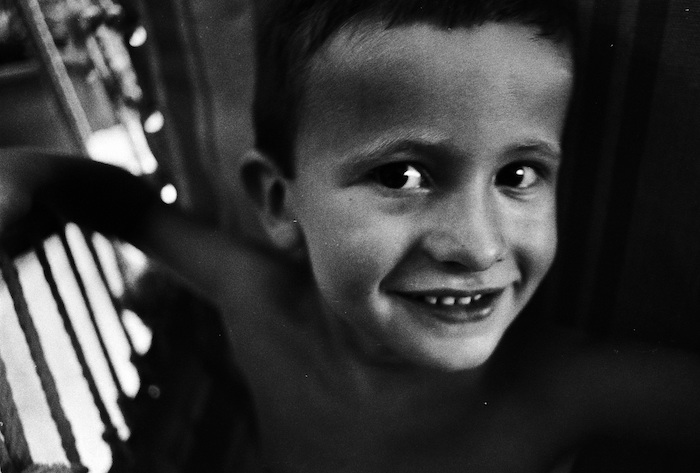
There are many ways to add grain in Photoshop, and in this tutorial, we will show you three of the best methods. We will also give you a few tips on how to get the most out of each method. How to Add Grain in Photoshop: What Is Film Grain?…
By N Constant
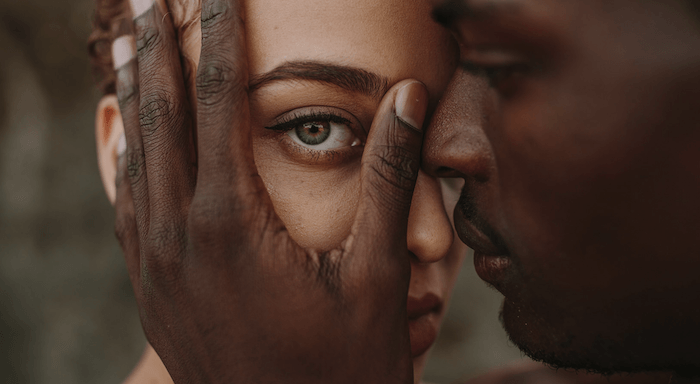
If you’re looking to get into wedding photography, editing is one aspect that can easily be overlooked. But it makes a significant difference to images. If you’re not a fan of the editing process, wedding presets in Lightroom are a great way to make quality edits quickly. Today, I will…
By N Constant
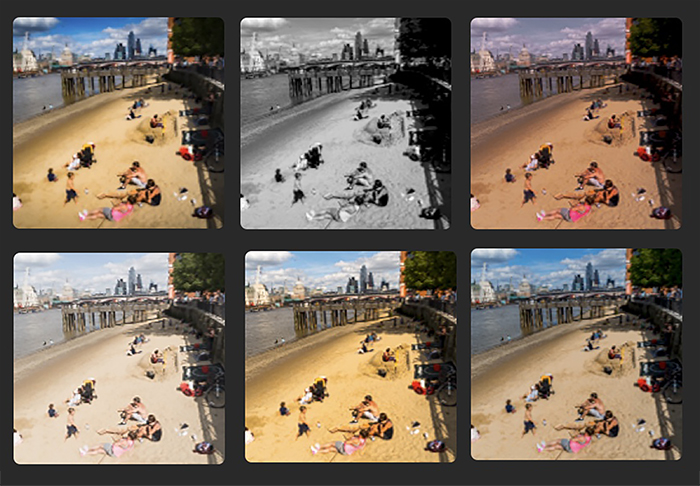
Street photography is all about capturing the life and energy of a city in a single frame. To do that, you need to be able to work fast and respond to whatever pops up in front of you. The best way to do that is to have your camera settings…
By Jenn Mishra