

Featured Course:
Transform your portraits with magic and wonder using simple Photoshop techniques.
Learn More
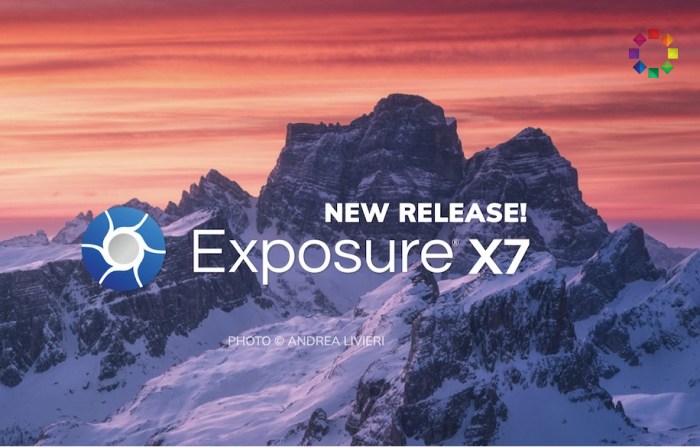
If you’re looking for photo software to sort and organize your RAW files, you may come across Exposure X7. It features many sorting and editing tools at an affordable price… especially compared to the prices you get from a software giant like Adobe. Today we take you through an Exposure…
By N Constant
This DxO PureRAW review is for you if you often look at your images and wish there was a way to quickly clean up the RAW file. If that’s happened to you, then this might be the app for you. The program cleans your RAW files with one click. It…
By Jenn Mishra
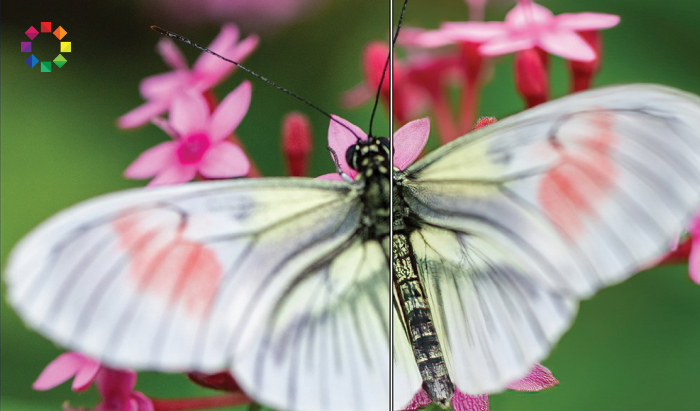
If you’re into editing photos and post-processing, you need to check out this Topaz JPEG to RAW AI review. All photo editors know how frustrating it can be working with JPEG files. It’s difficult to make the changes you want. You can tweak and retouch as much as you like.…
By Christopher Bryan-Smith
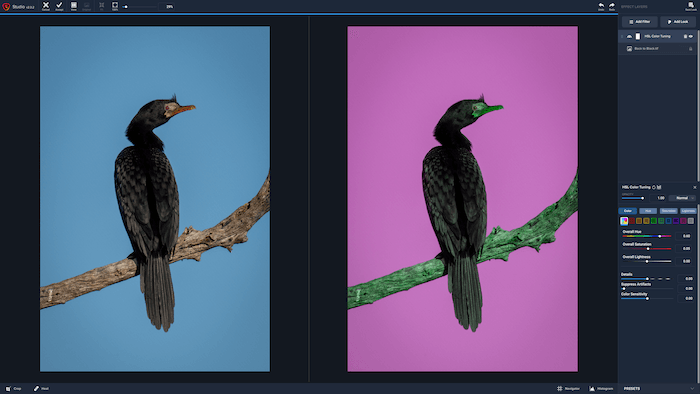
Topaz Studio is an editing software suite. It performs the functions of Topaz’s DeNoise AI and Sharpen AI while adding options for introducing stylized effects to your photos. It’s not a batch processor like Adobe Lightroom. So, this is a different kind of tool from Lightroom. The question that this…
By Expert Photography
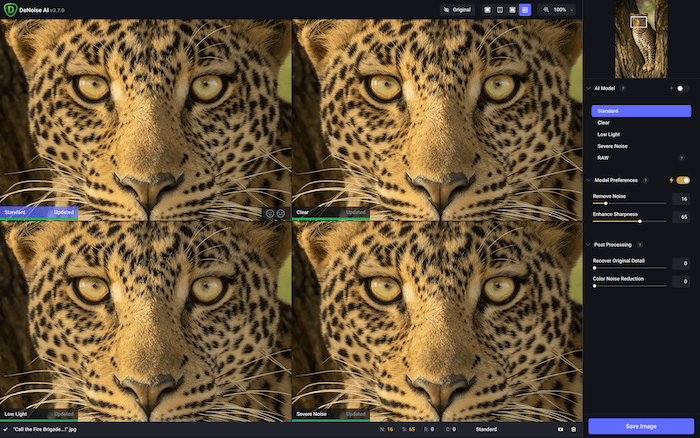
Topaz DeNoise AI solves the problem of digital “noise.” You’ll know that if you’ve ever had to use really high ISOs, your photos can be ruined by noise. It introduces colors that aren’t there and loses the detail by producing unattractive blotchiness. But sometimes you can’t avoid it. So, having…
By Expert Photography
When it comes to photo editing software, there are a lot of choices out there. Luminar vs Affinity Photo are two of the most popular options, but which one is right for you? In this article, we’ll compare the two programs and help you decide which is the best fit…
By Jenn Mishra
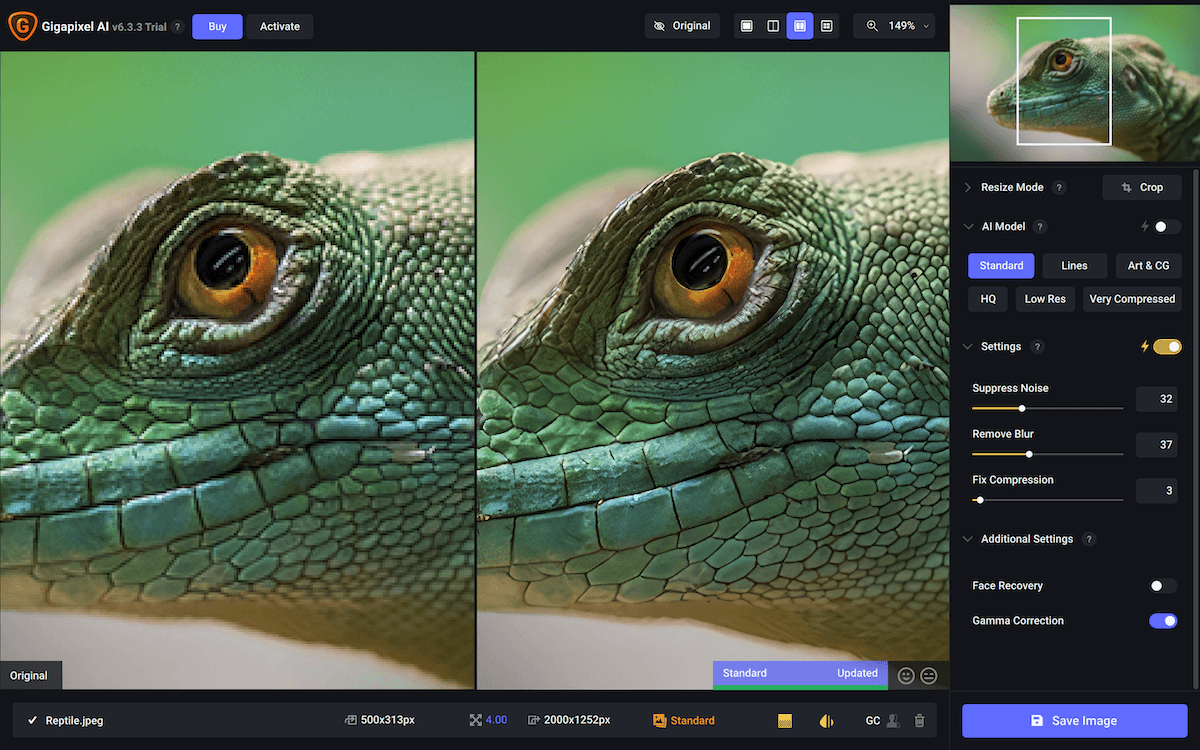
Topaz Gigapixel AI offers the possibility of enlarging your photos beyond what should be possible. There are occasions when you can’t get close enough. And the area you need is too small to be enlarged to the size you want. This is what the software is designed for. I imagine…
By Expert Photography
If you’re looking for an excellent photo editing software, you have a lot of great options to choose from. But two of the most popular are Luminar and Lightroom. Luminar vs Lightroom is a hot contest. But which one is right for you? Luminar is a relatively new program that…
By Jenn Mishra
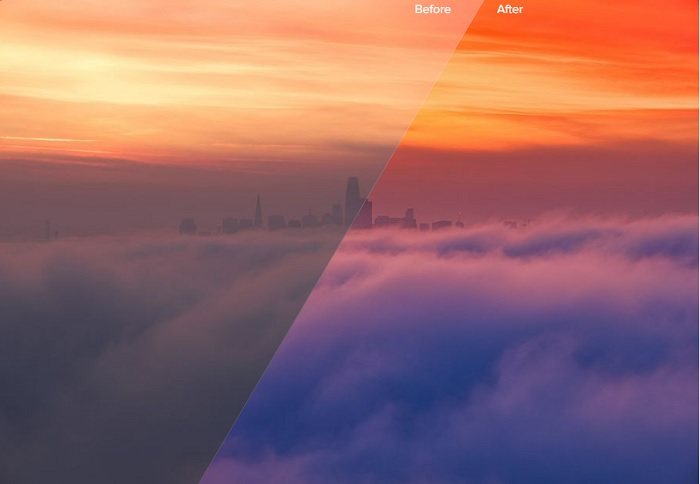
Compare Luminar preset collections, free creator downloads, LUTs and sky packs. Learn what each asset does and how to add presets to the desktop editor.
By Christopher Bryan-Smith
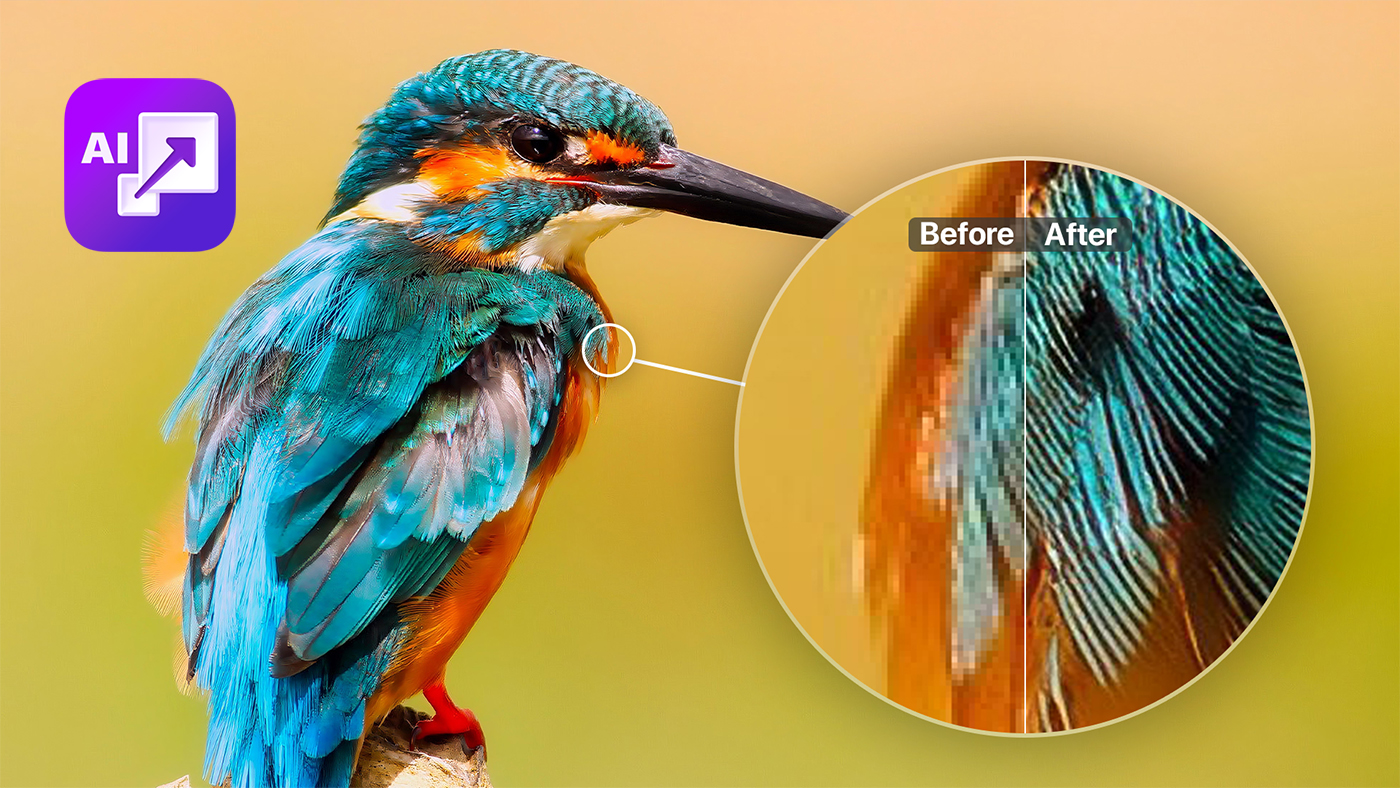
In the constant race for more megapixels, ON1 Resize AI offers a pause. Instead of upgrading to the latest and greatest sensor, it lets you recover details you thought were lost. Wouldn’t it be nice to be able to crop a photo and still retain the detail of the larger…
By Jenn Mishra
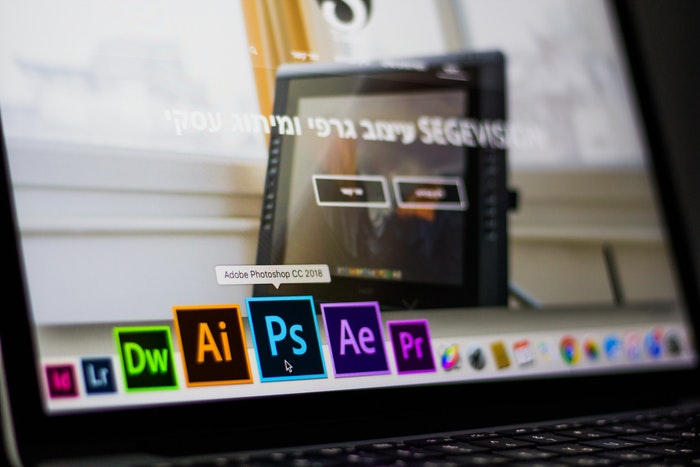
It is easy to add text to your photos in Photoshop. Simply click on the Type tool and start writing. But what if I told you that you could create cool 3D text in Photoshop with a few more steps. Adobe finished removing 3D effects from Photoshop in July 2024. But this does not mean you…
By Jenn Mishra
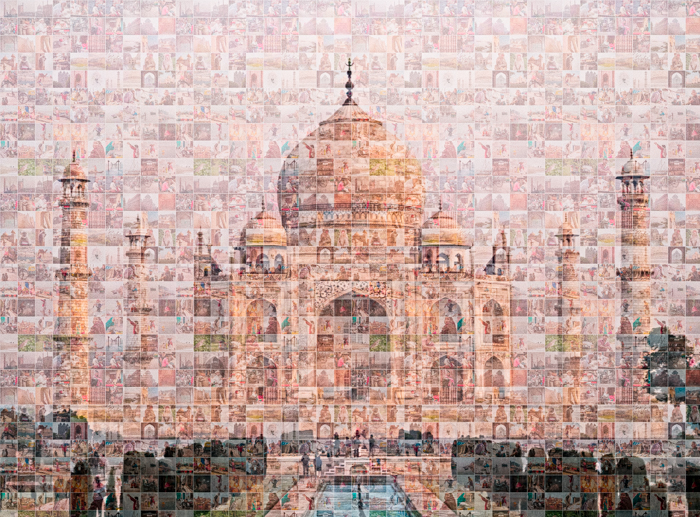
A photomosaic is a composite image made from many small photographs, usually assembled as a collage. They are often used to create large and detailed images, or to commemorate special events. Creating a photomosaic in Photoshop is not difficult, but it does take some time and patience. In this tutorial,…
By Jenn Mishra