

Featured eBook:
Create fun minimalist shots of urban scenes with your phone.
Learn More
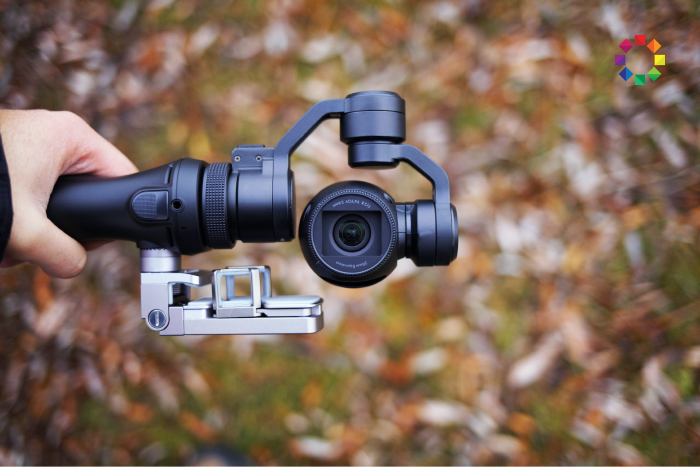
The function of a camera gimbal is to smooth out a camera’s movements. It makes video footage look more professional. I have a couple of smartphone gimbals. And my DJI OM-5 lets me capture supersmooth behind-the-scenes video clips on location. But the models in this review are even better. They…
By Christopher Bryan-Smith
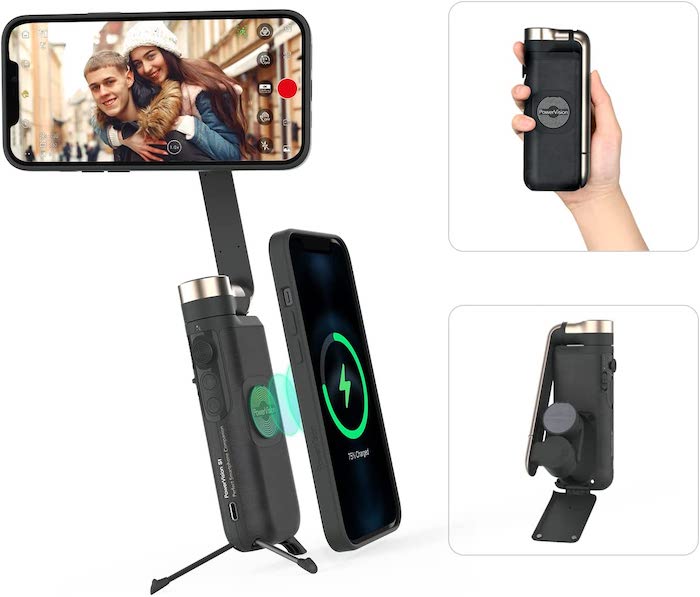
The Powervision S1 smartphone gimbal is one of the smallest available. It fits easily in a jacket pocket, and its usefulness doesn’t end there. It works as a wireless charger, a power bank, and a mini tripod. There’s no selfie stick, but the PowerVision S1 offers 3-axis stabilization, gesture control,…
By Expert Photography
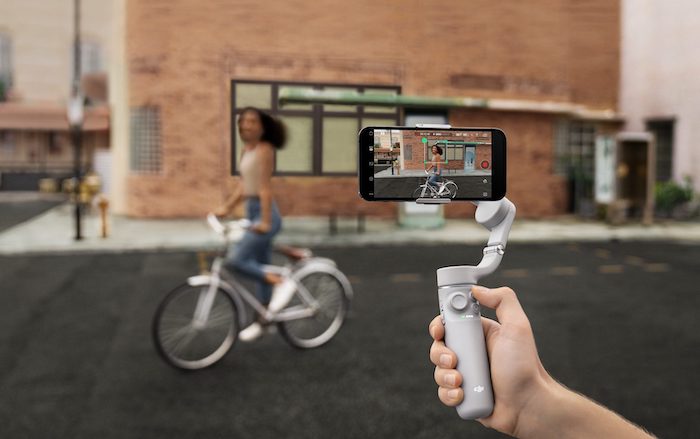
The DJI OM 5 is a smartphone gimbal for stabilizing your video and time-lapse footage. There’s no arguing with the improvement that image stabilization gives your videos. And let’s face it, most people these days use their phones when they want to record a video. So the question is, will…
By Expert Photography
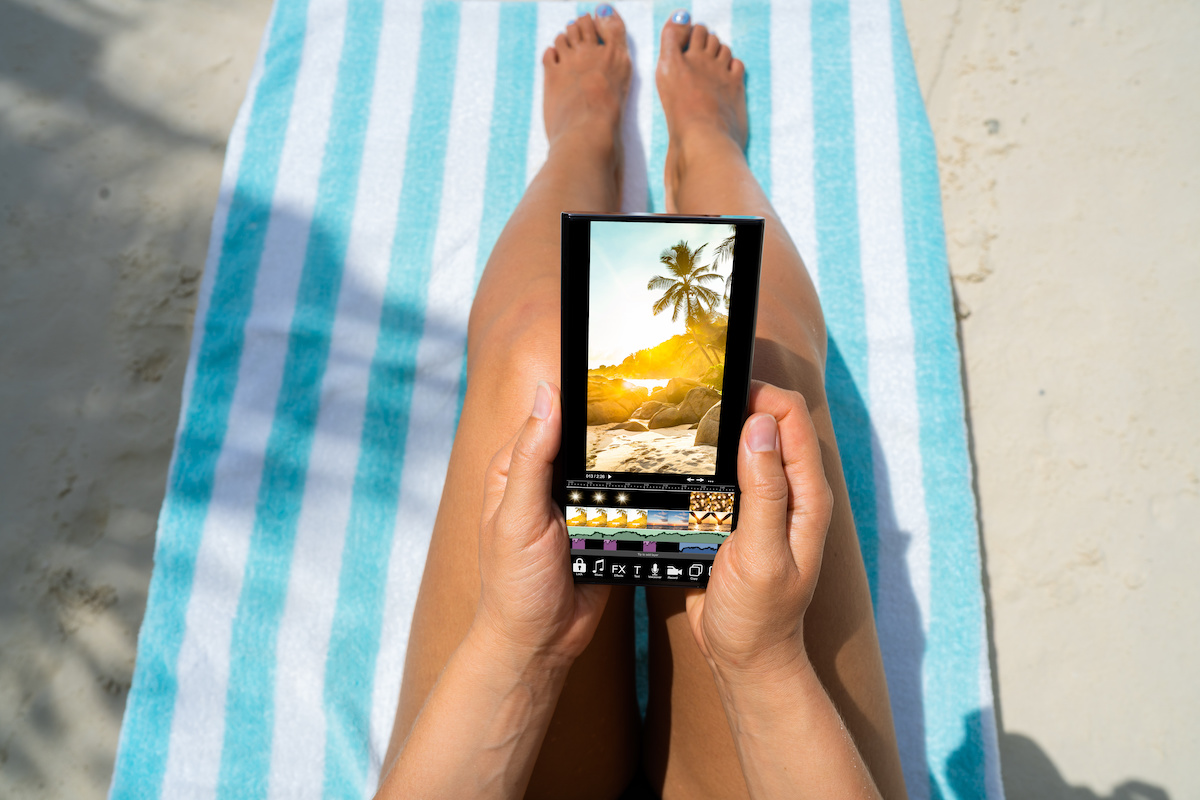
With the best photo editing apps, your smartphone becomes an all-in-one photography tool. We all know how great smartphone cameras have become, but now you can edit your photos on your mobile too. And we don’t just mean adding filters and stickers. You can do sophisticated edits of all kinds. …
By Christopher Bryan-Smith
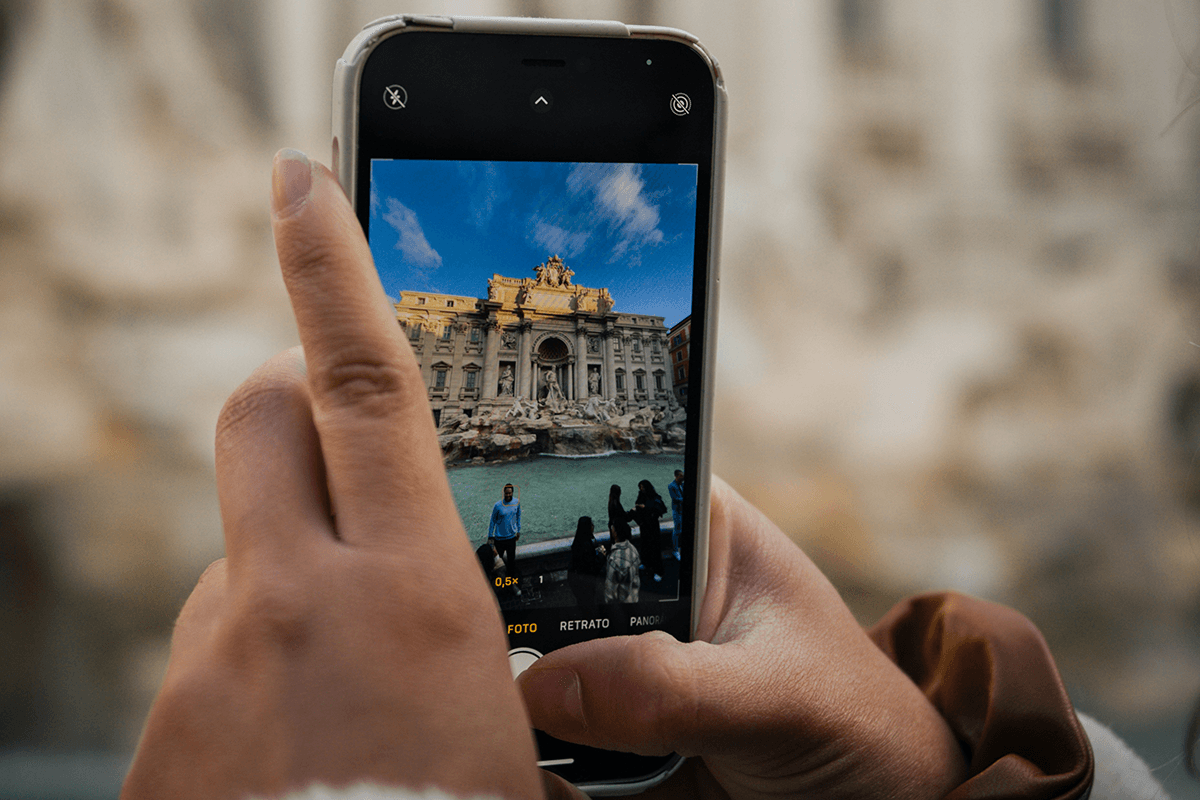
Compare the best photography apps for iPhone and Android, including camera controls, editing, planning, astrophotography, and sharing tools.…
By Christopher Bryan-Smith
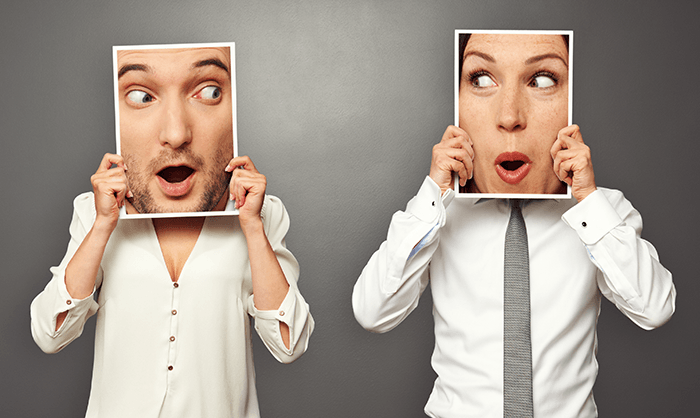
Have you ever wondered how you can move your face from one picture to another? Today, we will show you the best face swap apps people use. You can swap your faces with family, try a new hairstyle, or photobomb a friend’s picture. Maybe you want to be the star…
By Joe Taylor
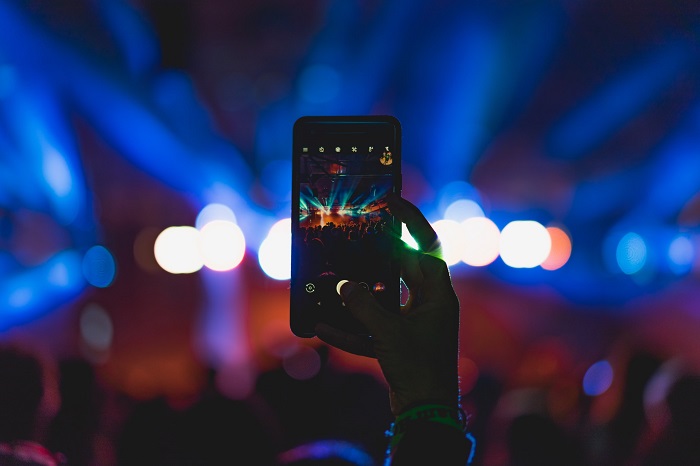
Modern Android smartphones are packed full of features. They’re pocket-sized computers that can do pretty much anything. But the one feature people are looking for more and more is a good camera app. The native camera app on most Androids lets you switch to manual mode for more creative freedom.…
By Christopher Bryan-Smith
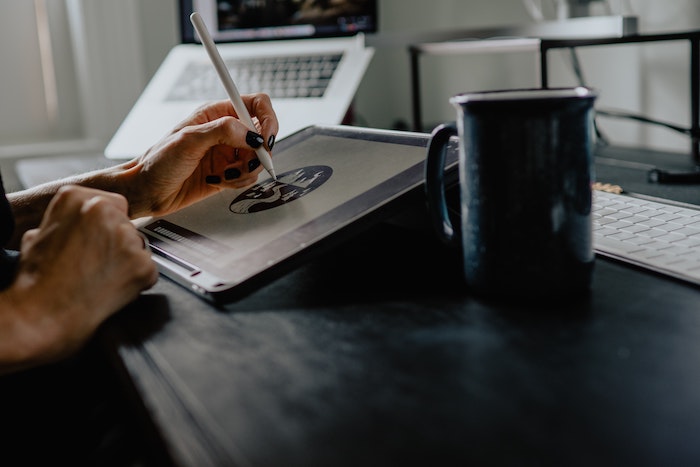
The best drawing apps for Android are a great way to do digital drawing. Back in the day, people needed a piece of paper and a pencil to draw. Nowadays, that’s not the only way of doing it. Having the best drawing app for Android on your phone or tablet…
By Ingrid Paola Miranda Marin
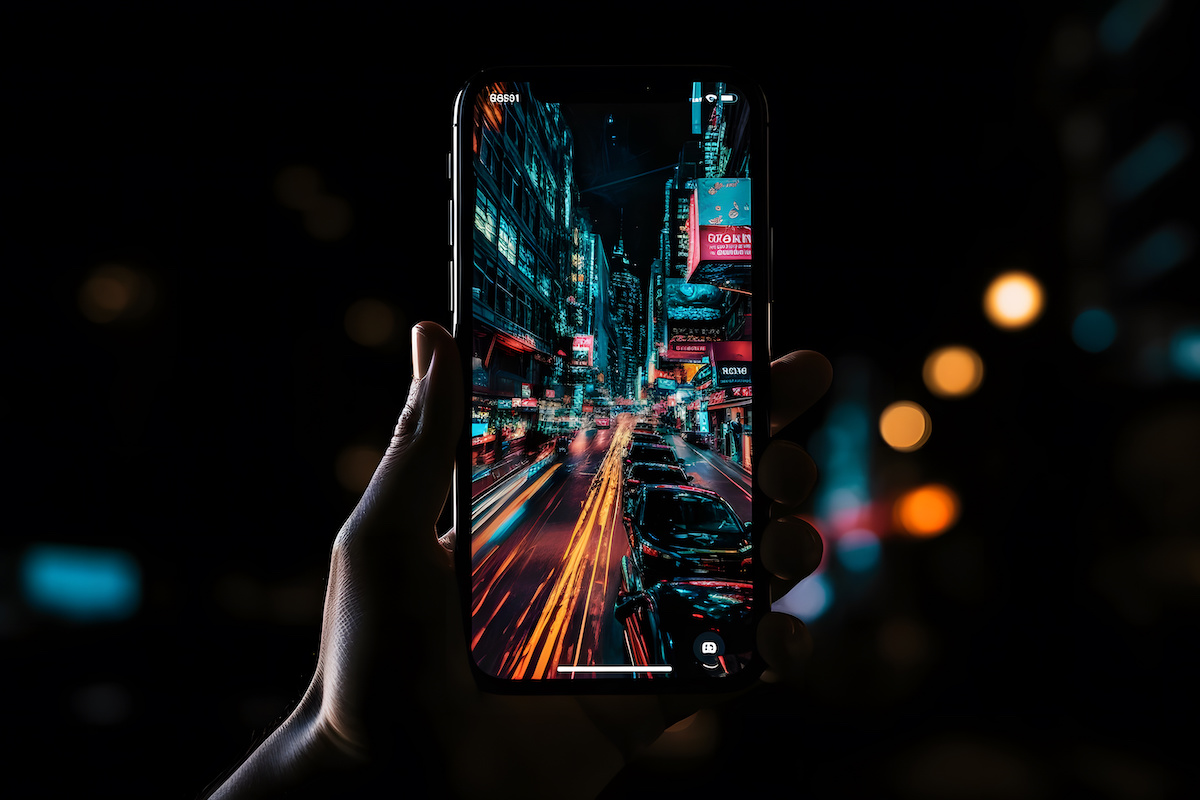
The best AI camera app can transform how you create content with your smartphone. There’s no denying the quality of smartphone cameras. But they are still lacking in manual controls and creative features. Thankfully, artificial intelligence has come to our rescue. We found the best AI camera apps available right…
By Joe Taylor
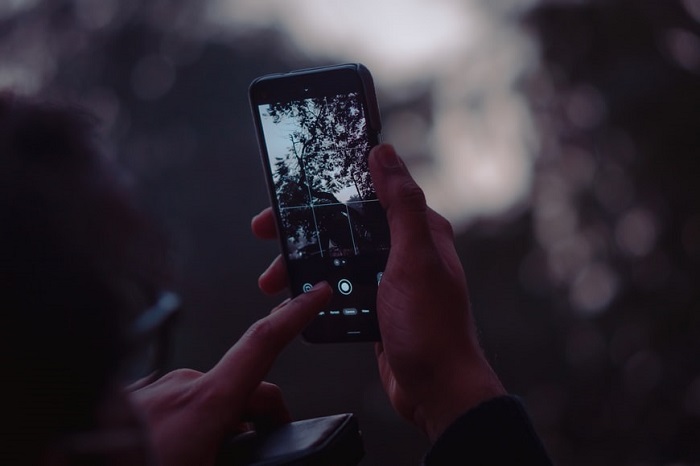
Today we show you how to take photos in manual mode with Android camera settings… Switching to your Android’s manual camera is the best way to get the image you want. There’s not much to it. So we take you through the basics in this post. Smartphone cameras have come…
By Christopher Bryan-Smith
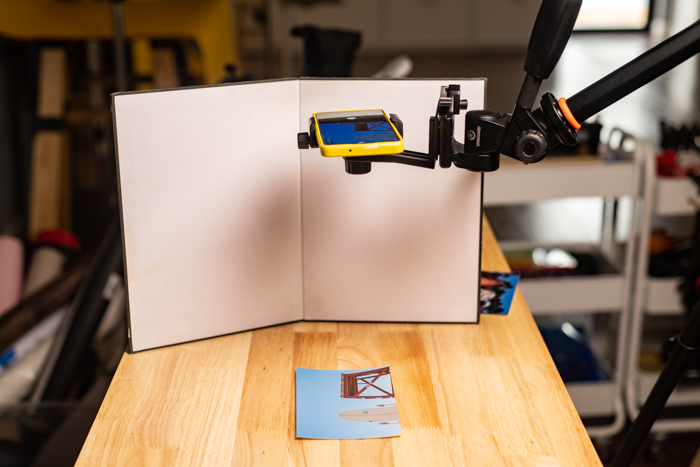
In this article, we give a step-by-step guide on how to scan a photo with your phone. We show you how to use two apps—Google PhotoScan and Genius Scan. They are popular apps for photo scanning on your phone. A desktop scanner may be the best way to create high-quality…
By Chad Verzosa
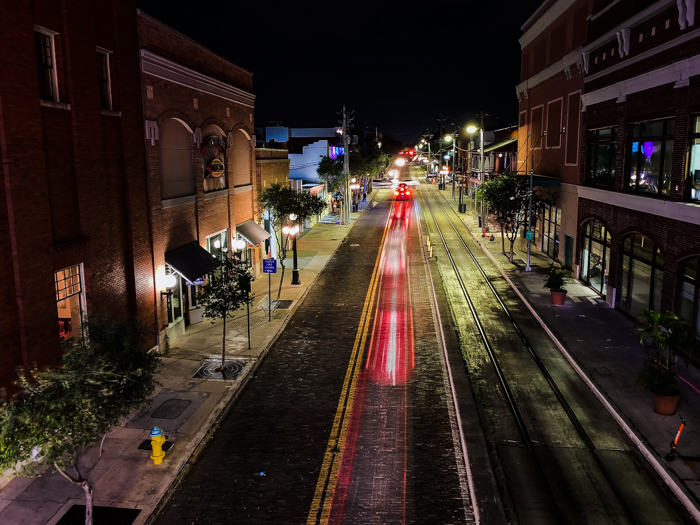
Smartphone cameras are constantly evolving and improving. They don’t have as many limitations for photography as they used to. Many of them now have a manual mode that allows you to take creative shots like long exposure photos. In this article, we’ll show you how to shoot long exposure iPhone…
By Chad Verzosa